

使用 Windows 的子系统 WSL 安装 Ubuntu 22.04
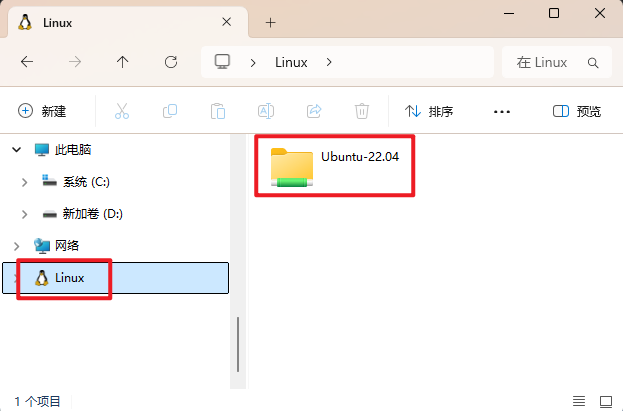
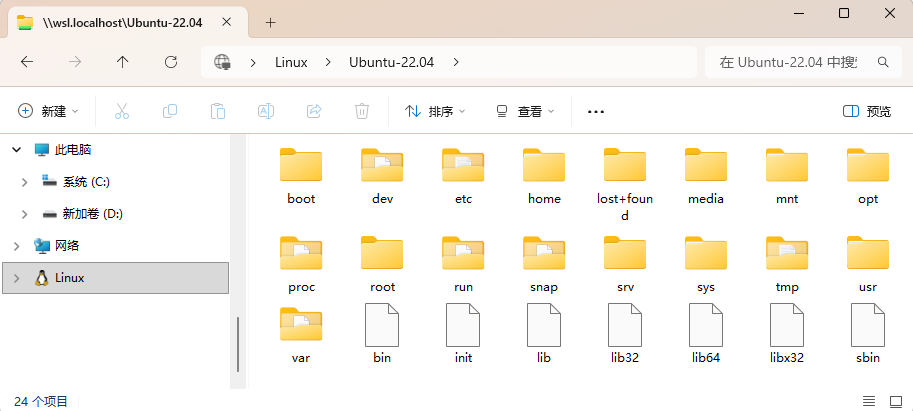
第一步、安装 WSL
以管理员身份打开 PowerShell
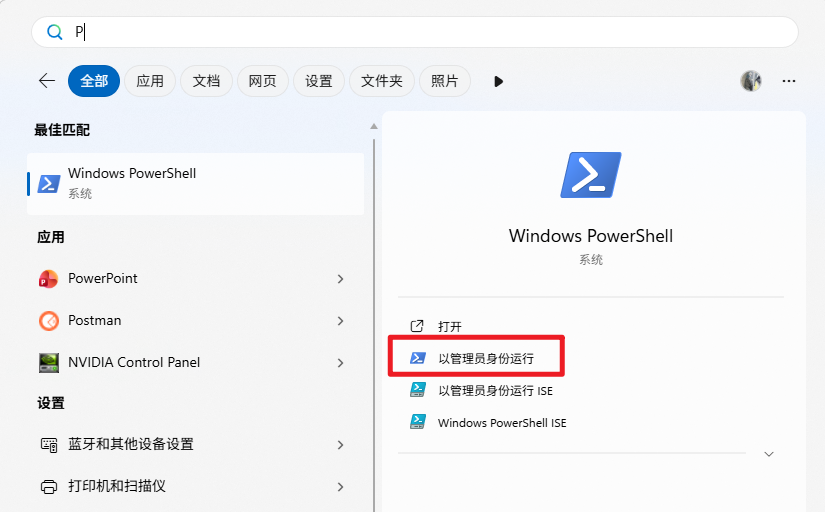
PS C:\WINDOWS\system32> wsl --install
第二步、重启电脑
第三步、安装 Ubuntu 22.04
PS C:\WINDOWS\system32> wsl --set-default-version 2
PS C:\WINDOWS\system32> wsl --install -d ubuntu-22.04
第四步、输入用户名
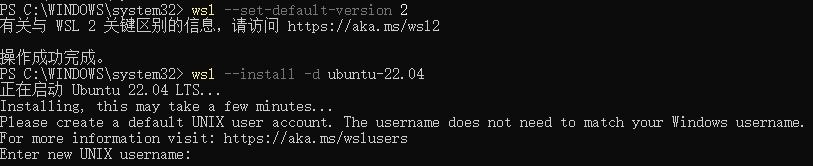
第五步、输入密码

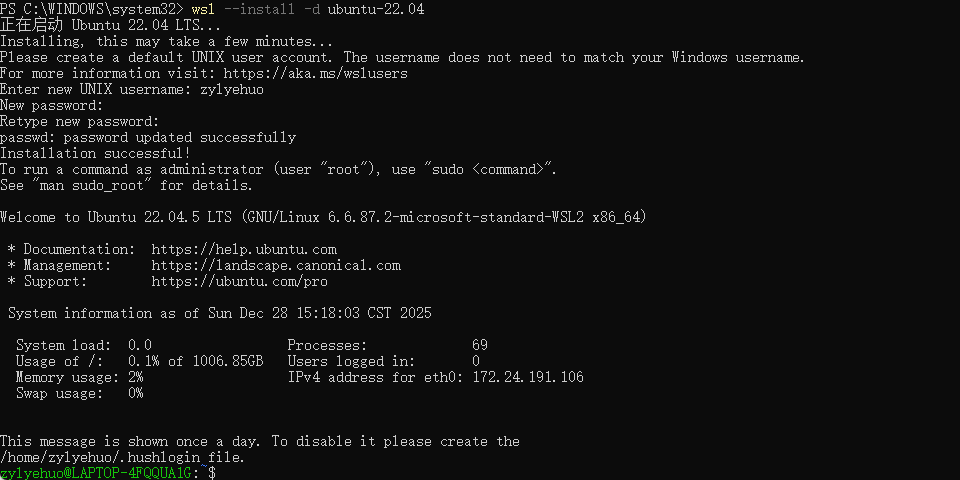
第六步、安装 ROS2
zylyehuo@LAPTOP-4FQQUA1G:~$ wget http://fishros.com/install -O fishros && bash fishros
选择 1
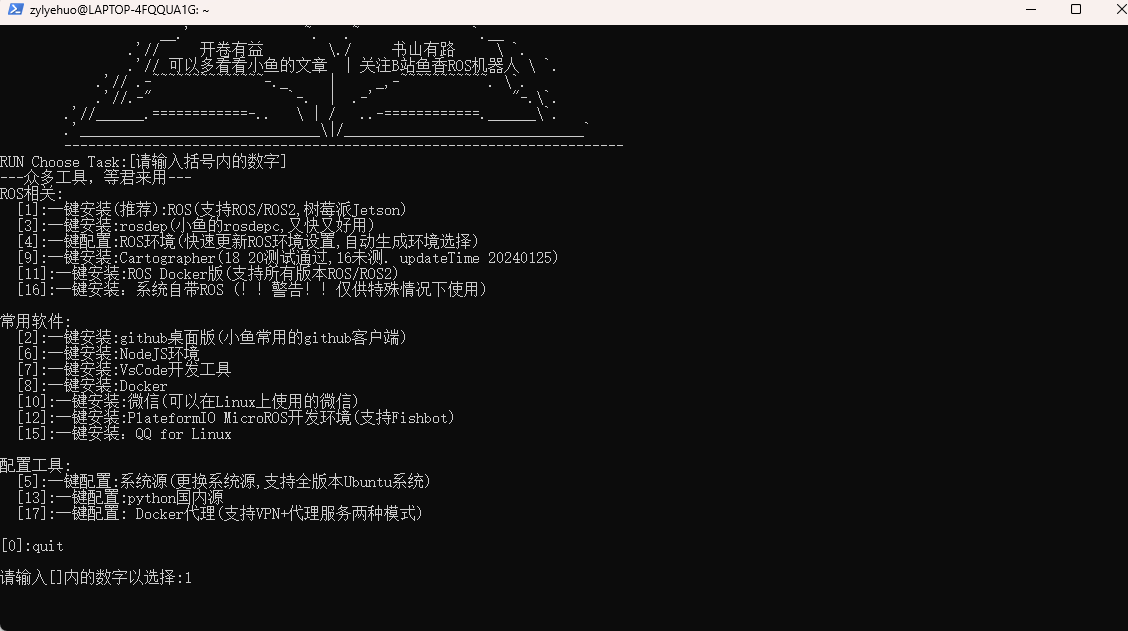
选择 1
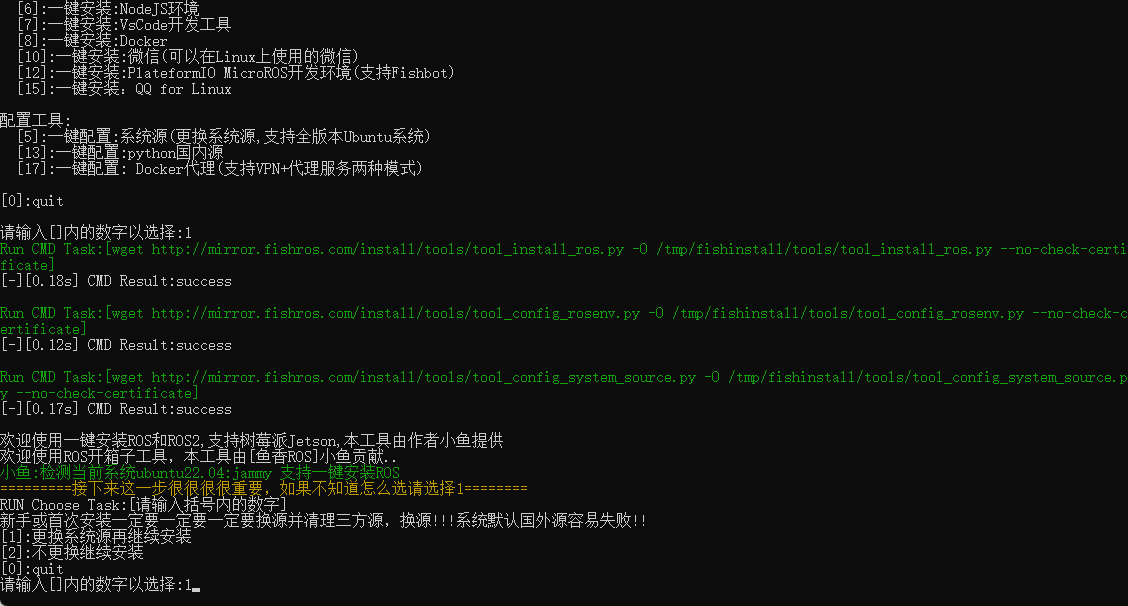
选择 2
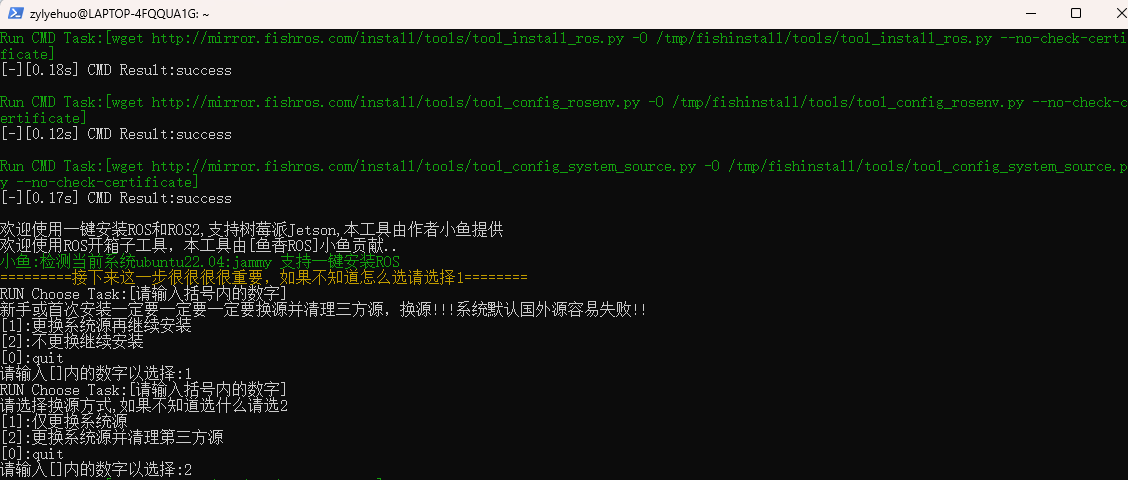
选择 1
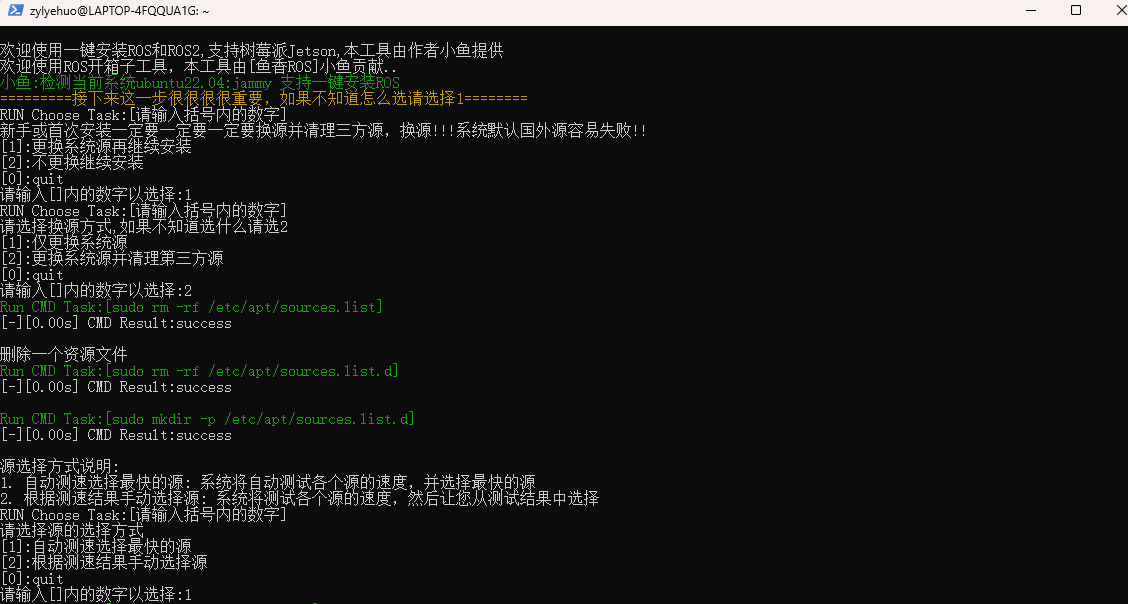
选择 1
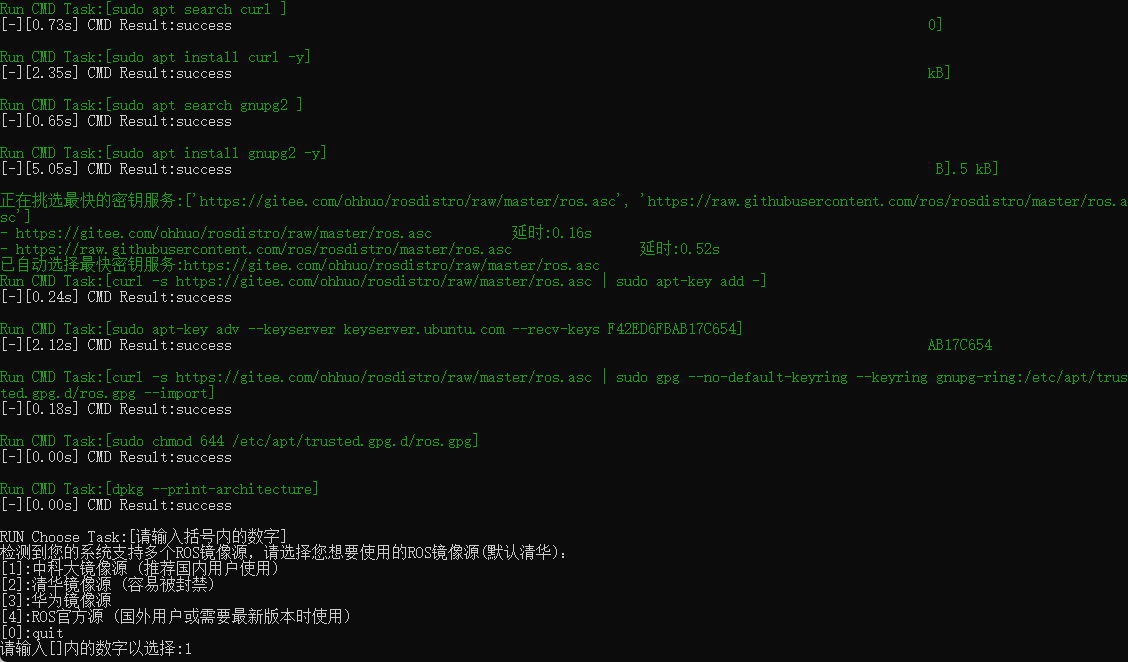
选择 1
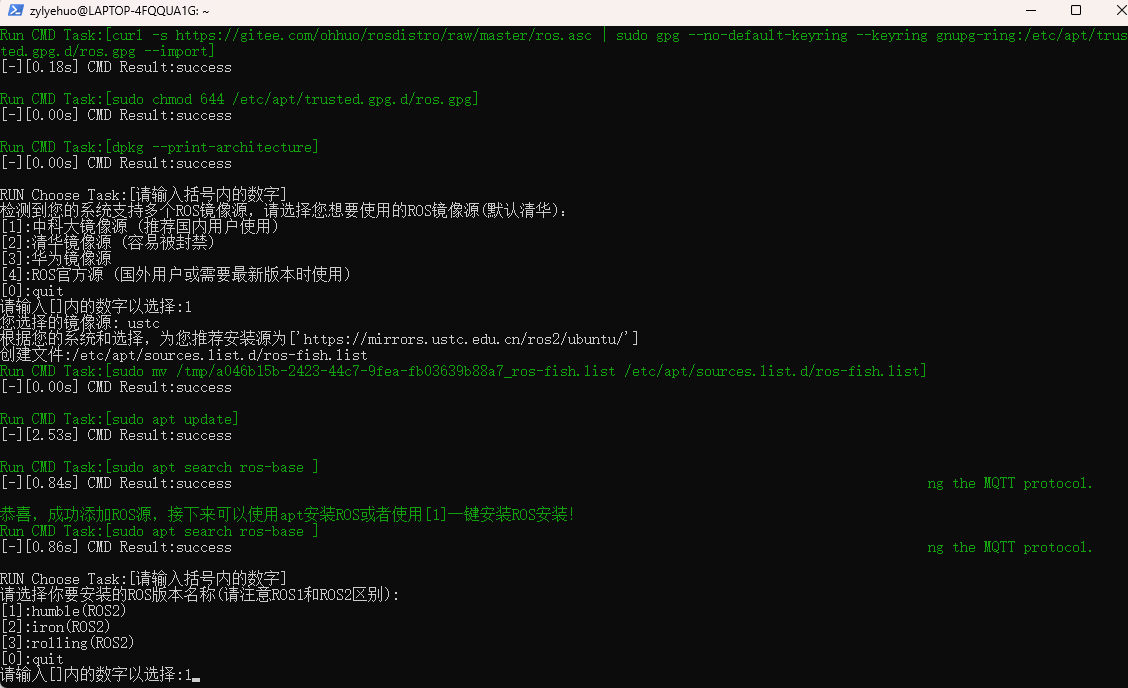
选择 1
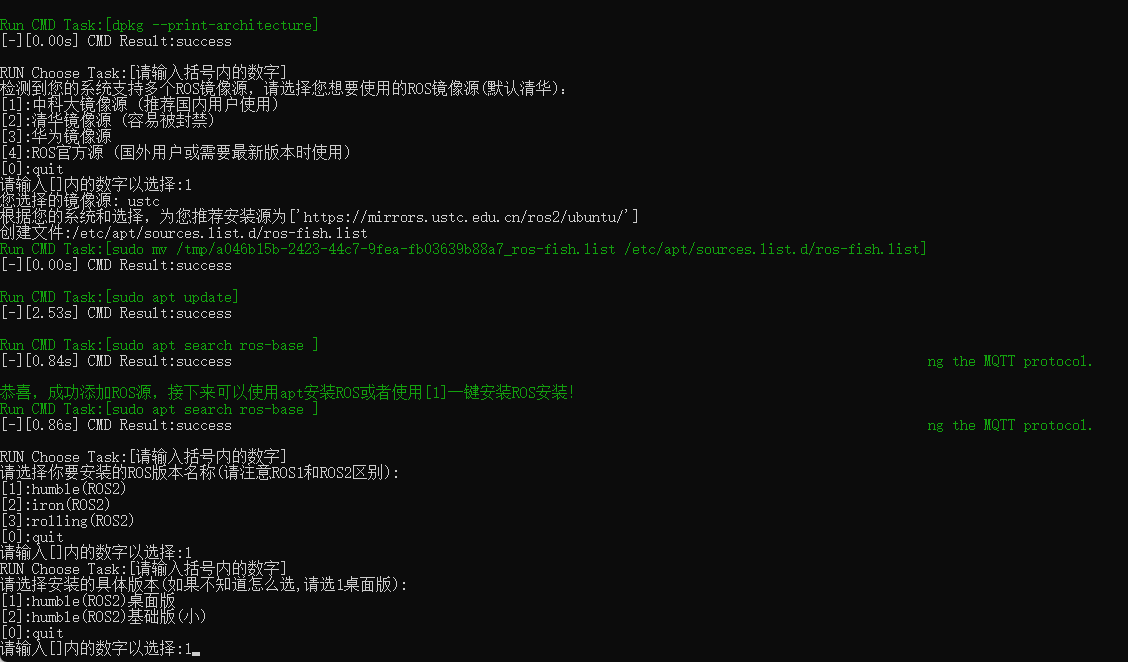
第七步、更新环境目录
zylyehuo@LAPTOP-4FQQUA1G:~$ source ~/.bashrc
第八步、测试是否安装成功
zylyehuo@LAPTOP-4FQQUA1G:~$ ros2
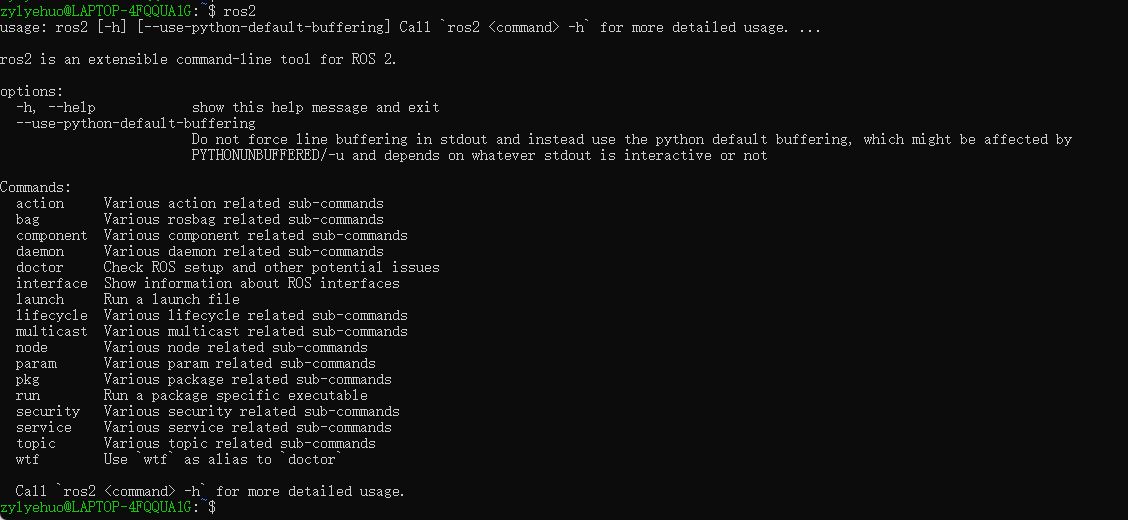
第九步、运行小海龟例程
zylyehuo@LAPTOP-4FQQUA1G:~$ ros2 run turtlesim turtlesim_node
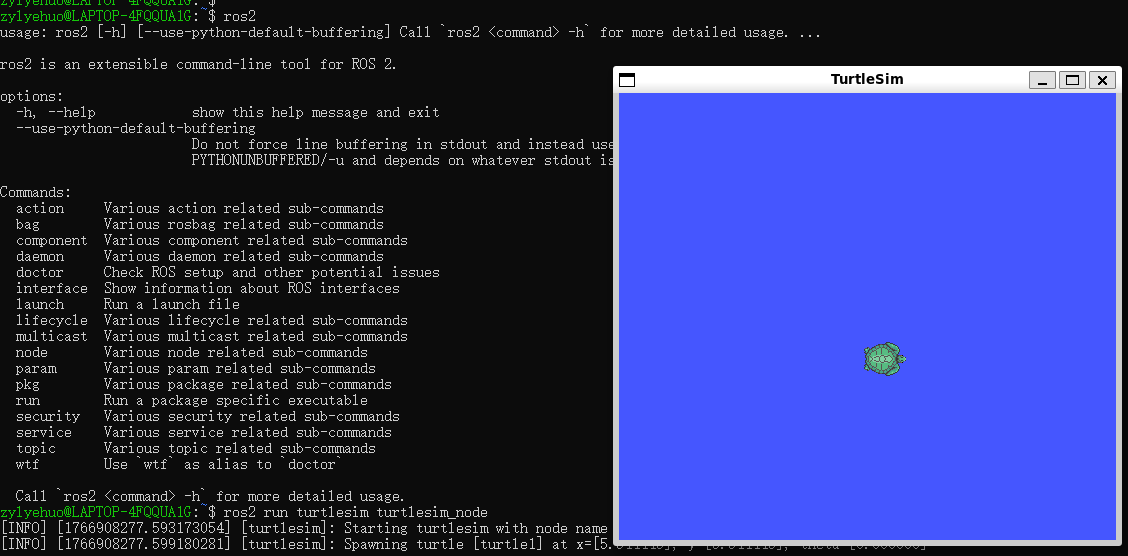
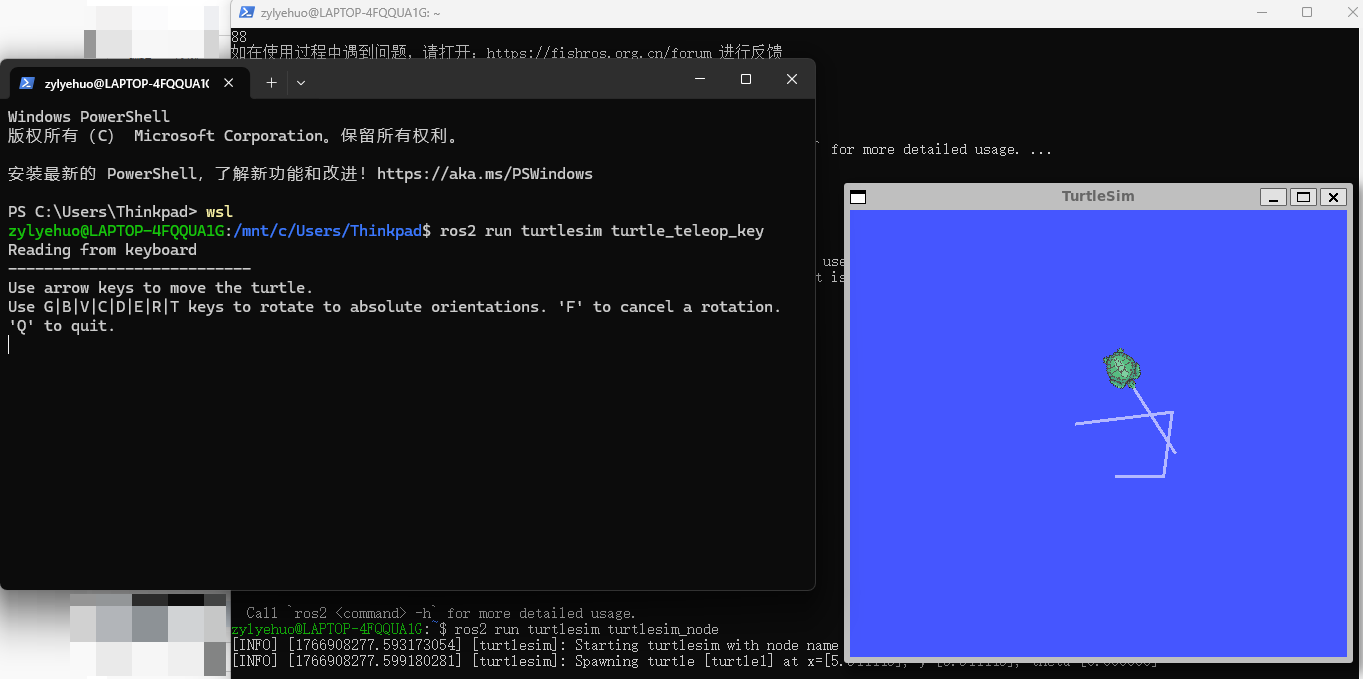
# 新开一个终端(PowerShell)
zylyehuo@LAPTOP-4FQQUA1G:~$ wsl
zylyehuo@LAPTOP-4FQQUA1G:~$ ros2 run turtlesim turtle_teleop_key
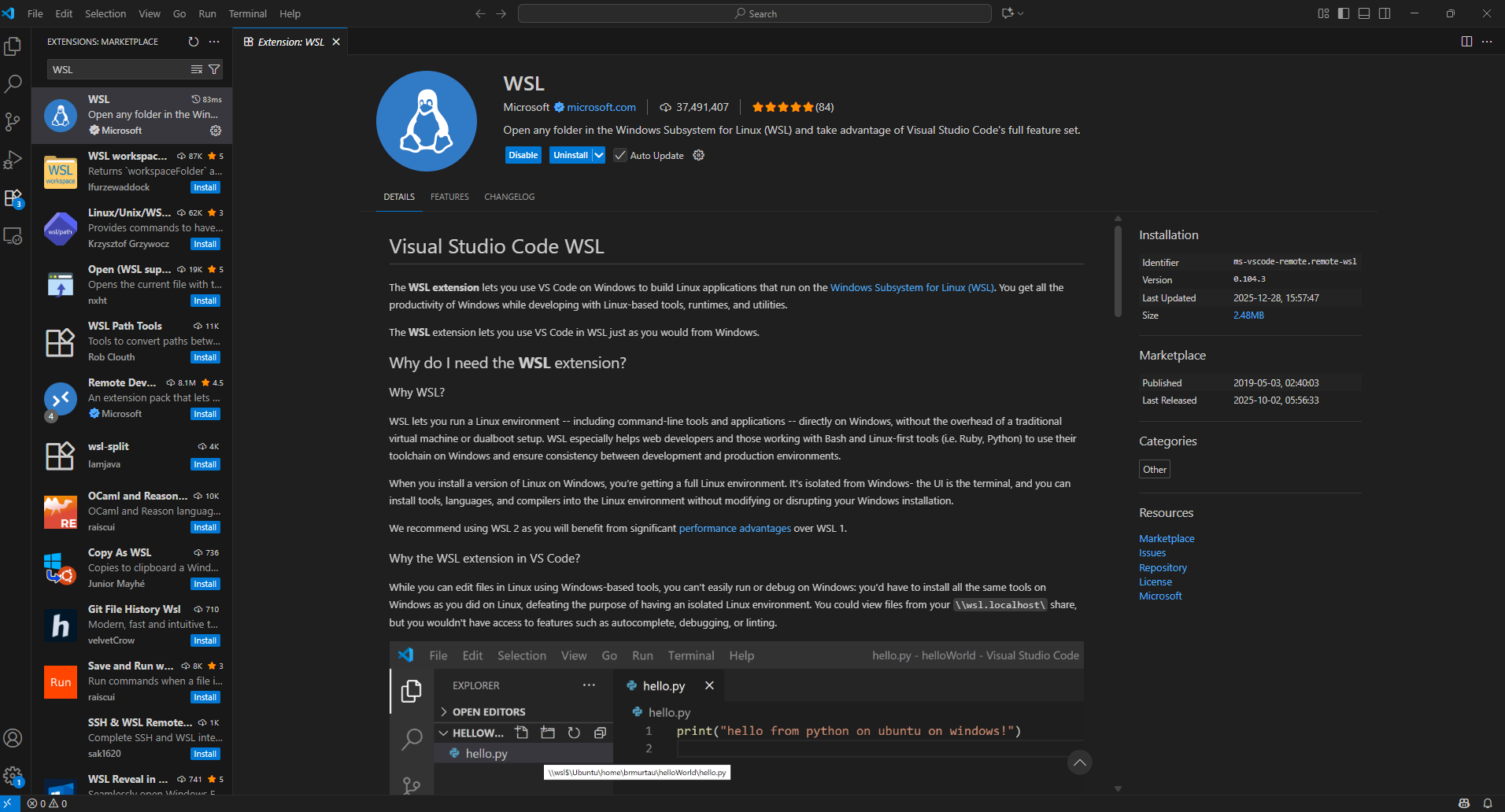
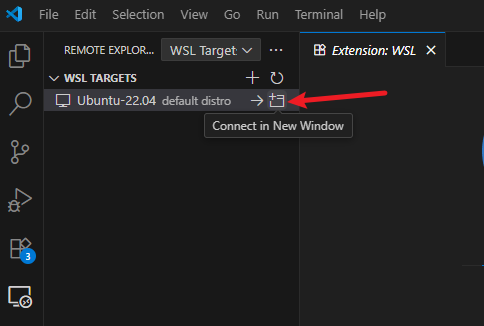
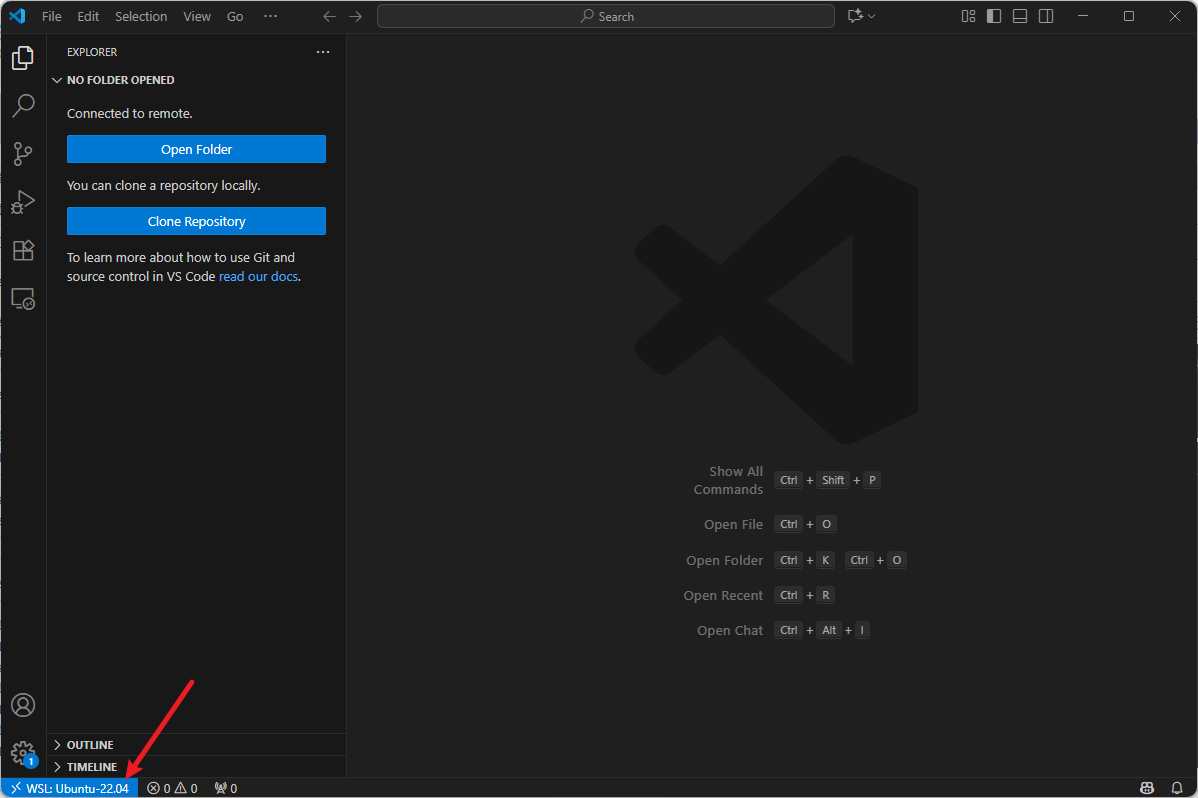
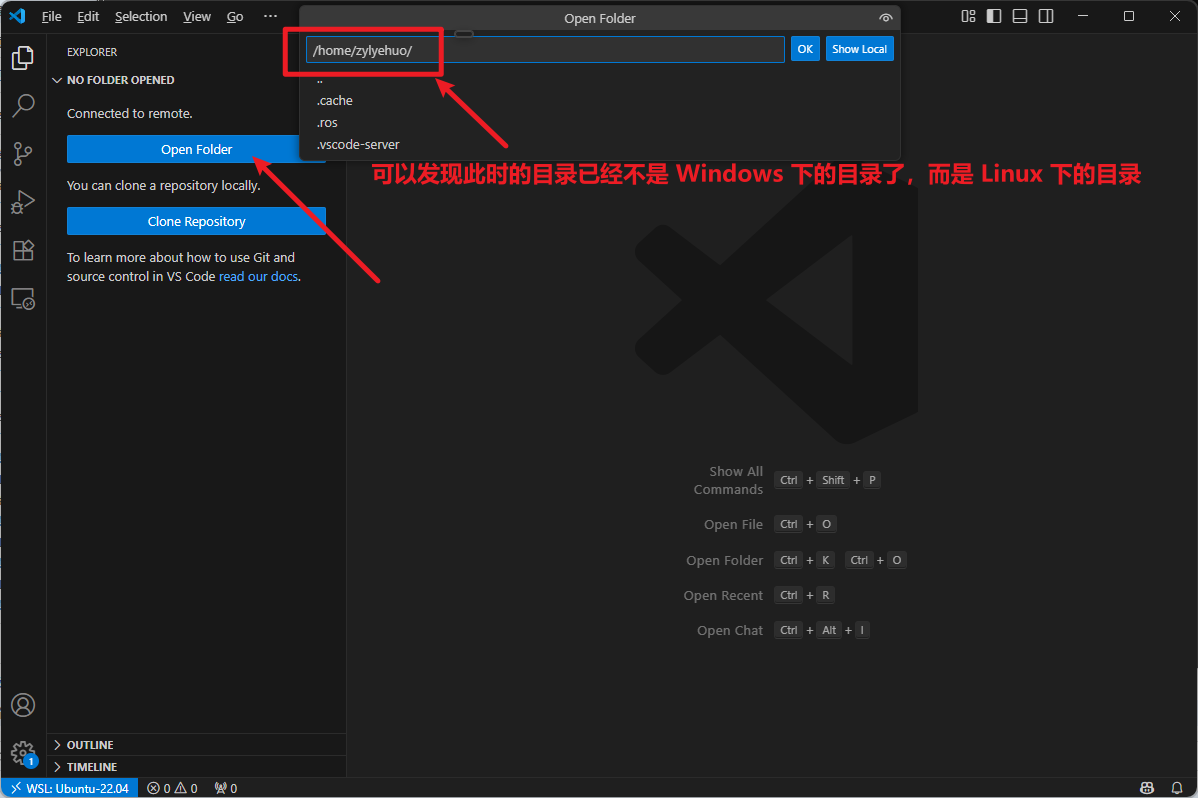
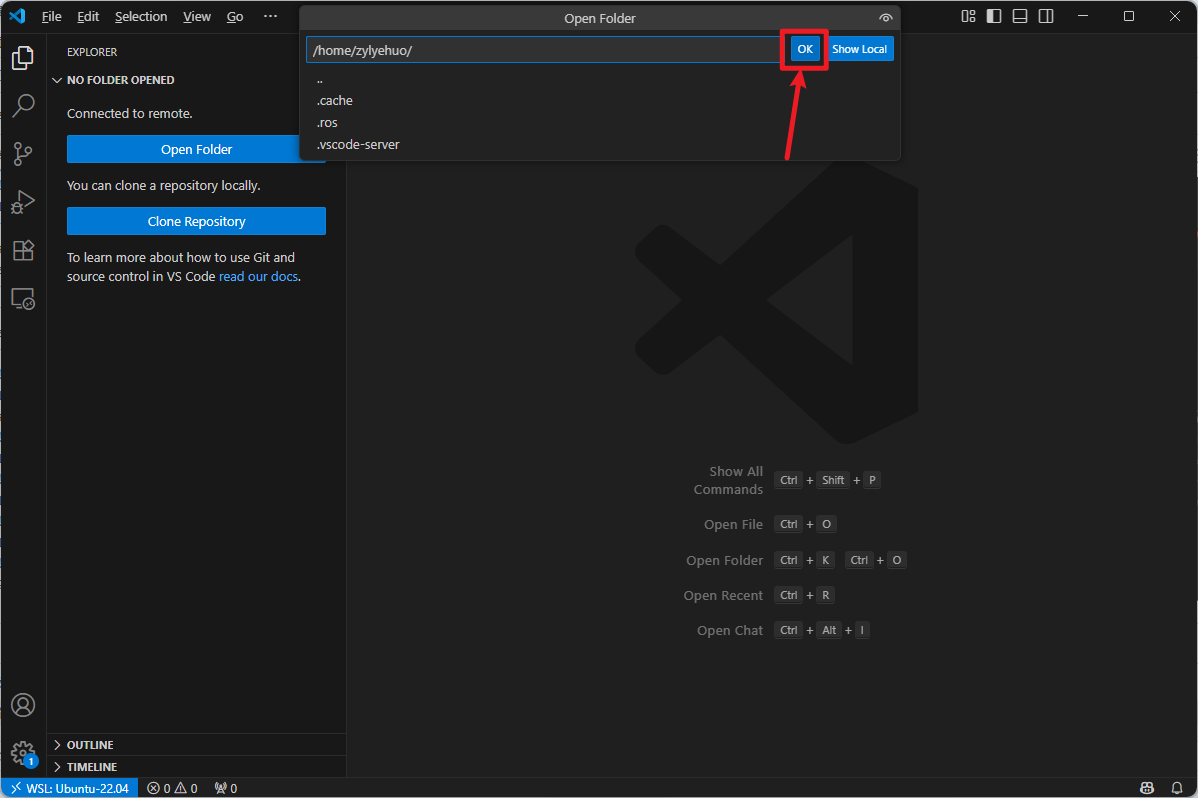
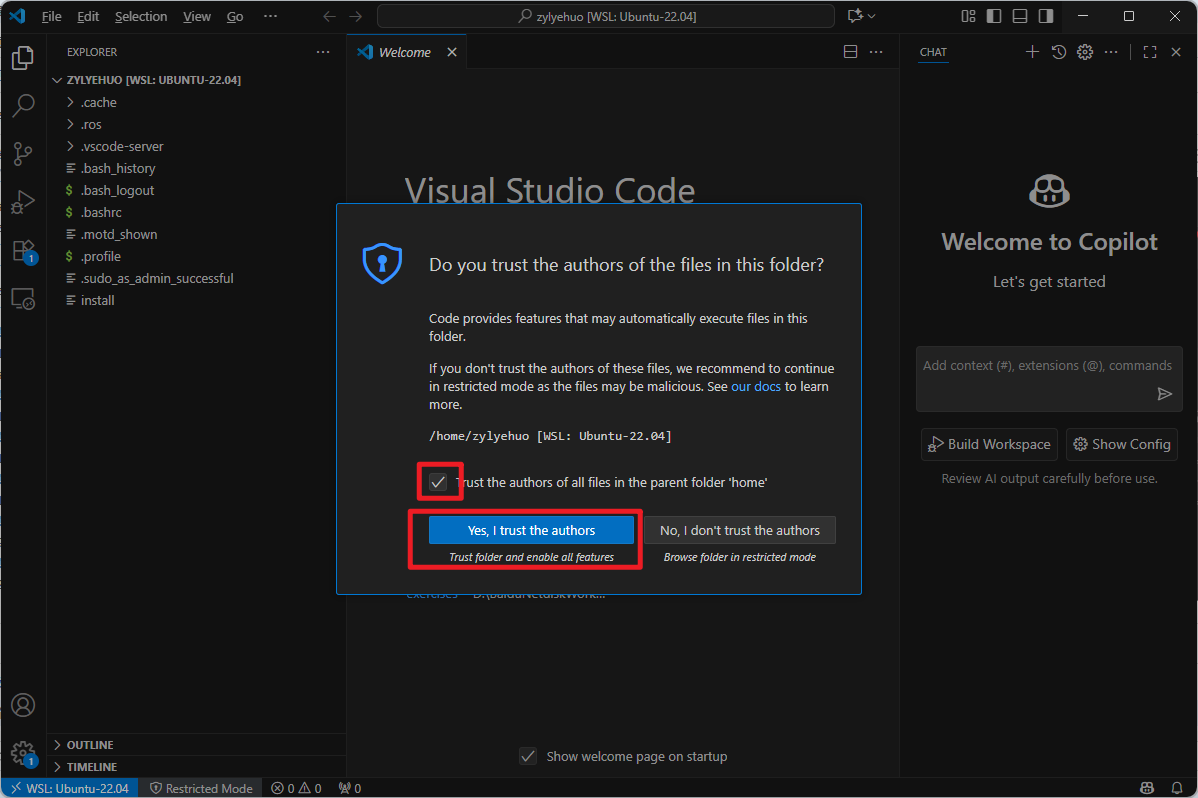
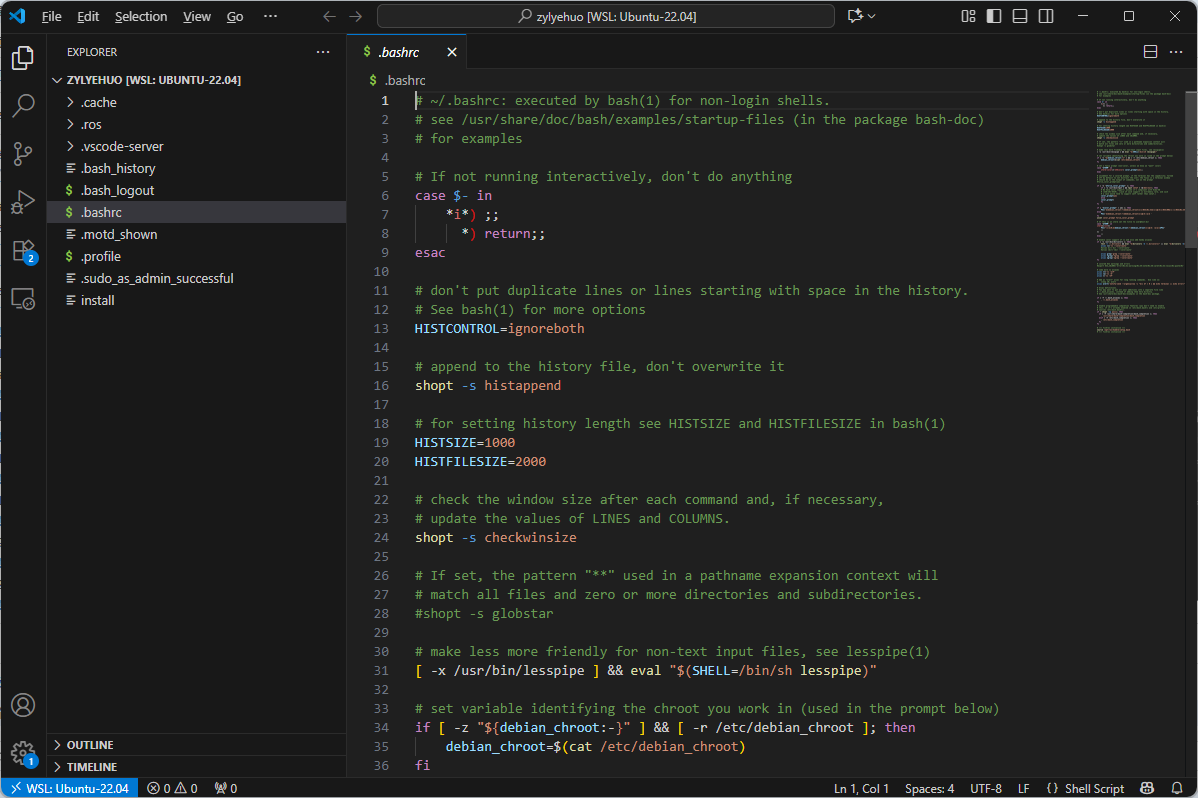
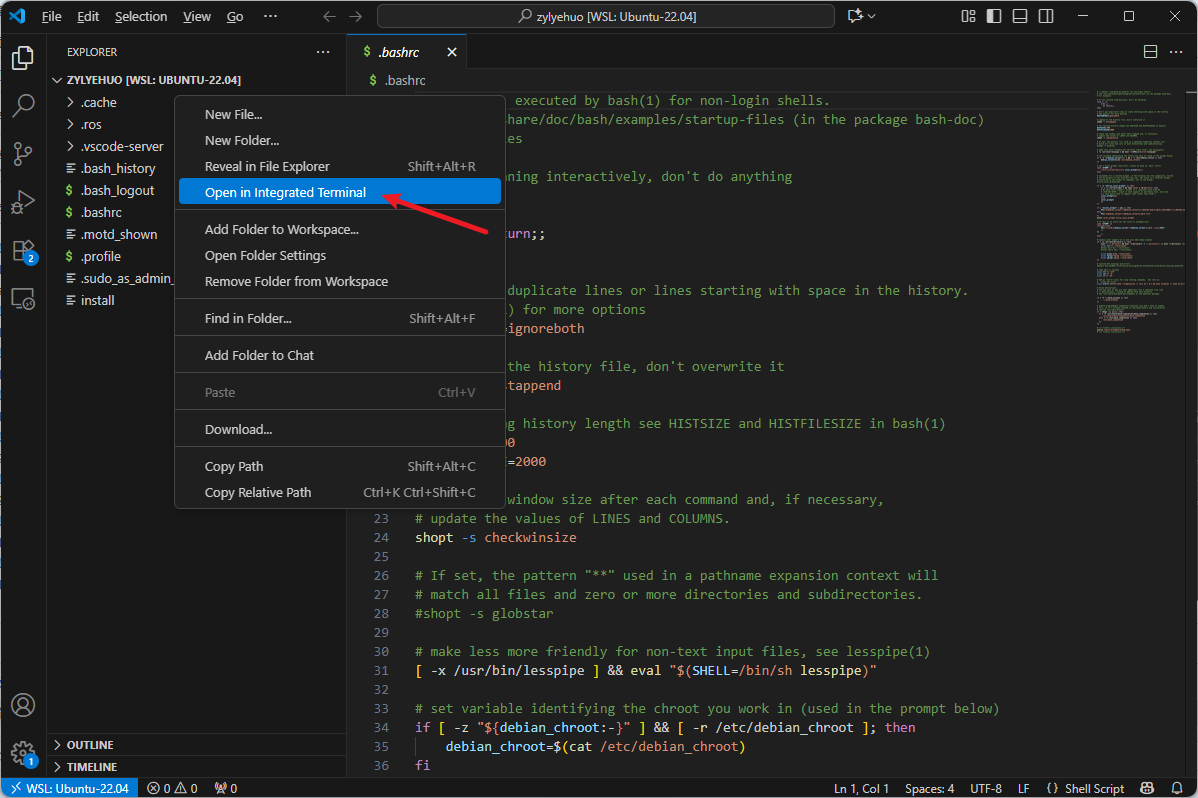
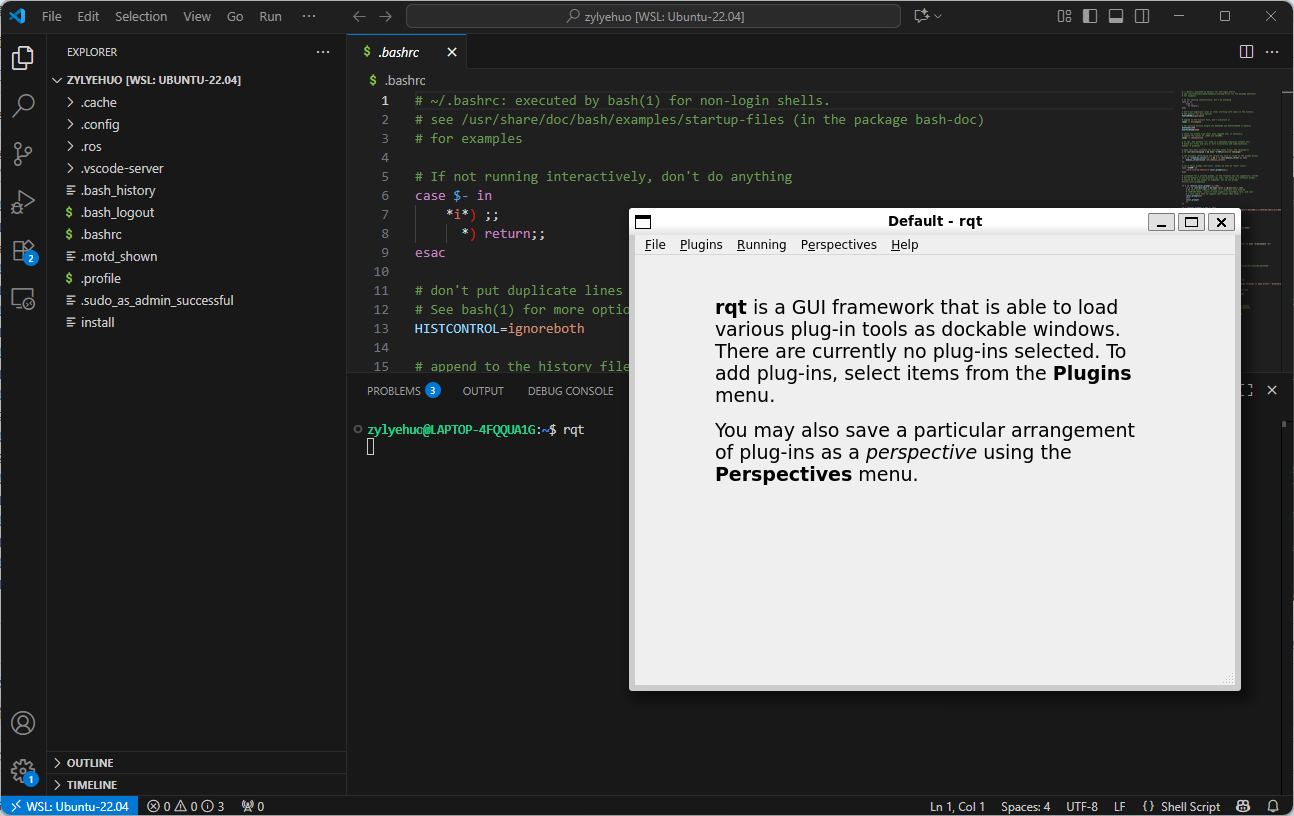
第十步、在 VSCode 中安装 WSL 插件
VSCode 仅作为编辑器
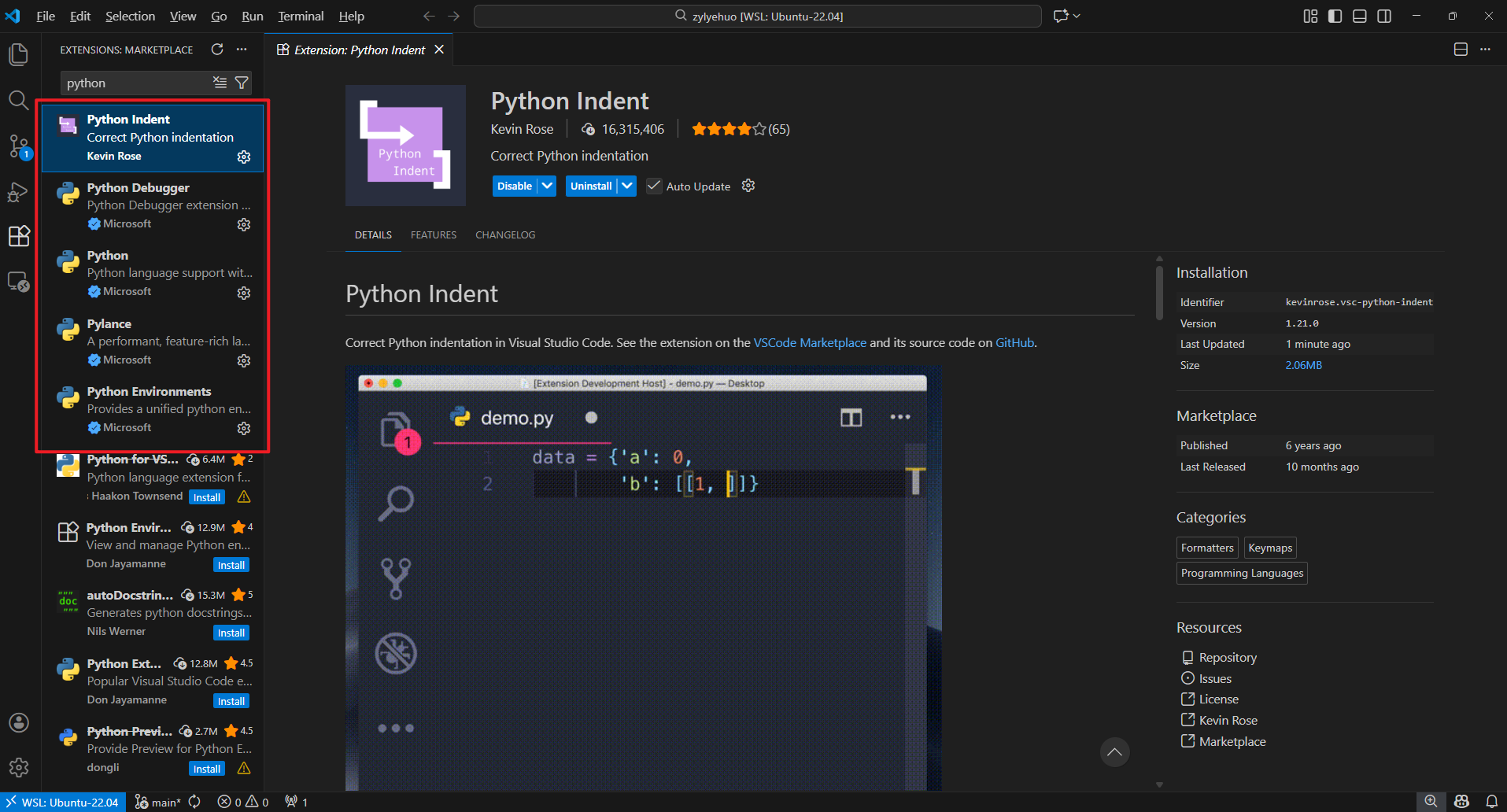
第十一步、编程 Python 文件进行测试
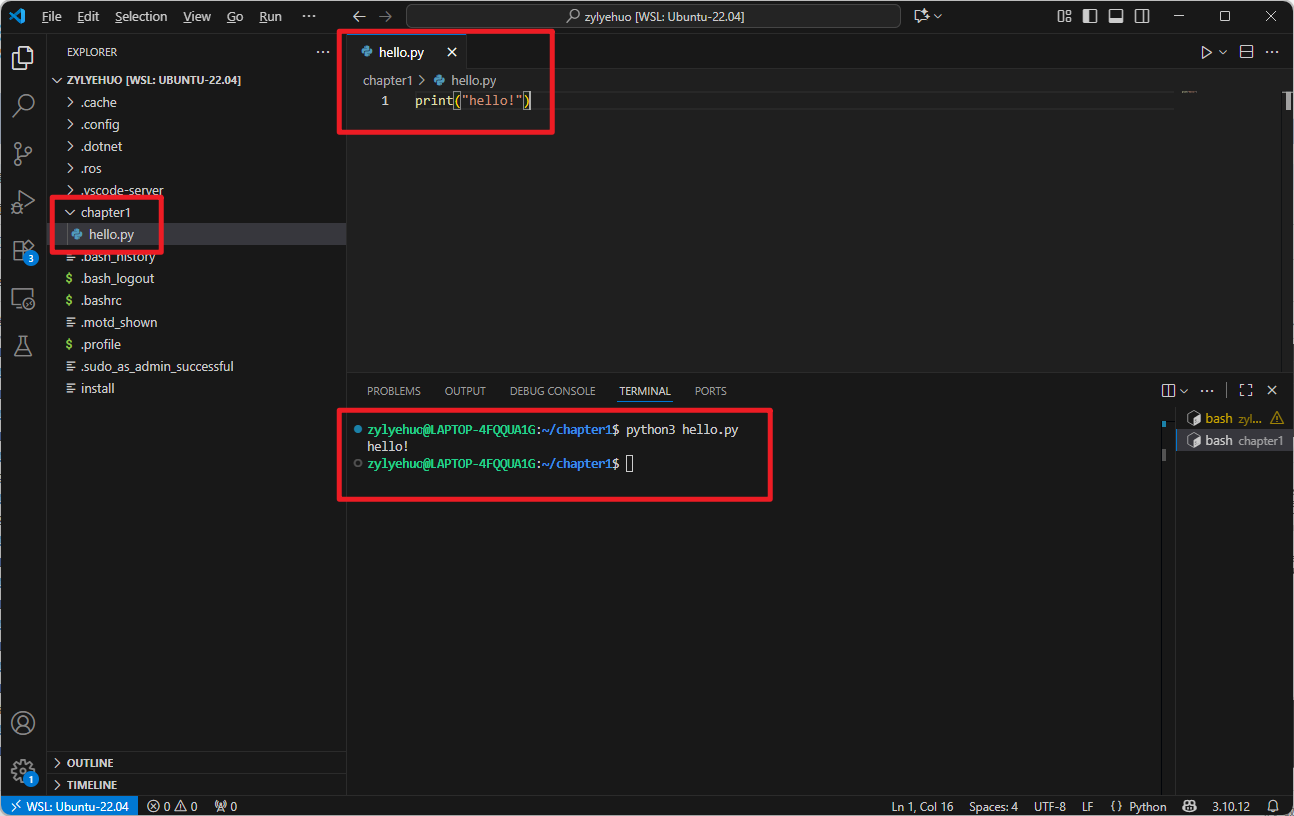
(1)不指定使用 python3
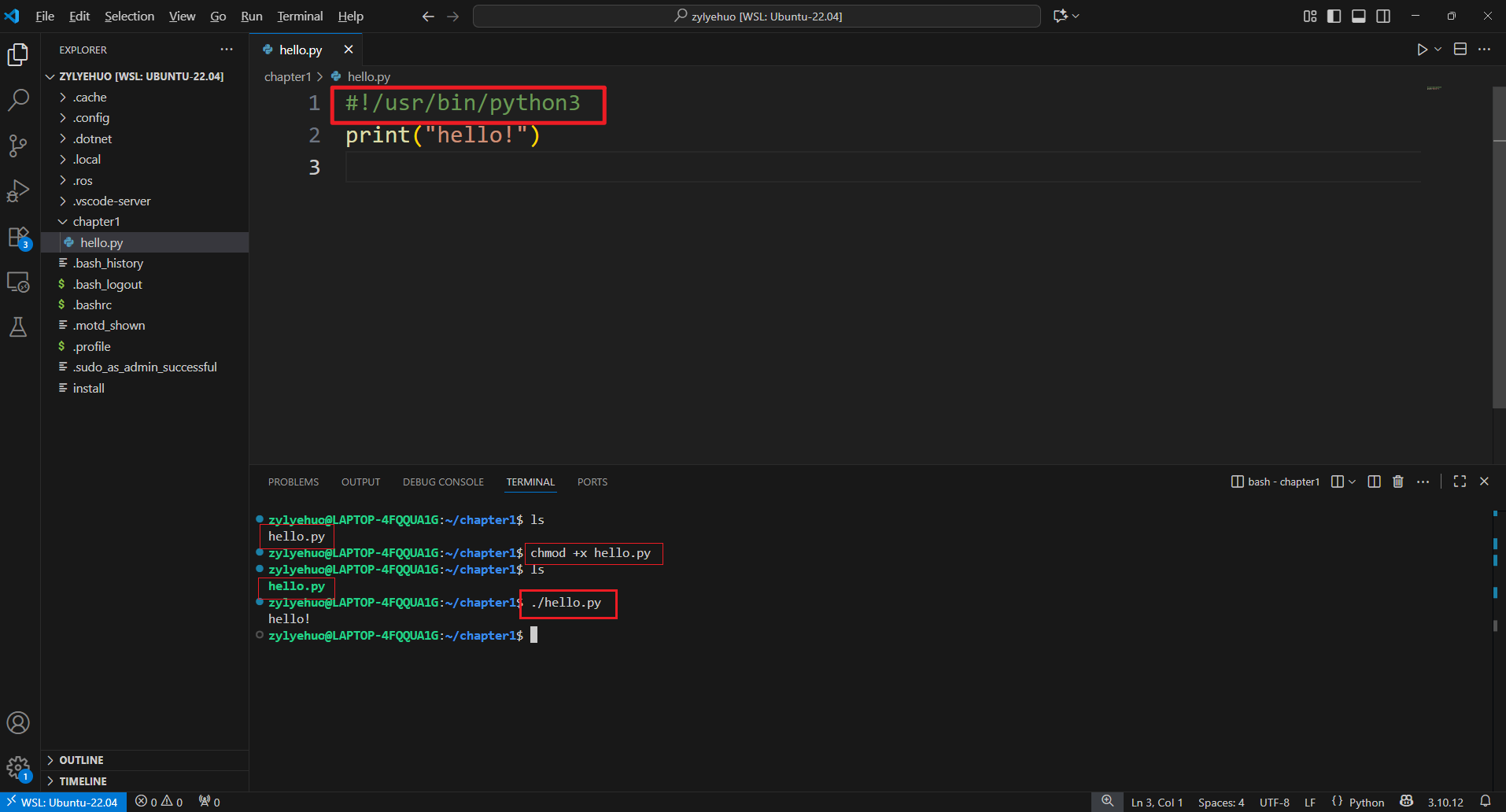
(2)指定使用 python3
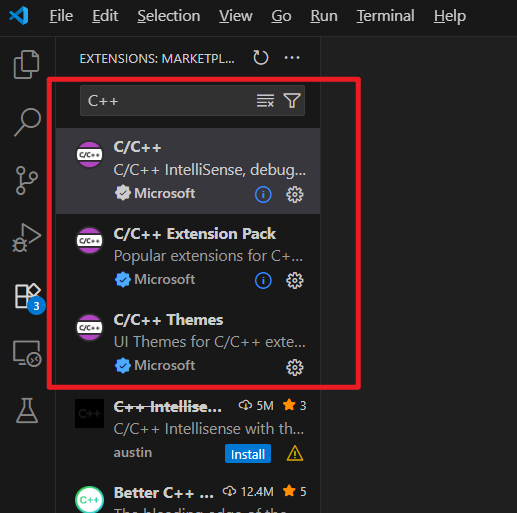
第十二步、编程 C++ 文件进行测试
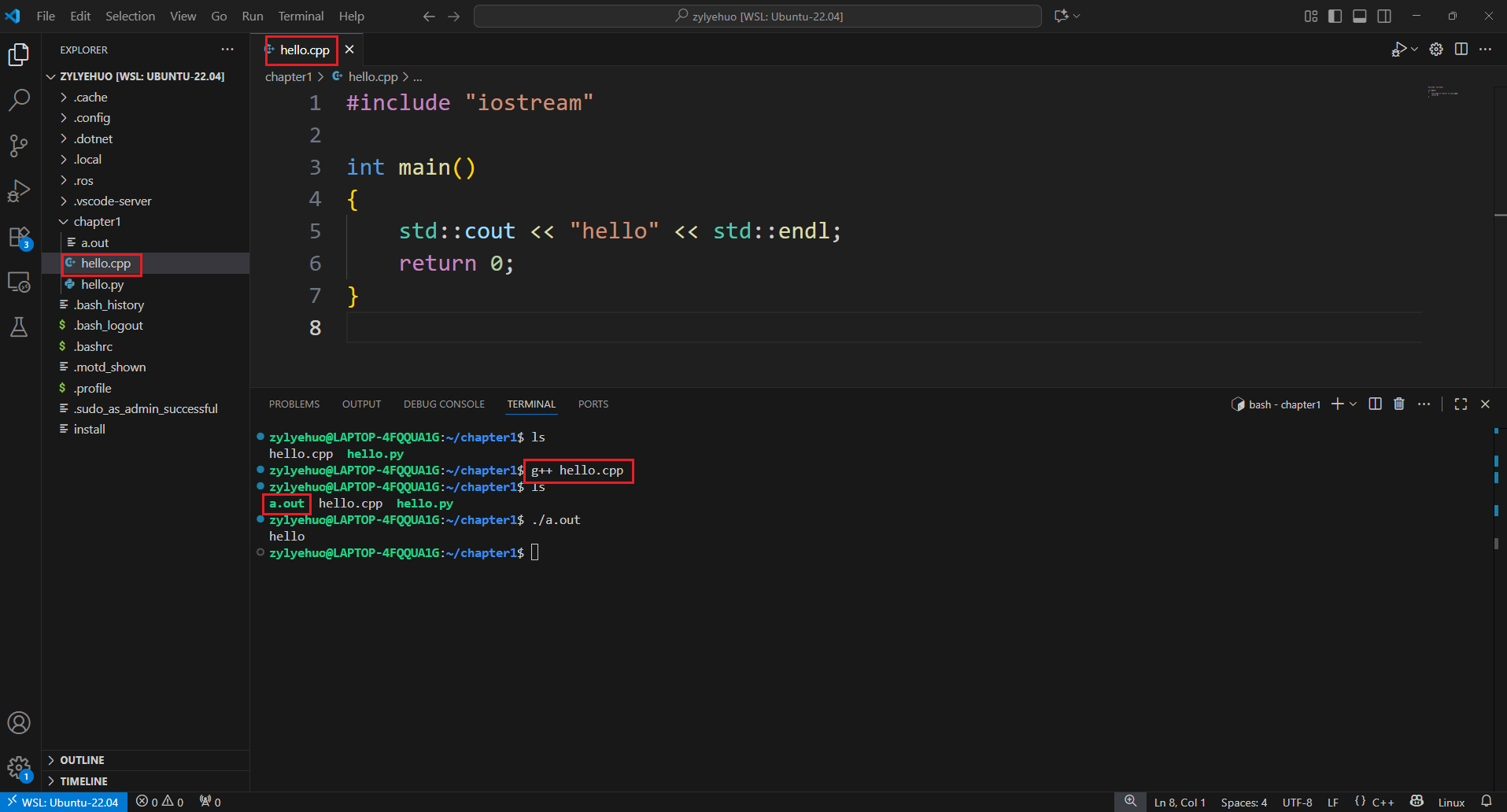
(1)直接在终端使用 g++ 进行编译
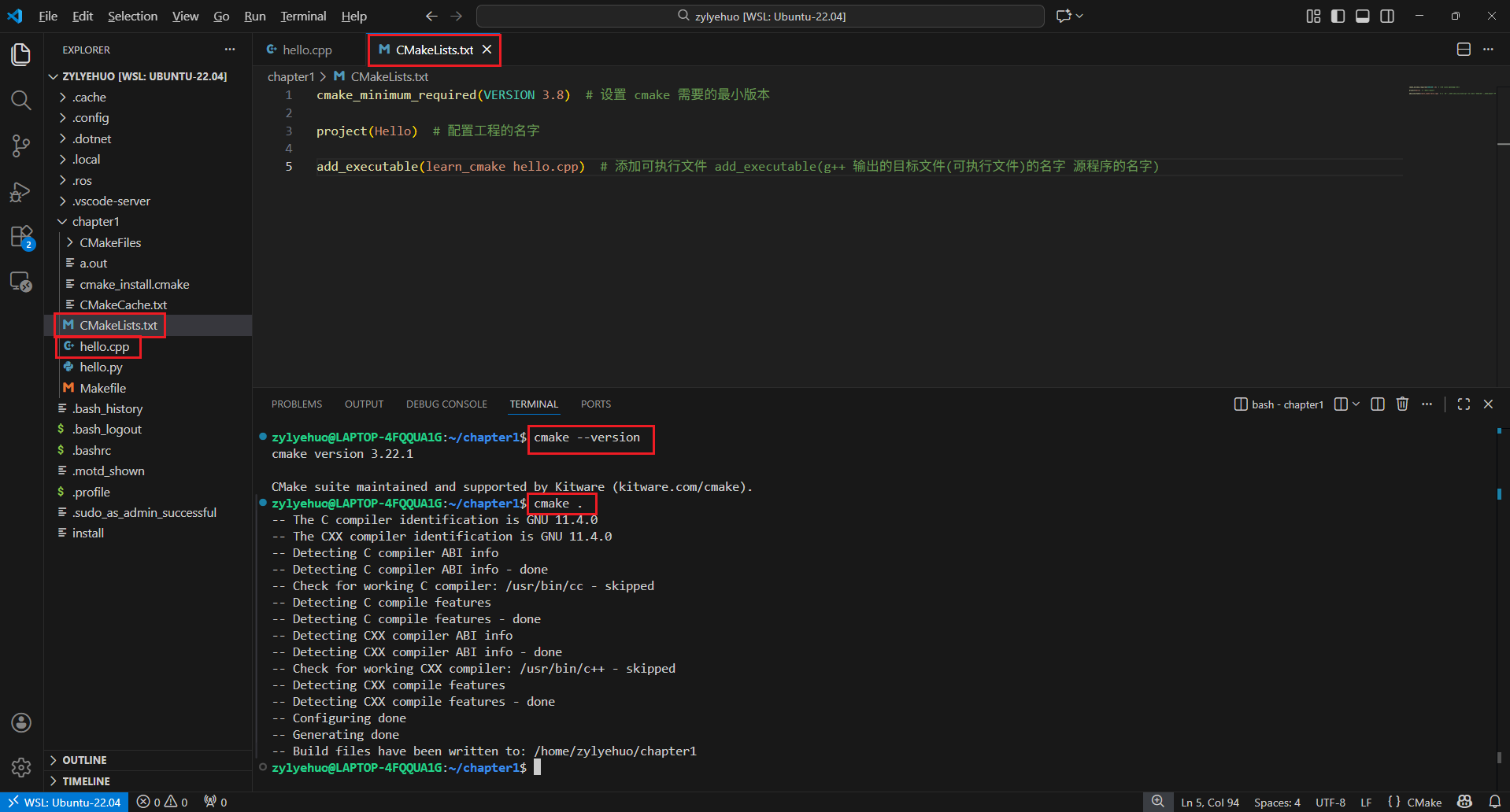
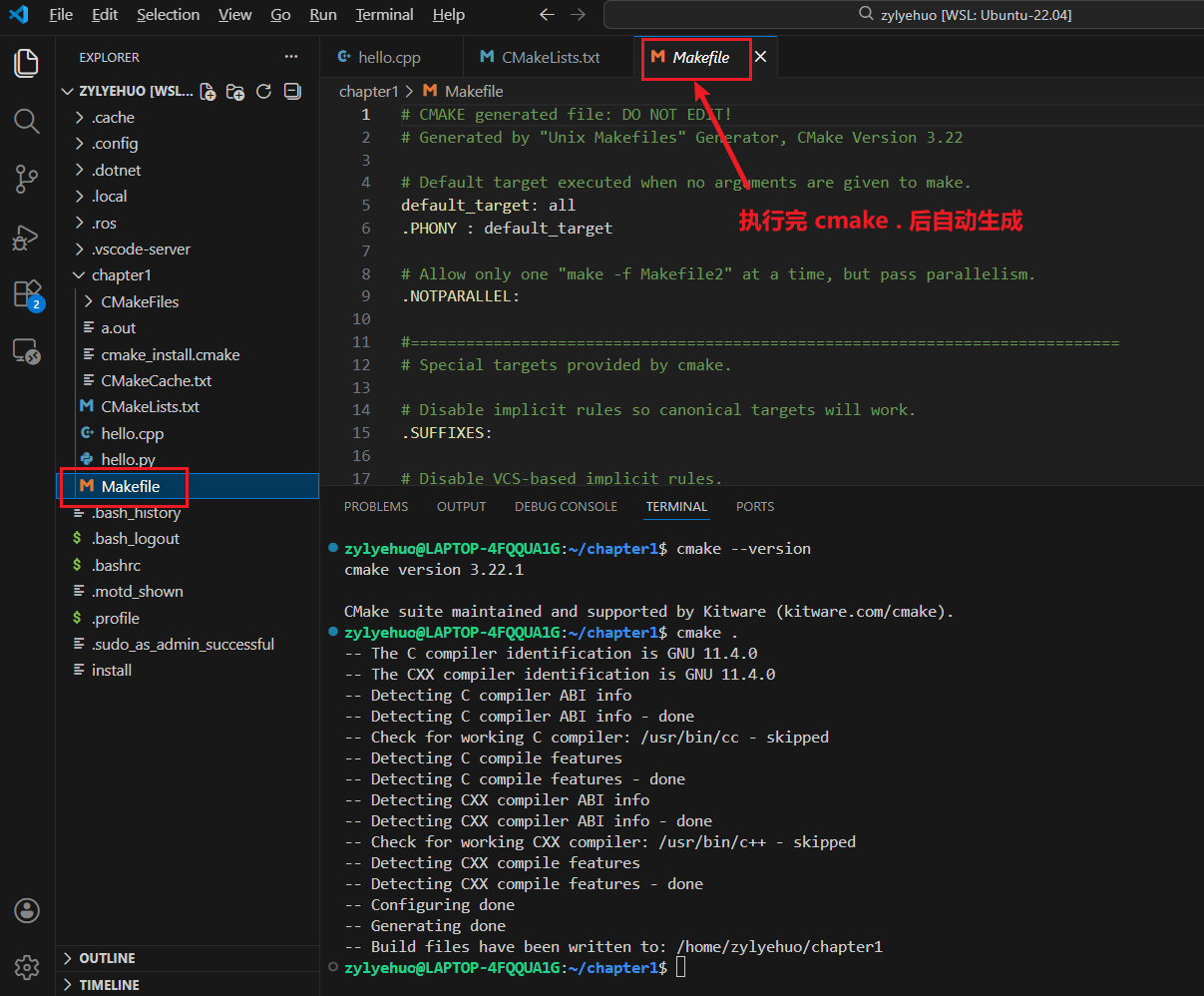
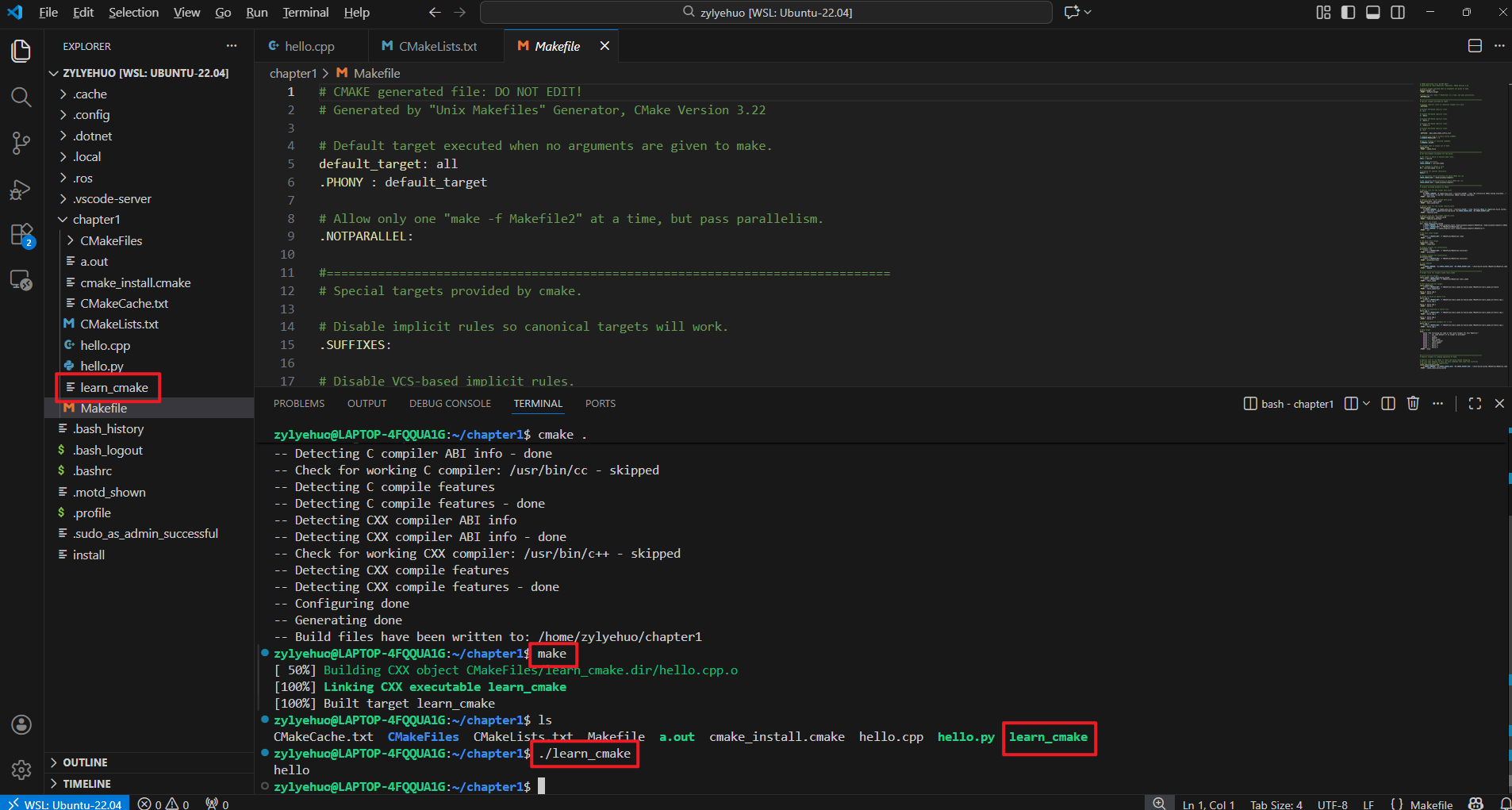
(2)利用 CMakeLists.txt 进行编译

 浙公网安备 33010602011771号