
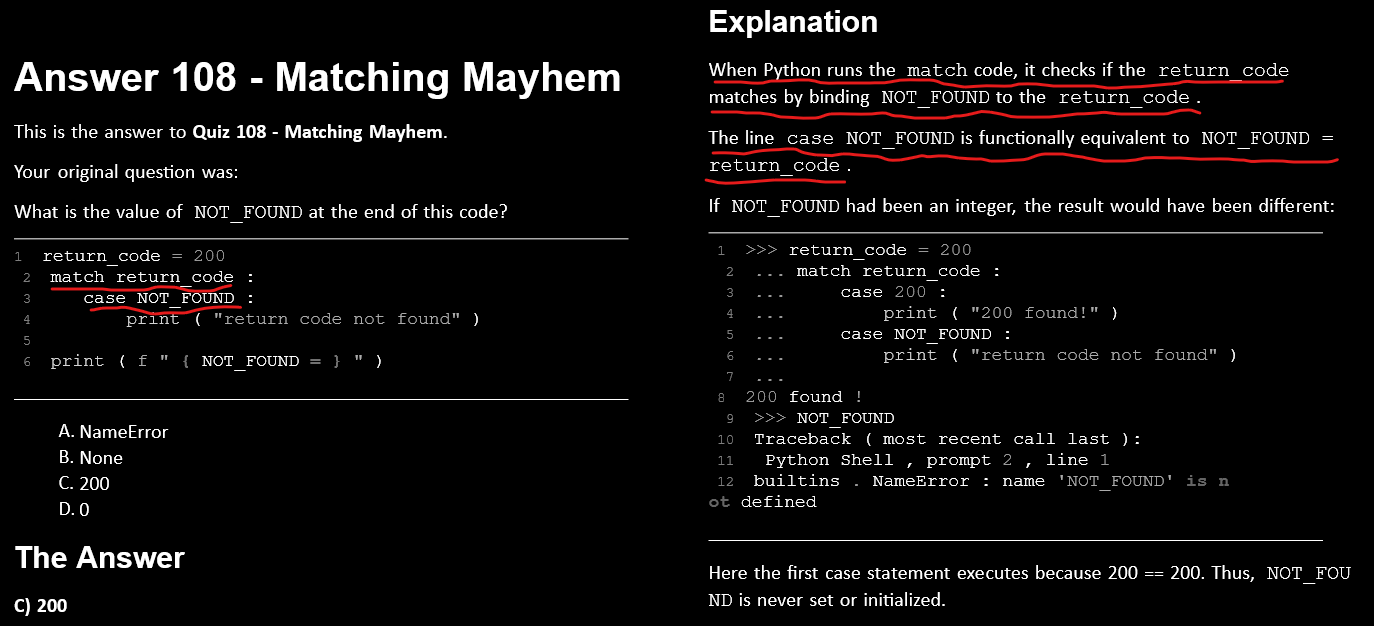
Introduced in Python 3.10, the match statement (often called Structural Pattern Matching) is a powerful upgrade to the traditional if/elif/else chain. It works similarly to "switch" statements in other languages but is much more capable.
The Basic Syntax
At its simplest, match takes a variable and compares it against different patterns.
command = "quit"

match command:
    case "start":
        print("System starting...")
    case "stop":
        print("System stopping...")
    case "quit":
        print("Exiting...")
    case _:
        print("Unknown command")
-
match: The variable you want to inspect.
-
case: The specific pattern you are looking for.
-
_(The Underscore): A wildcard that acts as a "catch-all" (likeelse). It matches anything if no previous case did.
Advanced Features
1. Combining Multiple Patterns
You can use the pipe operator (|) to match multiple values in a single case.
status = 404

match status:
    case 200 | 201:
        print("Success")
    case 400 | 404 | 405:
        print("Client Error")
    case _:
        print("Other status")
2. Matching with Guards (if statements)
You can add an if condition to a case to create a "guard." The case only matches if the pattern fits and the condition is true.
point = (3, 5)

match point:
    case (x, y) if x == y:
        print(f"The point is on the diagonal at {x}")
    case (x, y):
        print(f"Point is at {x}, {y}")
3. Capturing Values
One of the best features of match is the ability to "unpack" data structures like lists or dictionaries.
user_input = ["move", "north"]

match user_input:
    case ["quit"]:
        exit()
    case ["move", direction]:
        print(f"Moving the character {direction}")
    case ["jump", height]:
        print(f"Jumping {height} meters high")
In the example above, if the list is ["move", "north"], Python automatically assigns "north" to the variable direction.
When to use match vs if/elif
| Feature | if/elif/else | match/case |
| Simple Comparisons | Excellent | Good |
| Complex Logic | Best | Can get messy |
| Unpacking Data | Manual and wordy | Automatic and clean |
| Readability | Good for few conditions | Best for many patterns |
Quick Tips
-
Order Matters: Python checks cases from top to bottom. Always put specific patterns first and the wildcard
_last. -
Version Check: Remember that this only works in Python 3.10 or newer.


 浙公网安备 33010602011771号