会员
周边
新闻
博问
闪存
赞助商
Chat2DB
所有博客
当前博客
我的博客
我的园子
账号设置
会员中心
简洁模式
...
退出登录
注册
登录
lt蓝田
博客园
首页
博问
闪存
新随笔
订阅
管理
1.Blender官网安装
1.官网地址
https://www.blender.org/
2.下载
下载链接
选择版本
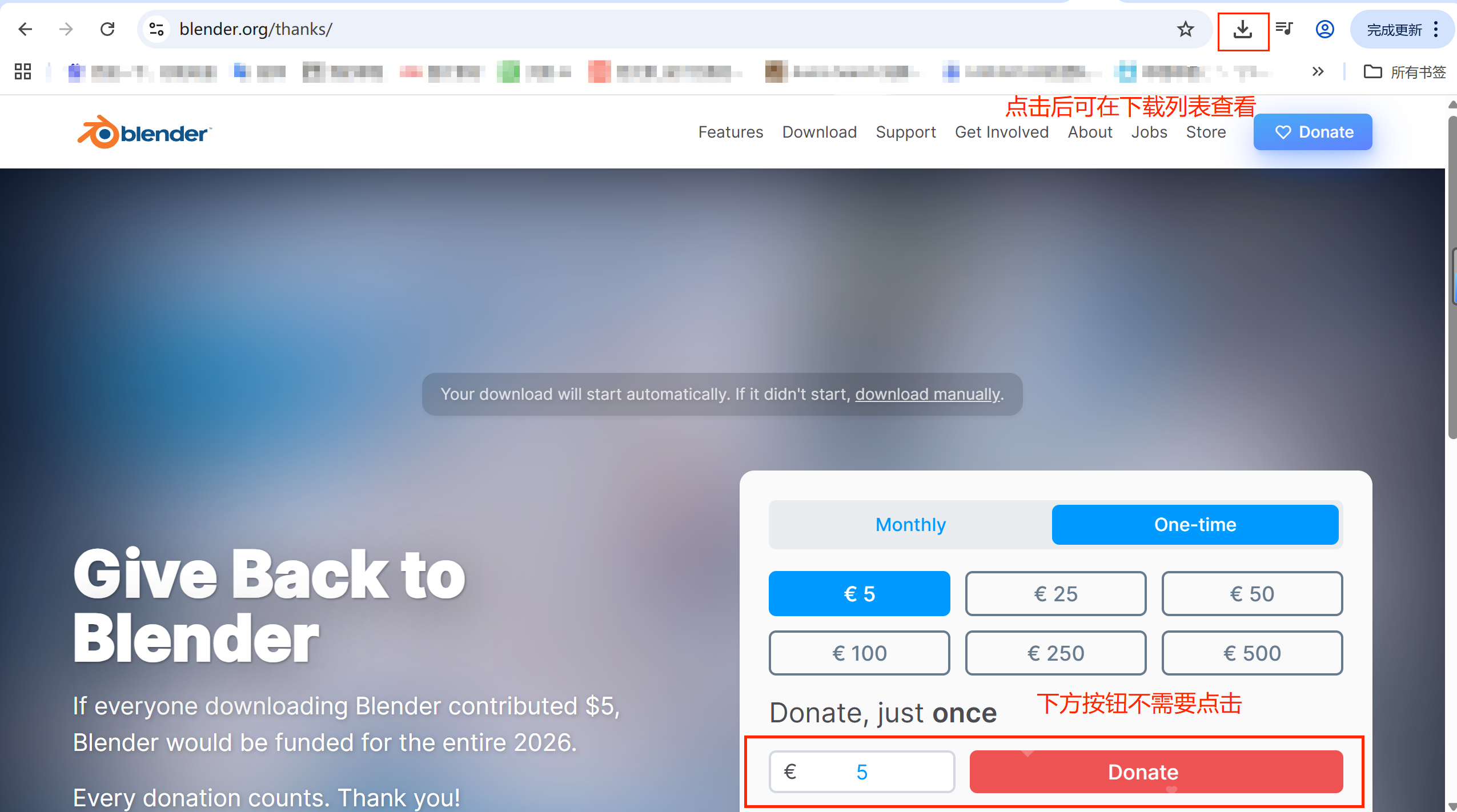
下载
3.安装
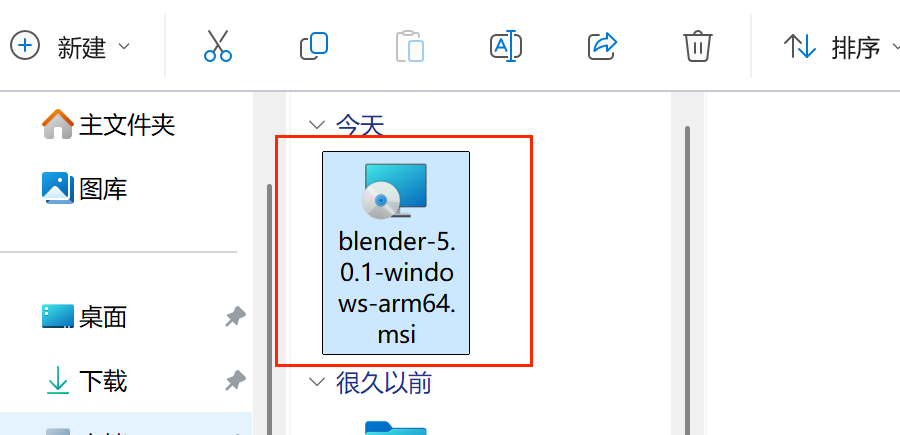
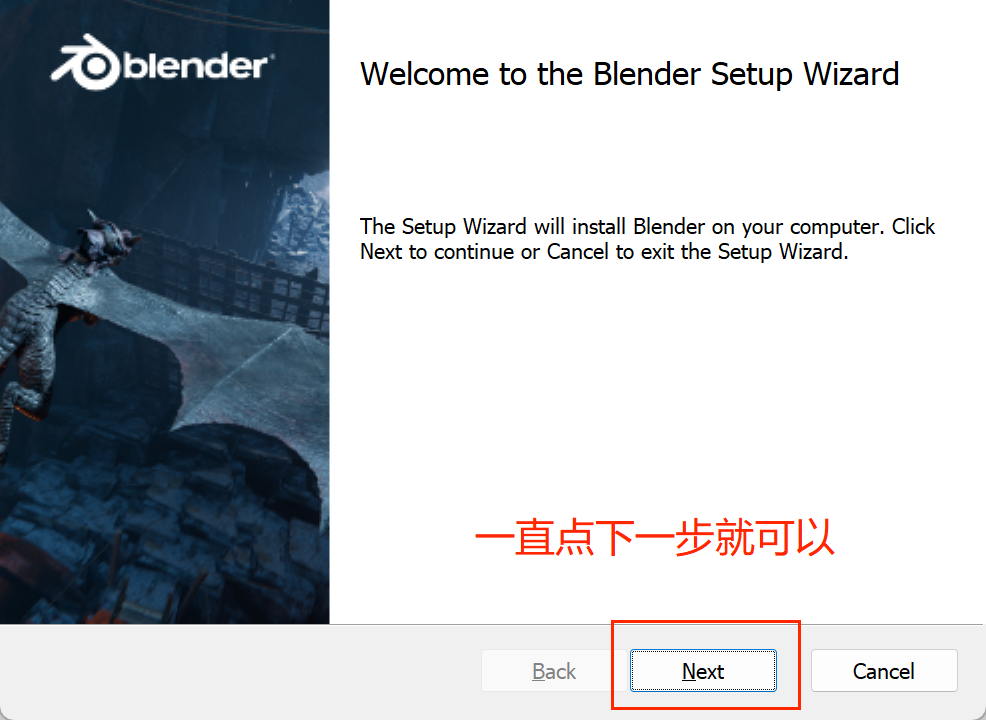
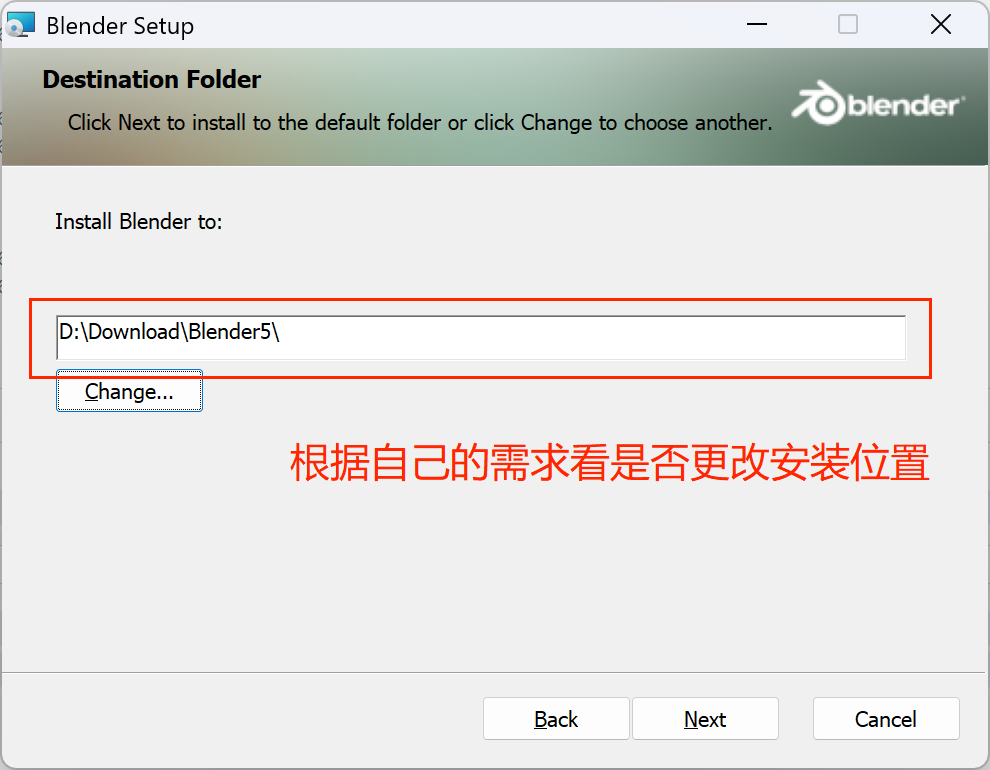
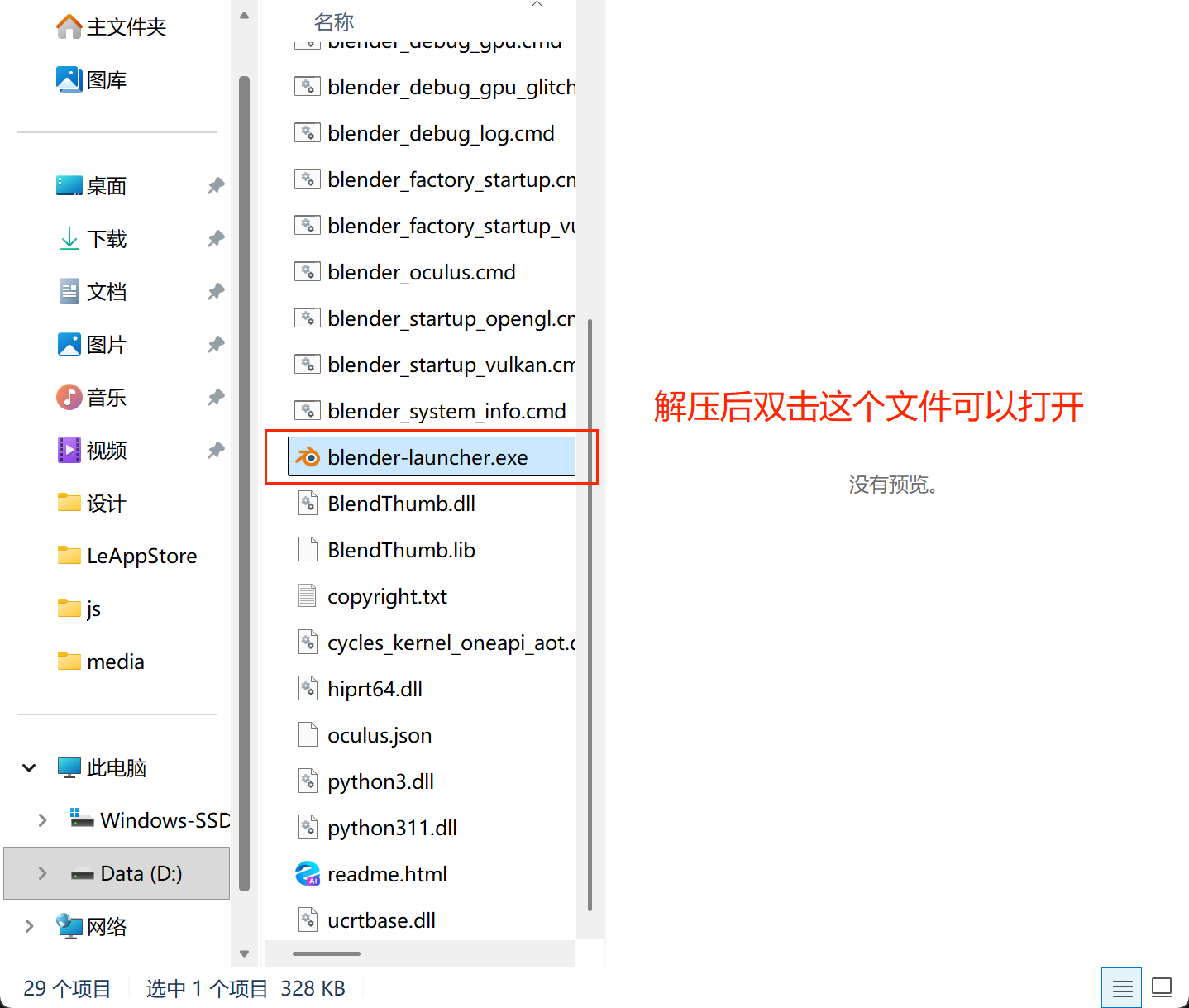
在电脑找到下载的文件,双击安装
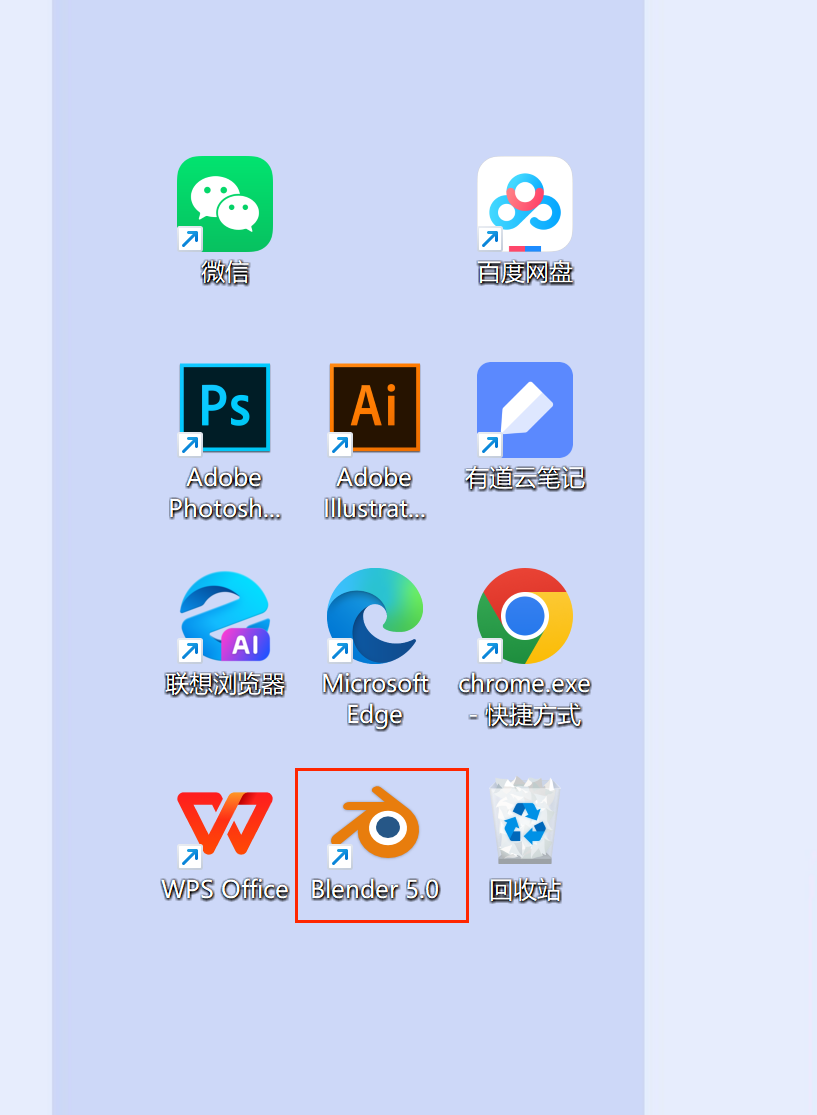
安装好后桌面会生成对应的图标,双击打开就可以使用啦
使用
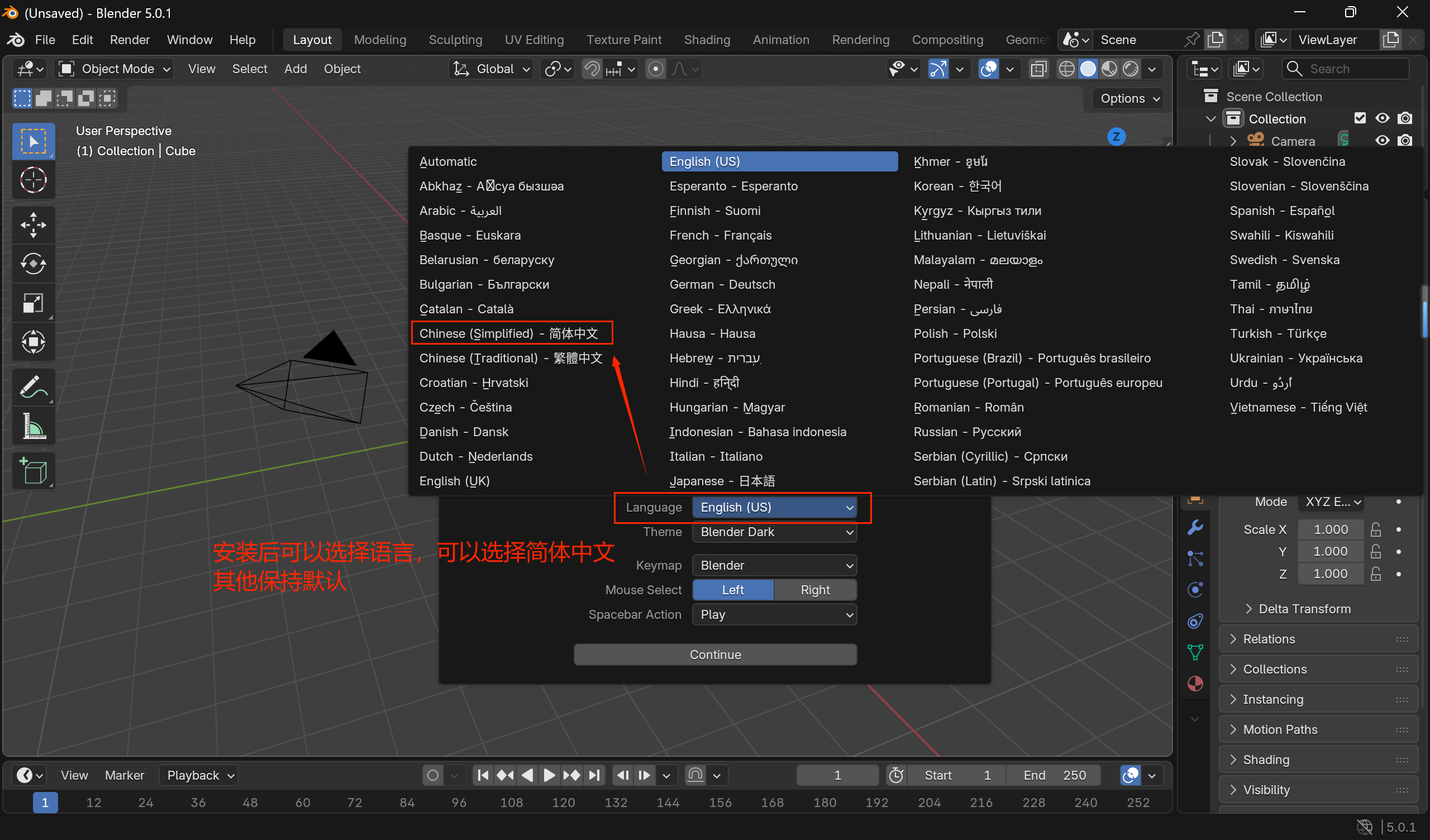
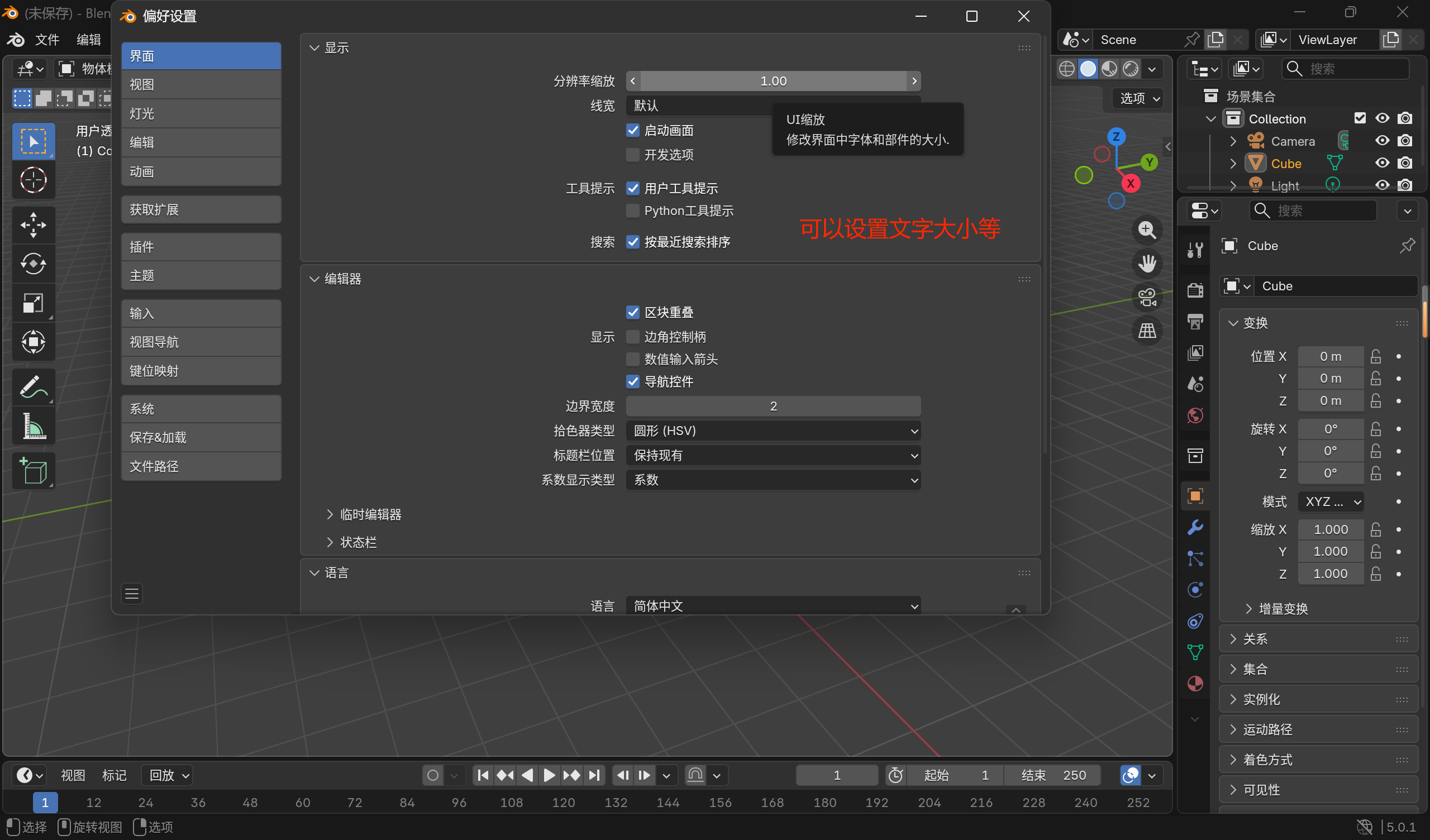
选择语言
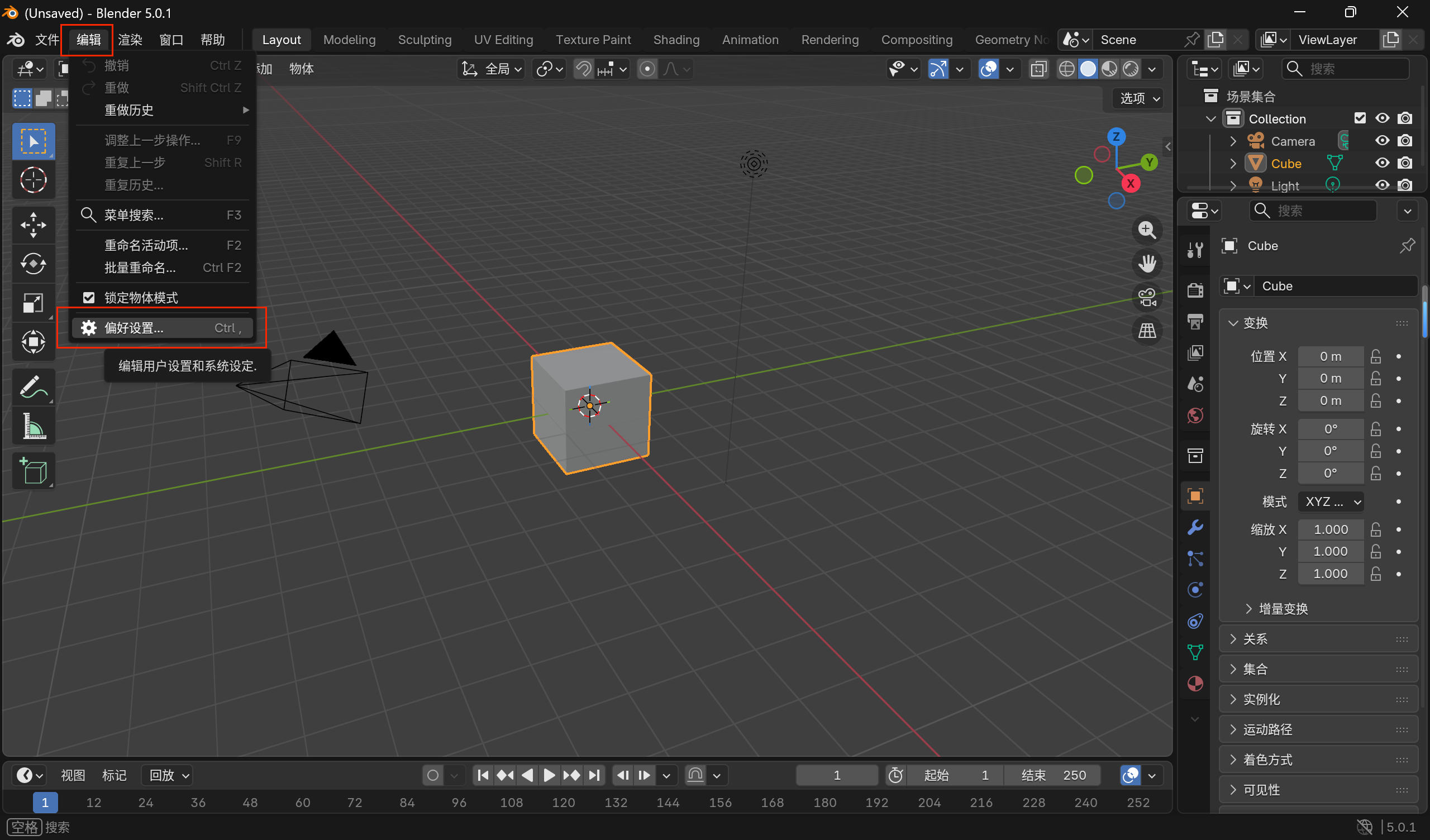
设置
偏好设置里可以找到渲染用的GPU,会自动识别设备有哪些可用都GPU,选择一个就可以
如果像我一样一个都没有,可以将将渲染改成CPU处理,会慢一些
posted on
2026-01-17 12:36
乂千
阅读(
319
) 评论(
0
)
收藏
举报
刷新页面
返回顶部







 浙公网安备 33010602011771号