使用VS2022 Performance Profiler进行CPU分析
将MyGame.exe设为Startup Project,并设置好命令行参数
勾选CPU Usage
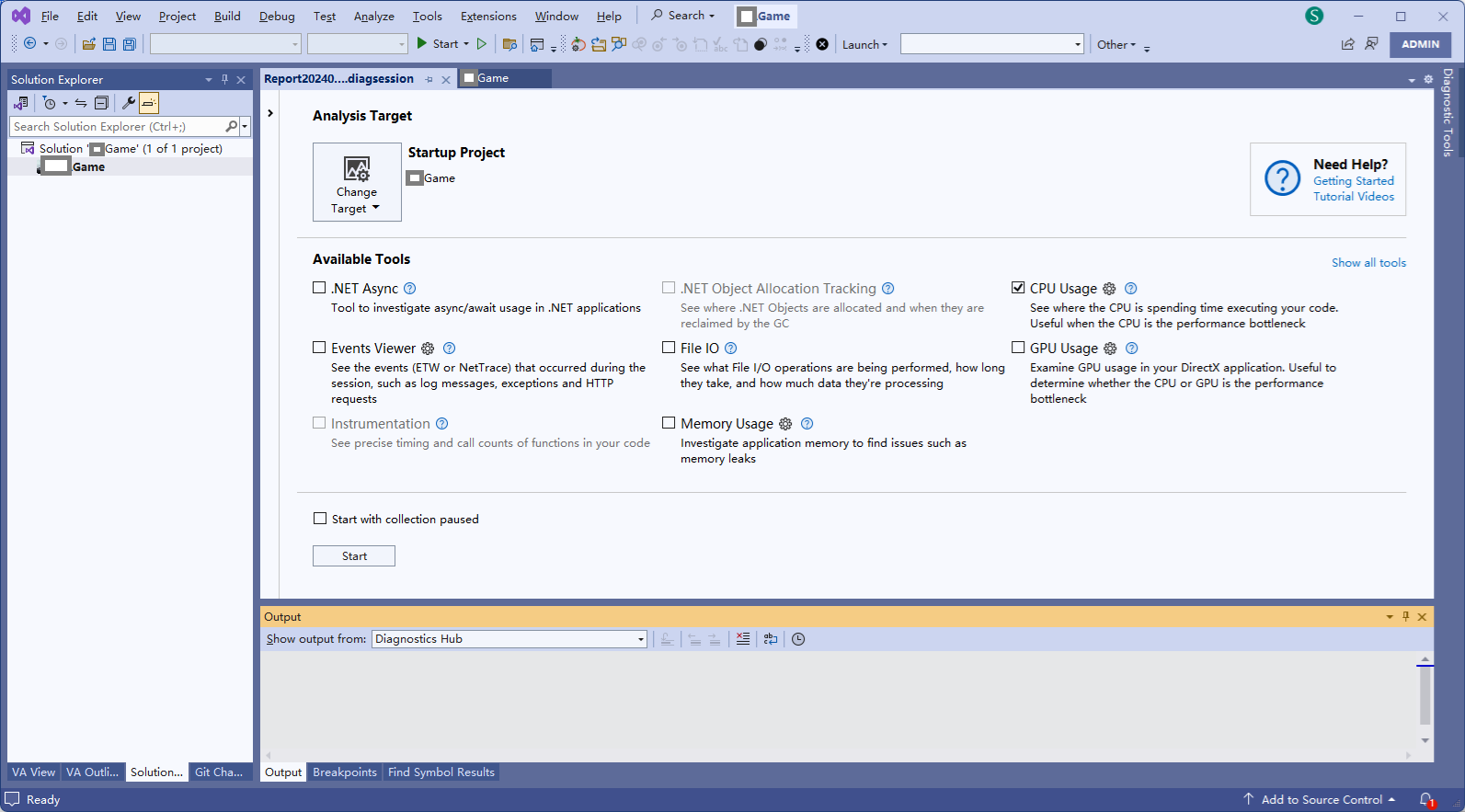
点击Start按钮,开始录制
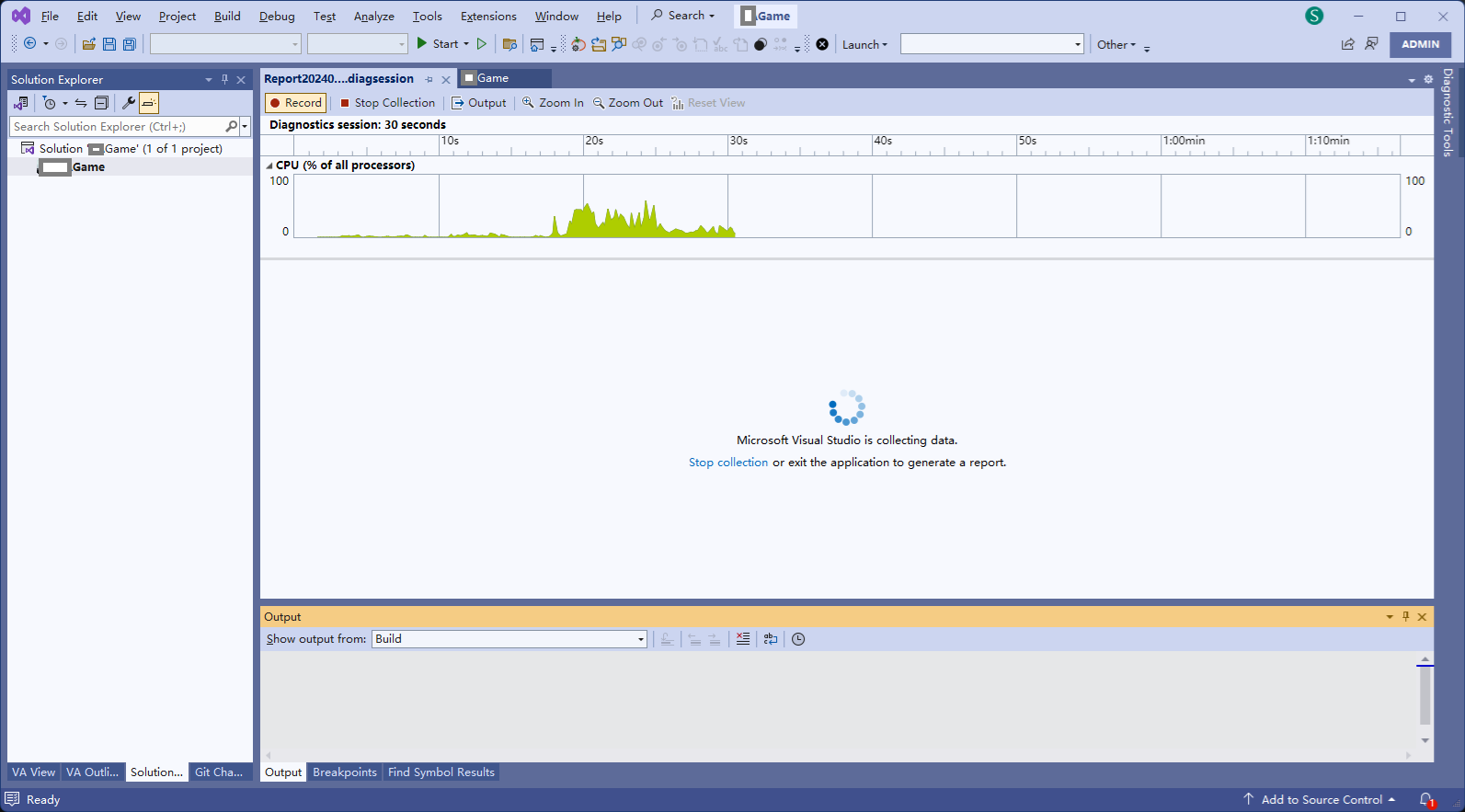
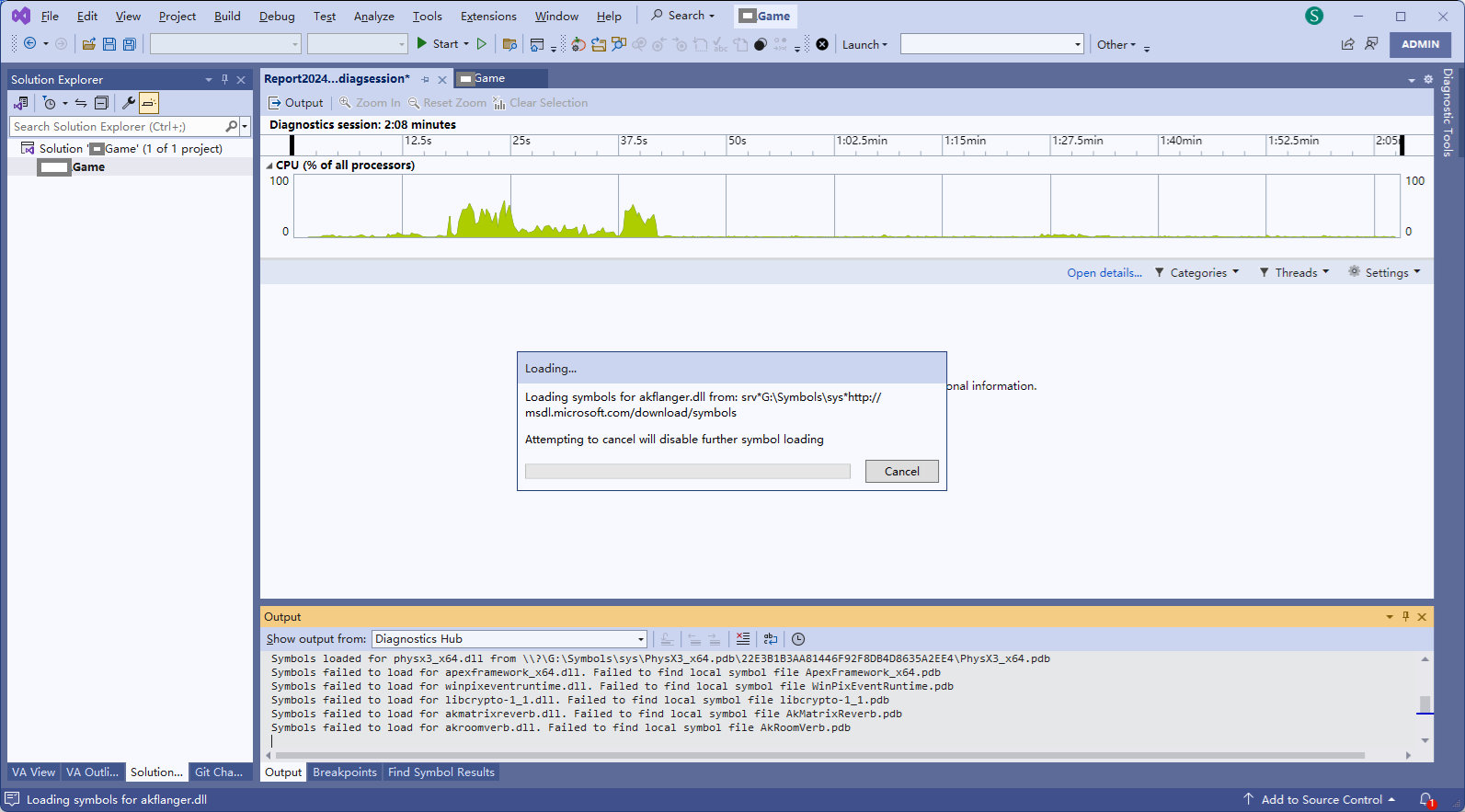
Stop Collection之后,会开始加载符号
得到CPU性能查看的主界面
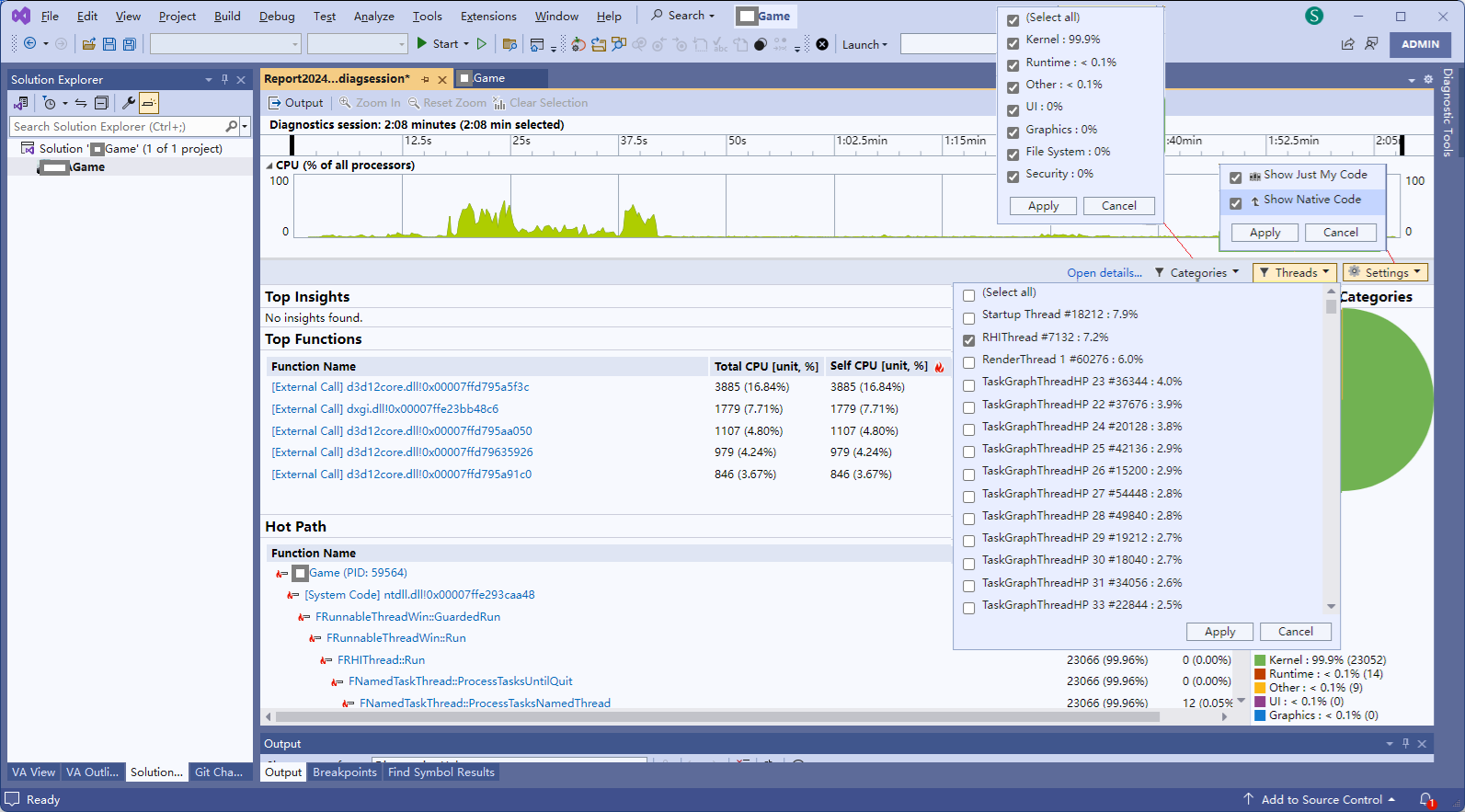
在时间轴上选择一段,查看这段的时间的CPU性能
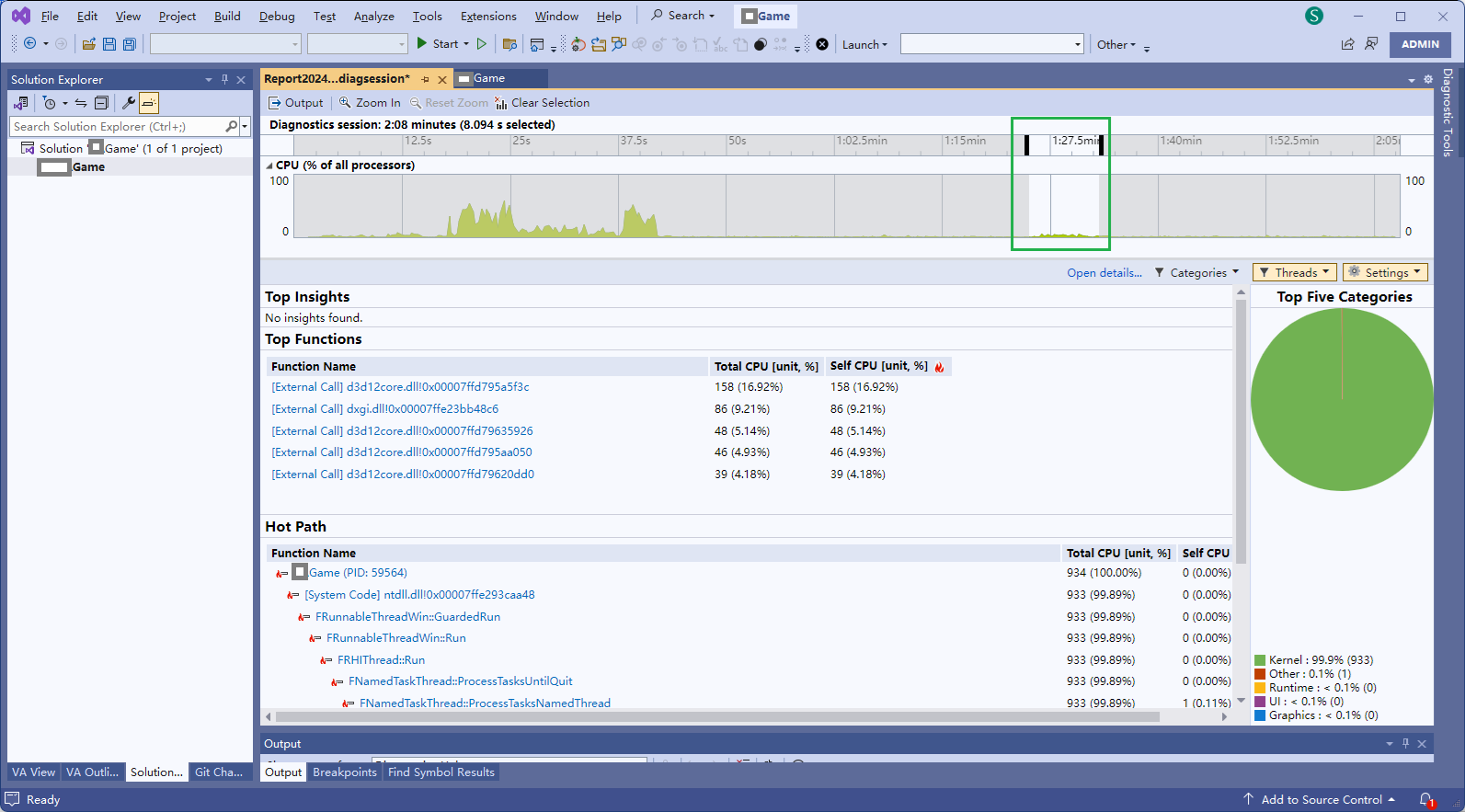
点击FRunnableThreadWin::GuardedRun函数,会弹出要求关联源代码
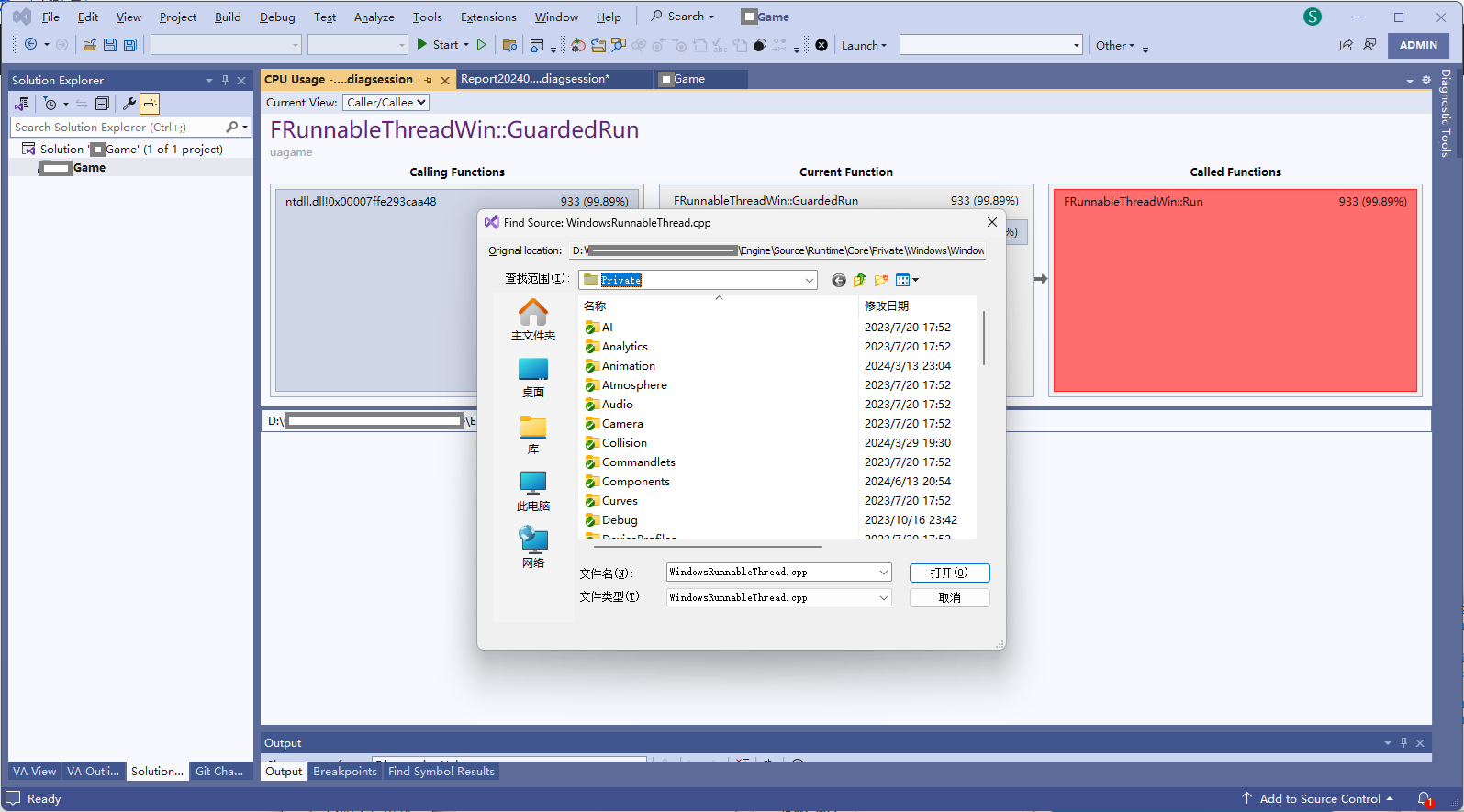
D:\UnrealEngine\Engine\Source\Runtime\Core\Private\Windows\WindowsRunnableThread.cpp
点击FRHIThread::Run函数
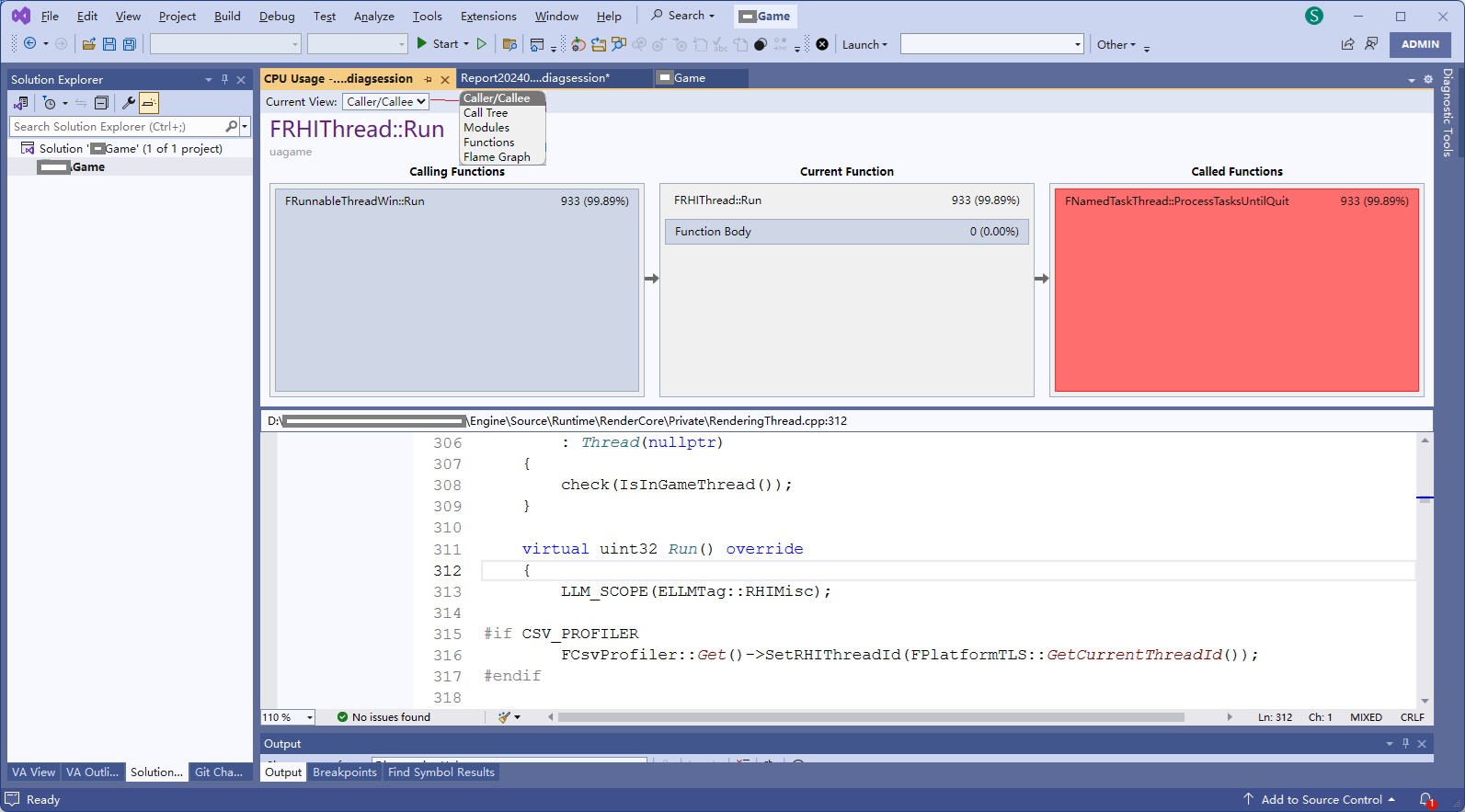
将Current View修改为Call Tree
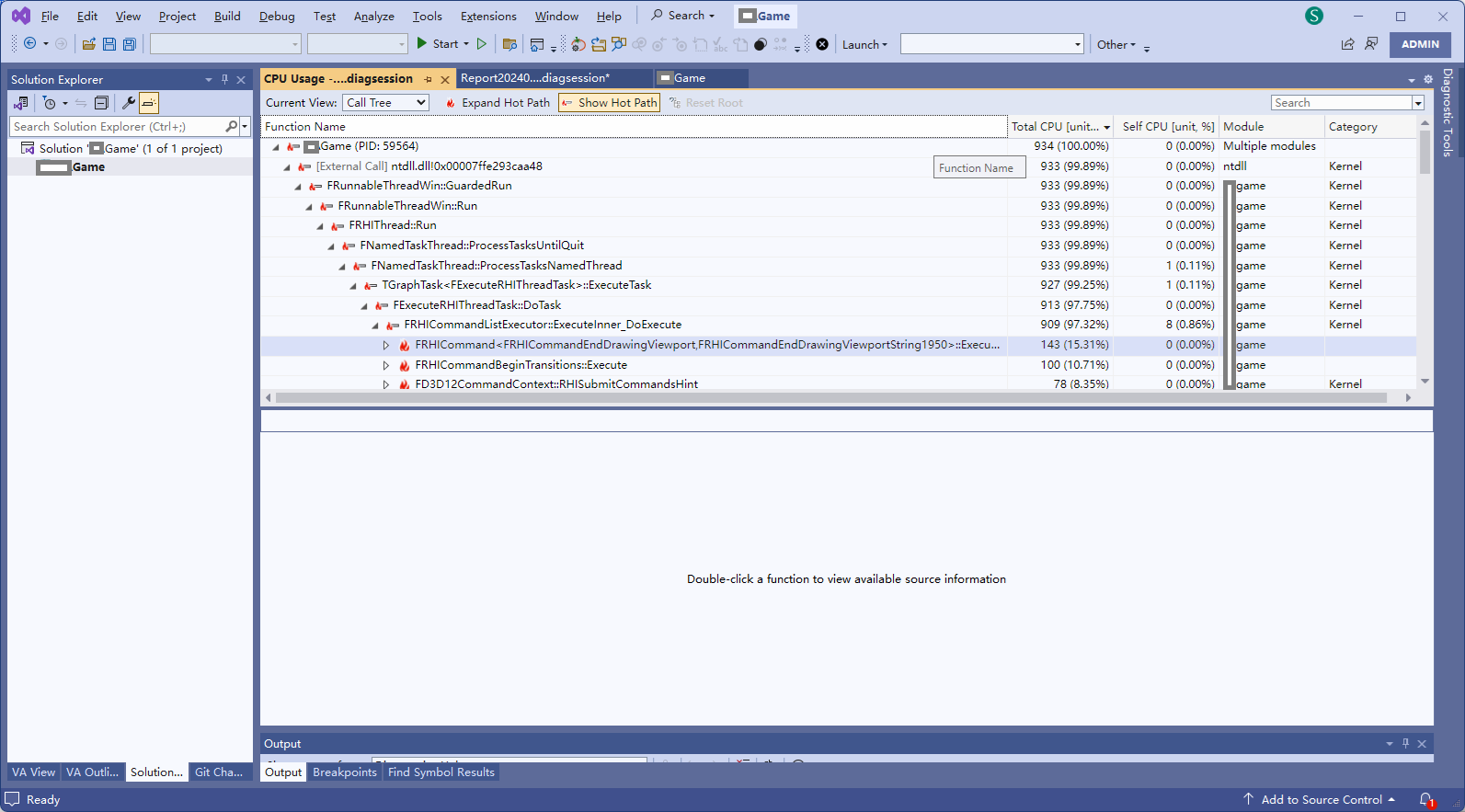
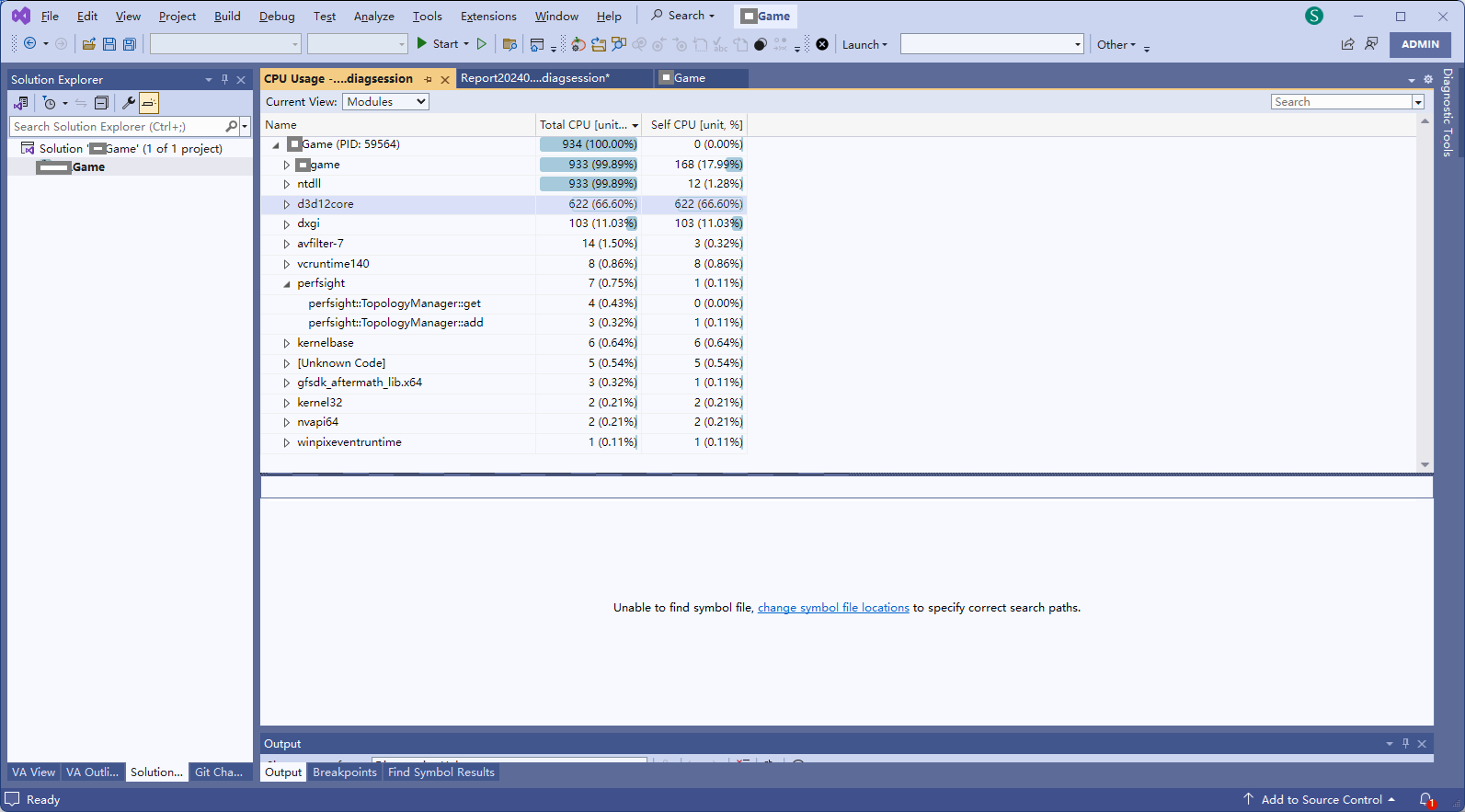
将Current View修改为Modules
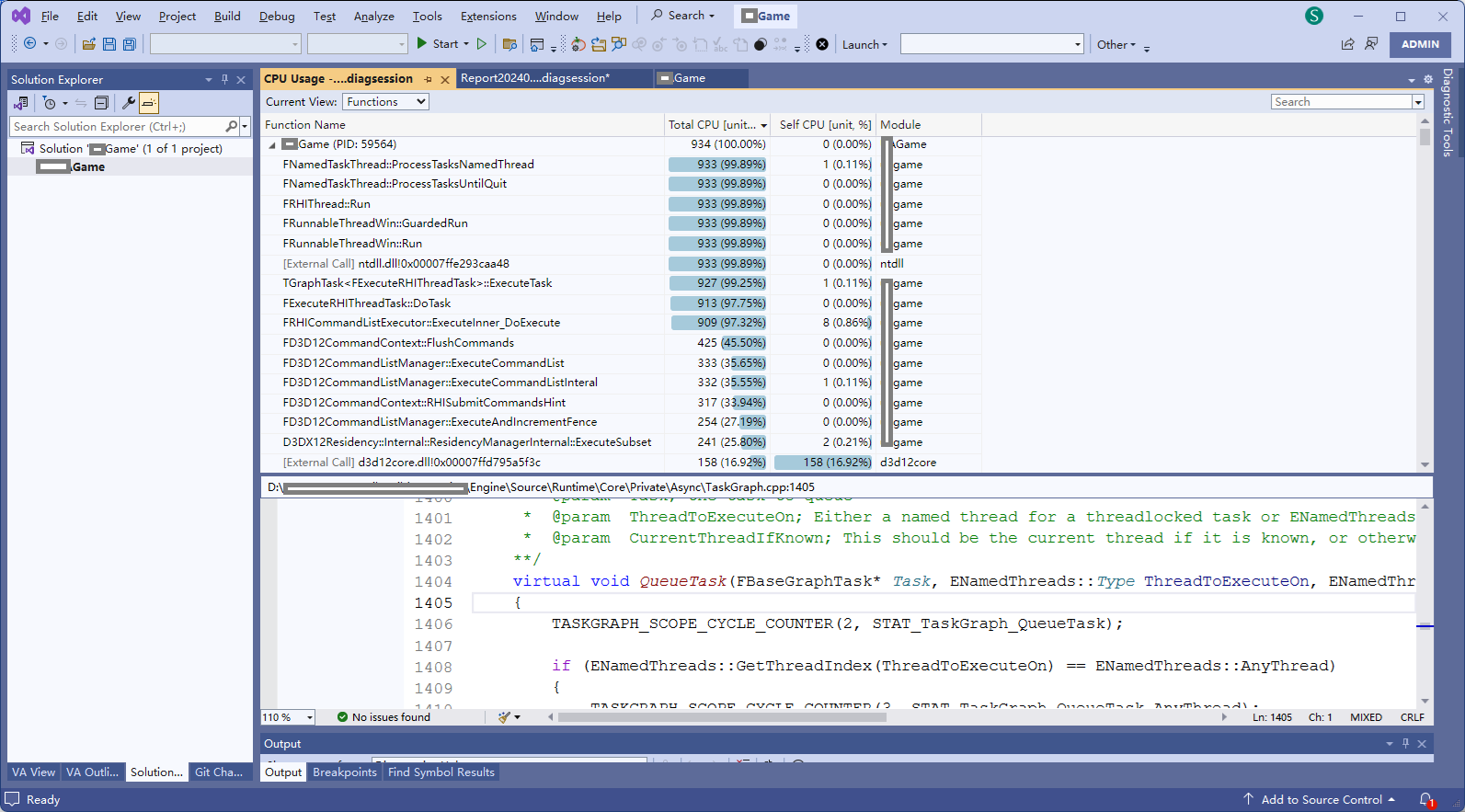
将Current View修改为Functions
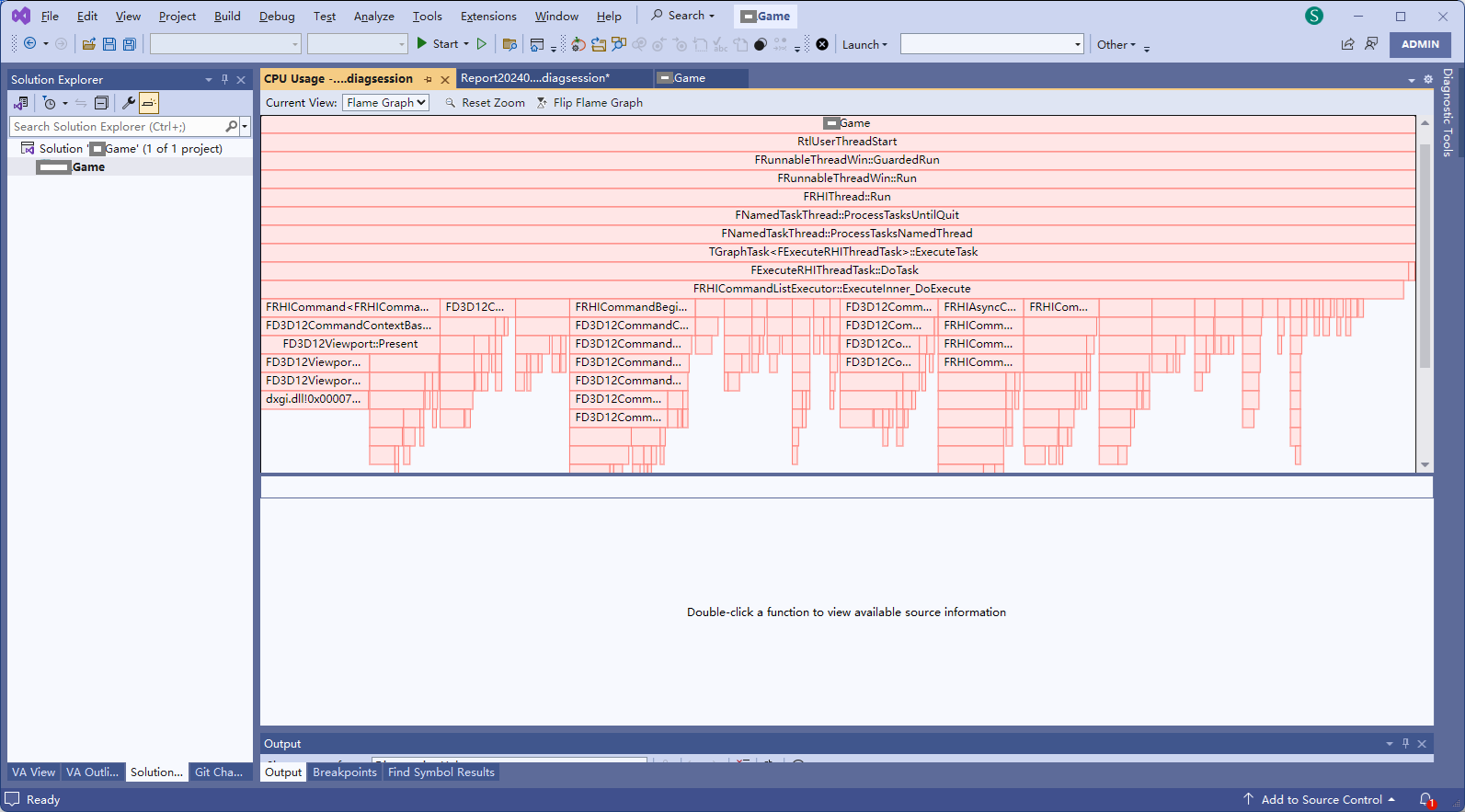
将Current View修改为Flame Graph


 浙公网安备 33010602011771号