香橙派上进行 Livox Mid-360 激光雷达开发(二)移植FAST_LIO
基本信息
主机:Orangepi5max 16G (ARM64 架构) + 64G tf卡
系统:Orangepi5max_1.0.0_ubuntu_jammy_desktop_xfce_linux5.10.160(ubuntu 22.04)
系统配置说明:已经使用fishros安装ROS Humble、rosdepc;livox_ros_driver2已经跑通
参考资料
https://github.com/Ericsii/FAST_LIO_ROS2?tab=readme-ov-file
https://github.com/hku-mars/ikd-Tree/tree/e2e3f4e9d3b95a9e66b1ba83dc98d4a05ed8a3c4
环境配置
为避免冲突,新建工作空间~/ws_fastlio2
参考香橙派上进行 Livox Mid-360 激光雷达开发(一)基本环境配置的操作,在新的工作空间内安装livox_ros_driver2
安装PCL && Eigen
- PCL >= 1.8, Follow PCL Installation.
sudo apt install libpcl-dev
- Eigen >= 3.3.4, Follow Eigen Installation.
# 更新源(香橙派ARM架构需确保源正常)
sudo apt update && sudo apt upgrade -y

# 安装Eigen3(ARM64架构适配)
sudo apt install -y libeigen3-dev

# 验证版本(关键:确认ARM下版本达标)
cat /usr/include/eigen3/Eigen/src/Core/util/Macros.h | grep -E "EIGEN_(WORLD|MAJOR|MINOR)_VERSION"
FAST_LIO_ROS2
cd ~/ws_fastlio2/src,下载并解压参考资料,将文件夹修改为fast_lio,将iKd-Tree文件夹文件整个放入~/ws_fastlio2/src/fast_lio/include中
cd ~/ws_fastlio2
rm -rf ~/ws_livox/src/FAST_LIO/livox_ros_driver2
sudo apt-get install -y libpcl-dev libeigen3-dev lib fmt-dev libyaml-cpp-dev

cd ~/ws_fastlio2
source /opt/ros/humble/setup.sh
./build.sh humble
验证安装
source install/setup.bash
ros2 pkg list | grep -E "livox|fast"
# 应该显示:
# fast_lio
# livox_ros_driver2
运行
终端1
cd ~/ws_fastlio2
source ./install/setup.bash # use setup.zsh if use zsh
ros2 launch livox_ros_driver2 msg_MID360_launch.py
终端2
cd ~/ws_fastlio2
source ./install/setup.bash # use setup.zsh if use zsh
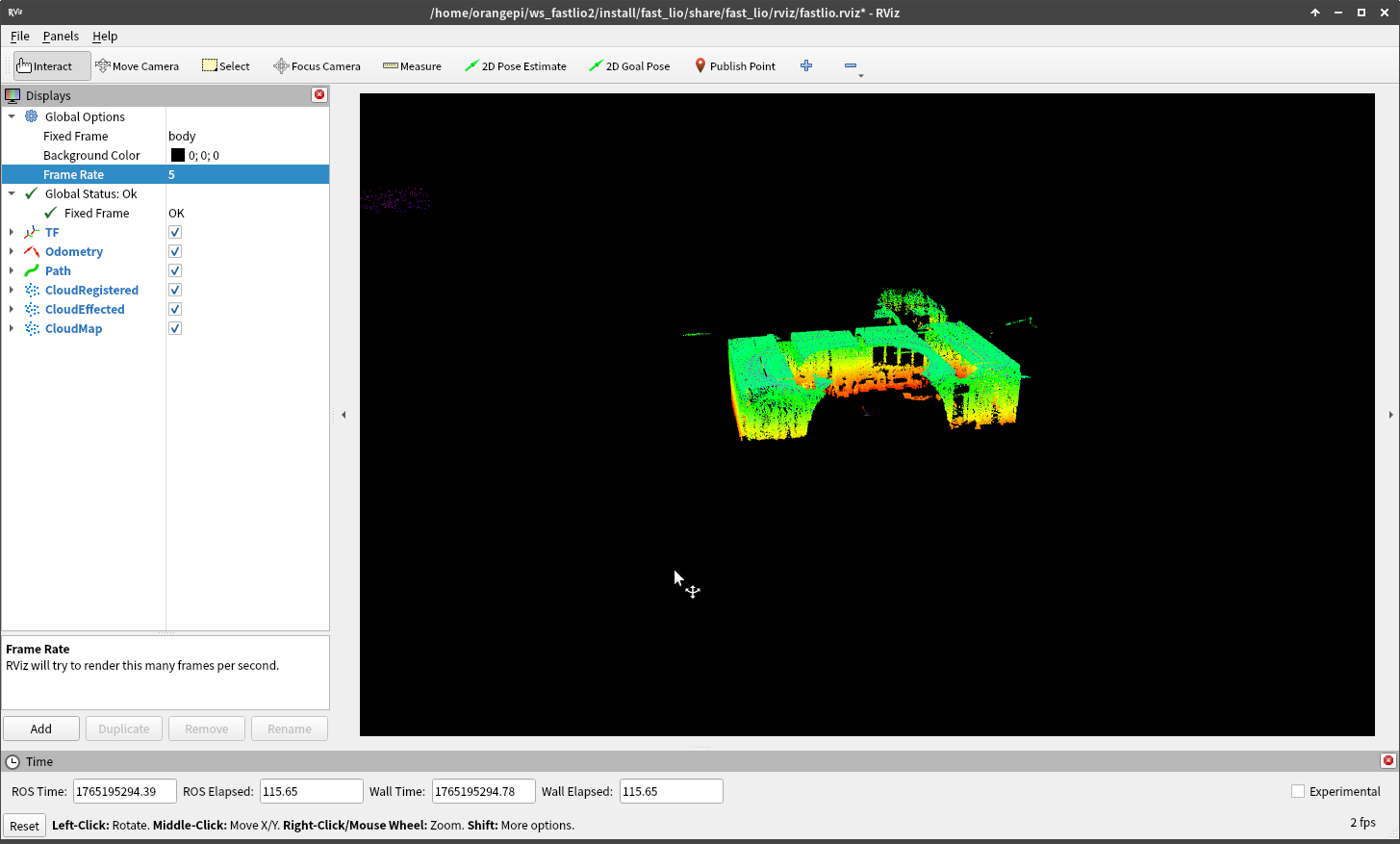
ros2 launch fast_lio mapping.launch.py
或者
cd ~/ws_fastlio2
source ./install/setup.bash # use setup.zsh if use zsh
ros2 launch fast_lio mapping.launch.py config_file:=mid360.yaml


 浙公网安备 33010602011771号