
实践操作alembic数据库迁移增删改查以及协同开发
前言:开发过程中需要用到,这边实践操作alembic数据库迁移增删改查
安装alembic
pip3 install alembic
使用alembic
根据模型model类生成数据表
alembic revision --autogenerate -m "initial migration"
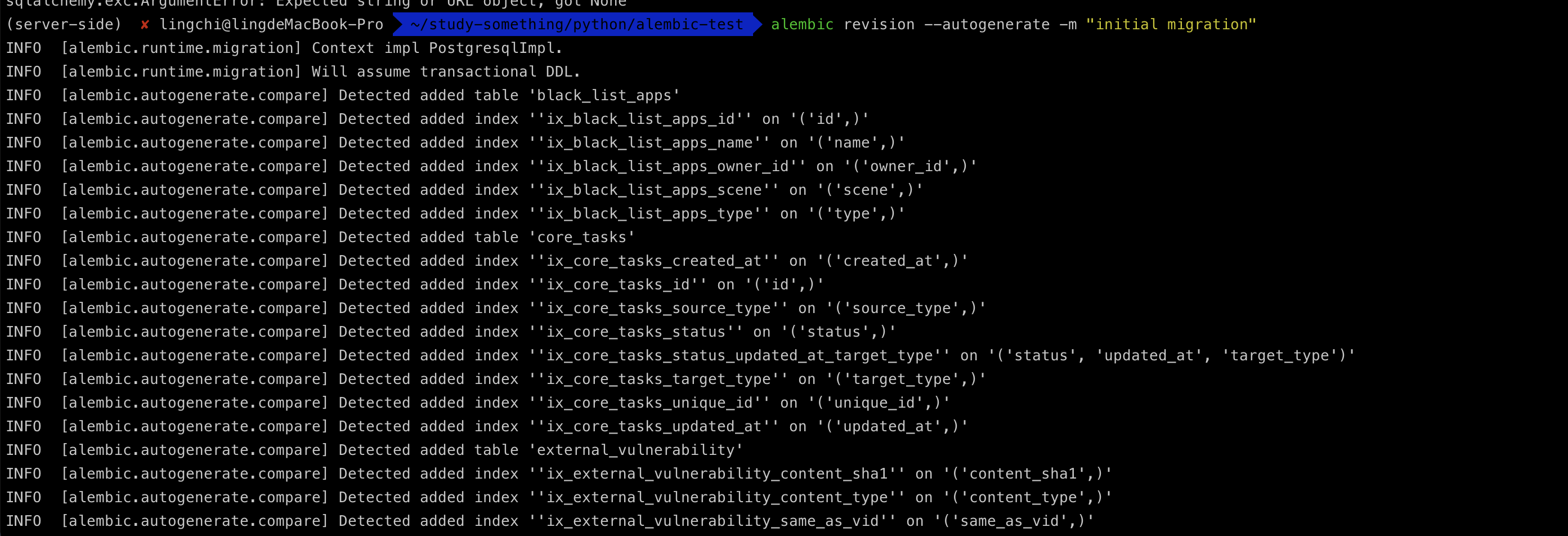
执行完上面的命令之后,alembic目录中会多出对应commit的文件,如下图所示

应用当前数据表alembic commit更新操作
alembic upgrade head

此时的数据库结构已经同步到最新情况,如下图所示

当执行完revision操作之后,对应的数据库中会有一个alembic_version表来记录版本号信息,如下图所示
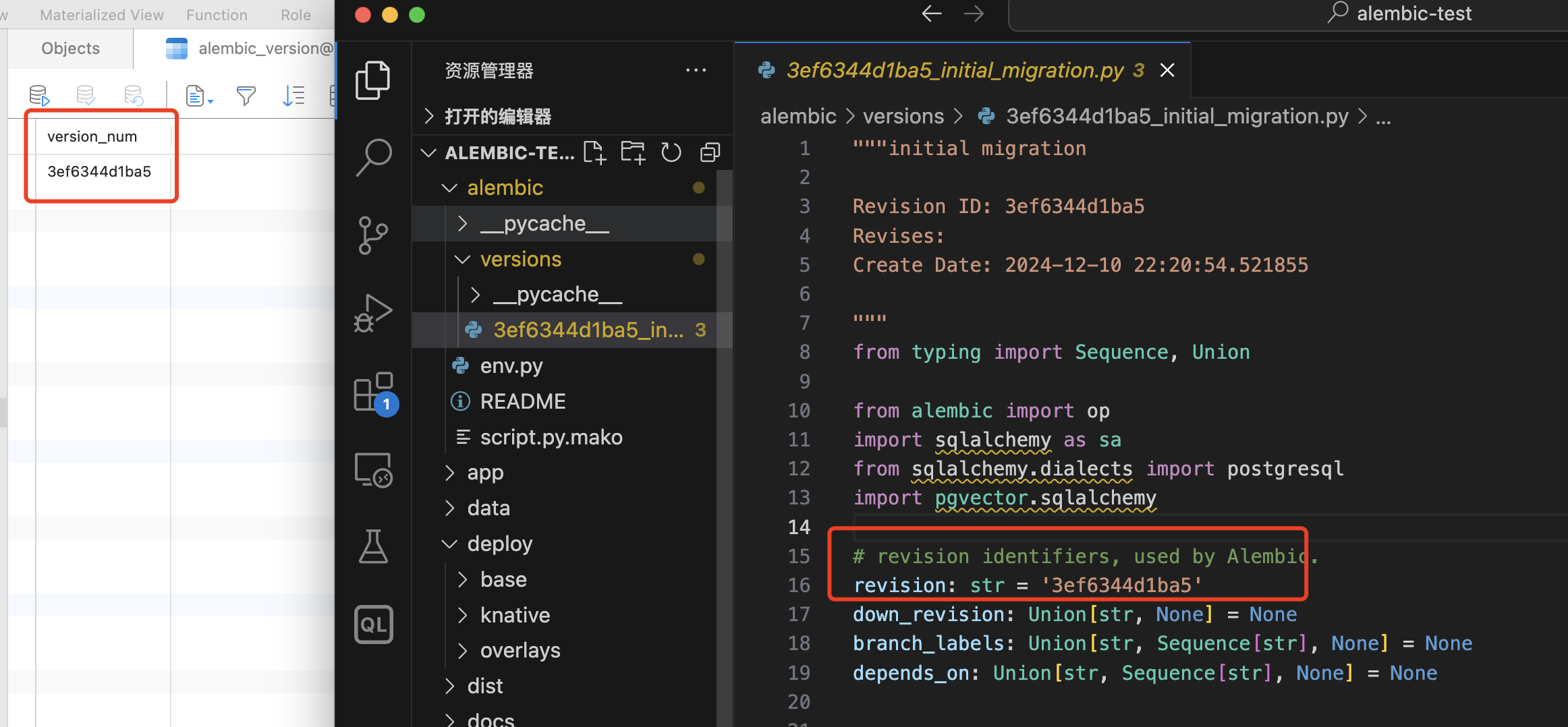
注意点,如果在执行alembic upgrade head的时候提示type "vector" does not exist情况,如下图所示

记得在pg数据库中安装相关扩展即可
CREATE EXTENSION IF NOT EXISTS vector;

现有数据库中添加新模型model数据表
此时有一个新的业务需求,需要编写一个新数据表对应的model,如下所示
class ModelTest(Base):
    __tablename__ = "modeltest"
    __table_args__ = {'comment': '指纹测试表'}

    id = Column(Integer, primary_key=True, index=True, comment="指纹ID")
    product_id = Column(Integer, ForeignKey("products.id"), comment="产品ID")
    content = Column(Text, comment="指纹内容")
    updated_at = Column(DateTime(timezone=True), onupdate=func.now(),server_default=func.now(),comment="更新时间")
    created_at = Column(DateTime(timezone=True), server_default=func.now(), comment="记录创建时间")
    deleted_at = Column(DateTime(timezone=True), comment="记录删除时间")

    product = relationship("Product", back_populates="fingerprint")
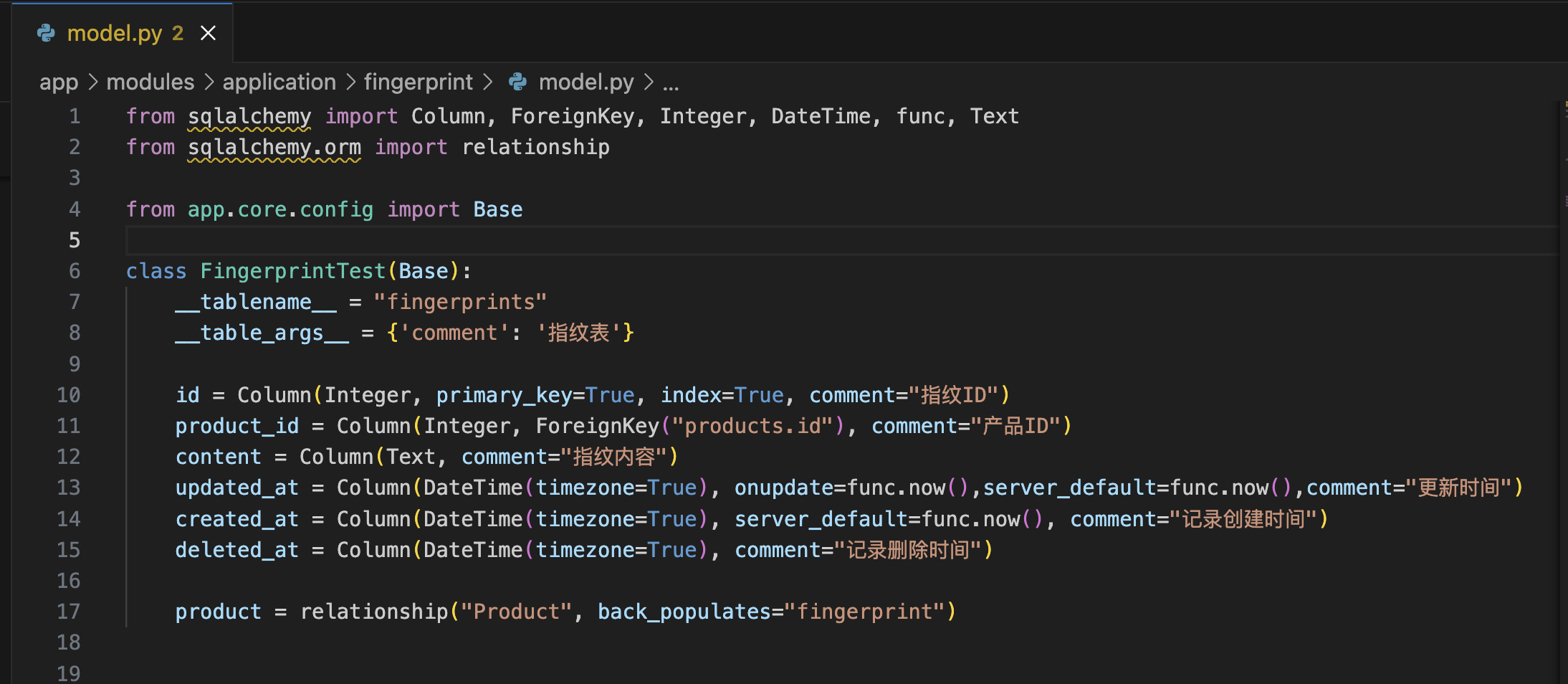
重新进行revision操作,执行如下命令
alembic revision --autogenerate -m "add modeltest demo"

应用当前数据表alembic commit更新操作
alembic upgrade head

重新查看数据库,可以看到对应的modeltest已经出现了,如下图所示

修改现在数据表字段
原modeltest类的定义如下所示
class ModelTest(Base):
    __tablename__ = "modeltest"
    __table_args__ = {'comment': '指纹测试表'}

    id = Column(Integer, primary_key=True, index=True, comment="指纹ID")
    product_id = Column(Integer, ForeignKey("products.id"), comment="产品ID")
    content = Column(Text, comment="指纹内容")
    updated_at = Column(DateTime(timezone=True), onupdate=func.now(),server_default=func.now(),comment="更新时间")
    created_at = Column(DateTime(timezone=True), server_default=func.now(), comment="记录创建时间")
    deleted_at = Column(DateTime(timezone=True), comment="记录删除时间")

    product = relationship("Product", back_populates="fingerprint")

添加一个新的content2字段来进行定义,如下所示
class ModelTest(Base):
    __tablename__ = "modeltest"
    __table_args__ = {'comment': '指纹测试表'}

    id = Column(Integer, primary_key=True, index=True, comment="指纹ID")
    product_id = Column(Integer, ForeignKey("products.id"), comment="产品ID")
    content = Column(Text, comment="指纹内容")
    content2 = Column(Text, comment="指纹内容2")
    updated_at = Column(DateTime(timezone=True), onupdate=func.now(),server_default=func.now(),comment="更新时间")
    created_at = Column(DateTime(timezone=True), server_default=func.now(), comment="记录创建时间")
    deleted_at = Column(DateTime(timezone=True), comment="记录删除时间")

    product = relationship("Product", back_populates="fingerprint")

接着执行revision命令,如下所示
alembic revision --autogenerate -m "alter content2 from ModelTest"
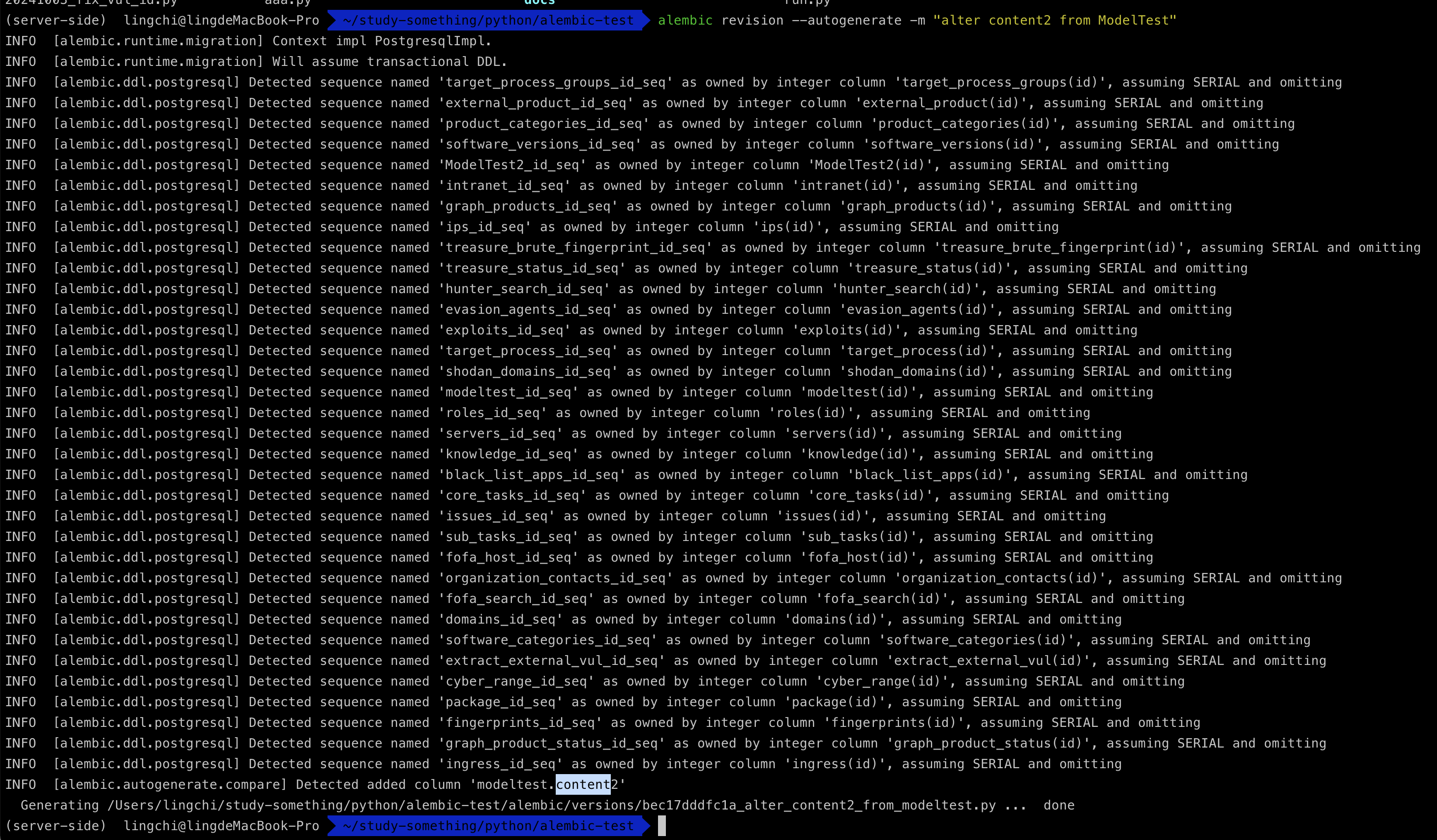
alembic upgrade head

重新观察数据表结构,可以看到多了对应的content2字段信息,如下图所示

alembic history记录追溯
查看迁移记录信息
alembic history

当我把587444e5486f (head)对应文件删除之后,可以看到由于head记录无法找到会出现无法定位报错情况
alembic revision --autogenerate -m "add modeltest demo2"

接着把删除的head文件重新放回,然后重新执行,可以看到此时已经可以重新进行迁移了,由此证明alembic追溯history是通过versions目录来进行实现的
alembic revision --autogenerate -m "add modeltest demo2"


历史记录丢失
当alembic_version表中对不上当前的的版本号的时候,就会出现下面的问题
alembic revision --autogenerate -m "initial migration"

此时解决的方法只能是重新映射数据库
alembic stamp head

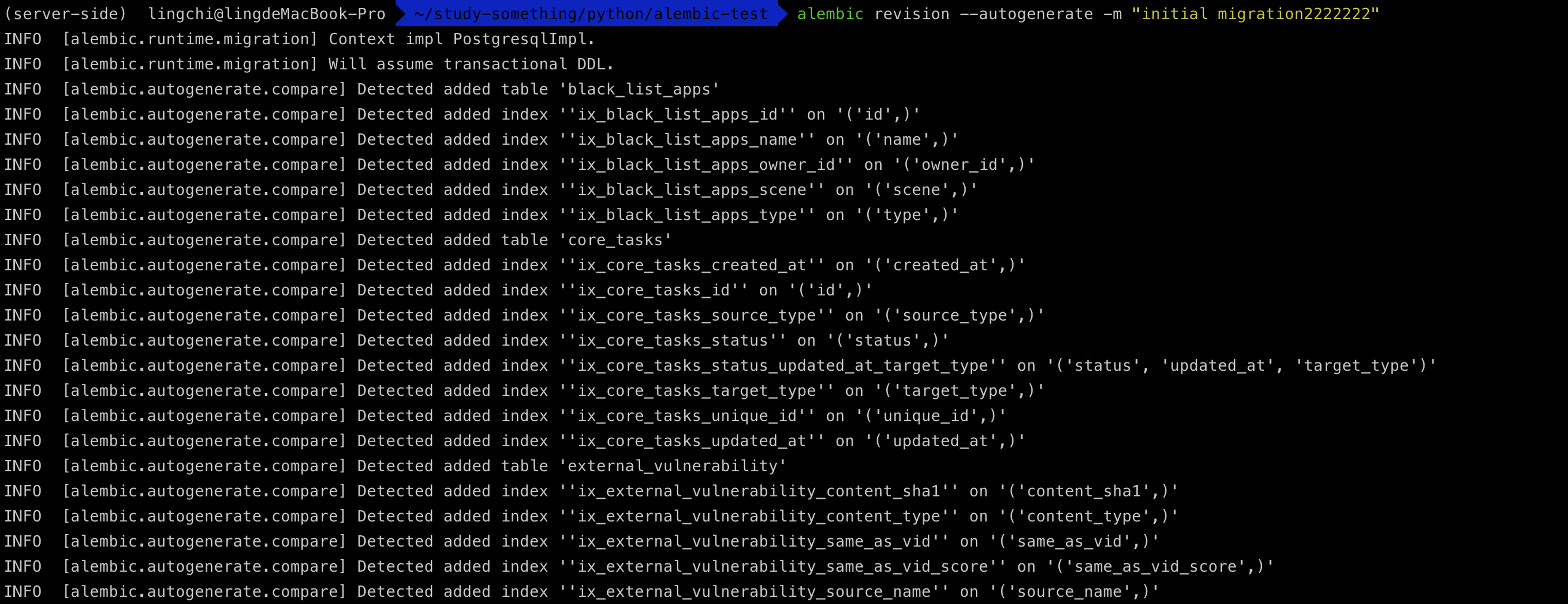
alembic revision --autogenerate -m "initial migration2222222"

模拟团队协作之间如何使用alembic开发
基础环境
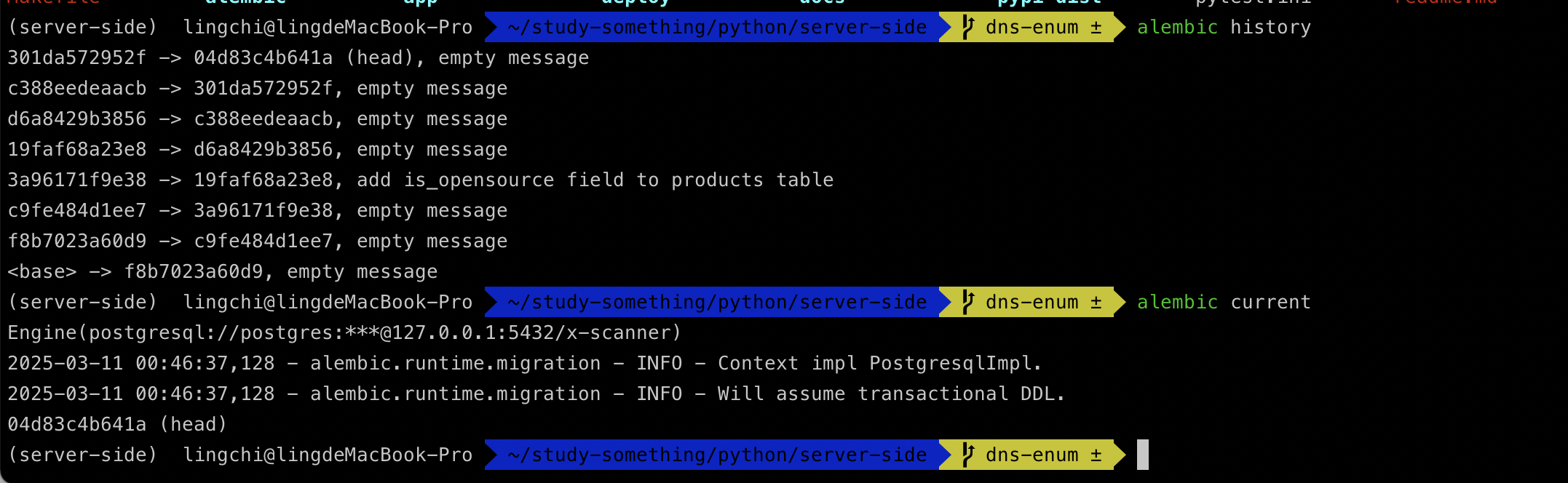
查看当前的项目最新的修订版本为04d83c4b641a (head),如下图所示
A同学
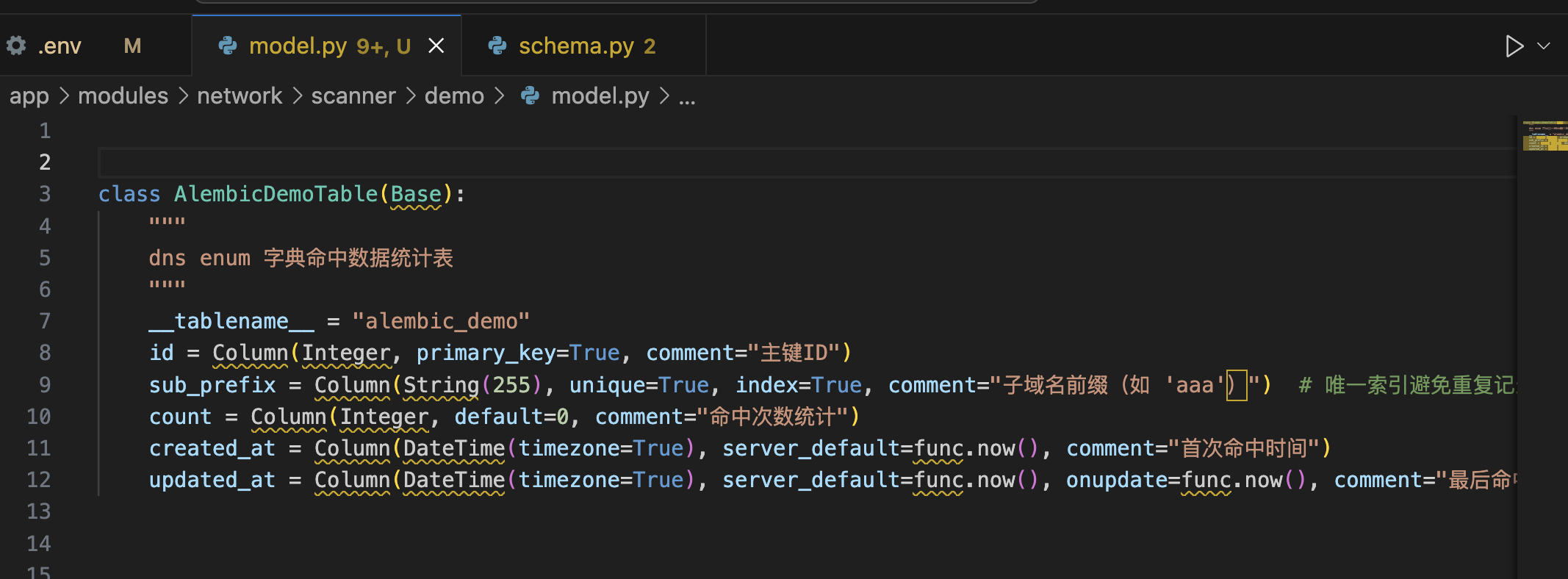
此时A同学想要新增一张数据表AlembicDemoTable来进行业务的操作,于是定义了如下所示
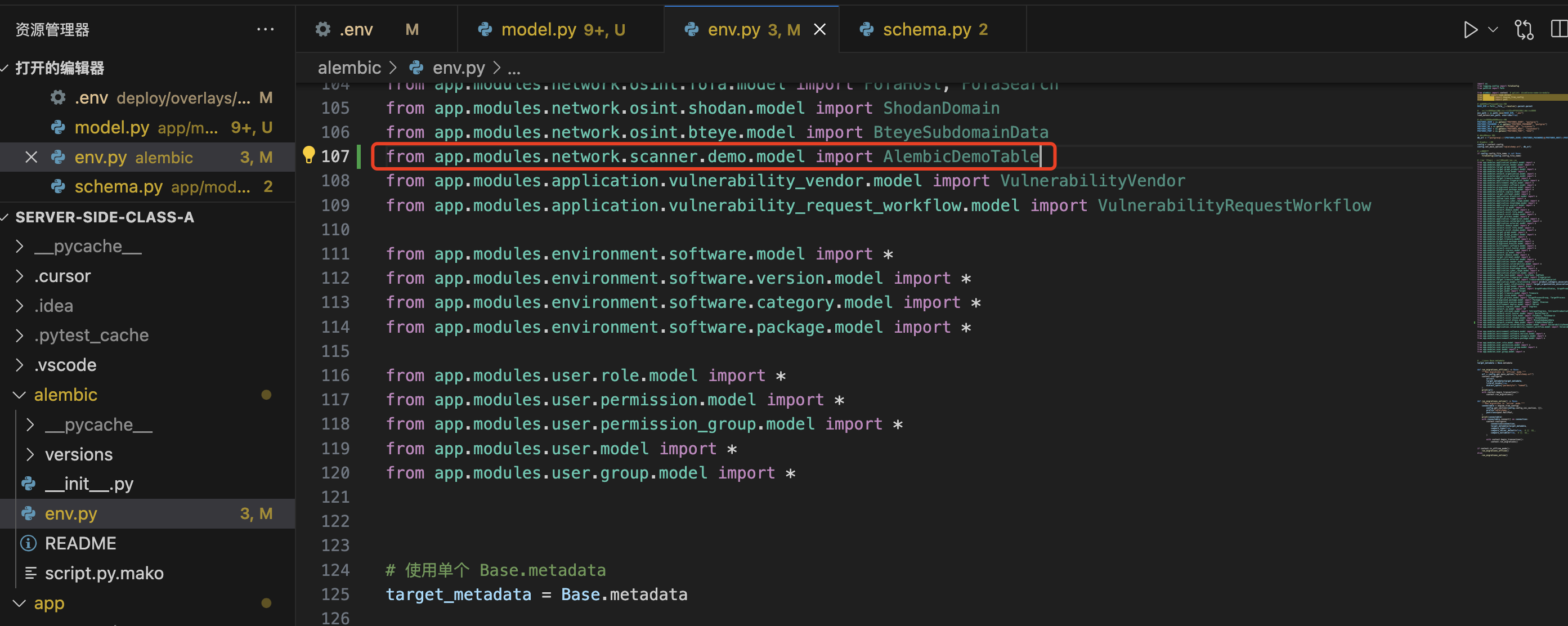
并将当前的模型定义引入到alembic的env.py中进行应用
接着执行alembic revision --autogenerate -m "add alembic_demo table"进行数据库修订

更新数据库alembic版本字段,可以看到从上一个修订版本04d83c4b641a更新到e3d54b2284d7,如下图所示
alembic upgrade head


B同学
此时B同学本地该项目同样新建了一张表AlembicDemo2Table打算进行更新到数据库中
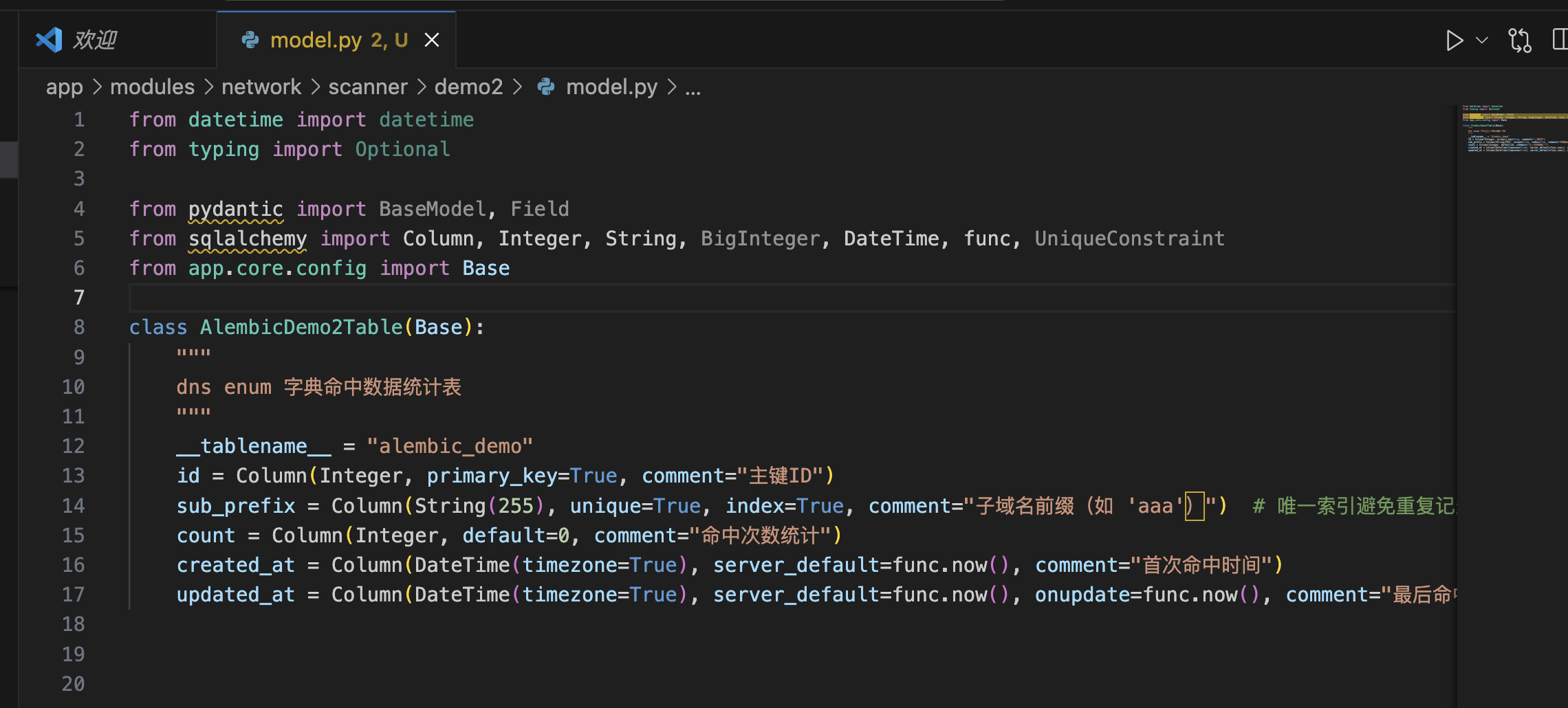
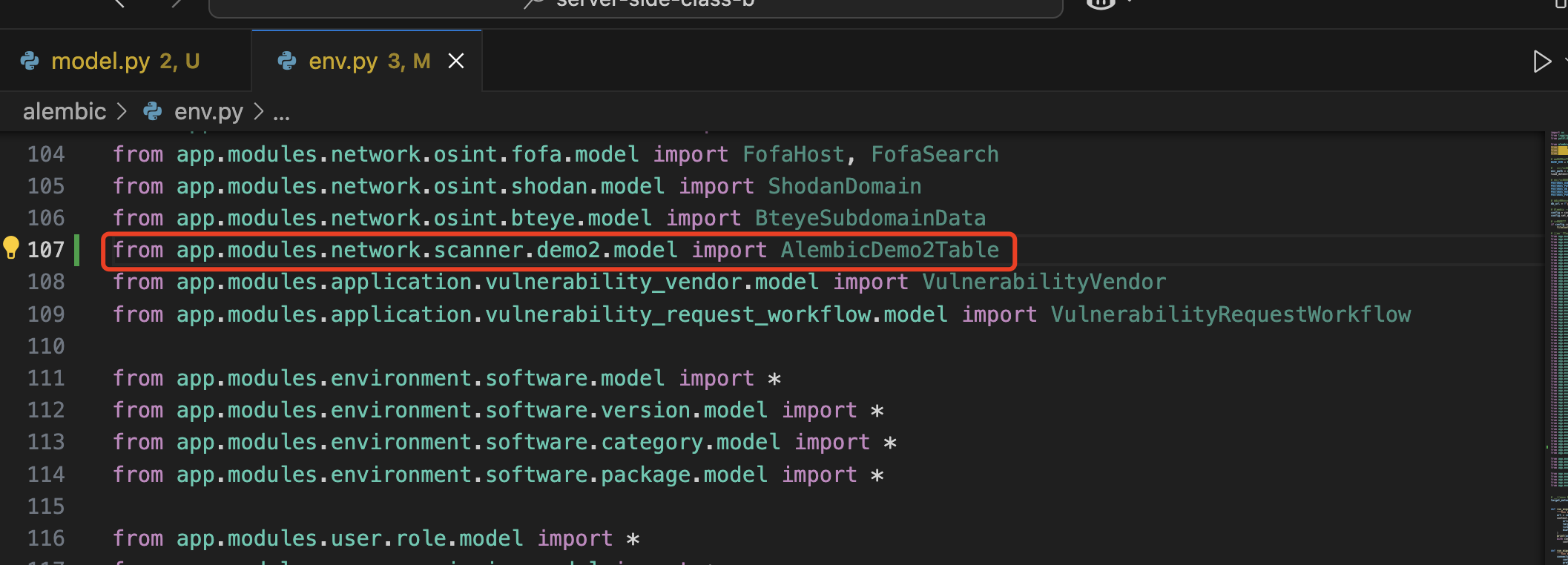
同样将当前的模型定义引入到alembic的env.py中进行应用
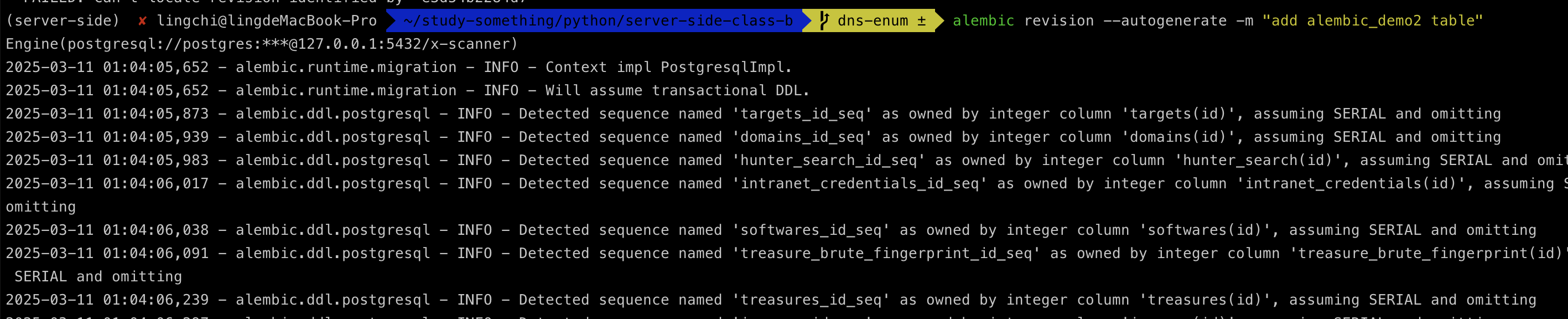
接着执行alembic revision --autogenerate -m "add alembic_demo2 table"进行数据库修订,但是会发现存在问题,找不到e3d54b2284d7的修订版本,而该版本实际上是A同学的刚修订的版本

所以B同学就需要同步A同学的修订的版本,也就是e3d54b2284d7修订版本文件,这里为了演示直接将A同学的e3d54b2284d7修订版本拿过来,放入到B同学的alembic文件夹中进行同步
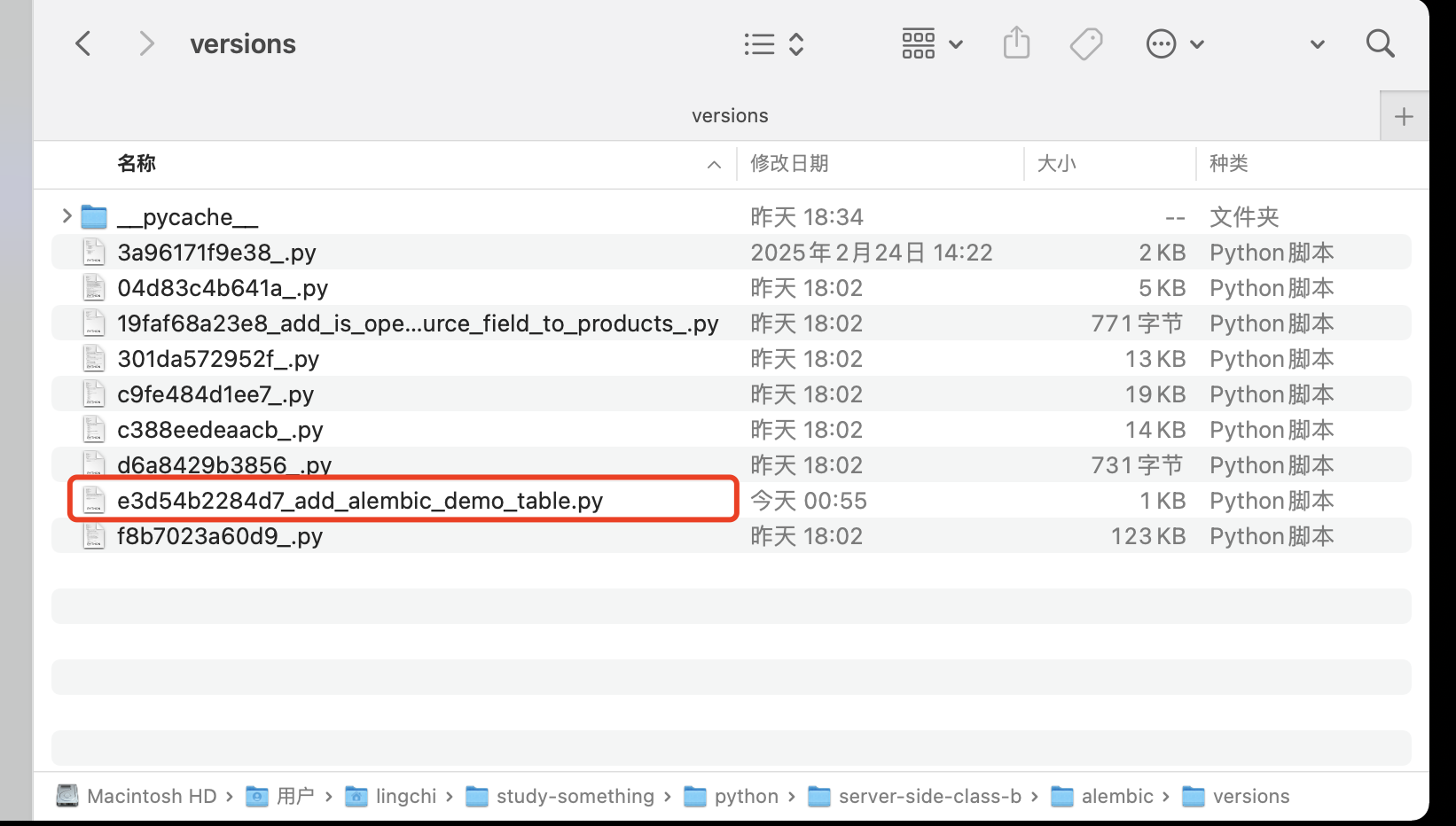
接着B同学继续执行alembic revision --autogenerate -m "add alembic_demo2 table"进行数据库修订,发现此时已经同步了A同学的修订版本,并且将自己的表也同步到了数据库中
B同学继续执行alembic upgrade head

至此关于alembic的协同工作结束

 浙公网安备 33010602011771号