

Ubuntu22.04下MaxKB中接入Ollama发生API URL域名不存在问题 (Ollama以DeepSeek1.5b为例)
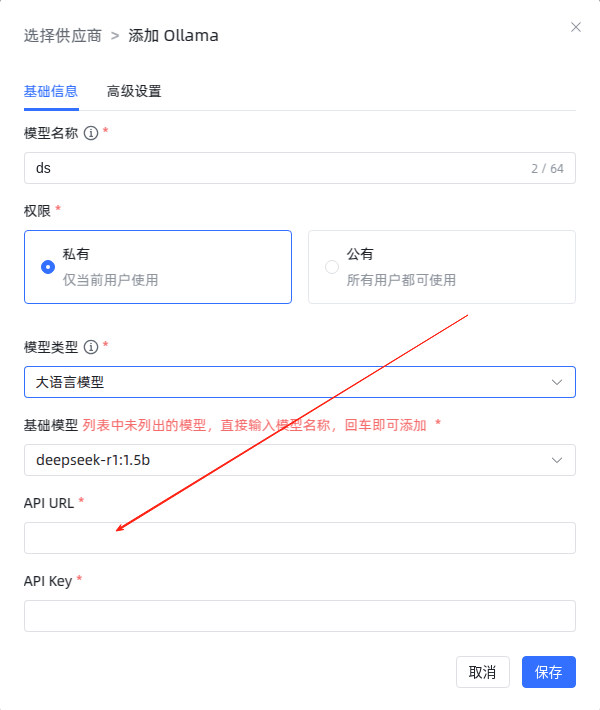
实验环境: Ollama下的DeepSeek(详情请戳链接)、MaxKB(详情链接)
问题原因:Ollama未关闭默认地址绑定。
解决方案:
OLLAMA_HOST=0.0.0.0 ollama serve
出现错误:

解决方式:
This will stop the Ollama service immediately.
sudo systemctl stop ollama
Since Ollama is likely managed by systemd, disable it so it doesn't restart:
sudo systemctl disable ollama
Check if anything is still running on port 11434:
sudo lsof -i :11434
If there’s no output, the port is free.
Now, restart Ollama with remote access enabled:
OLLAMA_HOST=0.0.0.0 ollama serve
成功
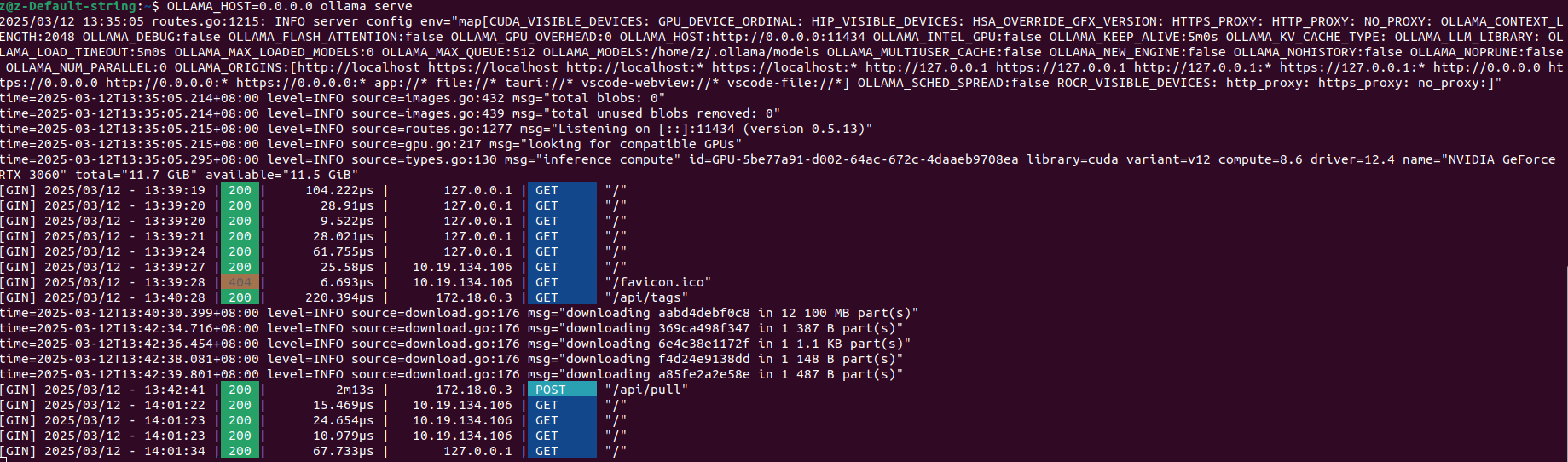
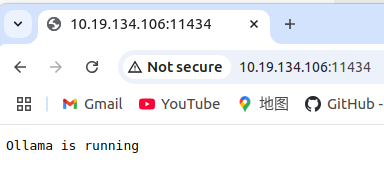
大功告成
When to Re-enable Ollama in systemd
If you want Ollama to start automatically every time you restart your computer, you can re-enable it with:
sudo systemctl enable ollama
sudo systemctl start ollama
However, this will start Ollama on localhost (127.0.0.1), not 0.0.0.0`. If you want remote access at boot, you need to edit the systemd service file.
How to Start Ollama with Remote Access at Boot
1️⃣ Open the Ollama systemd service file for editing:
本文来自博客园,作者:z_s_s,转载请注明原文链接:https://www.cnblogs.com/zhoushusheng/p/18767508

 浙公网安备 33010602011771号