

YOLOv8 实现目标检测
YOLOv8 实现目标检测
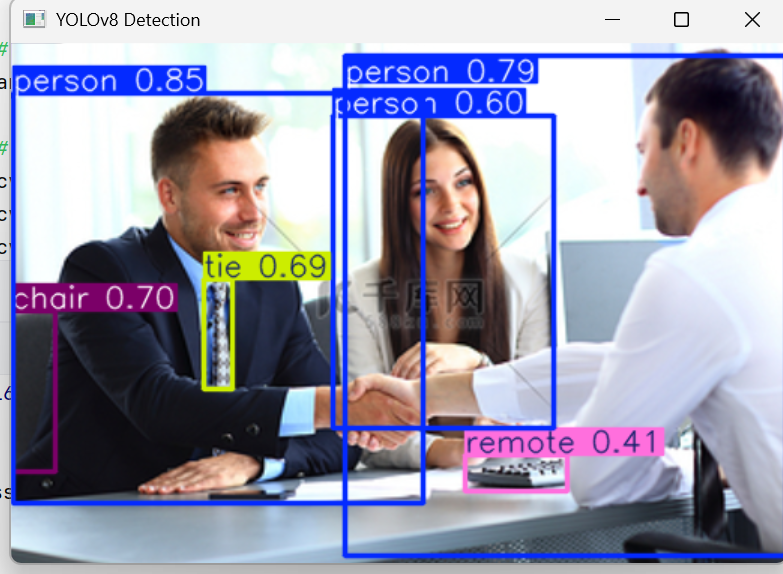
YOLOv8 目标检测非常简单,只需几行代码即可完成。
1. 加载模型
from ultralytics import YOLO
model = YOLO("yolov8n.pt")
2. 对图片进行检测
results = model("test.jpg")
results[0].show()  # 显示带框图片
3. 获取检测框信息
for box in results[0].boxes:
    cls = int(box.cls)
    conf = float(box.conf)
    x1, y1, x2, y2 = box.xyxy[0]
    print(cls, conf, x1, y1, x2, y2)
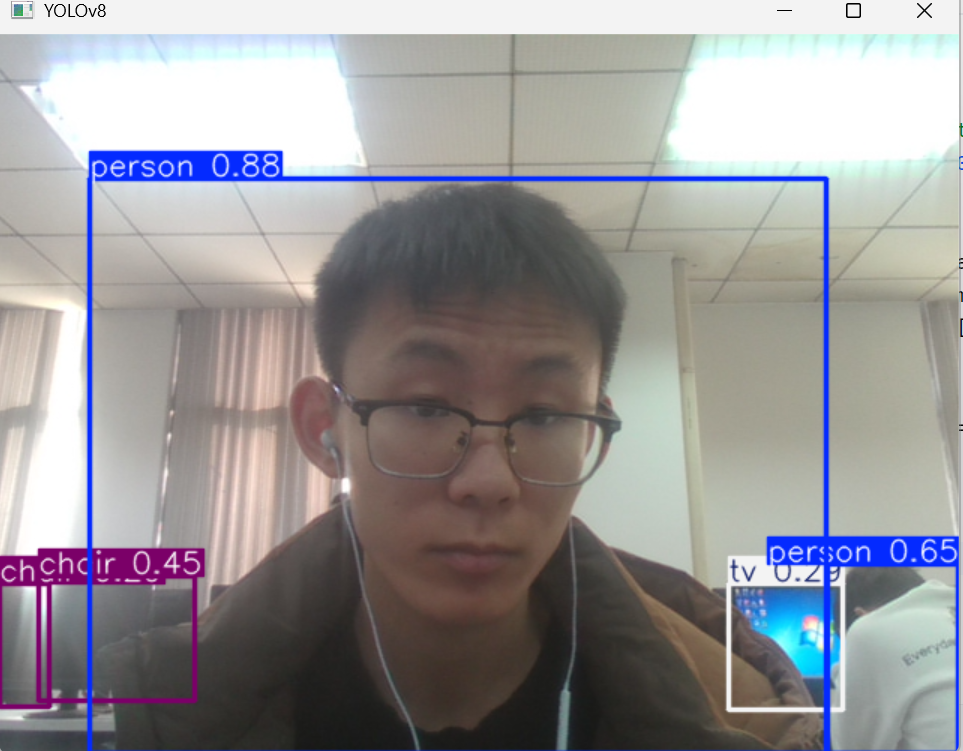
4. 对摄像头实时检测
import cv2
from ultralytics import YOLO

model = YOLO("yolov8n.pt")
cap = cv2.VideoCapture(0)

while True:
    ret, frame = cap.read()
    results = model(frame)
    annotated = results[0].plot()
    cv2.imshow("YOLOv8", annotated)

    if cv2.waitKey(1) == ord("q"):
        break

cap.release()
cv2.destroyAllWindows()

 浙公网安备 33010602011771号