一、下载
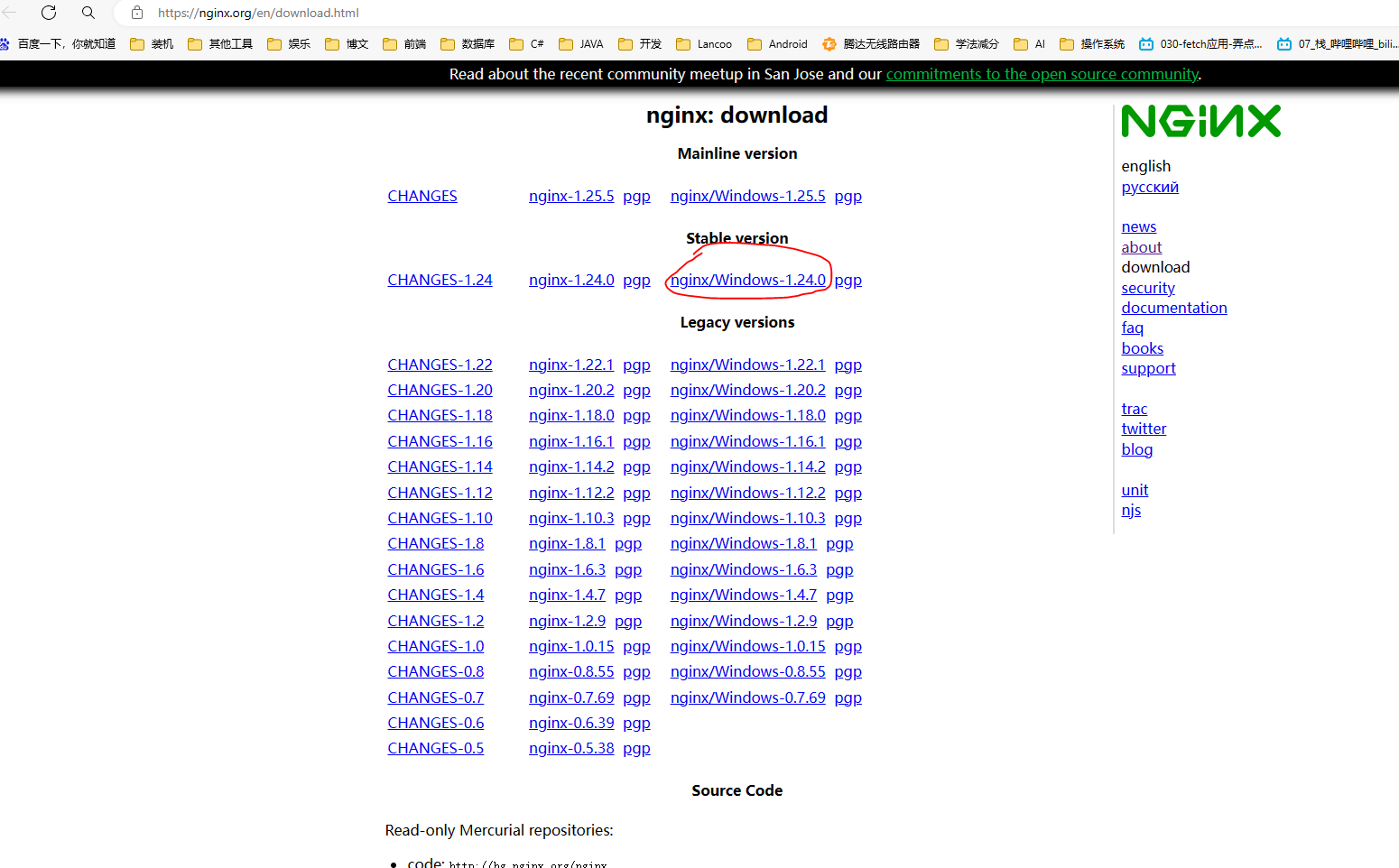
Nginx下载:nginx: download
Mainline version:当前 最新版本/开发 的版本
Stable version:稳定版的最新版本
Legacy versions:旧/以往 版本
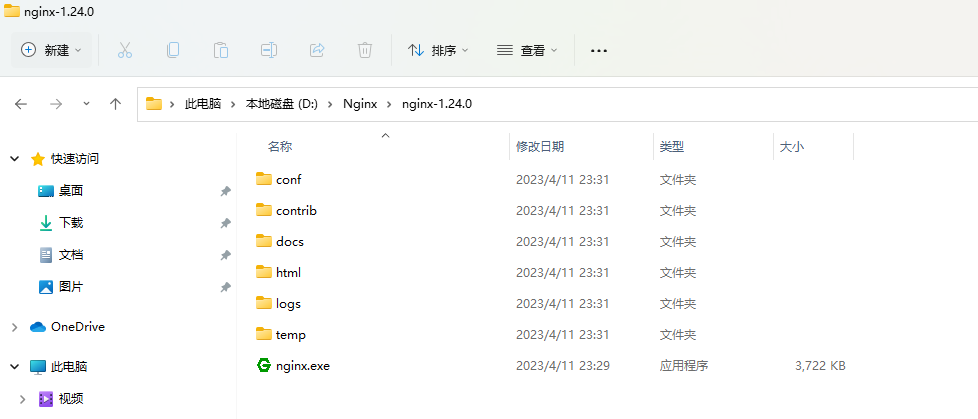
解压文件后,文件目录如下:
二、配置
1.默认配置
./conf/nginx.conf
.......
server {
   listen       80;    # 监听的端口号
   server_name  localhost;  # 线上域名(IP地址)
  ..........
}
.......
2.配置反向代理--负载均衡
注:详情请跳转查看((三)Nginx一网打尽:动静分离、压缩、缓存、黑白名单、跨域、高可用、性能优化...想要的这都有! (qq.com)),本文仅作笔记记录
./conf/nginx.conf
upstream nginx_boot{
   # 30s内检查心跳发送两次包,未回复就代表该机器宕机,请求分发权重比为100:200
   server 192.168.0.0:8080 weight=100 max_fails=2 fail_timeout=30s;
   server 192.168.0.0:8090 weight=200 max_fails=2 fail_timeout=30s;
   # 这里的IP请配置成你WEB服务所在的机器IP
  # 如果修改了分发权重,可以通过“nginx -s reload”进行重启,它仅仅是加载配置文件,其主进程和工作进程并不会停止并重新启动。
}

server {
    location / 可以补充相对应的路径以作区分多个部署{
        root   html;
        # 配置一下index的地址,最后加上index.ftl。
        index  index.html index.htm index.jsp index.ftl;
        proxy_set_header Host $host;
        proxy_set_header X-Real-IP $remote_addr;
        proxy_set_header X-Forwarded-For $proxy_add_x_forwarded_for;
        # 请求交给名为nginx_boot的upstream上
        proxy_pass http://nginx_boot;
    }
}
server {
        listen       80;
        server_name  localhost;
        # 重新定义nginx首页
        location / {
            root   webpage;
            index  index.html index.htm;
        }
        # 重新导向后台接口
        location /api {
            proxy_pass  http://localhost:8080/api;
        }
        error_page   500 502 503 504  /50x.html;
        location = /50x.html {
            root   html;
        }
    }
待续。。。

 浙公网安备 33010602011771号