

anaconda安装+切换python版本
已下载python
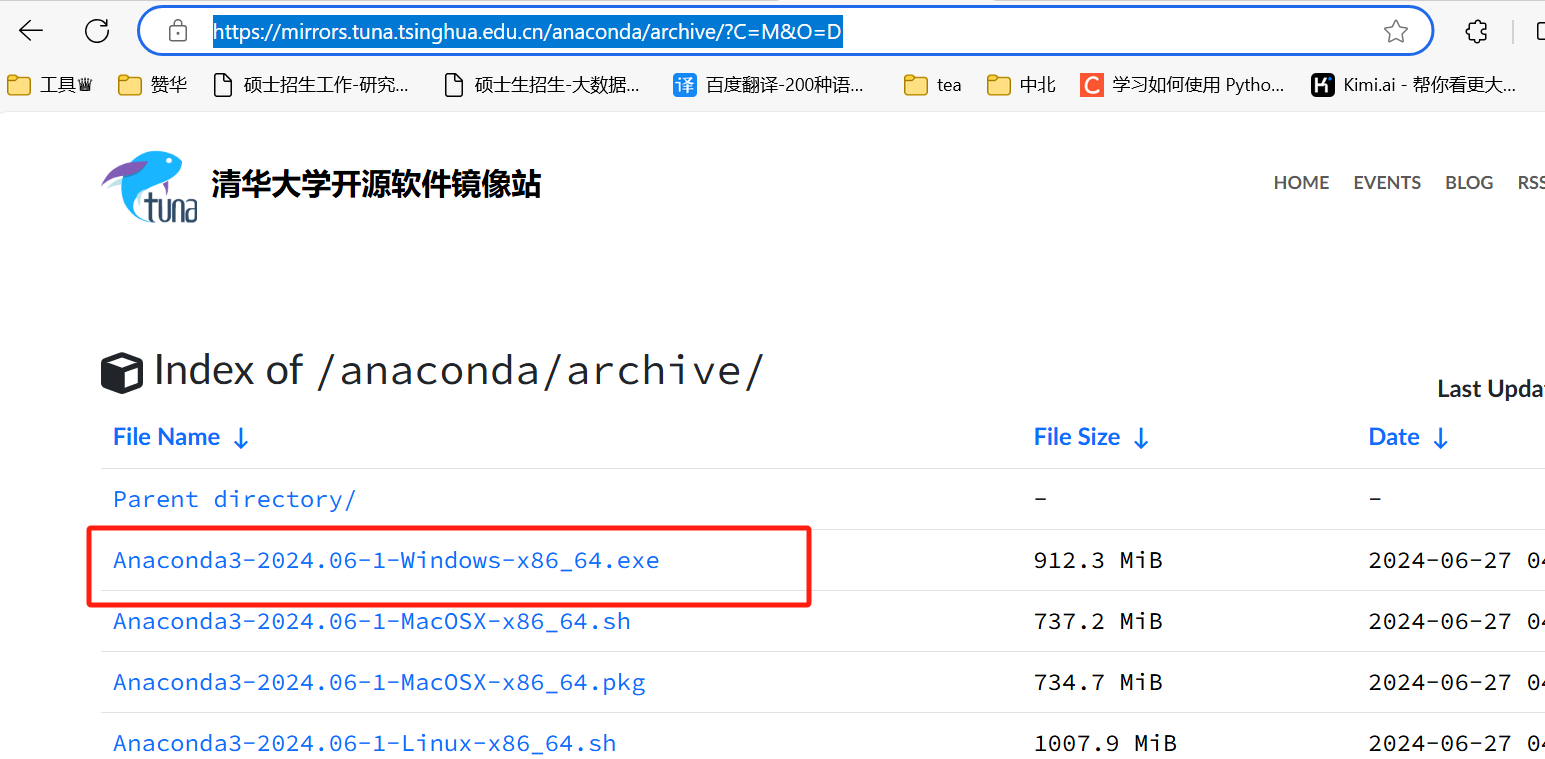
1.下载anaconda
https://mirrors.tuna.tsinghua.edu.cn/anaconda/archive/?C=M&O=D
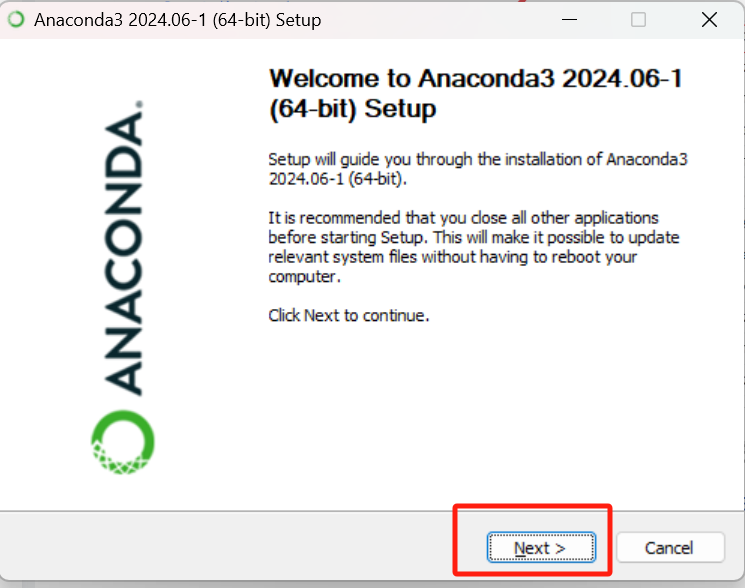
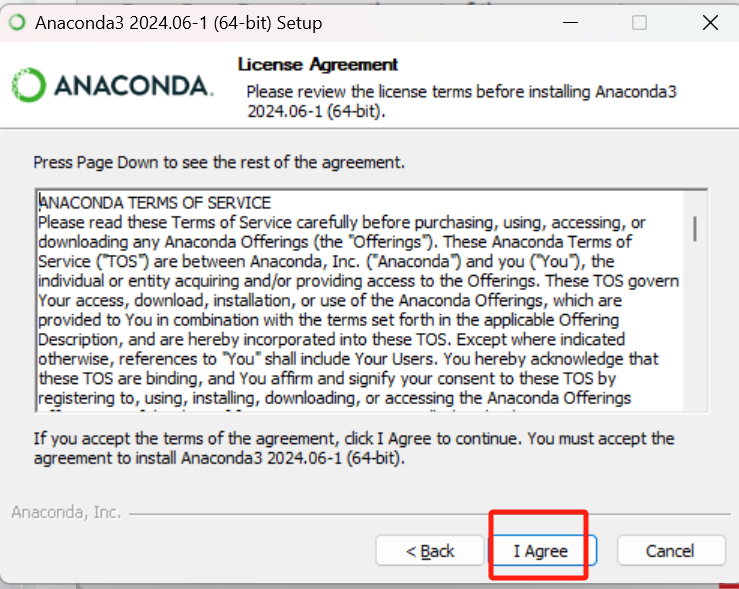
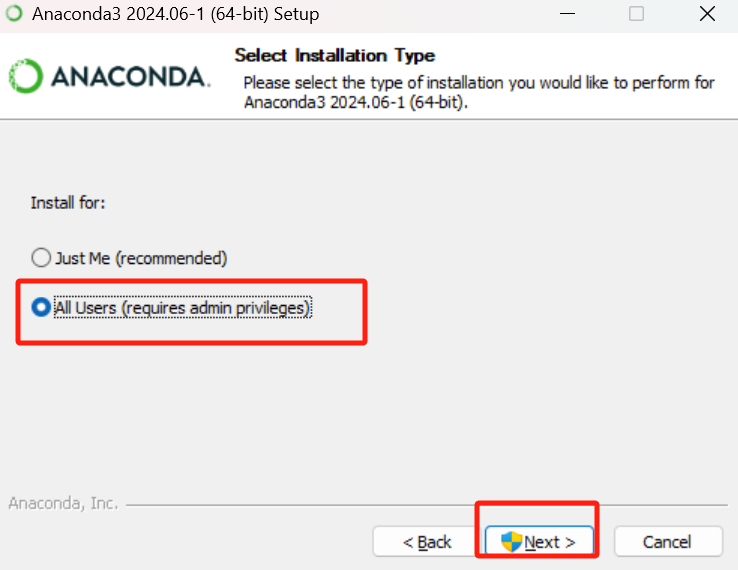
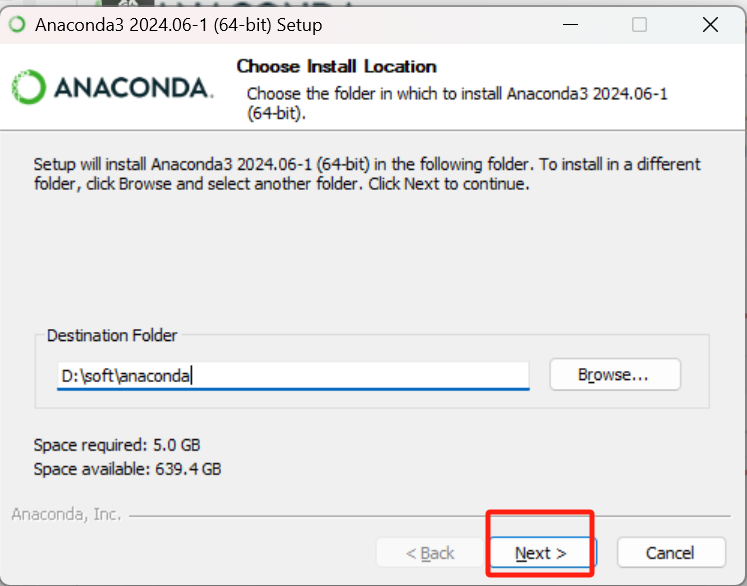
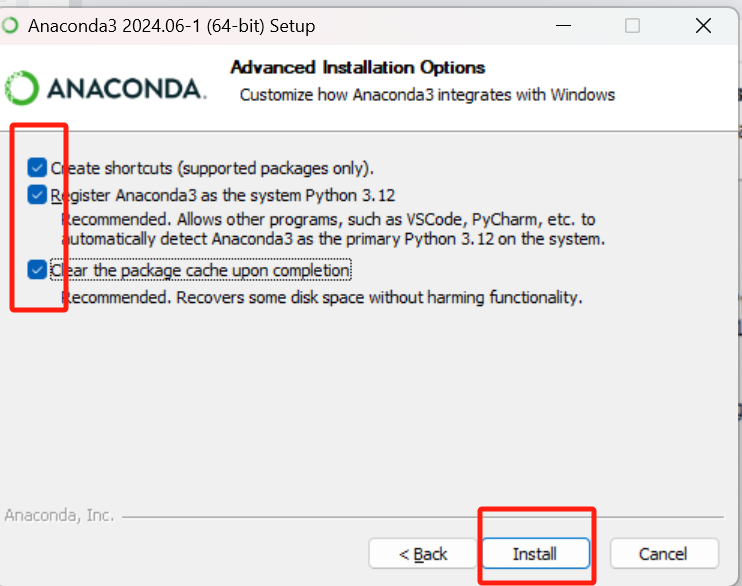
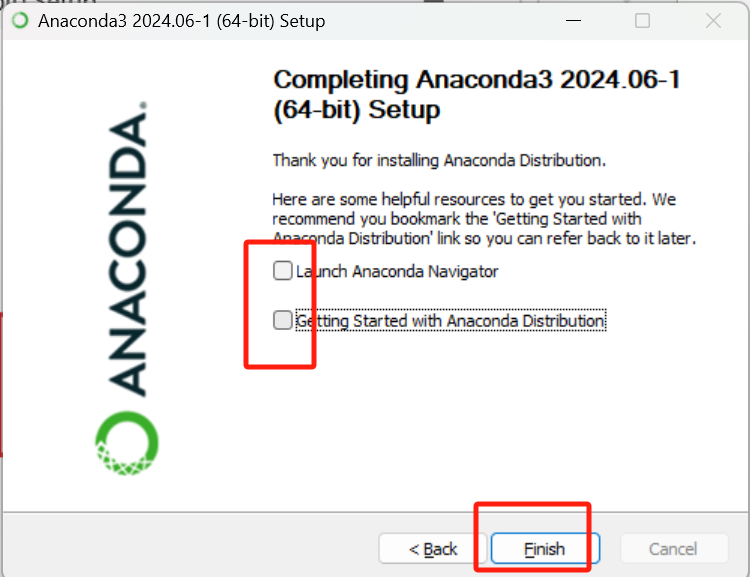
2.配置环境变量
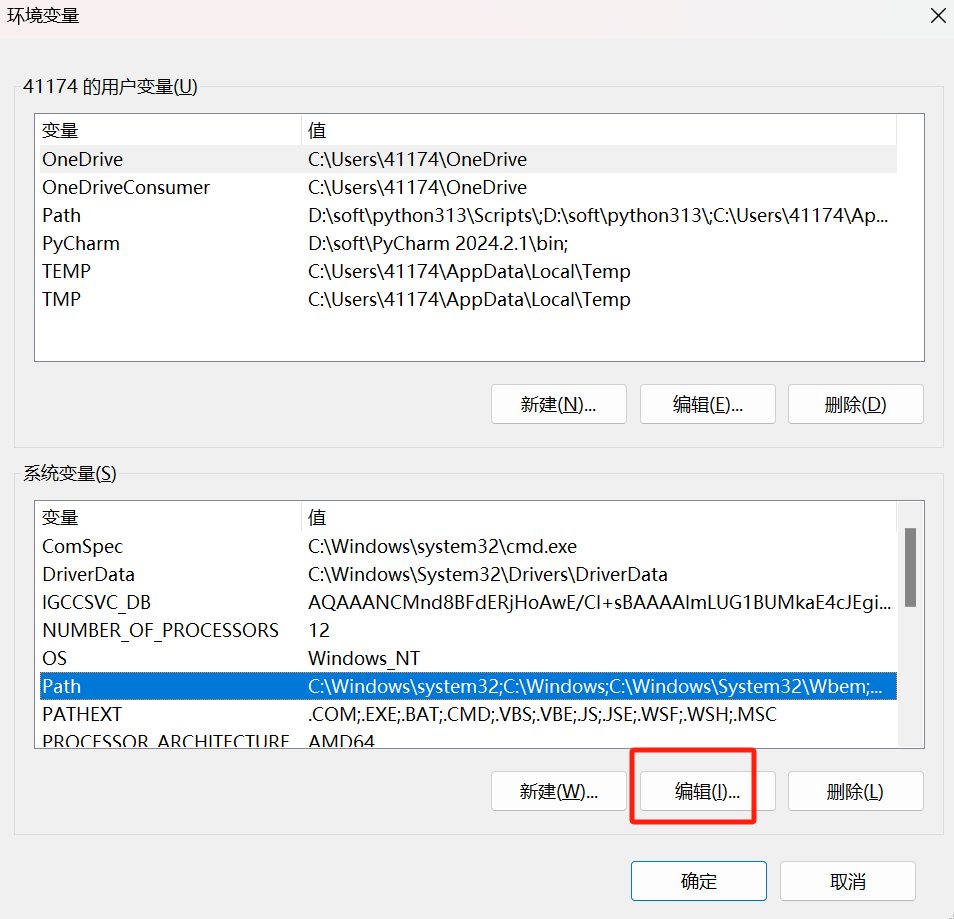
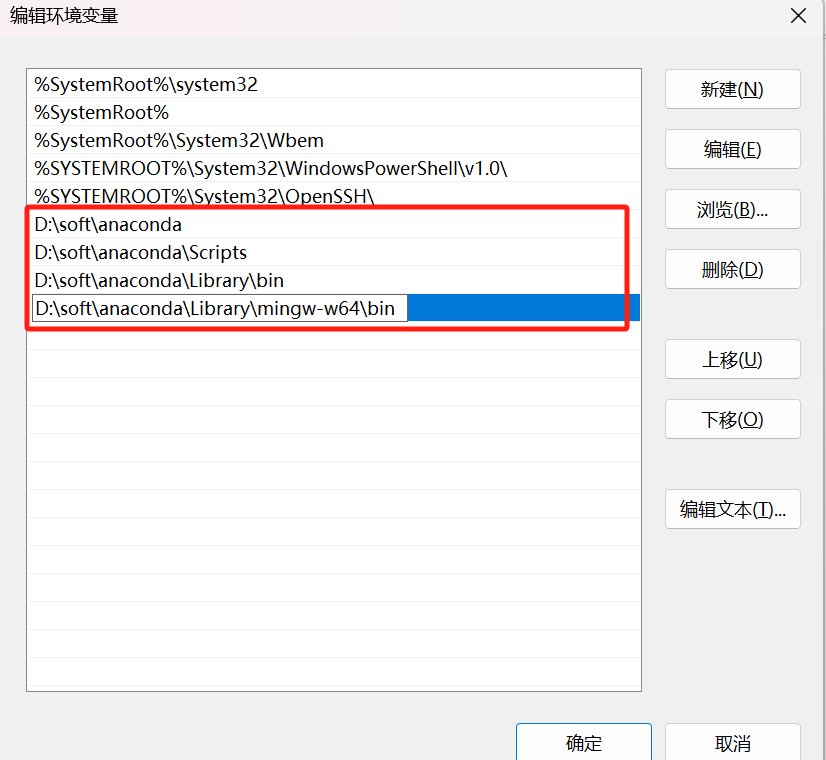
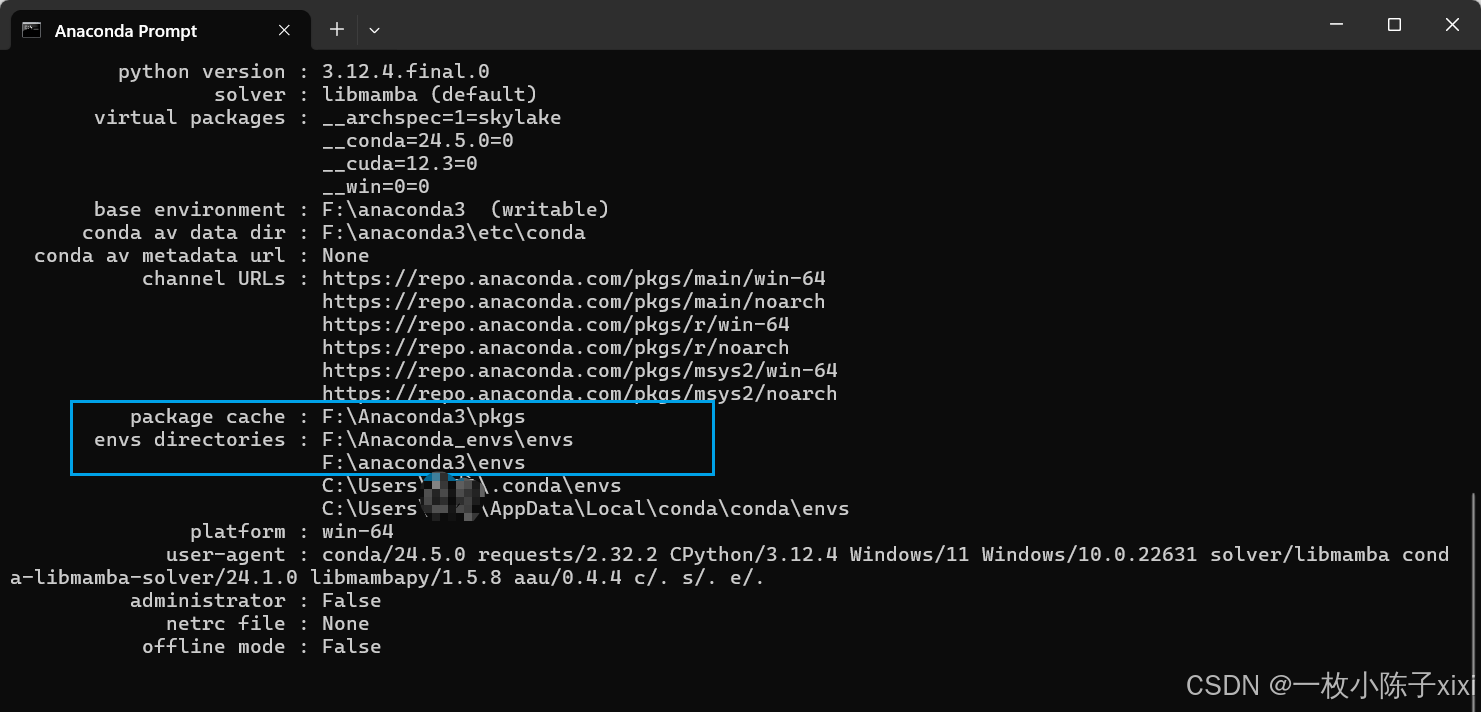
3.Anaconda默认环境保存路径和下载源修改
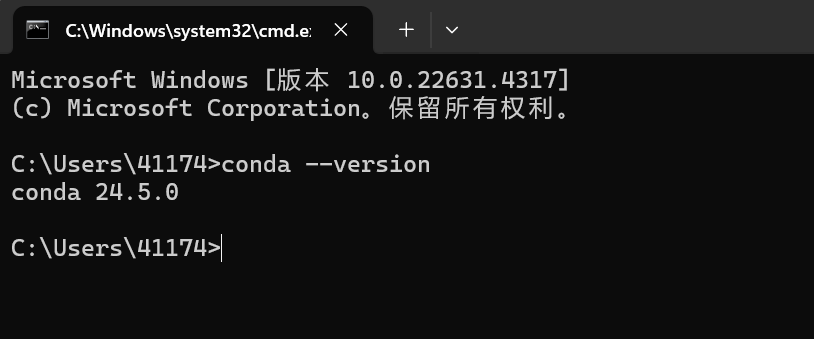
输入
 envs_dirs:
  - F:\Anaconda3\envs
pkgs_dirs:
  - F:\Anaconda3\pkgs
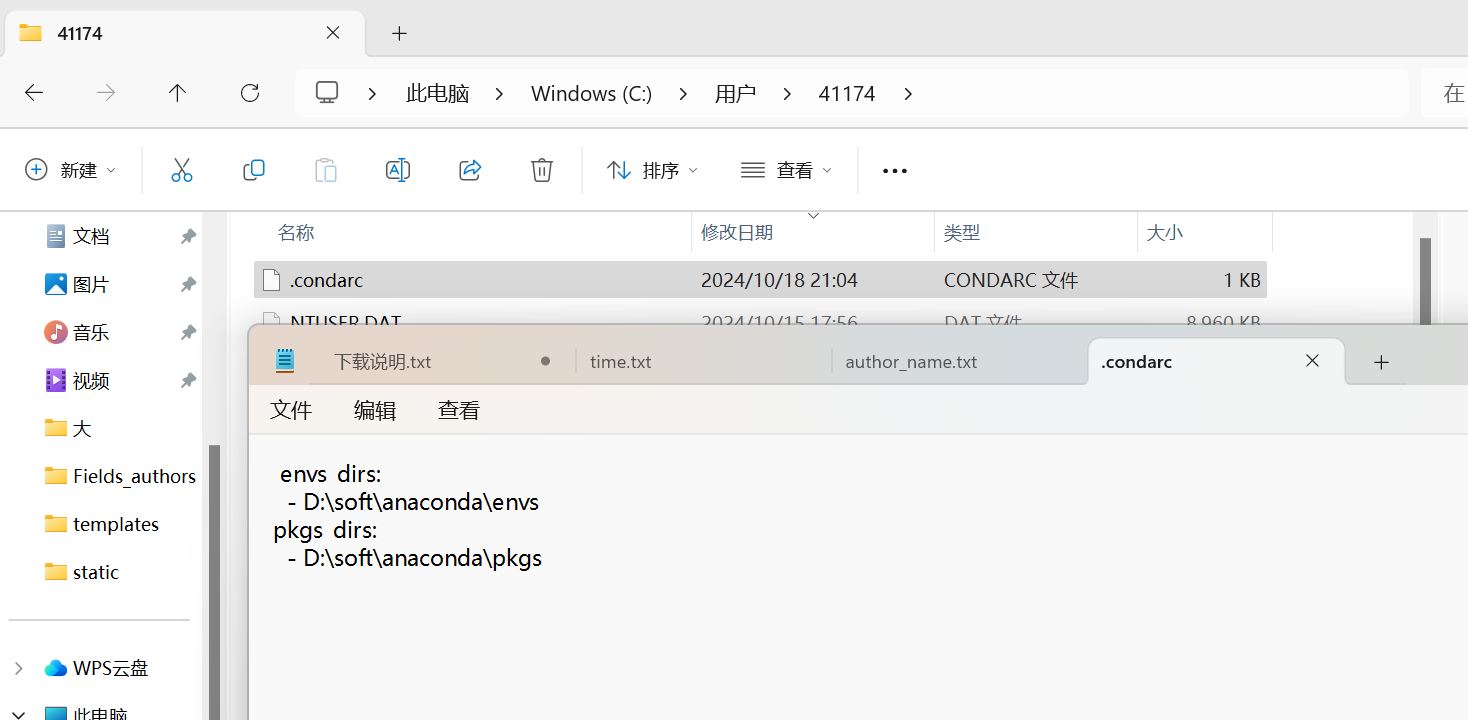
打开anaconda prompt
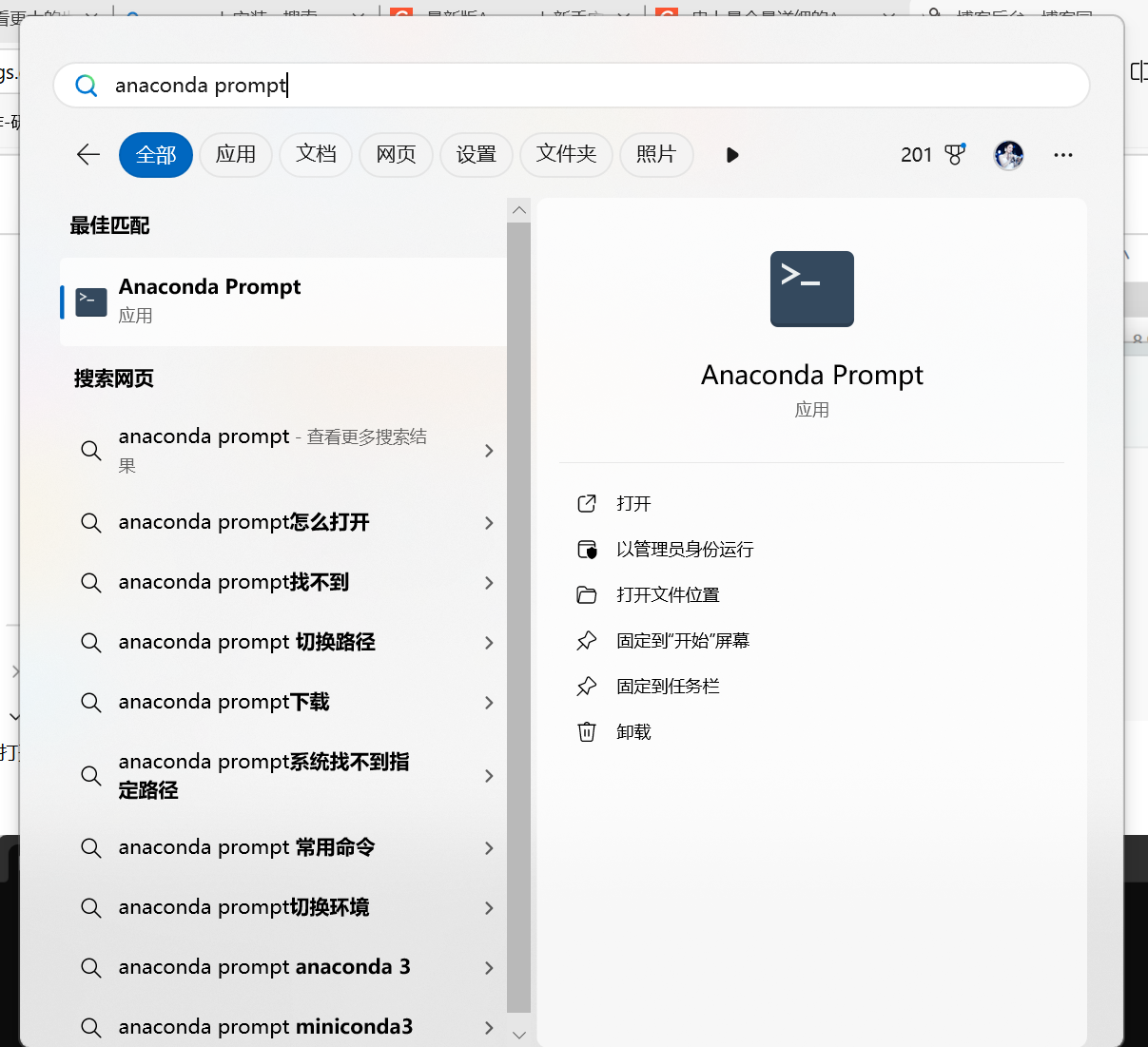
输入
# 添加清华源
conda config --add channels https://mirrors.tuna.tsinghua.edu.cn/anaconda/pkgs/free/
conda config --add channels https://mirrors.tuna.tsinghua.edu.cn/anaconda/cloud/conda-forge/
conda config --add channels https://mirrors.tuna.tsinghua.edu.cn/anaconda/cloud/pytorch/

# 添加阿里云镜像源
conda config --add channels https://mirrors.aliyun.com/anaconda/pkgs/free/
conda config --add channels https://mirrors.aliyun.com/anaconda/pkgs/main/

# 添加中科大源
conda config --add channels https://mirrors.ustc.edu.cn/anaconda/pkgs/free/
conda config --add channels https://mirrors.ustc.edu.cn/anaconda/pkgs/main/
conda config --add channels https://mirrors.ustc.edu.cn/anaconda/cloud/conda-forge/
conda config --add channels https://mirrors.ustc.edu.cn/anaconda/cloud/msys2/
conda config --add channels https://mirrors.ustc.edu.cn/anaconda/cloud/bioconda/
conda config --add channels https://mirrors.ustc.edu.cn/anaconda/cloud/menpo/


# (可选)设置搜索时显示通道地址
conda config --set show_channel_urls yes
命令行conda info

4.切换,激活,退出虚拟环境(管理员运行cmd)
查看虚拟环境
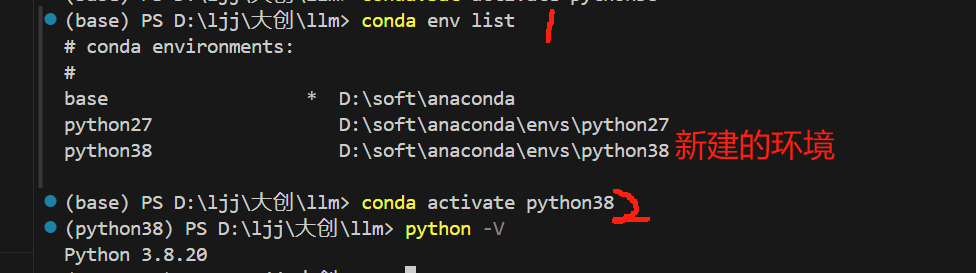
conda info -e 或者 conda-env list
创建虚拟环境
conda create -n python27 python=2.7
我们看到Anaconda安装目录查看envs文件夹下的python27
激活虚拟环境
activate python27
保留原生python
1)在Anaconda安装目录下的envs文件内新建一个名为python_ori的文件(没有envs文件夹就自己新建)
2)将原生python整个安装目录复制python_ori(想要用的python版本文件)
cmd后激活切换至原生的python: activate python_ori
查询版本号: python -V
退出虚拟环境:
conda deactivate
vscode中切换python版本
1.下载python新版本
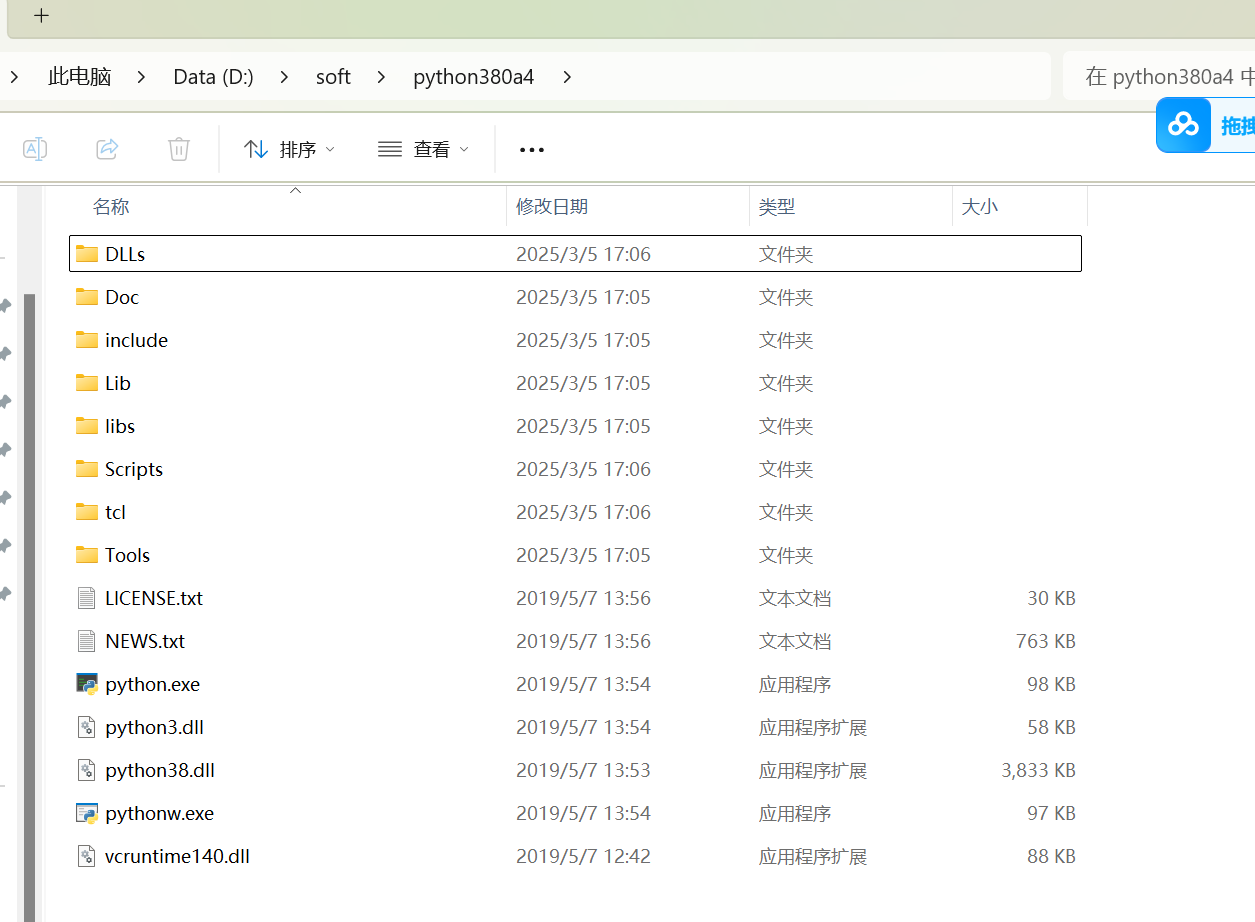
2.设置新版本环境
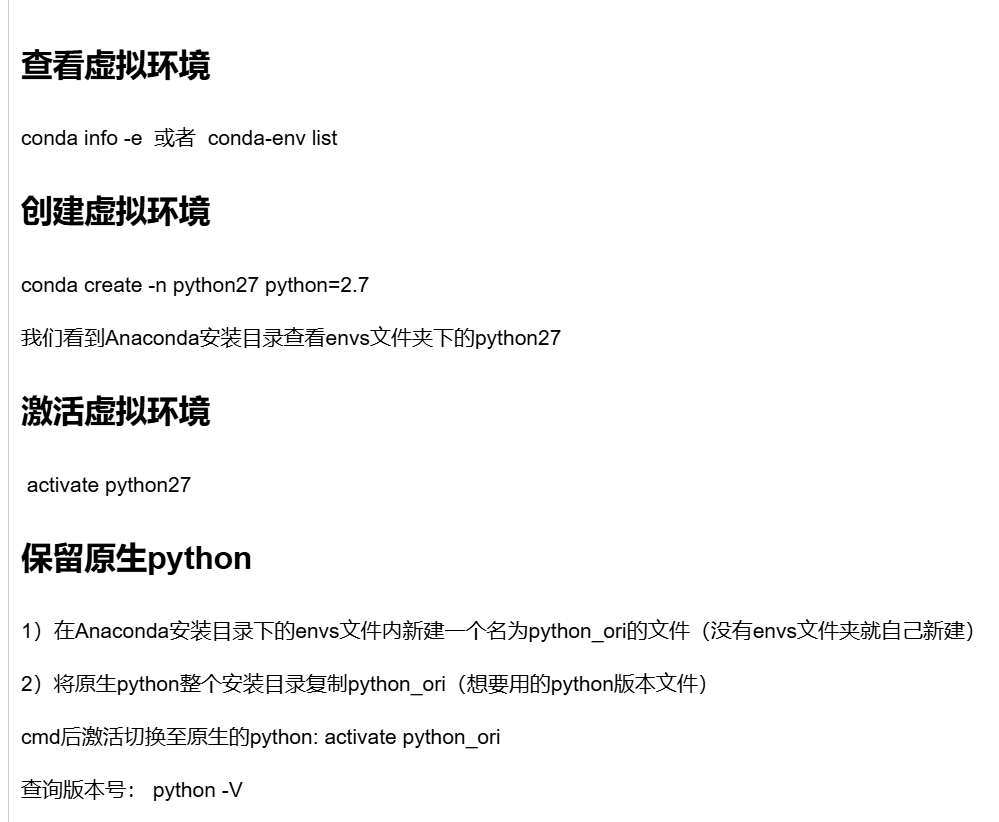
3.使用新版本

 浙公网安备 33010602011771号