<!DOCTYPE html>
<html>

<head>
  <meta charset=" utf-8">
  <meta name="author" content="http://www.softwhy.com/" />
  <title></title>
  <style type="text/css">
/* 通配符选择器 匹配页面中所有的元素*/
*{padding:0px; margin: 0px;font-size: 20px;}
body{
  height: 3000px;
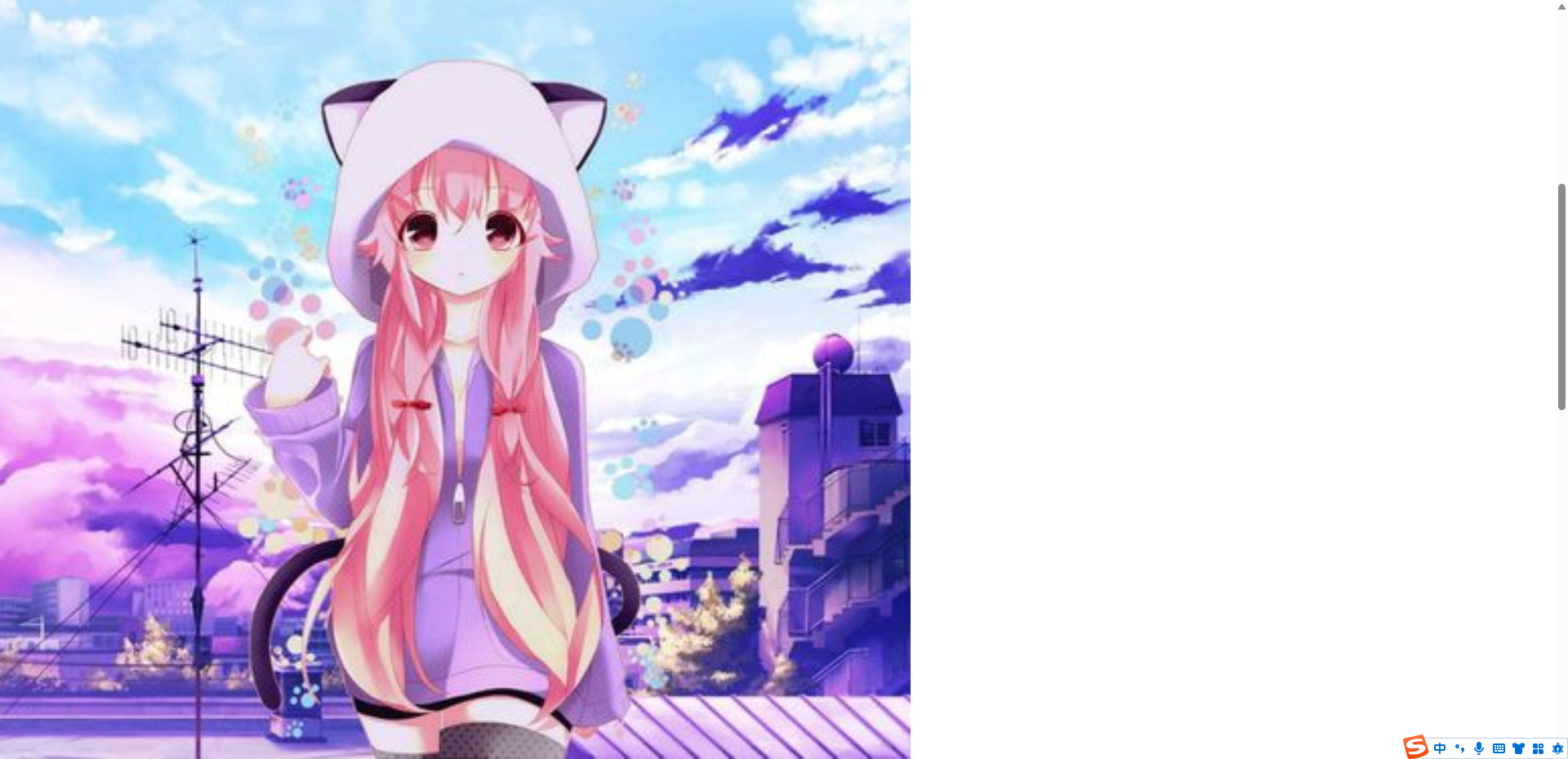
  background-image: url('../06image/10.jpg');
  background-size: contain;
  /* 第一个值 宽度  第二个值 高度
  只写一个值 另一个值默认auto,自动根据原始比例缩放
  contain:让背景图片按照自身比例缩放,直到全部显示在盒子内部
  如果比例与盒子宽高不符合,会造成空白
  cover:让背景图片等比例缩放,直到全部铺满盒子,不会造成空白,
  如果比例与盒子宽高不符合,会造成一部分显示不出来
   */
  background-repeat: no-repeat;
  /* 背景关联:scroll默认,随滚动条动   fixed页面中有滚动条时,背景图不动
   background-attachment为fixed时,background-position 以body为参考
   */
  background-attachment:fixed;
  }
div{width: 400px;height: 400px;
/* background: blue; */
/* 两两相同可简写 #ff0099  #f09
    rgb/rgba(支持透明色)  0-255  a 0-1
 */
/* background-color: rgba(0,0,255,0.5); */
/* 背景图片不是内容,img是内容,元素 */
background-image: url('image/1.jpg');
/* 规定背景图片不重复 */
background-repeat: no-repeat;
/*  规定背景图片竖直重复*/
/* background-repeat:repeat-y ; */
/*  规定背景图片的位置  top left right bottom center
                      具体值
                      百分比,百分比根据元素框
    当只写一个值时,第二个默认center
*/
/* 以盒子为参考 */
background-position: center;
background-position: top right;/*右上角 */
background-position: 20px 30px;/*左 上*/
background-position: 50% 50%;
/* 背景复合写法:背景图片 背景重复 背景位置 背景颜色 背景关联 */
/* background: url('./image/1.jpg') no-repeat center red fixed; */

}
  </style>
</head>

<body>
  <div></div>

</body>

</html>



 浙公网安备 33010602011771号