

linux 中 当前目录存在目录和文件时,如何仅仅列出目录或者仅仅列出文件
001、 列出目录
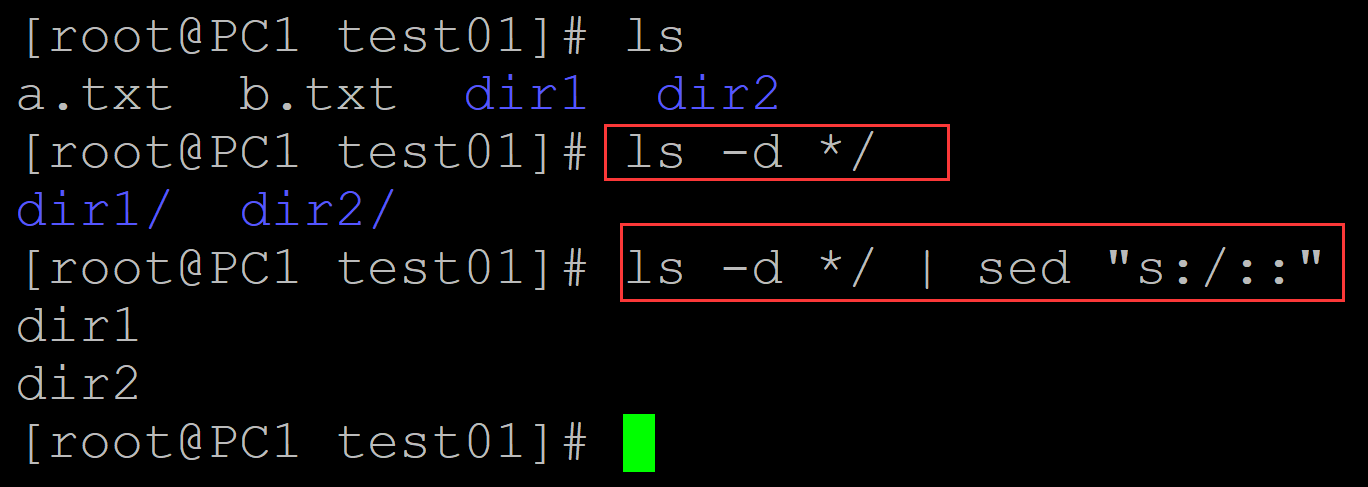
[root@PC1 test01]# ls        ## 测试环境,包括目录和文件
a.txt  b.txt  dir1  dir2
[root@PC1 test01]# ls -d */    ## 仅仅列出目录
dir1/  dir2/
[root@PC1 test01]# ls -d */ | sed "s:/::"    ## 去除末尾的/
dir1
dir2
。
002、 列出目录
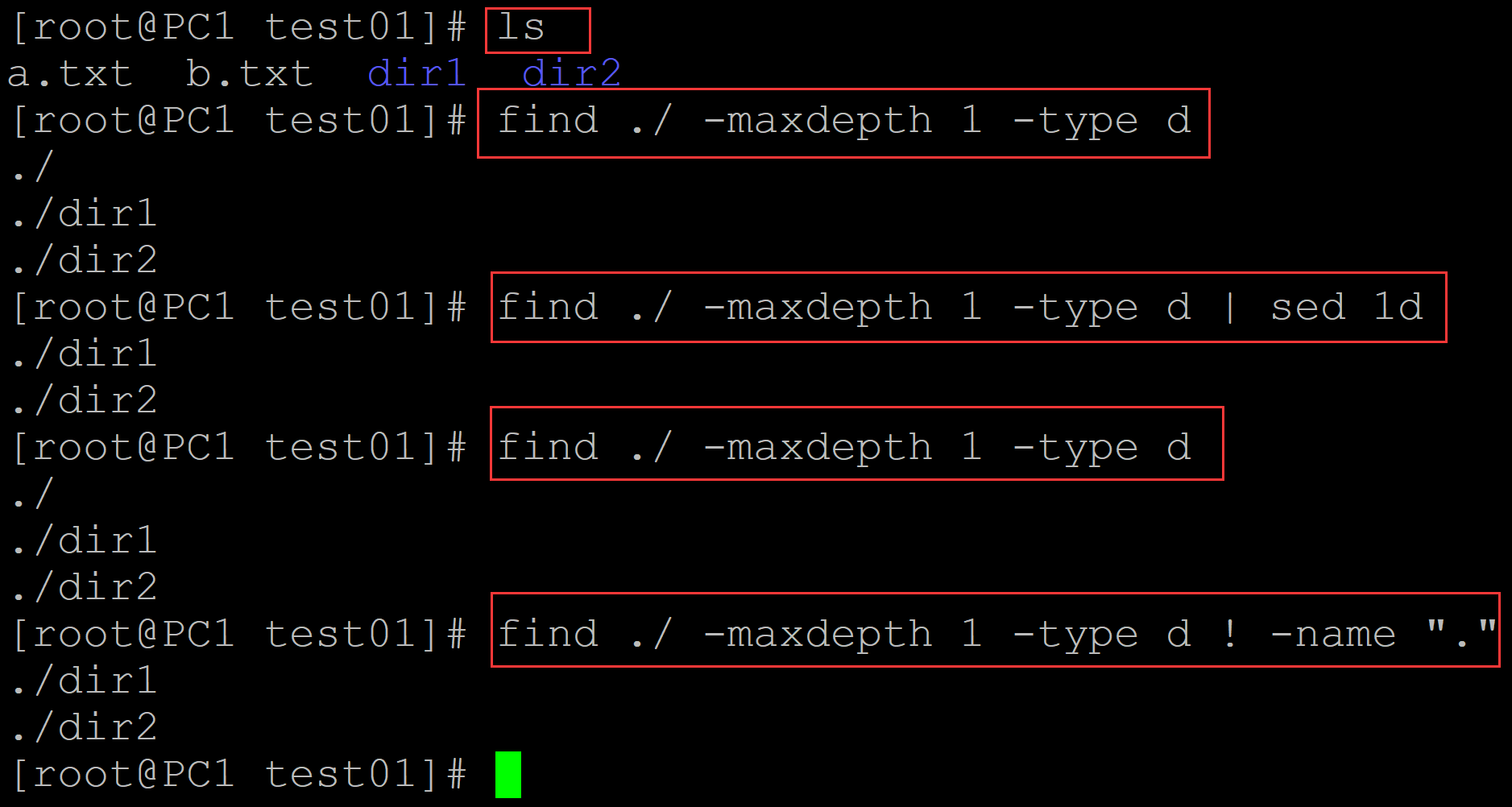
[root@PC1 test01]# ls
a.txt  b.txt  dir1  dir2
[root@PC1 test01]# find ./ -maxdepth 1 -type d       ## 查找第一层目录下的目录
./
./dir1
./dir2
[root@PC1 test01]# find ./ -maxdepth 1 -type d | sed 1d     ## 删除本地目录
./dir1
./dir2
[root@PC1 test01]# find ./ -maxdepth 1 -type d
./
./dir1
./dir2
[root@PC1 test01]# find ./ -maxdepth 1 -type d ! -name "."      ## 排除当前目录
./dir1
./dir2
003、列出目录
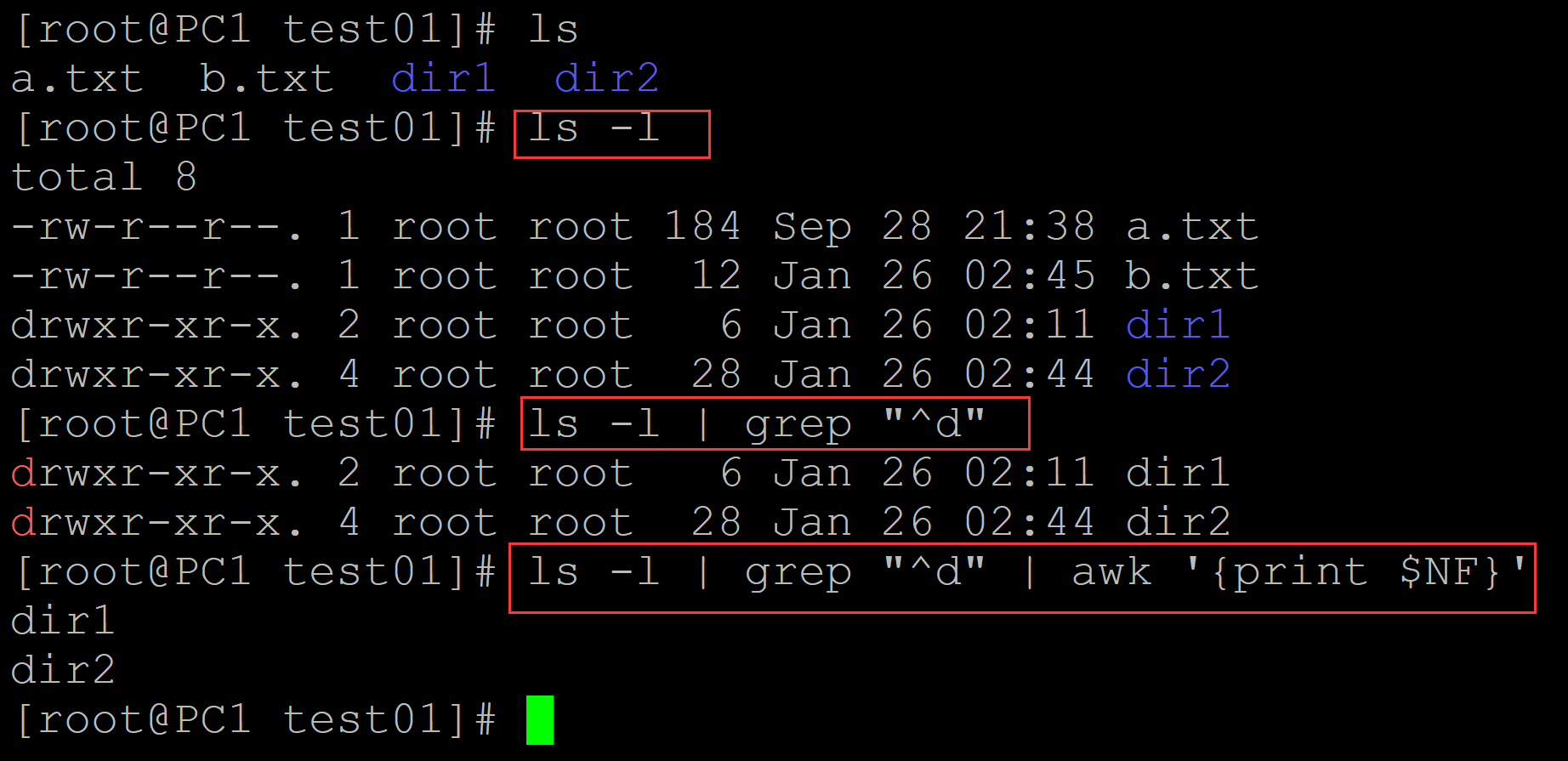
[root@PC1 test01]# ls
a.txt  b.txt  dir1  dir2
[root@PC1 test01]# ls -l
total 8
-rw-r--r--. 1 root root 184 Sep 28 21:38 a.txt
-rw-r--r--. 1 root root  12 Jan 26 02:45 b.txt
drwxr-xr-x. 2 root root   6 Jan 26 02:11 dir1
drwxr-xr-x. 4 root root  28 Jan 26 02:44 dir2
[root@PC1 test01]# ls -l | grep "^d"
drwxr-xr-x. 2 root root   6 Jan 26 02:11 dir1
drwxr-xr-x. 4 root root  28 Jan 26 02:44 dir2
[root@PC1 test01]# ls -l | grep "^d" | awk '{print $NF}'    ## 借助grep + awk提取目录
dir1
dir2
。
004、列出文件
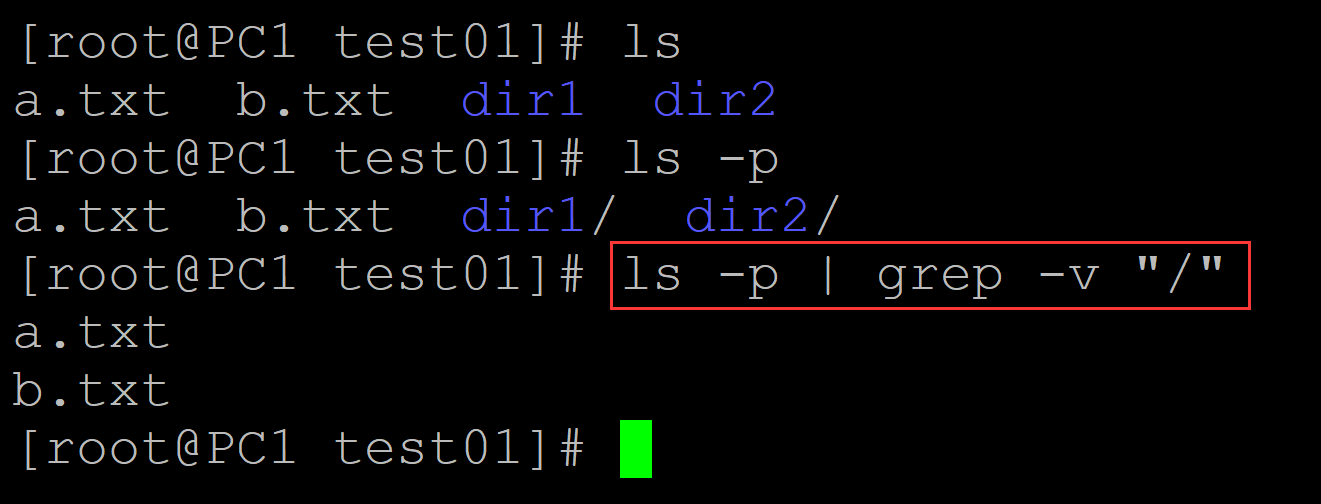
[root@PC1 test01]# ls
a.txt  b.txt  dir1  dir2
[root@PC1 test01]# ls -p
a.txt  b.txt  dir1/  dir2/
[root@PC1 test01]# ls -p | grep -v "/"     ## 列出文件
a.txt
b.txt
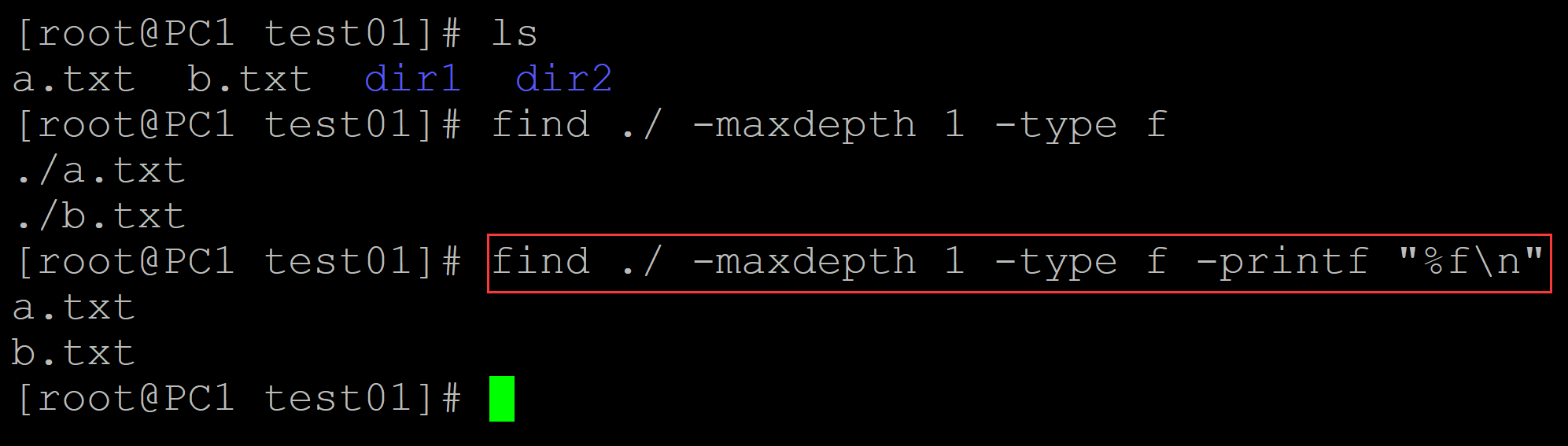
005、列出文件
[root@PC1 test01]# ls
a.txt  b.txt  dir1  dir2
[root@PC1 test01]# find ./ -maxdepth 1 -type f
./a.txt
./b.txt
[root@PC1 test01]# find ./ -maxdepth 1 -type f -printf "%f\n"     ## 列出文件
a.txt
b.txt
006、列出文件
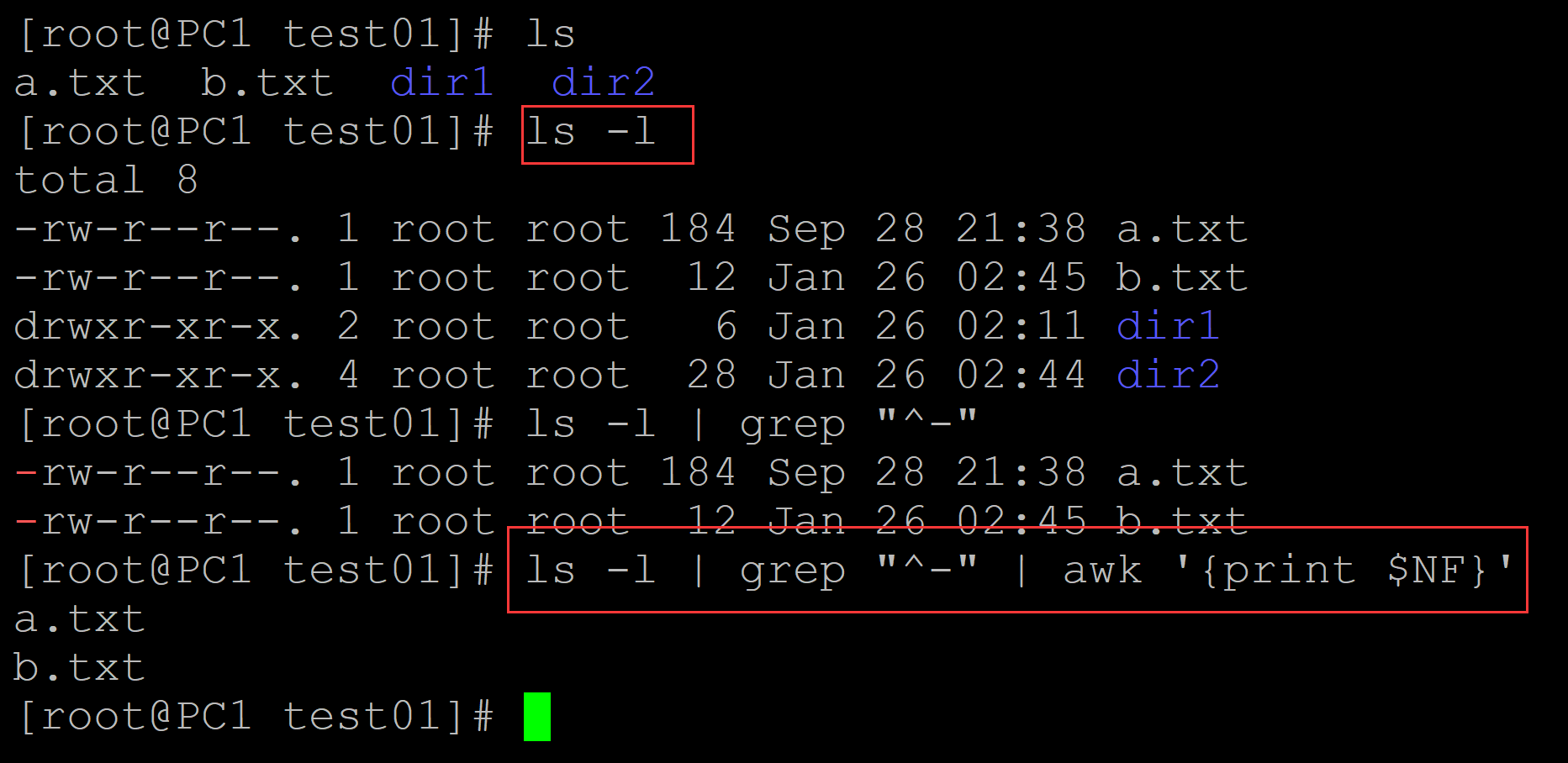
[root@PC1 test01]# ls
a.txt  b.txt  dir1  dir2
[root@PC1 test01]# ls -l
total 8
-rw-r--r--. 1 root root 184 Sep 28 21:38 a.txt
-rw-r--r--. 1 root root  12 Jan 26 02:45 b.txt
drwxr-xr-x. 2 root root   6 Jan 26 02:11 dir1
drwxr-xr-x. 4 root root  28 Jan 26 02:44 dir2
[root@PC1 test01]# ls -l | grep "^-"
-rw-r--r--. 1 root root 184 Sep 28 21:38 a.txt
-rw-r--r--. 1 root root  12 Jan 26 02:45 b.txt
[root@PC1 test01]# ls -l | grep "^-" | awk '{print $NF}'   ## 列出文件
a.txt
b.txt
。

 浙公网安备 33010602011771号