


Linux中将文本的奇数行和偶数行分别转换为单独的行
001、利用awk实现
[root@localhost test]# ls
a.txt
[root@localhost test]# cat a.txt           ## 生成一个测试文本
01
02
03
04
05
06
07
08
09
10
11
12
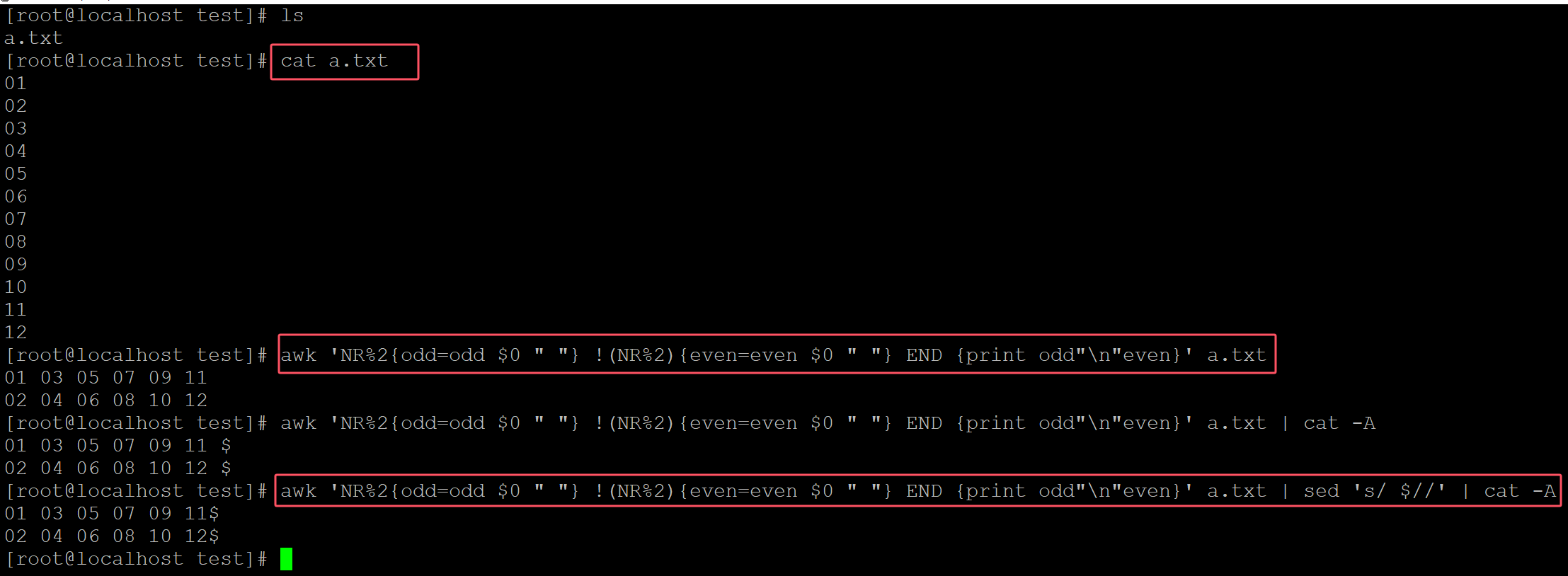
[root@localhost test]# awk 'NR%2{odd=odd $0 " "} !(NR%2){even=even $0 " "} END {print odd"\n"even}' a.txt              ## 利用awk变量实现
01 03 05 07 09 11
02 04 06 08 10 12
[root@localhost test]# awk 'NR%2{odd=odd $0 " "} !(NR%2){even=even $0 " "} END {print odd"\n"even}' a.txt | cat -A
01 03 05 07 09 11 $
02 04 06 08 10 12 $
[root@localhost test]# awk 'NR%2{odd=odd $0 " "} !(NR%2){even=even $0 " "} END {print odd"\n"even}' a.txt | sed 's/ $//' | cat -A        ## 删除末尾多余的空格
01 03 05 07 09 11$
02 04 06 08 10 12$
。
002、利用sed实现
[root@localhost test]# ls
a.txt
[root@localhost test]# cat a.txt         ## 测试文本
01
02
03
04
05
06
07
08
09
10
11
12
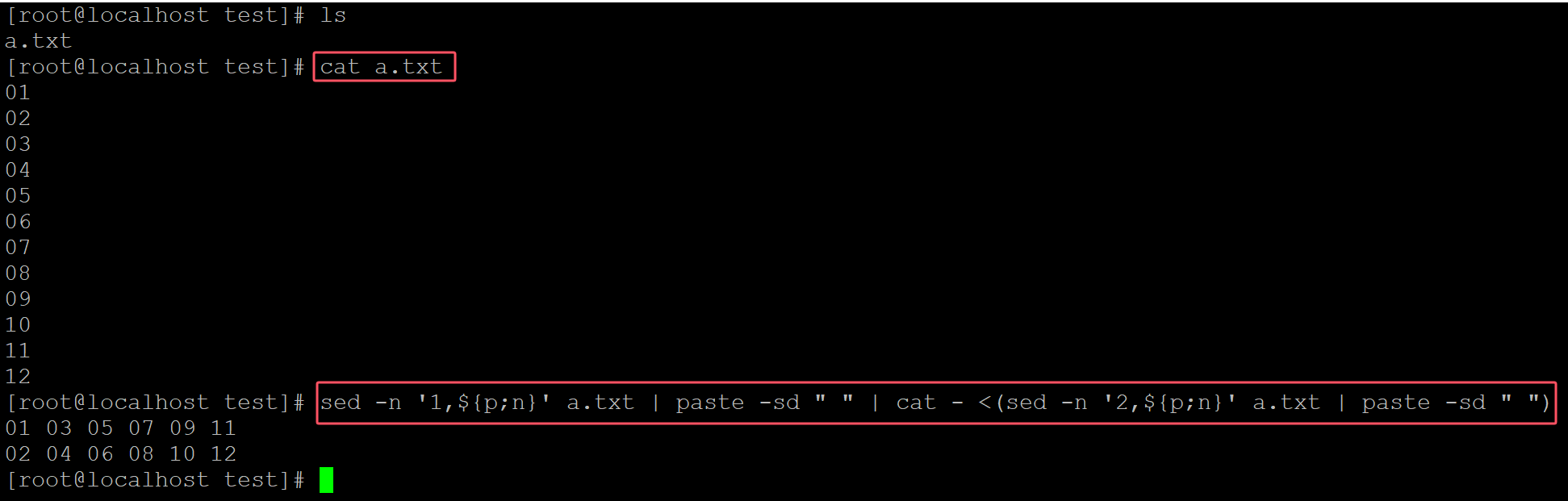
[root@localhost test]# sed -n '1,${p;n}' a.txt | paste -sd " " | cat - <(sed -n '2,${p;n}' a.txt | paste -sd " ")  ## sed + paste
01 03 05 07 09 11
02 04 06 08 10 12
。

 浙公网安备 33010602011771号