


Linux 中 对文件进行加密
001、
[root@localhost test]# ls
[root@localhost test]# seq 10 > a.txt
[root@localhost test]# ls
a.txt
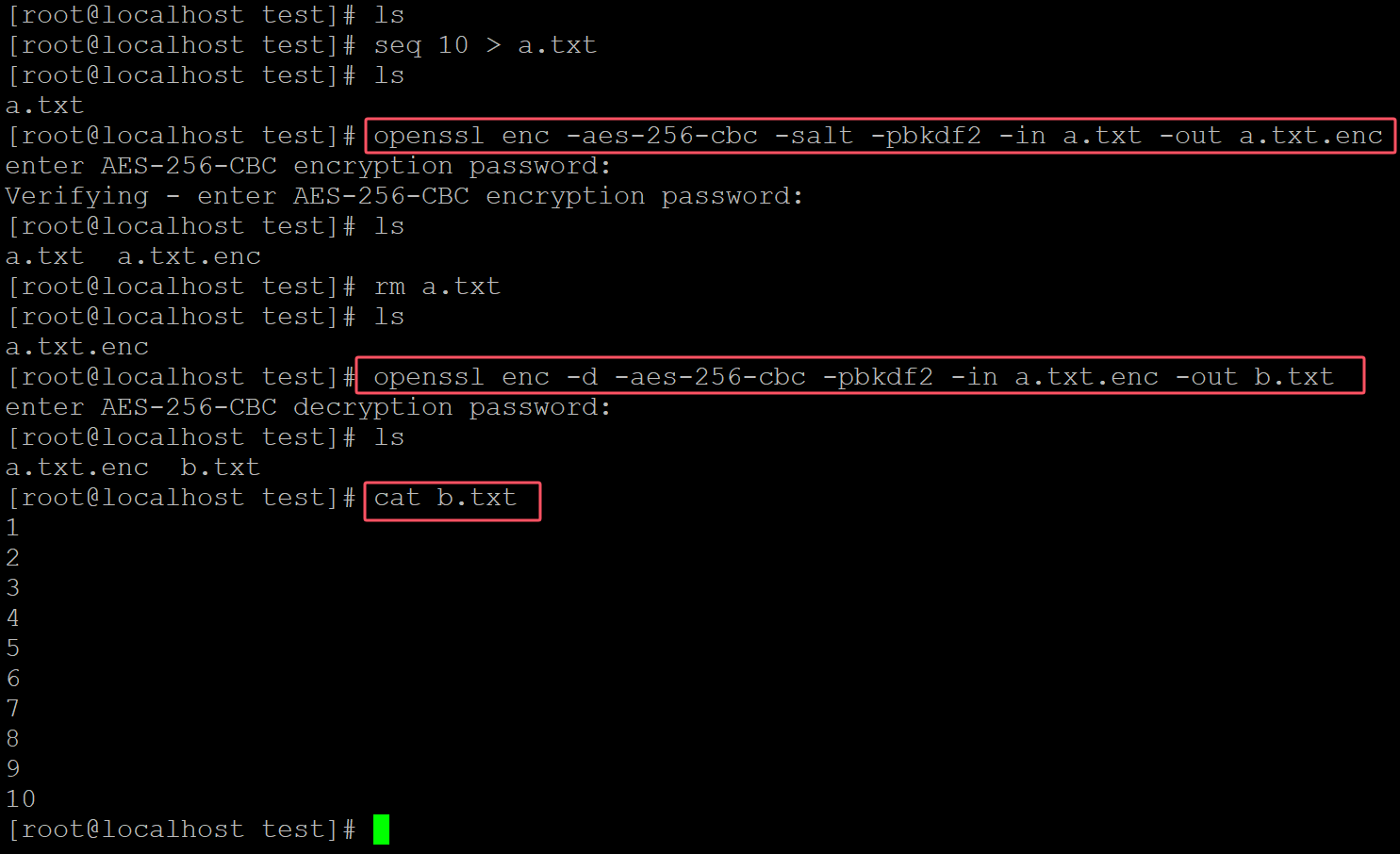
[root@localhost test]# openssl enc -aes-256-cbc -salt -pbkdf2 -in a.txt -out a.txt.enc         ## 对文件进行加密
enter AES-256-CBC encryption password:                                                         ## 输入密码
Verifying - enter AES-256-CBC encryption password:
[root@localhost test]# ls
a.txt  a.txt.enc
[root@localhost test]# rm a.txt
[root@localhost test]# ls
a.txt.enc
[root@localhost test]# openssl enc -d -aes-256-cbc -pbkdf2 -in a.txt.enc -out b.txt              ## 解密
enter AES-256-CBC decryption password:
[root@localhost test]# ls
a.txt.enc  b.txt
[root@localhost test]# cat b.txt                                                                ## 查看解密效果
1
2
3
4
5
6
7
8
9
10
。

 浙公网安备 33010602011771号