


Linux 中截取文本的最后几个字符
001、 awk 实现
[root@PC1 test2]# ls
a.txt
[root@PC1 test2]# cat a.txt
01 02 03 04
05 06 07 08
09 10 11 12
13 14 15 16
17 18 19 20
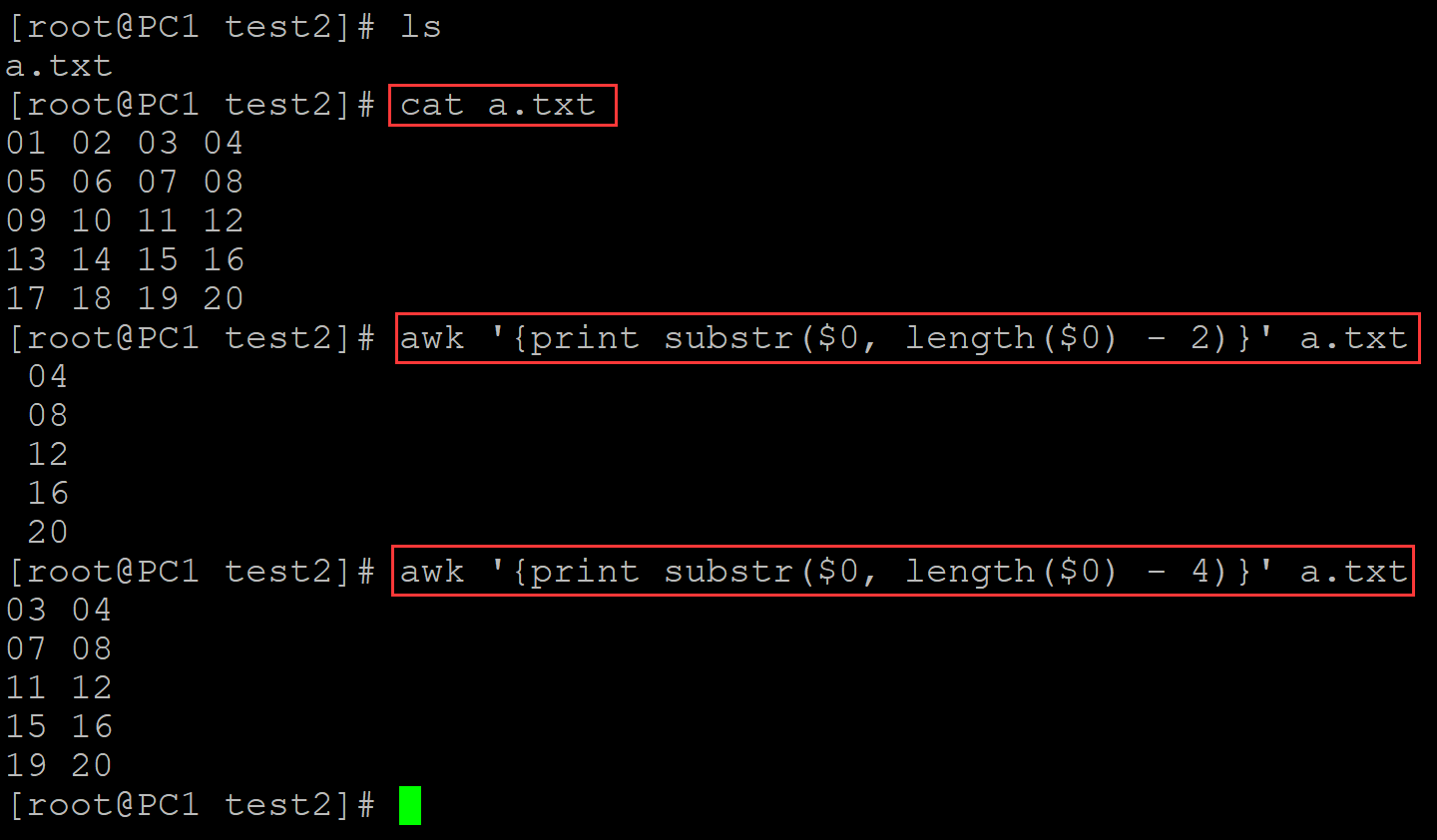
[root@PC1 test2]# awk '{print substr($0, length($0) - 2)}' a.txt          ## 截取文本最后三个字符
 04
 08
 12
 16
 20
[root@PC1 test2]# awk '{print substr($0, length($0) - 4)}' a.txt
03 04
07 08
11 12
15 16
19 20
。
002、rev + cut实现
[root@PC1 test2]# ls
a.txt
[root@PC1 test2]# cat a.txt
01 02 03 04
05 06 07 08
09 10 11 12
13 14 15 16
17 18 19 20
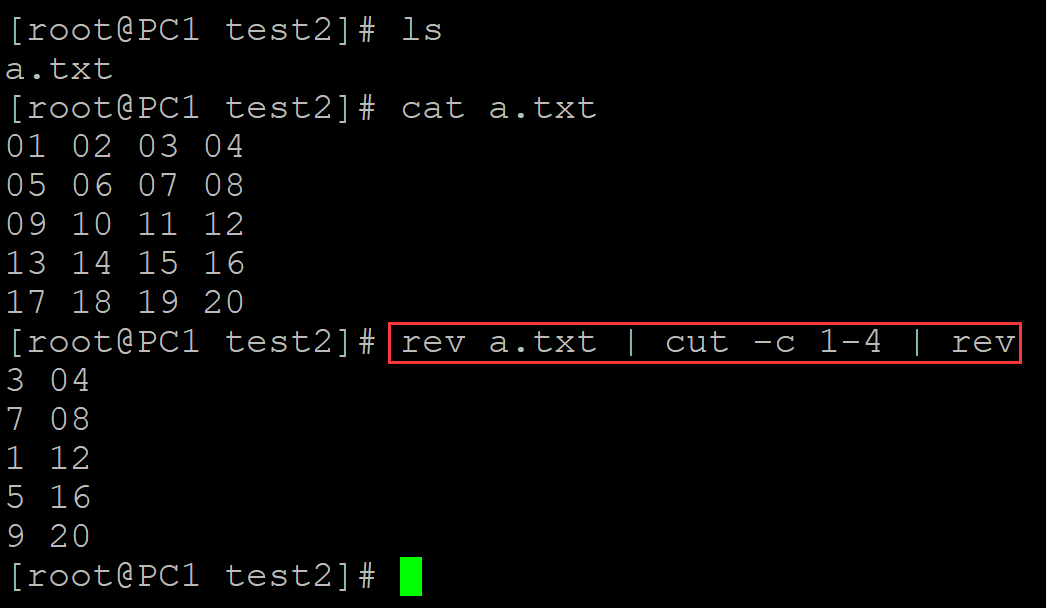
[root@PC1 test2]# rev a.txt | cut -c 1-4 | rev      ## 截取文本最后四个字符
3 04
7 08
1 12
5 16
9 20
003、sed实现
[root@PC1 test2]# ls
a.txt
[root@PC1 test2]# cat a.txt
01 02 03 04
05 06 07 08
09 10 11 12
13 14 15 16
17 18 19 20
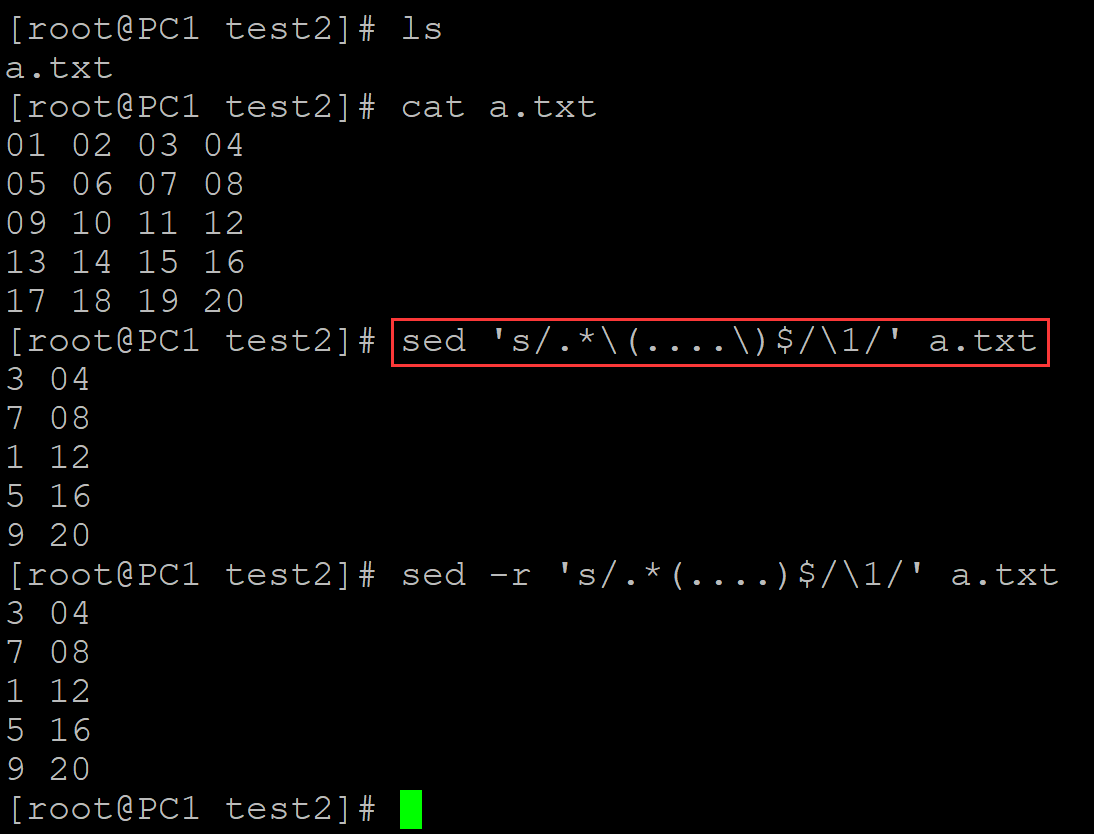
[root@PC1 test2]# sed 's/.*\(....\)$/\1/' a.txt     ## 截取文本的最后四个字符
3 04
7 08
1 12
5 16
9 20
[root@PC1 test2]# sed -r 's/.*(....)$/\1/' a.txt
3 04
7 08
1 12
5 16
9 20
。

 浙公网安备 33010602011771号