


Linux 中 xargs -i选项用法
001、
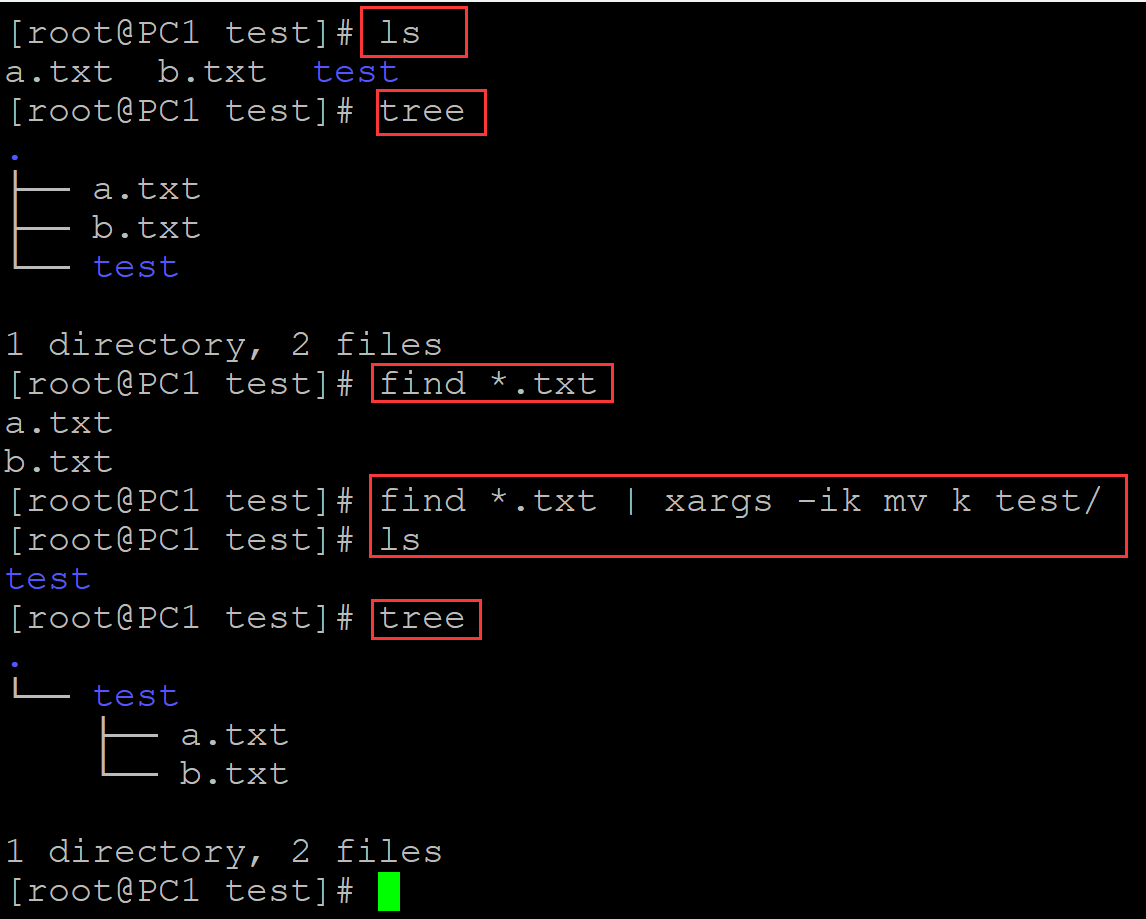
[root@PC1 test]# ls
a.txt  b.txt  test
[root@PC1 test]# tree
.
├── a.txt
├── b.txt
└── test

1 directory, 2 files
[root@PC1 test]# find *.txt
a.txt
b.txt
[root@PC1 test]# find *.txt | xargs -ik mv k test/
[root@PC1 test]# ls
test
[root@PC1 test]# tree
.
└── test
    ├── a.txt
    └── b.txt

1 directory, 2 files
。
002、
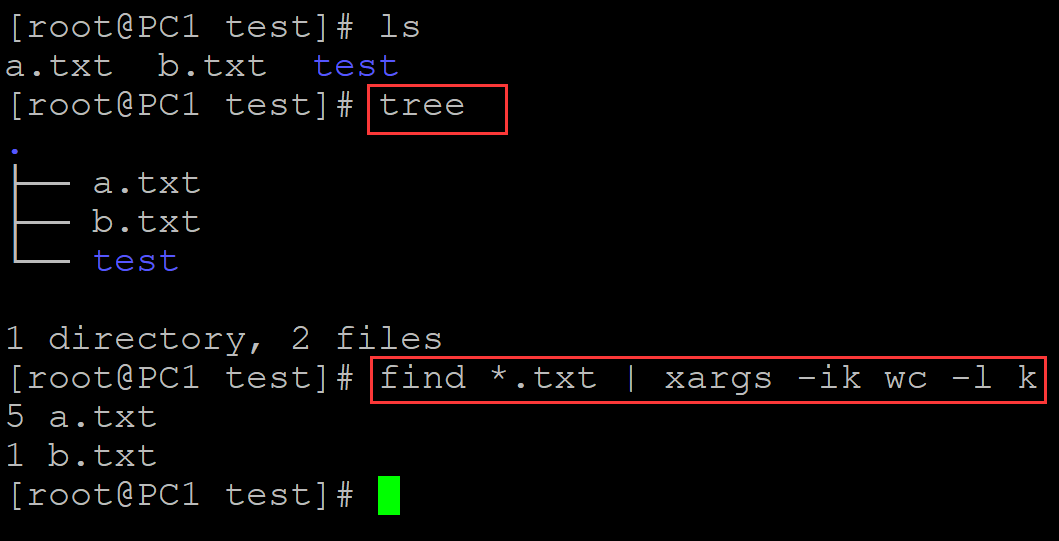
[root@PC1 test]# ls
a.txt  b.txt  test
[root@PC1 test]# tree
.
├── a.txt
├── b.txt
└── test

1 directory, 2 files
[root@PC1 test]# find *.txt | xargs -ik wc -l k
5 a.txt
1 b.txt
。

 浙公网安备 33010602011771号