


linux 中安装conda
001、下载镜像源
a、地址
清华镜像源:https://mirrors.tuna.tsinghua.edu.cn/anaconda/archive/
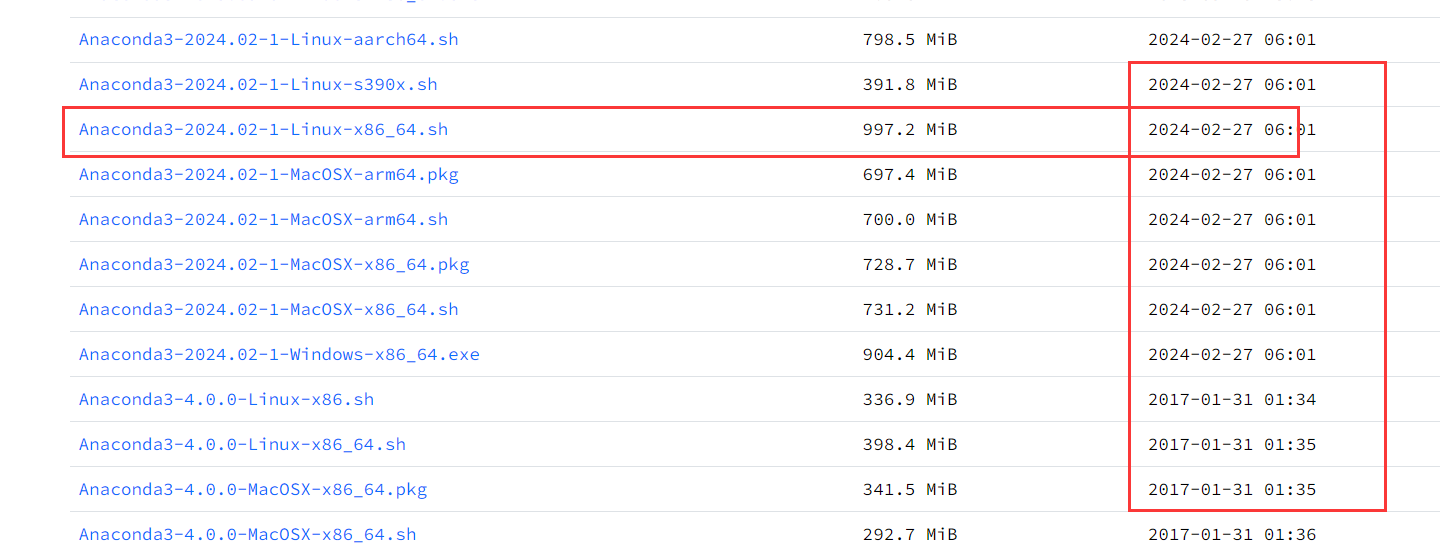
b、下载最新版本,
注意两点:1、最新的,可以参考后边的发布日期; 2、选择linux版本,架构选x86_64的
002、确认一下系统
[root@PC1 software]# cat /etc/redhat-release
CentOS Linux release 7.6.1810 (Core)

003、安装过程
[root@PC1 software]# ls
Anaconda3-2024.02-1-Linux-x86_64.sh
[root@PC1 software]# bash Anaconda3-2024.02-1-Linux-x86_64.sh   ## 安装, 输入yes, 一直回车可以
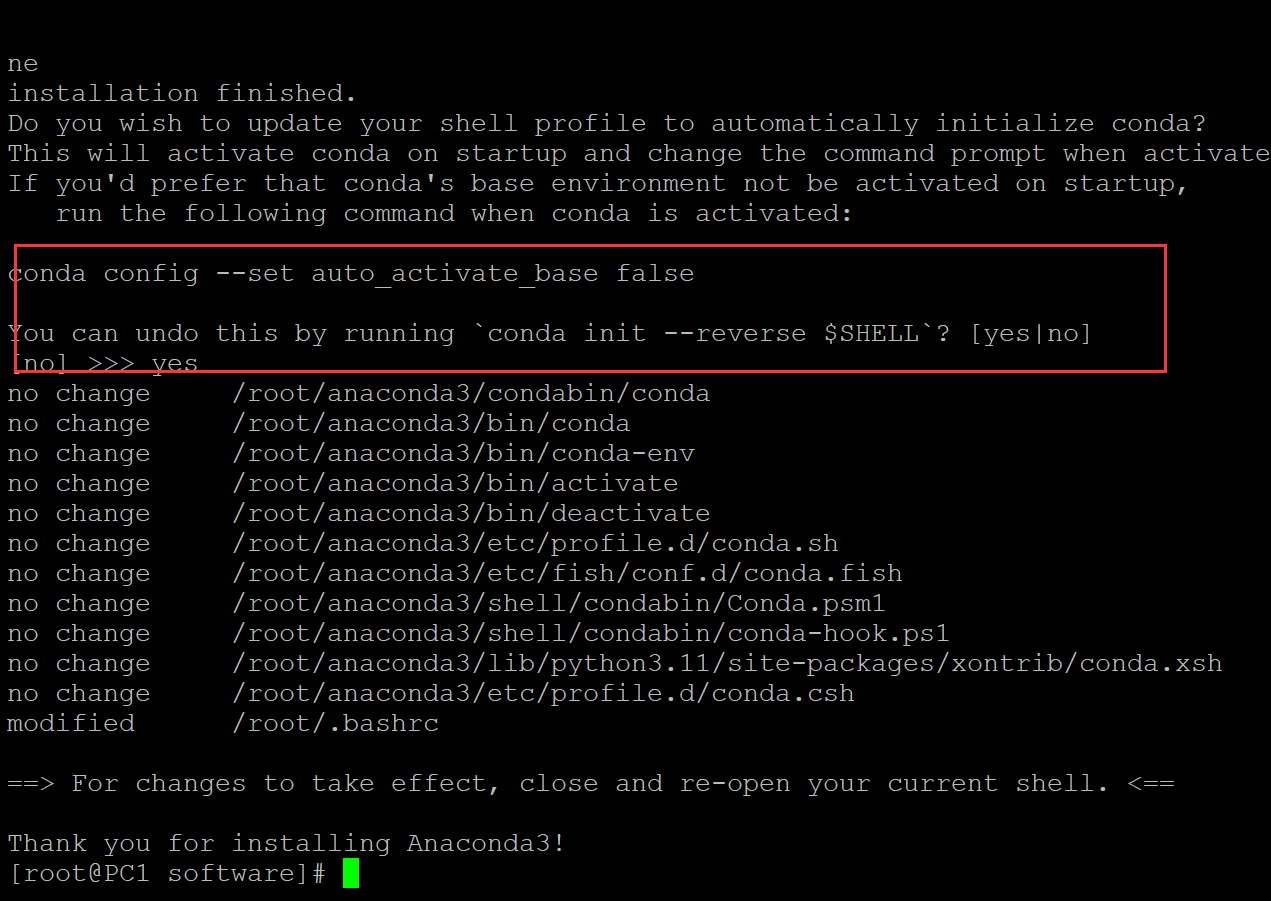
安装完成了。
004、调用一下
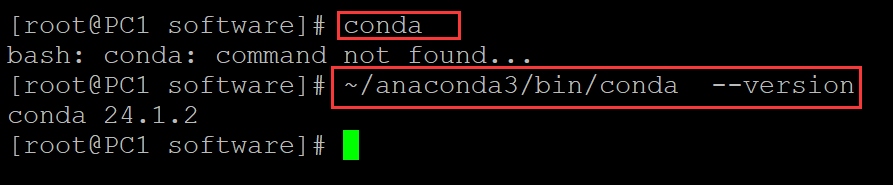
[root@PC1 software]# conda                                 ## 说明没有在环境变量中
bash: conda: command not found...
[root@PC1 software]# ~/anaconda3/bin/conda  --version      ## 默认的安装路径在这里
conda 24.1.2
005、如何添加环境变量
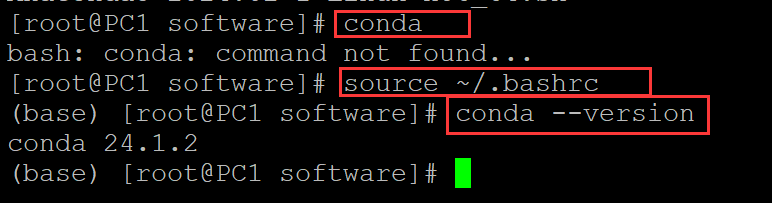
[root@PC1 software]# conda
bash: conda: command not found...
[root@PC1 software]# source ~/.bashrc             ## source一下环境变量文件即可
(base) [root@PC1 software]# conda --version
conda 24.1.2
。

 浙公网安备 33010602011771号