


rocky9 linux 中设置ssh的root登陆
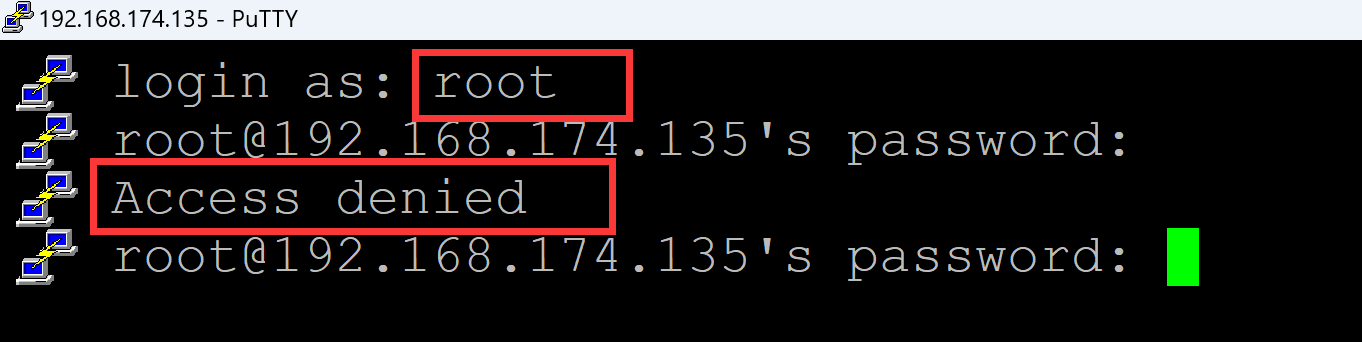
001、问题, 安装完成rocky9, 发现ssh无法使用root登陆
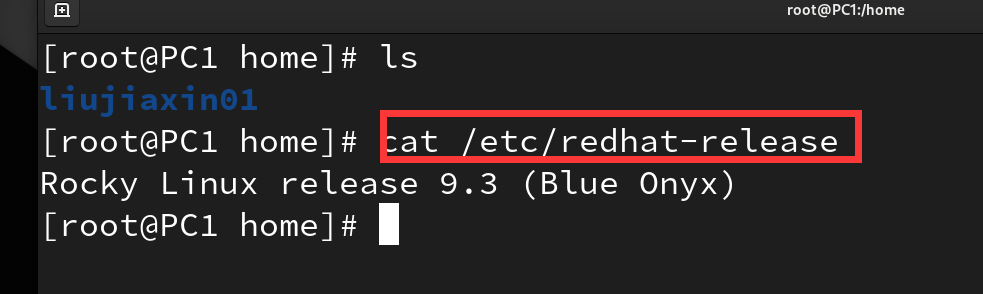
a、系统
[root@PC1 home]# cat /etc/redhat-release
Rocky Linux release 9.3 (Blue Onyx)
b、root登陆出现如下界面
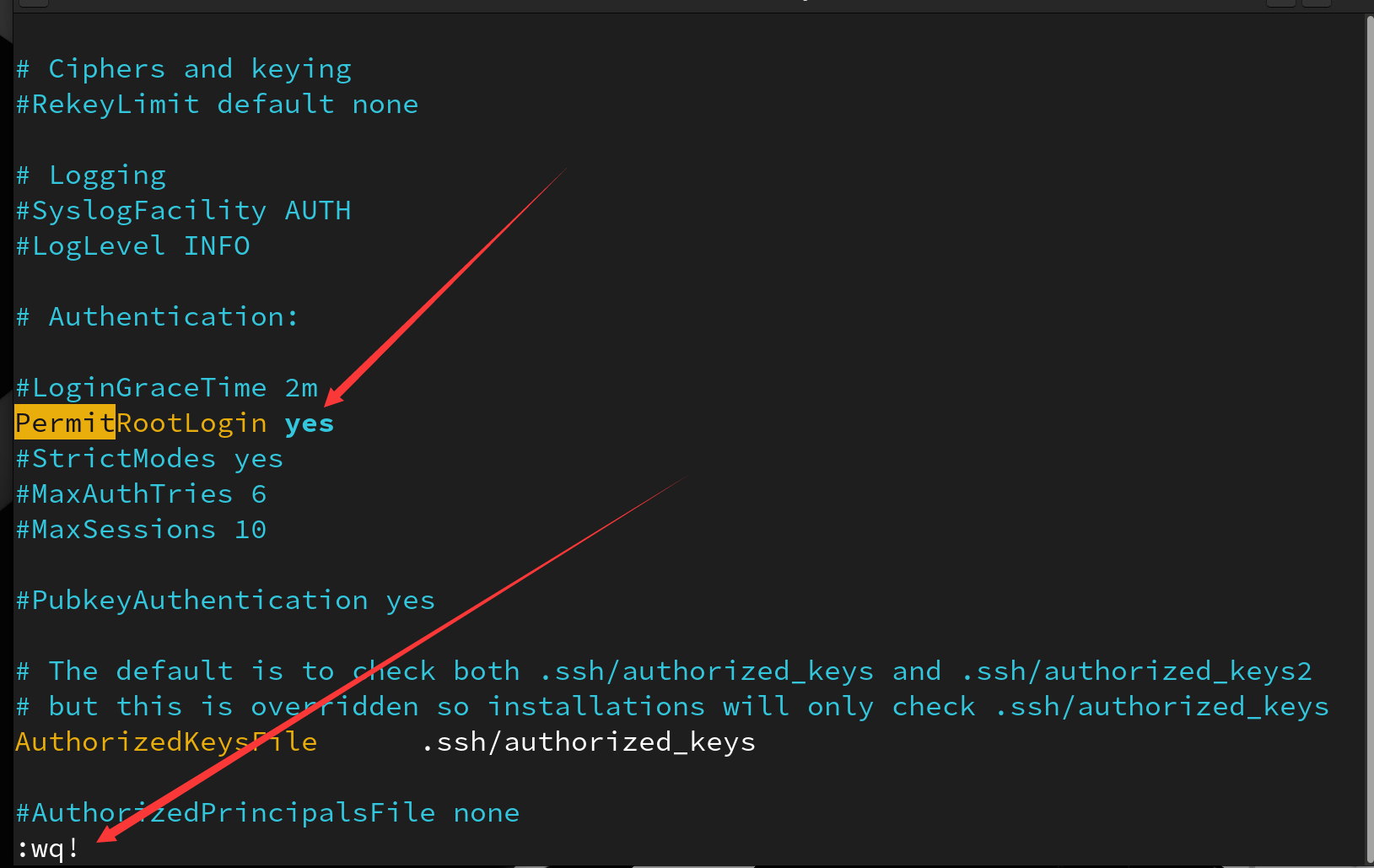
002、解决方法,在ssh服务的配置文件中设置允许root的ssh登录
[root@PC1 ~]# vim /etc/ssh/sshd_config
# Ciphers and keying
#RekeyLimit default none

# Logging
#SyslogFacility AUTH
#LogLevel INFO

# Authentication:

#LoginGraceTime 2m
PermitRootLogin yes        ## 此处设置为 yes
#StrictModes yes
#MaxAuthTries 6
#MaxSessions 10

#PubkeyAuthentication yes

# The default is to check both .ssh/authorized_keys and .ssh/authorized_keys2
# but this is overridden so installations will only check .ssh/authorized_keys
AuthorizedKeysFile      .ssh/authorized_keys

#AuthorizedPrincipalsFile none
:wq!                      ## 保存退出
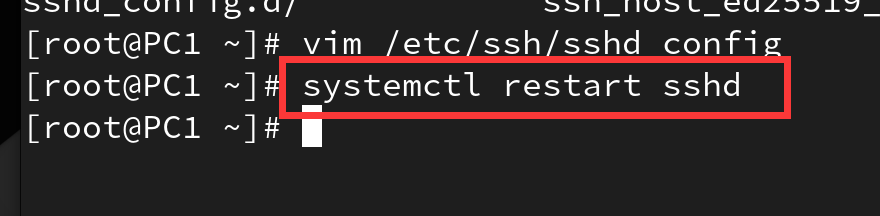
003、重启ssh服务
[root@PC1 ~]# systemctl restart sshd ## 重启ssh服务
003、ssh root登陆测试

root登录没有问题
。

 浙公网安备 33010602011771号