


linux 中awk命令删除文件的最后一列或最后几列、提取文件的第一列、前几列
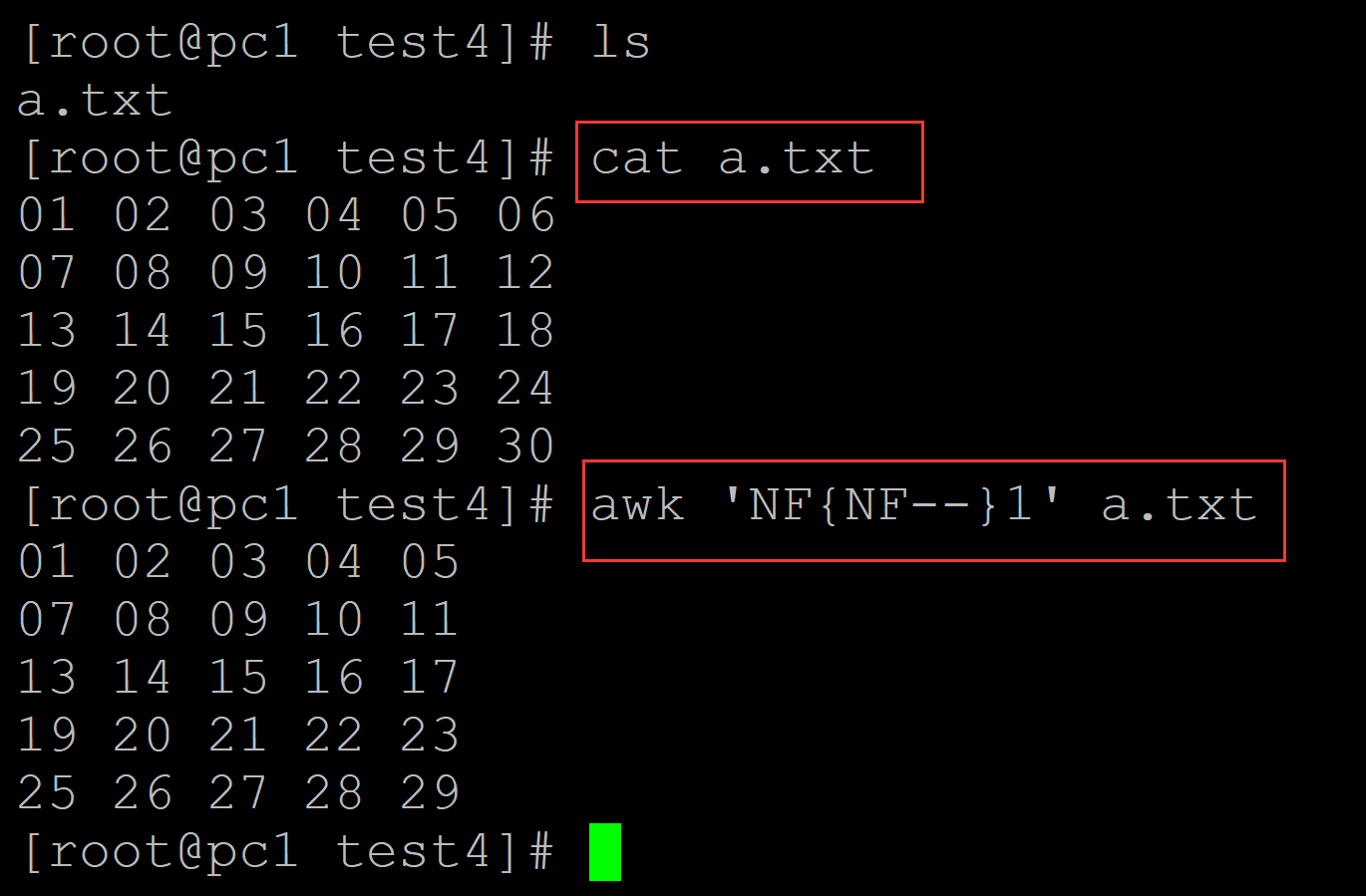
001、 删除最后一列
[root@pc1 test4]# ls
a.txt
[root@pc1 test4]# cat a.txt                ## 测试文件
01 02 03 04 05 06
07 08 09 10 11 12
13 14 15 16 17 18
19 20 21 22 23 24
25 26 27 28 29 30
[root@pc1 test4]# awk 'NF{NF--}1' a.txt     ## 删除最后一列
01 02 03 04 05
07 08 09 10 11
13 14 15 16 17
19 20 21 22 23
25 26 27 28 29
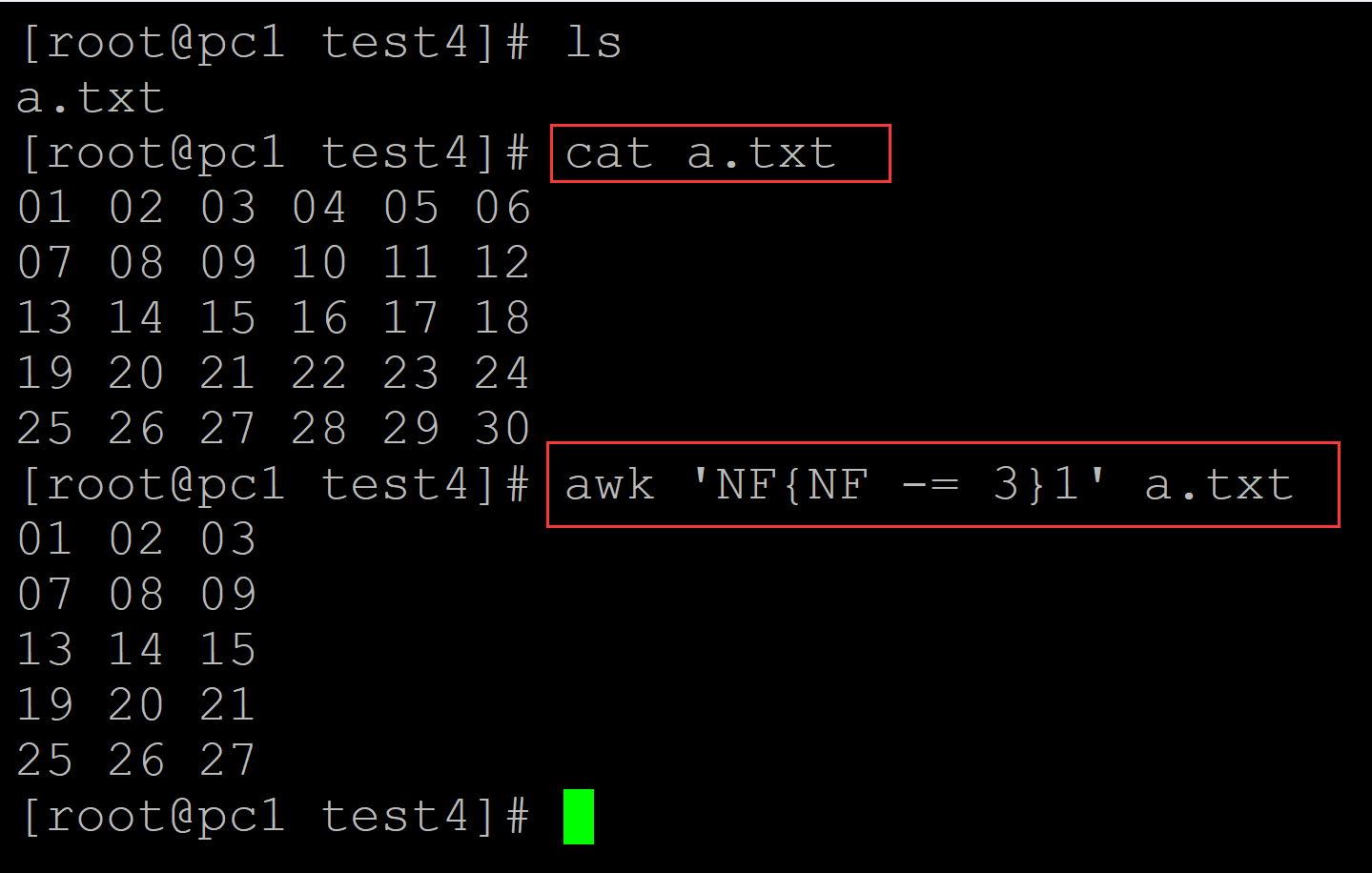
002、删除最后n列
[root@pc1 test4]# ls
a.txt
[root@pc1 test4]# cat a.txt                  ## 测试文件
01 02 03 04 05 06
07 08 09 10 11 12
13 14 15 16 17 18
19 20 21 22 23 24
25 26 27 28 29 30
[root@pc1 test4]# awk 'NF{NF -= 3}1' a.txt   ## 删除最后3列
01 02 03
07 08 09
13 14 15
19 20 21
25 26 27
003、
[root@pc1 test4]# ls
a.txt
[root@pc1 test4]# cat a.txt            ## 测试数据
01 02 03 04 05 06
07 08 09 10 11 12
13 14 15 16 17 18
19 20 21 22 23 24
25 26 27 28 29 30
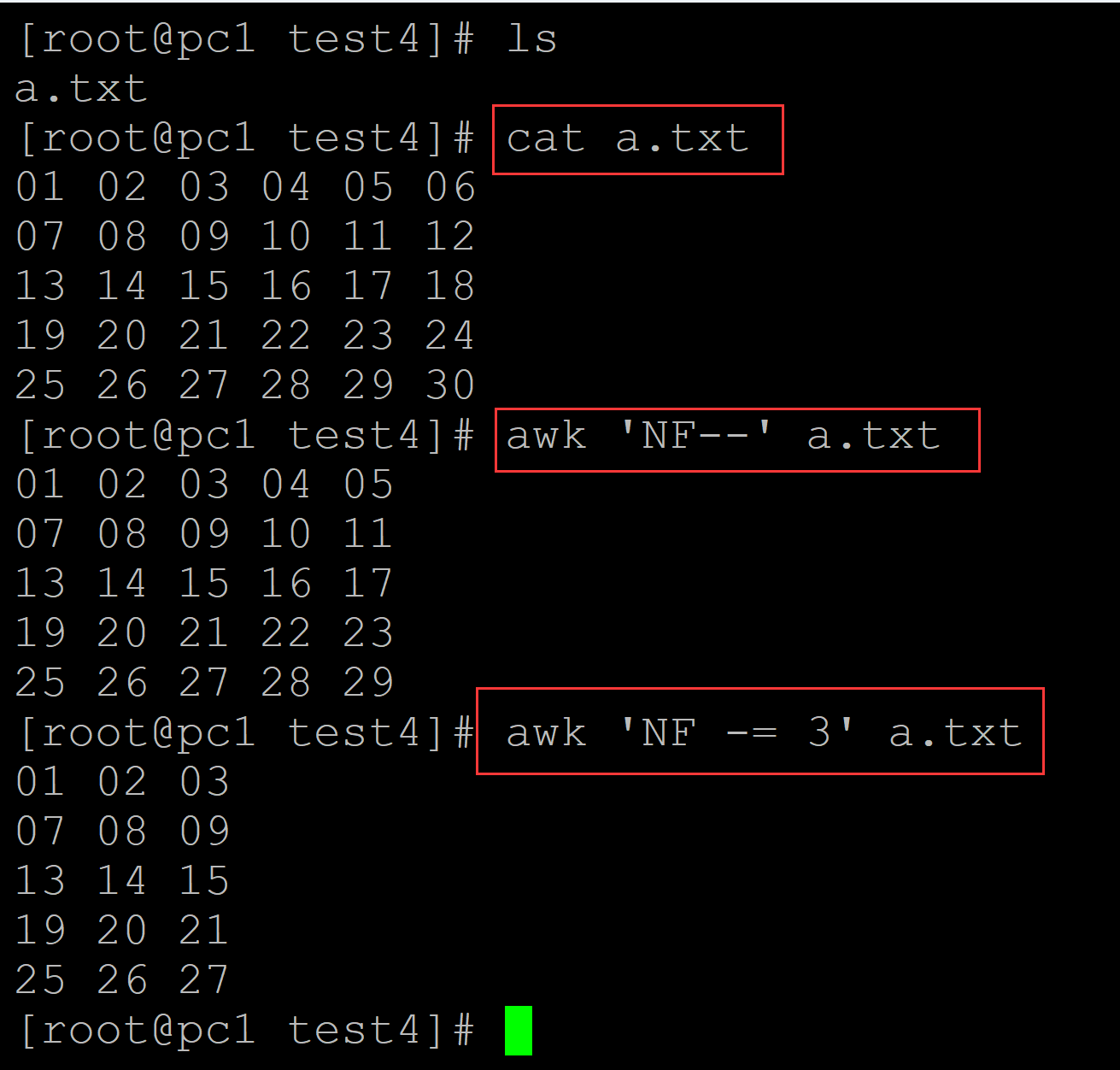
[root@pc1 test4]# awk 'NF--' a.txt     ## 删除最后一列
01 02 03 04 05
07 08 09 10 11
13 14 15 16 17
19 20 21 22 23
25 26 27 28 29
[root@pc1 test4]# awk 'NF -= 3' a.txt    ## 删除最后三列
01 02 03
07 08 09
13 14 15
19 20 21
25 26 27
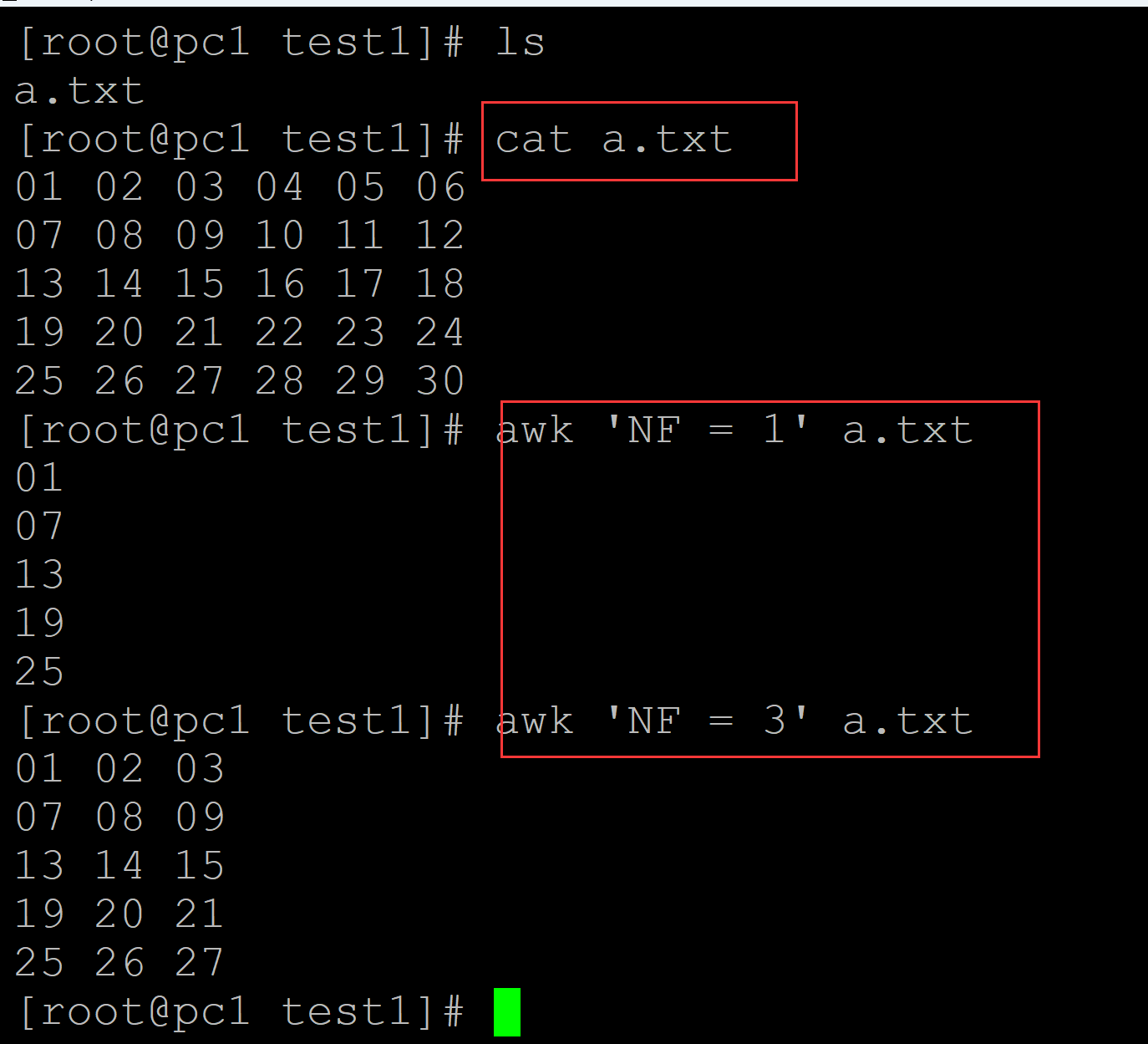
004、提取文件的第一列或前几列
[root@pc1 test1]# ls
a.txt
[root@pc1 test1]# cat a.txt
01 02 03 04 05 06
07 08 09 10 11 12
13 14 15 16 17 18
19 20 21 22 23 24
25 26 27 28 29 30
[root@pc1 test1]# awk 'NF = 1' a.txt    ## 第一列
01
07
13
19
25
[root@pc1 test1]# awk 'NF = 3' a.txt    ## 前三列
01 02 03
07 08 09
13 14 15
19 20 21
25 26 27
。

 浙公网安备 33010602011771号