


linux 中 awk命令实现文件按列匹配合并
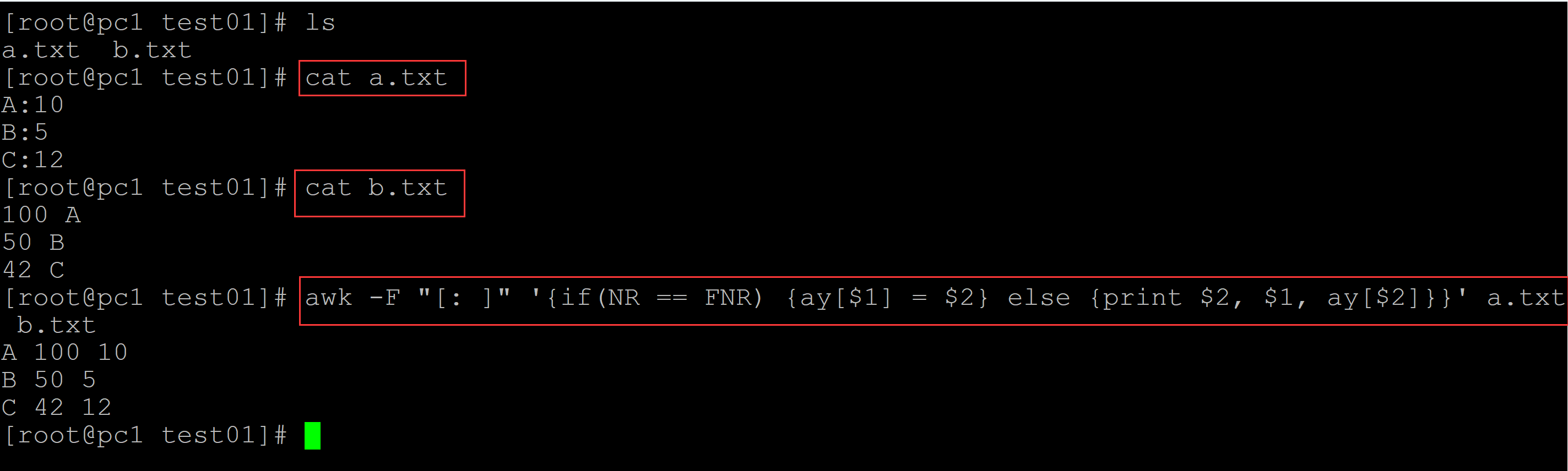
001、 方法1
[root@pc1 test01]# ls
a.txt  b.txt
[root@pc1 test01]# cat a.txt
A:10
B:5
C:12
[root@pc1 test01]# cat b.txt
100 A
50 B
42 C
[root@pc1 test01]# awk -F "[: ]" '{if(NR == FNR) {ay[$1] = $2} else {print $2, $1, ay[$2]}}' a.txt b.txt
A 100 10
B 50 5
C 42 12
002、
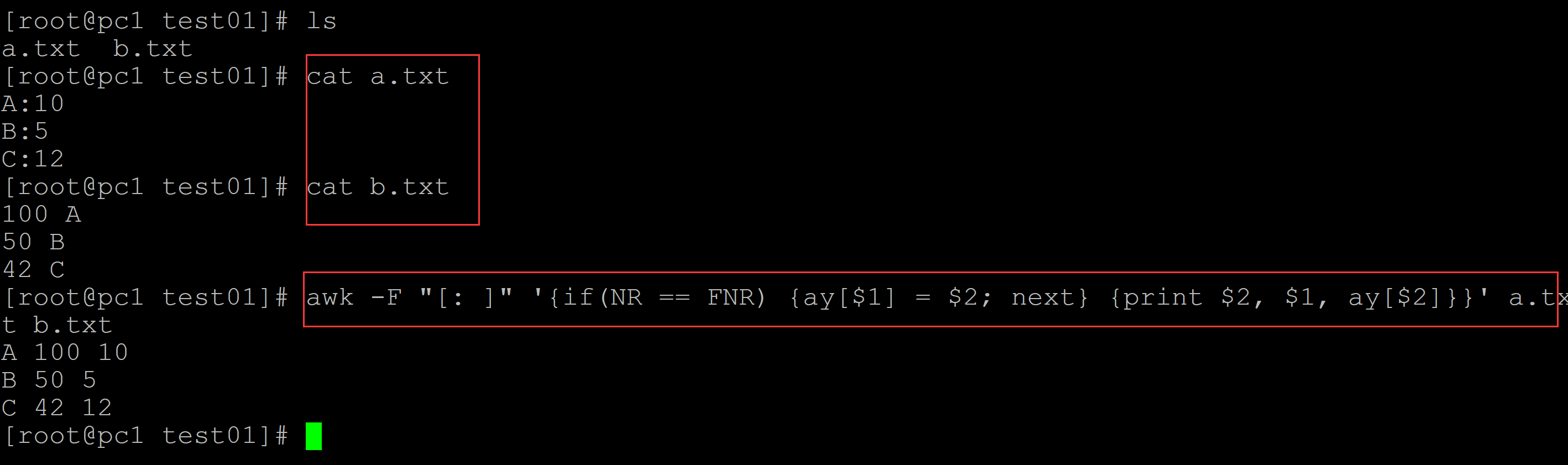
[root@pc1 test01]# ls
a.txt  b.txt
[root@pc1 test01]# cat a.txt
A:10
B:5
C:12
[root@pc1 test01]# cat b.txt
100 A
50 B
42 C
[root@pc1 test01]# awk -F "[: ]" '{if(NR == FNR) {ay[$1] = $2; next} {print $2, $1, ay[$2]}}' a.txt b.txt
A 100 10
B 50 5
C 42 12
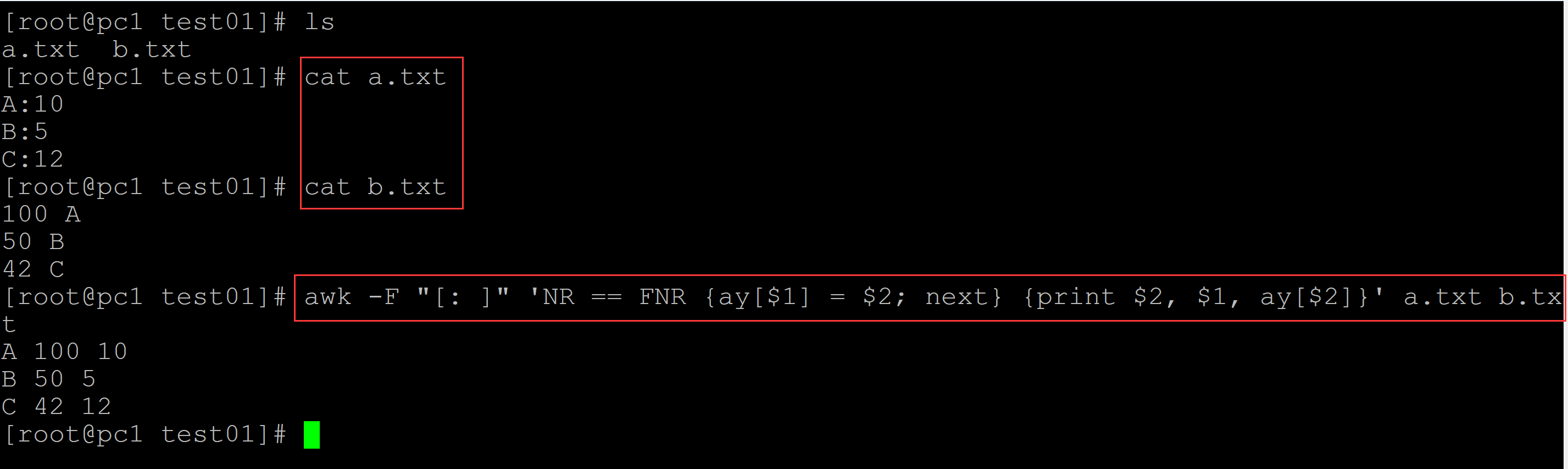
003、方法3
[root@pc1 test01]# ls
a.txt  b.txt
[root@pc1 test01]# cat a.txt
A:10
B:5
C:12
[root@pc1 test01]# cat b.txt
100 A
50 B
42 C
[root@pc1 test01]# awk -F "[: ]" 'NR == FNR {ay[$1] = $2; next} {print $2, $1, ay[$2]}' a.txt b.txt
A 100 10
B 50 5
C 42 12
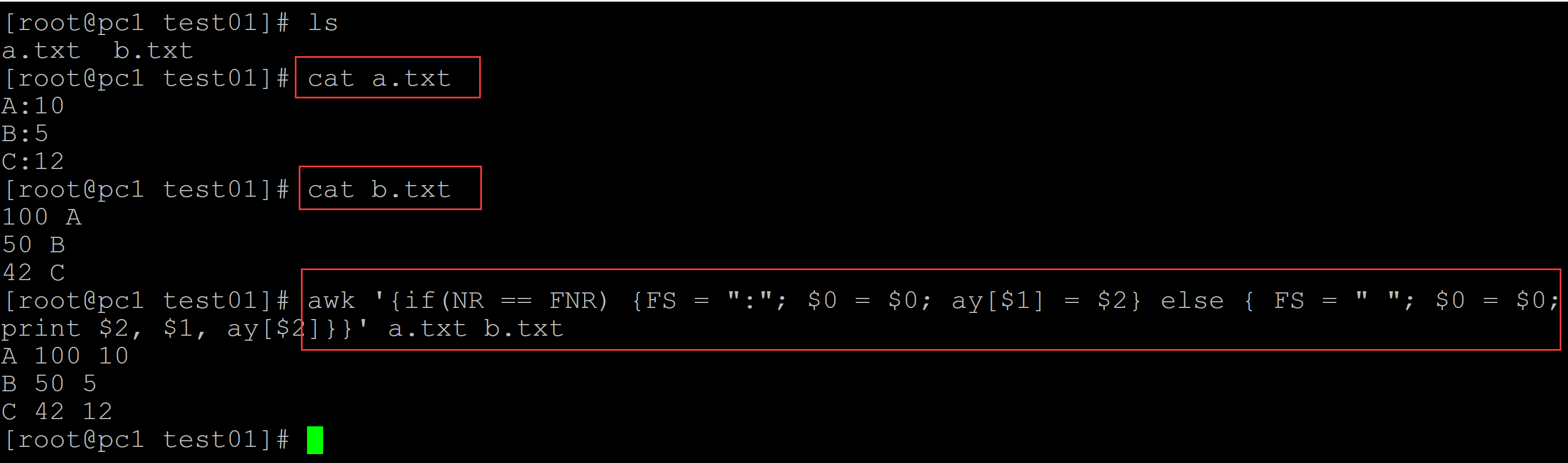
004、方法4
[root@pc1 test01]# ls
a.txt  b.txt
[root@pc1 test01]# cat a.txt
A:10
B:5
C:12
[root@pc1 test01]# cat b.txt
100 A
50 B
42 C
[root@pc1 test01]# awk '{if(NR == FNR) {FS = ":"; $0 = $0; ay[$1] = $2} else { FS = " "; $0 = $0; print $2, $1, ay[$2]}}' a.txt b.txt
A 100 10
B 50 5
C 42 12
005、方法5
[root@pc1 test01]# ls
a.txt  b.txt
[root@pc1 test01]# cat a.txt
A:10
B:5
C:12
[root@pc1 test01]# cat b.txt
100 A
50 B
42 C
[root@pc1 test01]# awk 'NR == FNR {ay[$1] = $2; next} {print $2, $1, ay[$2]}' FS=":" a.txt FS=" " b.txt
A 100 10
B 50 5
C 42 12

006、方法6
[root@pc1 test01]# ls
a.txt  b.txt
[root@pc1 test01]# cat a.txt
A:10
B:5
C:12
[root@pc1 test01]# cat b.txt
100 A
50 B
42 C
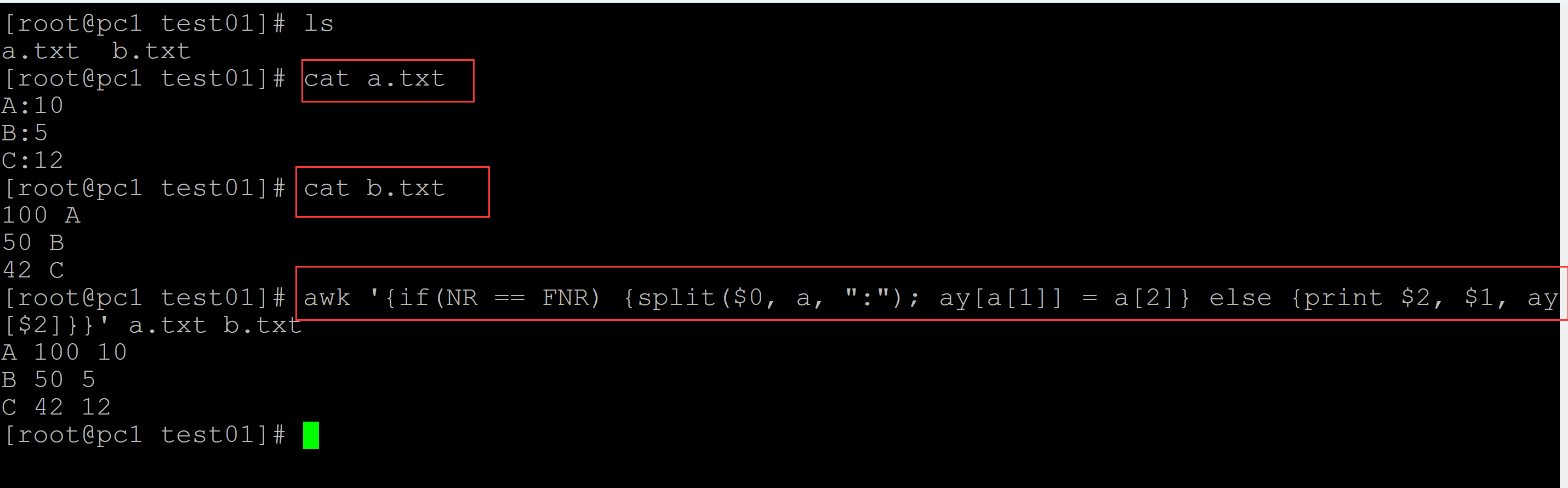
[root@pc1 test01]# awk '{if(NR == FNR) {split($0, a, ":"); ay[a[1]] = a[2]} else {print $2, $1, ay[$2]}}' a.txt b.txt
A 100 10
B 50 5
C 42 12
.

 浙公网安备 33010602011771号