


Linux 系统中 2>&1 & 标准输出、标准错误输出
2>&1 &
0:标准输入
1:标准输出
2:标准错误输出
command 2>&1 > file.txt:将标准输出输出到file中,标准错误输出输出屏幕
command > file.txt 2>&1: 将标准错误输出 输出到标准输出中。
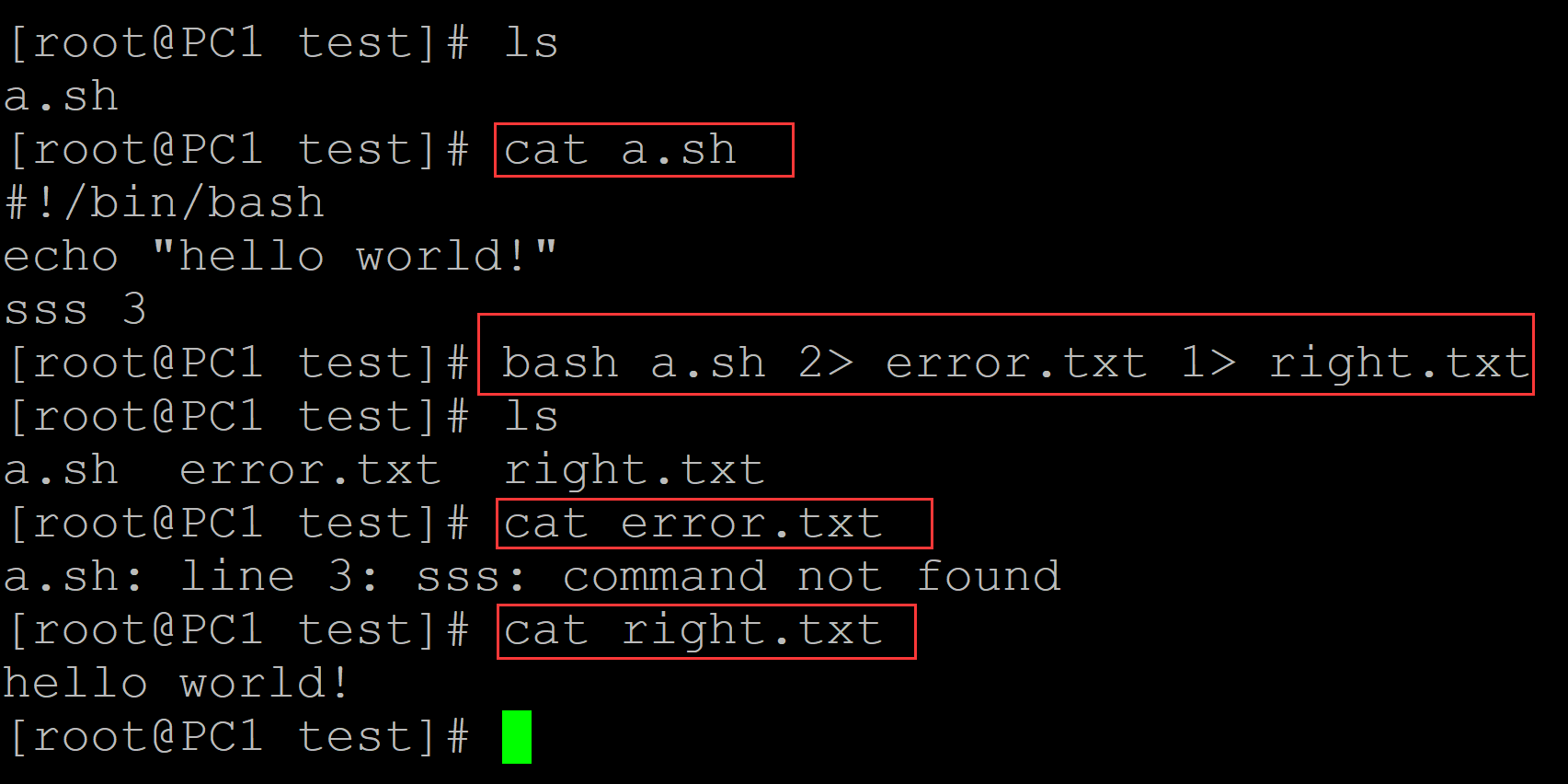
command 2> error.txt 1> right.txt:标准错误输出到error.txt,标准输出到right.txt
2>&1 &:最后的&表示后台运行。
例子:
001、 command 2>&1 > file.txt: 标准输出输出到 file.txt, 标准错误输出输出到终端
[root@PC1 test]# ls
a.sh
[root@PC1 test]# cat a.sh      ## 测试程序
#!/bin/bash
echo "hello world!"
sss 3
[root@PC1 test]# bash a.sh 2>&1 > file.txt   ## 2>&1 > file.txt: 标准输出输出到 file.txt, 标准错误输出输出到终端
a.sh: line 3: sss: command not found
[root@PC1 test]# ls
a.sh  file.txt
[root@PC1 test]# cat file.txt   ## 标准输出输出到file.txt
hello world!

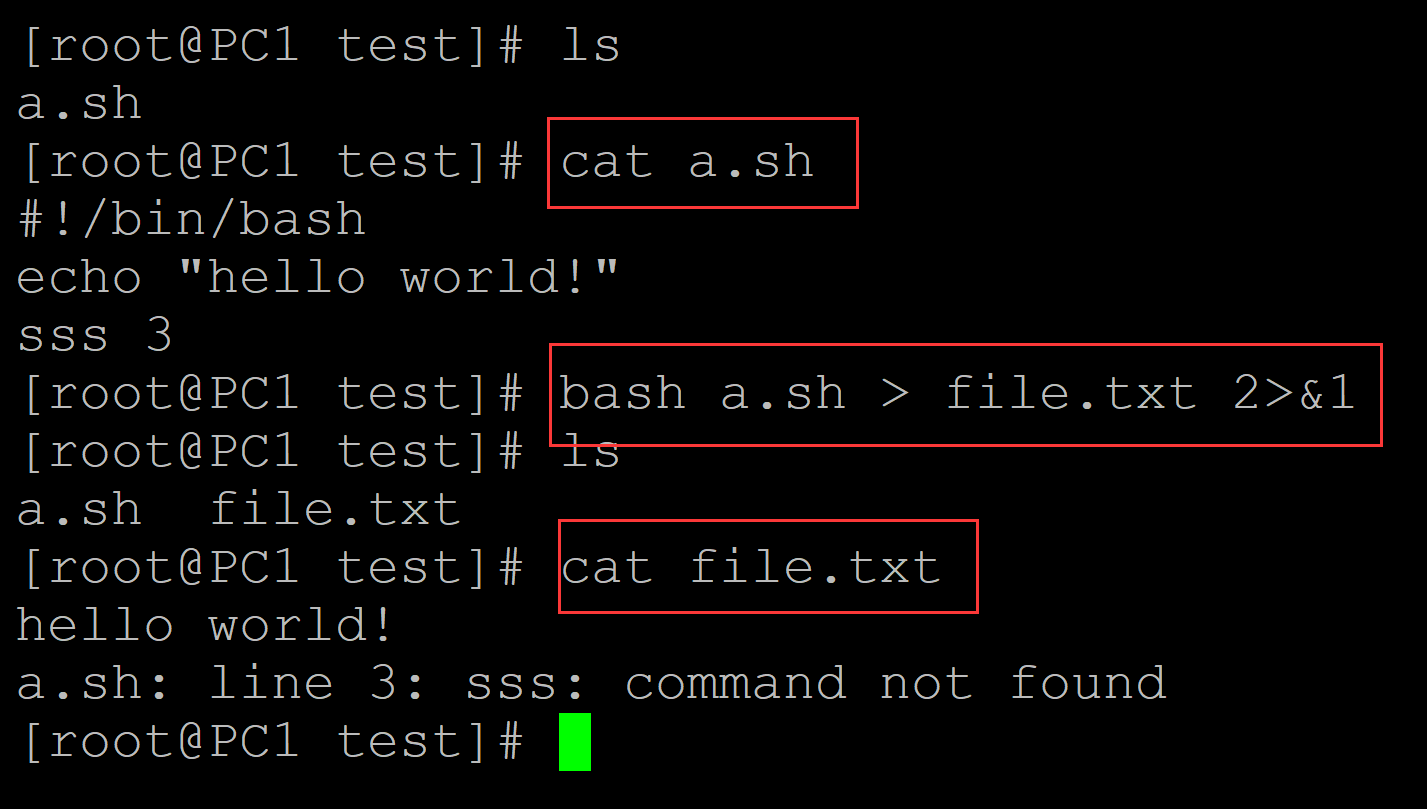
002、 command > file 2>&1:标准错误输出也输出到标准输出文件中
[root@PC1 test]# ls
a.sh
[root@PC1 test]# cat a.sh                    ## 测试程序
#!/bin/bash
echo "hello world!"
sss 3
[root@PC1 test]# bash a.sh > file.txt 2>&1   ## 标准错误输出也输出到标准输出中
[root@PC1 test]# ls
a.sh  file.txt
[root@PC1 test]# cat file.txt                ## 结果文件
hello world!
a.sh: line 3: sss: command not found
003、 comman 2> error.txt 1> right.txt
[root@PC1 test]# ls
a.sh
[root@PC1 test]# cat a.sh
#!/bin/bash
echo "hello world!"
sss 3
[root@PC1 test]# bash a.sh 2> error.txt 1> right.txt  ## 标准错误输出到error.txt, 正确输出到right.txt
[root@PC1 test]# ls
a.sh  error.txt  right.txt
[root@PC1 test]# cat error.txt
a.sh: line 3: sss: command not found
[root@PC1 test]# cat right.txt
hello world!
004、如果末尾有&, 表示后台运行

 浙公网安备 33010602011771号