


linux 中实现批量删除指定的列
001、
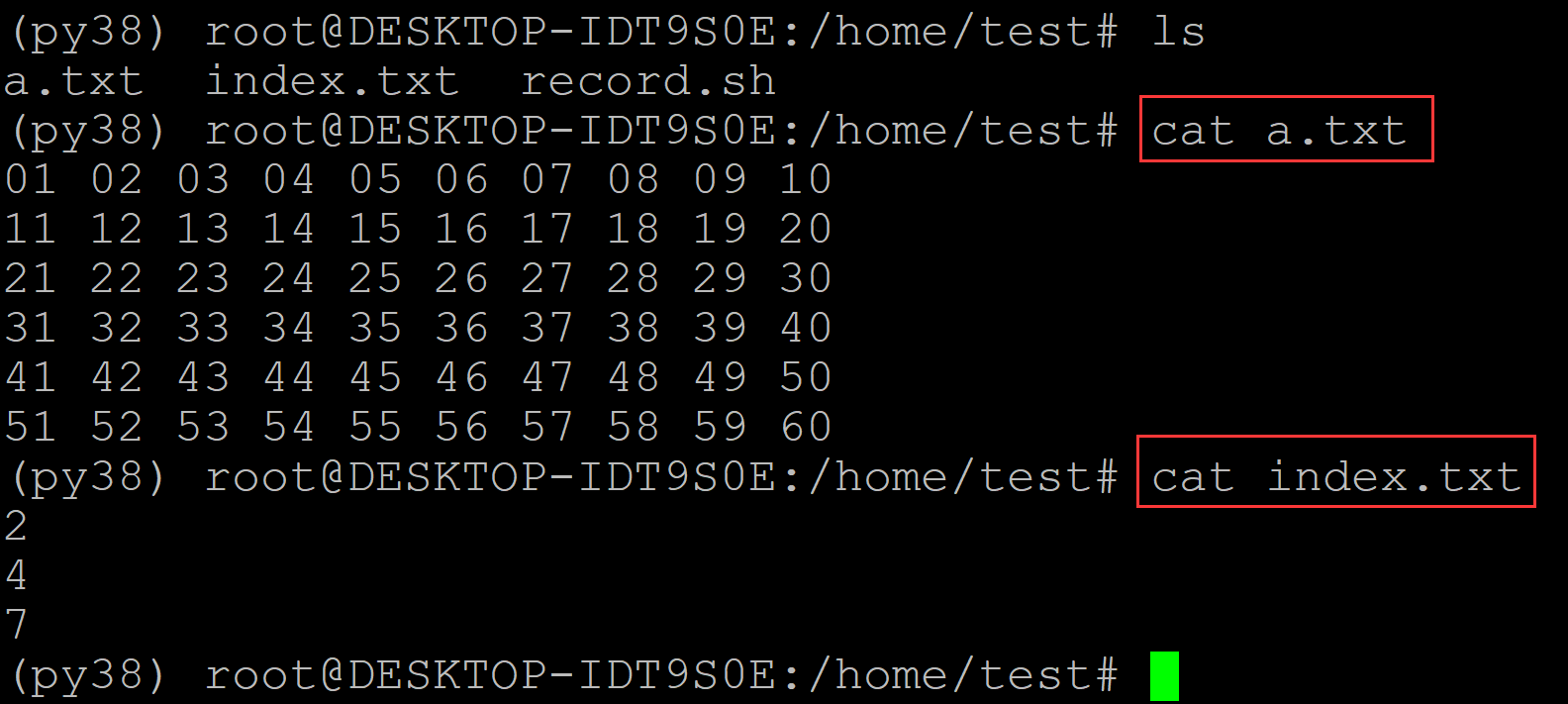
(py38) root@DESKTOP-IDT9S0E:/home/test# ls
a.txt  index.txt  record.sh
(py38) root@DESKTOP-IDT9S0E:/home/test# cat a.txt      ## 测试数据
01 02 03 04 05 06 07 08 09 10
11 12 13 14 15 16 17 18 19 20
21 22 23 24 25 26 27 28 29 30
31 32 33 34 35 36 37 38 39 40
41 42 43 44 45 46 47 48 49 50
51 52 53 54 55 56 57 58 59 60
(py38) root@DESKTOP-IDT9S0E:/home/test# cat index.txt    ## 批量删除的列号
2
4
7
002、程序
(py38) root@DESKTOP-IDT9S0E:/home/test# ls
a.txt  index.txt  record.sh
(py38) root@DESKTOP-IDT9S0E:/home/test# cat record.sh
#!/bin/bash

wc -l < a.txt | xargs seq | while read i
do
        sed -n "$i"p a.txt | awk '{print NF}' | xargs seq | while read j
do
        num=0
        for k in $(cat index.txt)
        do
                if [ $j == $k ]
                then
                        let num=num+1
                fi
        done
        if [ $num -eq 0 ]
        then
                sed -n "$i"p a.txt | cut -d " " -f $j | tr "\n" " " >> result.txt
        fi
        if [ $j -eq $(sed -n "$i"p a.txt | awk '{print NF}') ]
        then
                printf "\n" >> result.txt
        fi
done
done
(py38) root@DESKTOP-IDT9S0E:/home/test# ls
a.txt  index.txt  record.sh
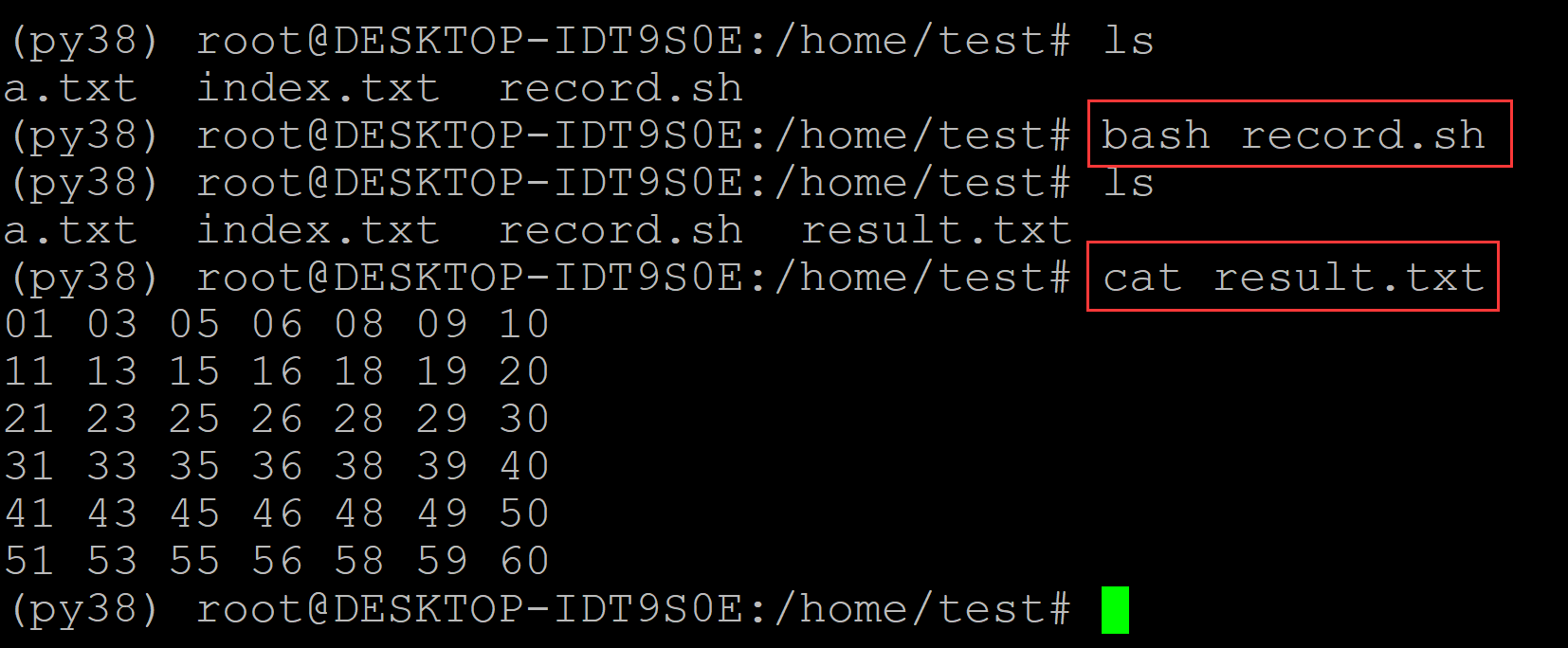
(py38) root@DESKTOP-IDT9S0E:/home/test# bash record.sh    ## 执行程序
(py38) root@DESKTOP-IDT9S0E:/home/test# ls
a.txt  index.txt  record.sh  result.txt
(py38) root@DESKTOP-IDT9S0E:/home/test# cat result.txt    ## 运行结果
01 03 05 06 08 09 10
11 13 15 16 18 19 20
21 23 25 26 28 29 30
31 33 35 36 38 39 40
41 43 45 46 48 49 50
51 53 55 56 58 59 60

 浙公网安备 33010602011771号