


centos 7中 出现 bash: pip: command not found...解决方法
001、系统为centos7.6
[root@PC1 test]# cat /etc/system-release
CentOS Linux release 7.6.1810 (Core)

002、默认可以调用的python版本为2.7
[root@PC1 test]# python --version
Python 2.7.5

003、在直接调用pip命令时出现如下报错
[root@PC1 test]# pip install biopython -i https://pypi.douban.com/simple
bash: pip: command not found...

004、解决方法
[root@PC1 test]# yum install epel-release    ## 当前登录用户为root,普通用户需要增加sudo权限,例如:sudo + command
[root@PC1 test]# yum install -y python-pip
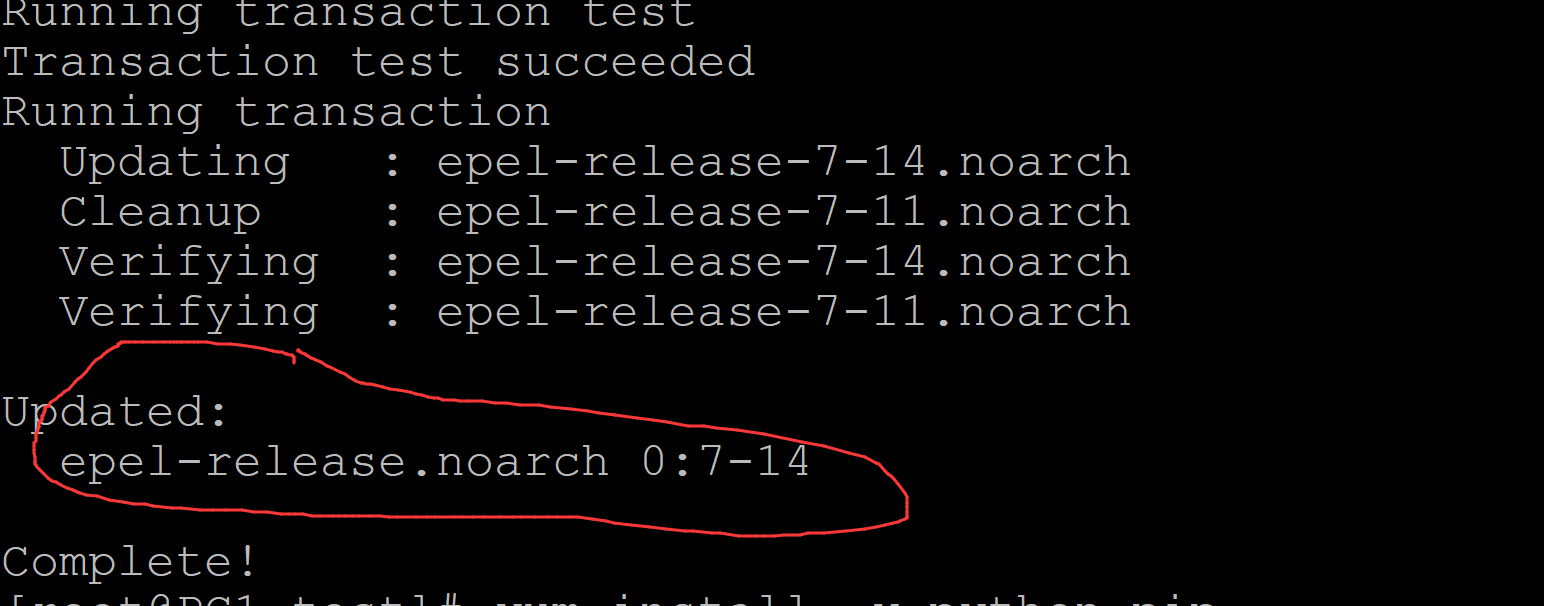
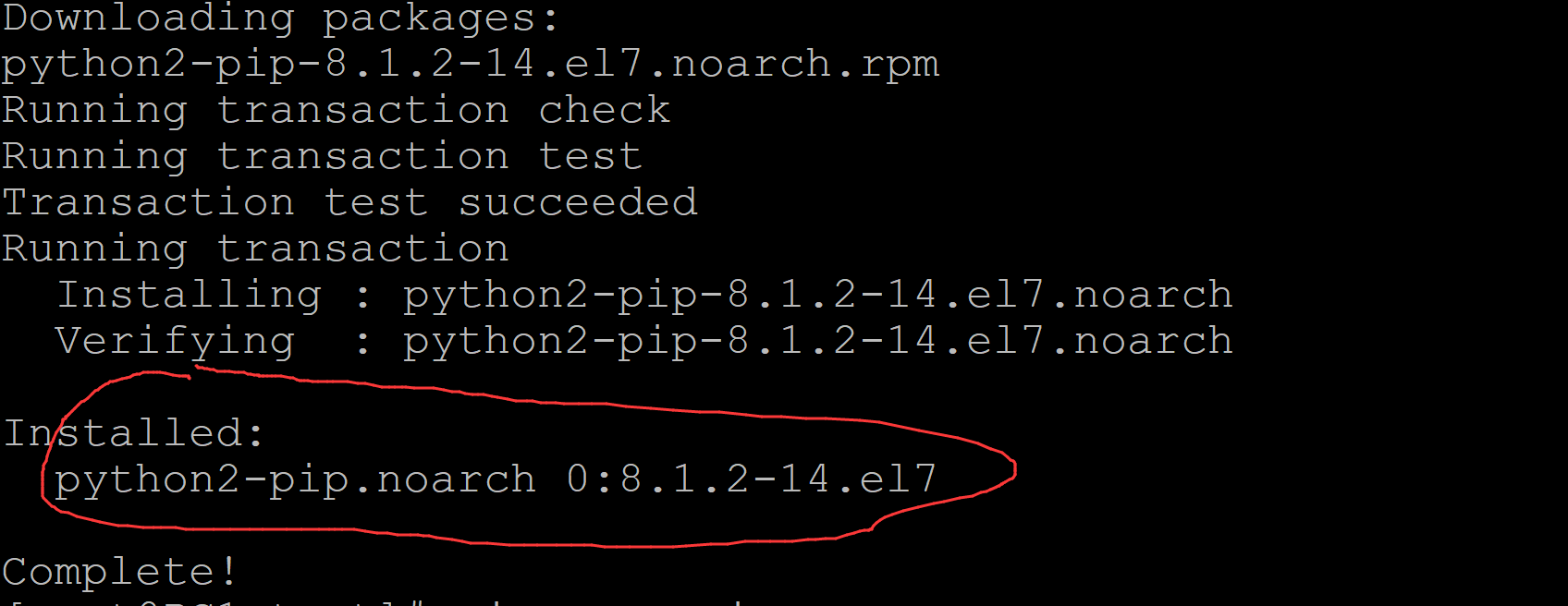
安装成功界面如下:
005、调用pip测试:
[root@PC1 test]# which pip
/usr/bin/pip
[root@PC1 test]# pip --version
pip 8.1.2 from /usr/lib/python2.7/site-packages (python 2.7)

ok。

 浙公网安备 33010602011771号