


centos7中安装rar命令及基本用法
001、测试命令
[root@pc1 test3]# rar
bash: rar: command not found...

002、查看系统
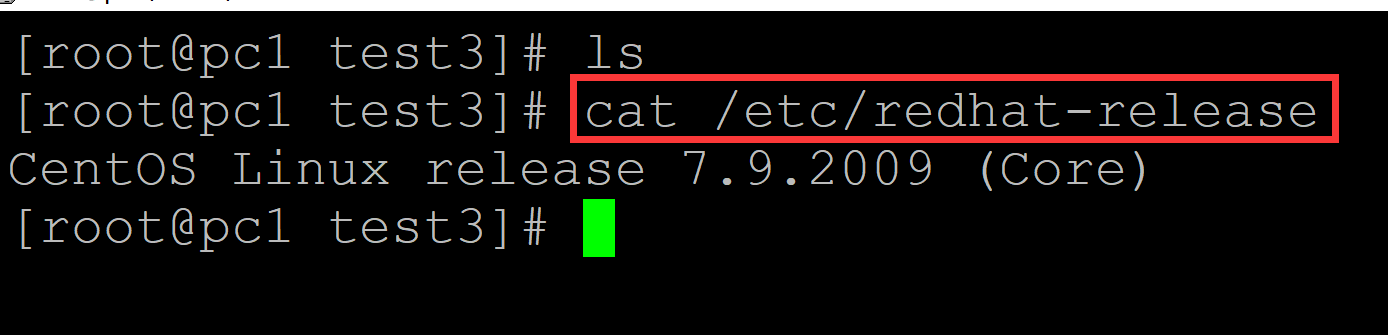
[root@pc1 test3]# ls
[root@pc1 test3]# cat /etc/redhat-release
CentOS Linux release 7.9.2009 (Core)
003、下载rar安装包, 下载地址:https://www.rarlab.com/download.htm
wget https://www.rarlab.com/rar/rarlinux-x64-620b2.tar.gz
tar -xzvf rarlinux-x64-620b2.tar.gz
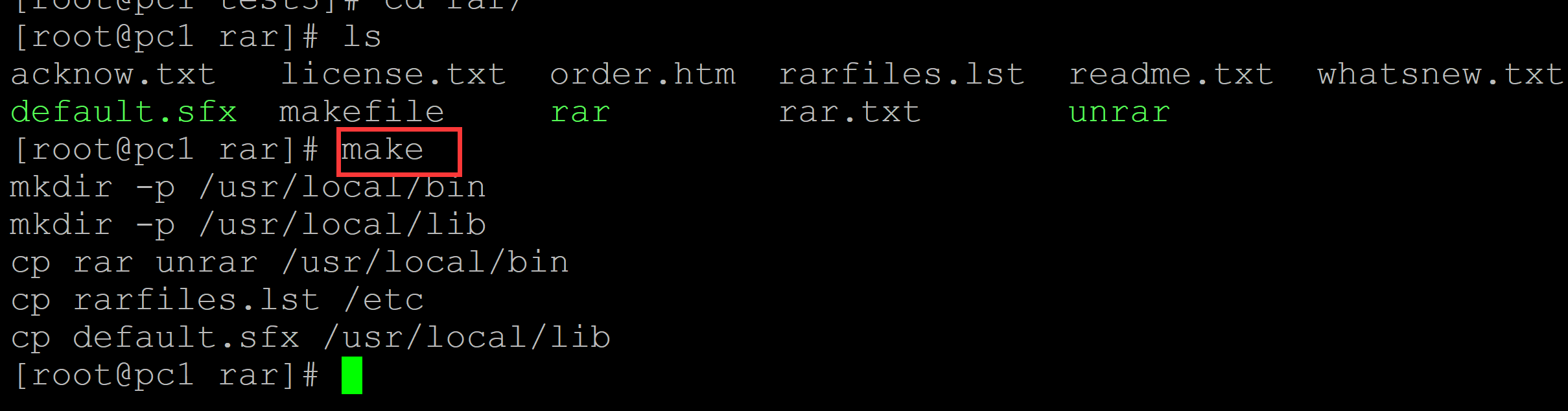
cd rar/
make
004、测试rar命令(出现如下版本信息,说明安装成功)
[root@pc1 rar]# rar | head

RAR 6.20 beta 2   Copyright (c) 1993-2022 Alexander Roshal   30 Nov 2022
Trial version             Type 'rar -?' for help

Usage:     rar <command> -<switch 1> -<switch N> <archive> <files...>
               <@listfiles...> <path_to_extract/>

<Commands>
  a             Add files to archive
  c             Add archive comment
005、使用rar压缩文件
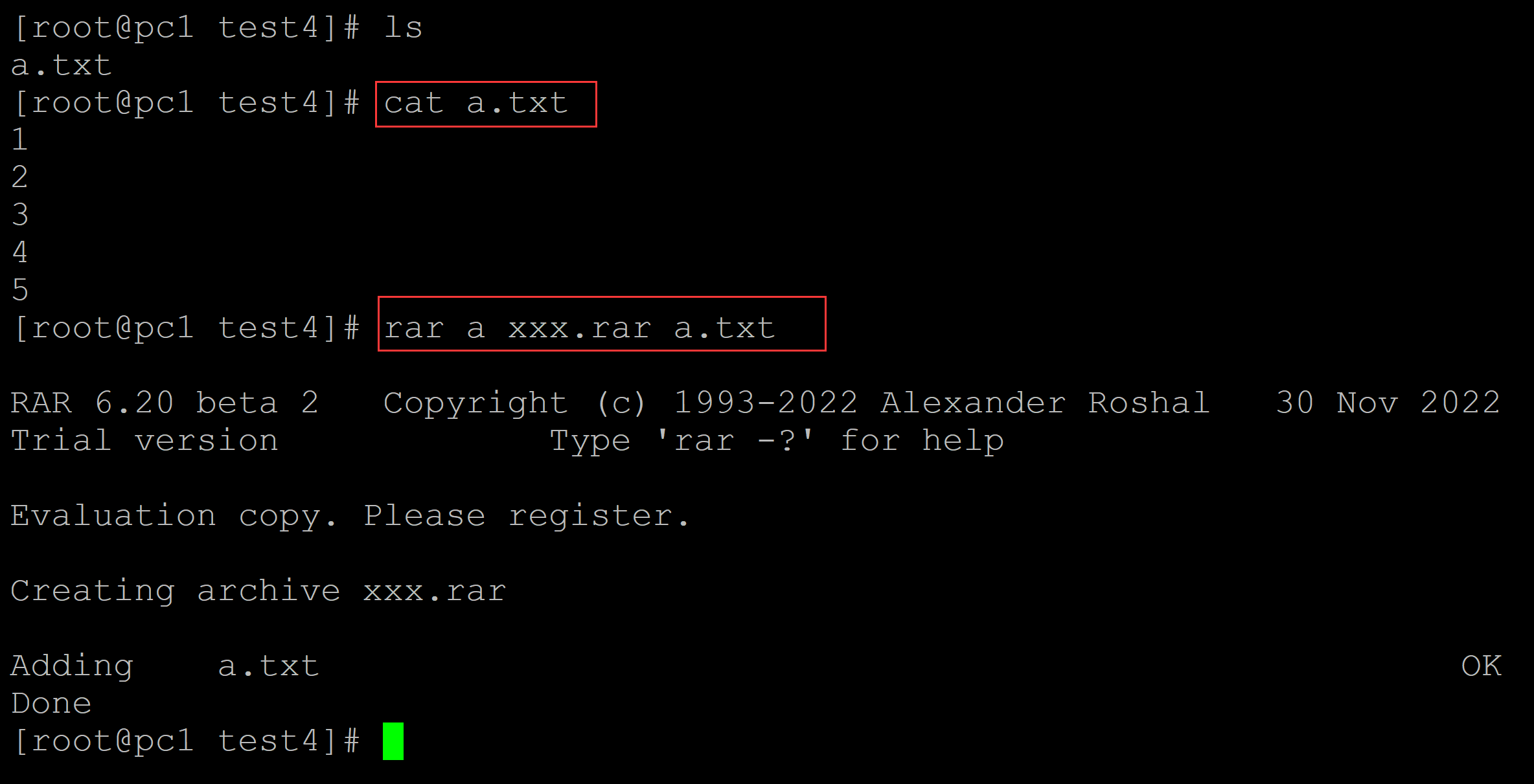
[root@pc1 test4]# ls
a.txt
[root@pc1 test4]# cat a.txt
1
2
3
4
5
[root@pc1 test4]# rar a xxx.rar a.txt    ## 将a.txt压缩为xxx.rar

RAR 6.20 beta 2   Copyright (c) 1993-2022 Alexander Roshal   30 Nov 2022
Trial version             Type 'rar -?' for help

Evaluation copy. Please register.

Creating archive xxx.rar

Adding    a.txt                                                       OK
Done
006、使用rar解压文件
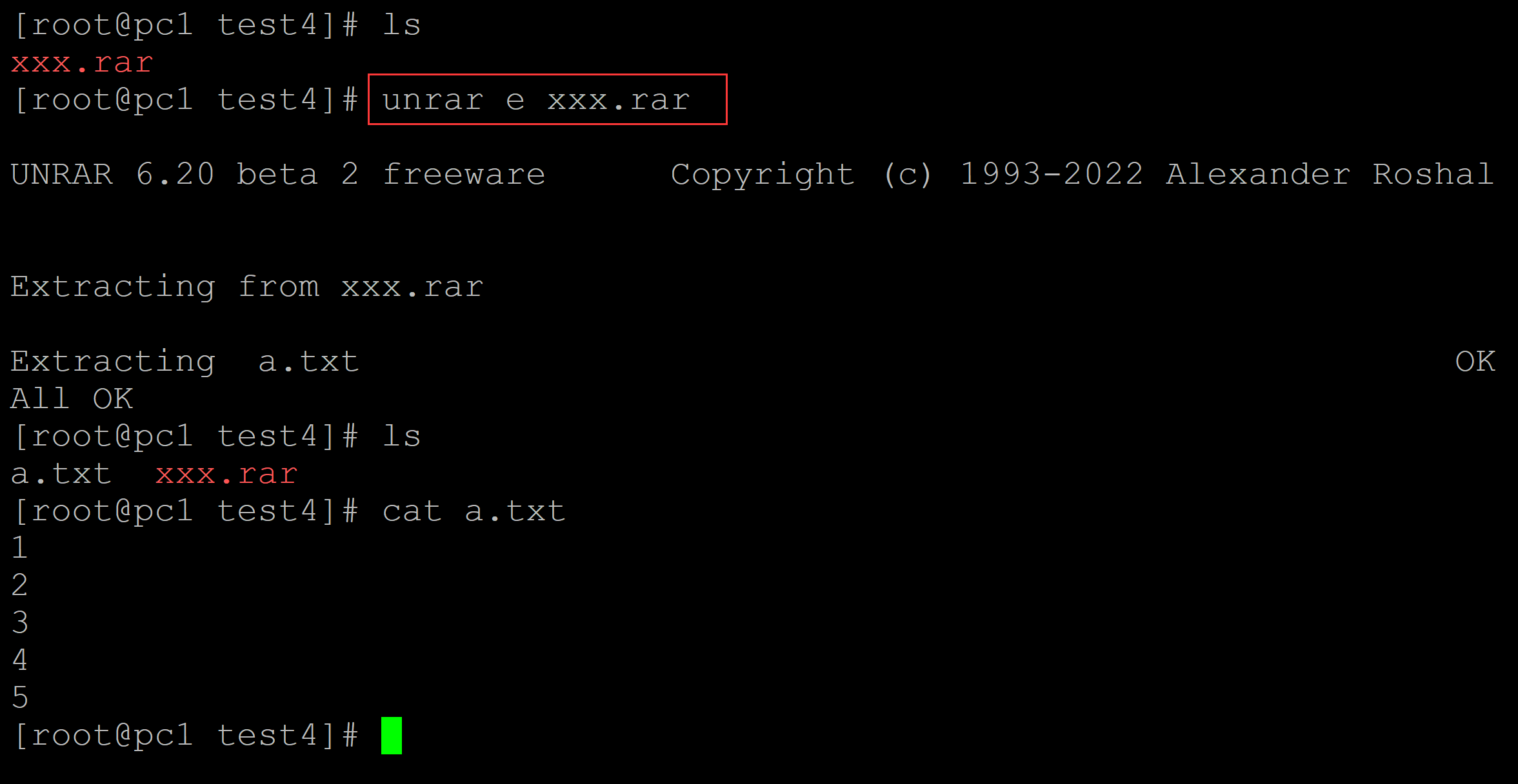
[root@pc1 test4]# ls
xxx.rar
[root@pc1 test4]# unrar e xxx.rar          ## 解压文件

UNRAR 6.20 beta 2 freeware      Copyright (c) 1993-2022 Alexander Roshal


Extracting from xxx.rar

Extracting  a.txt                                                     OK
All OK
[root@pc1 test4]# ls
a.txt  xxx.rar
[root@pc1 test4]# cat a.txt
1
2
3
4
5

 浙公网安备 33010602011771号