


linux 中打包命令tar的使用
001、打包
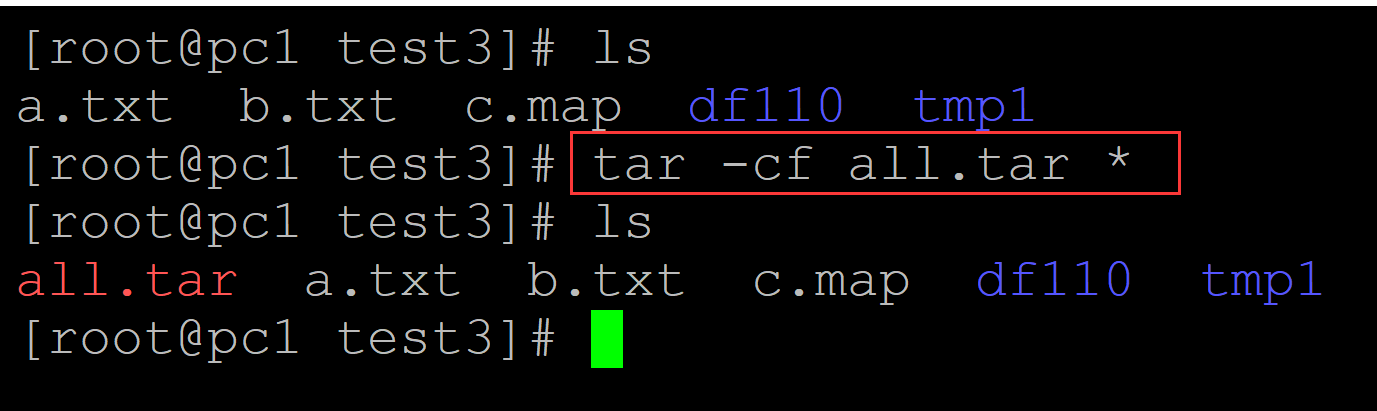
[root@pc1 test3]# ls
a.txt  b.txt  c.map  df110  tmp1
[root@pc1 test3]# tar -cf all.tar *     ## 打包
[root@pc1 test3]# ls
all.tar  a.txt  b.txt  c.map  df110  tmp1
002、向包中增加新的内容
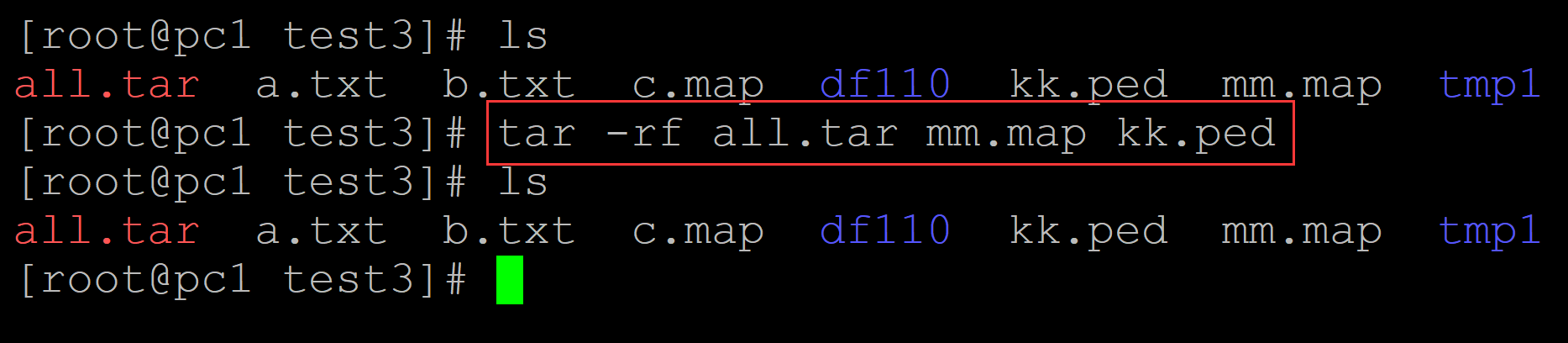
[root@pc1 test3]# ls
all.tar  a.txt  b.txt  c.map  df110  kk.ped  mm.map  tmp1
[root@pc1 test3]# tar -rf all.tar mm.map kk.ped
[root@pc1 test3]# ls
all.tar  a.txt  b.txt  c.map  df110  kk.ped  mm.map  tmp1
003、更新包
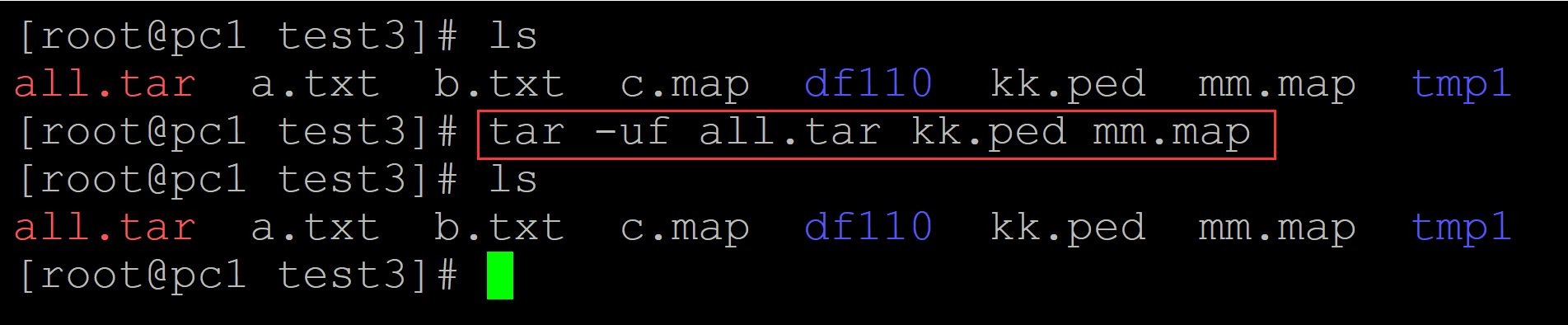
[root@pc1 test3]# ls
all.tar  a.txt  b.txt  c.map  df110  kk.ped  mm.map  tmp1
[root@pc1 test3]# tar -uf all.tar kk.ped mm.map
[root@pc1 test3]# ls
all.tar  a.txt  b.txt  c.map  df110  kk.ped  mm.map  tmp1
004、列出包文件
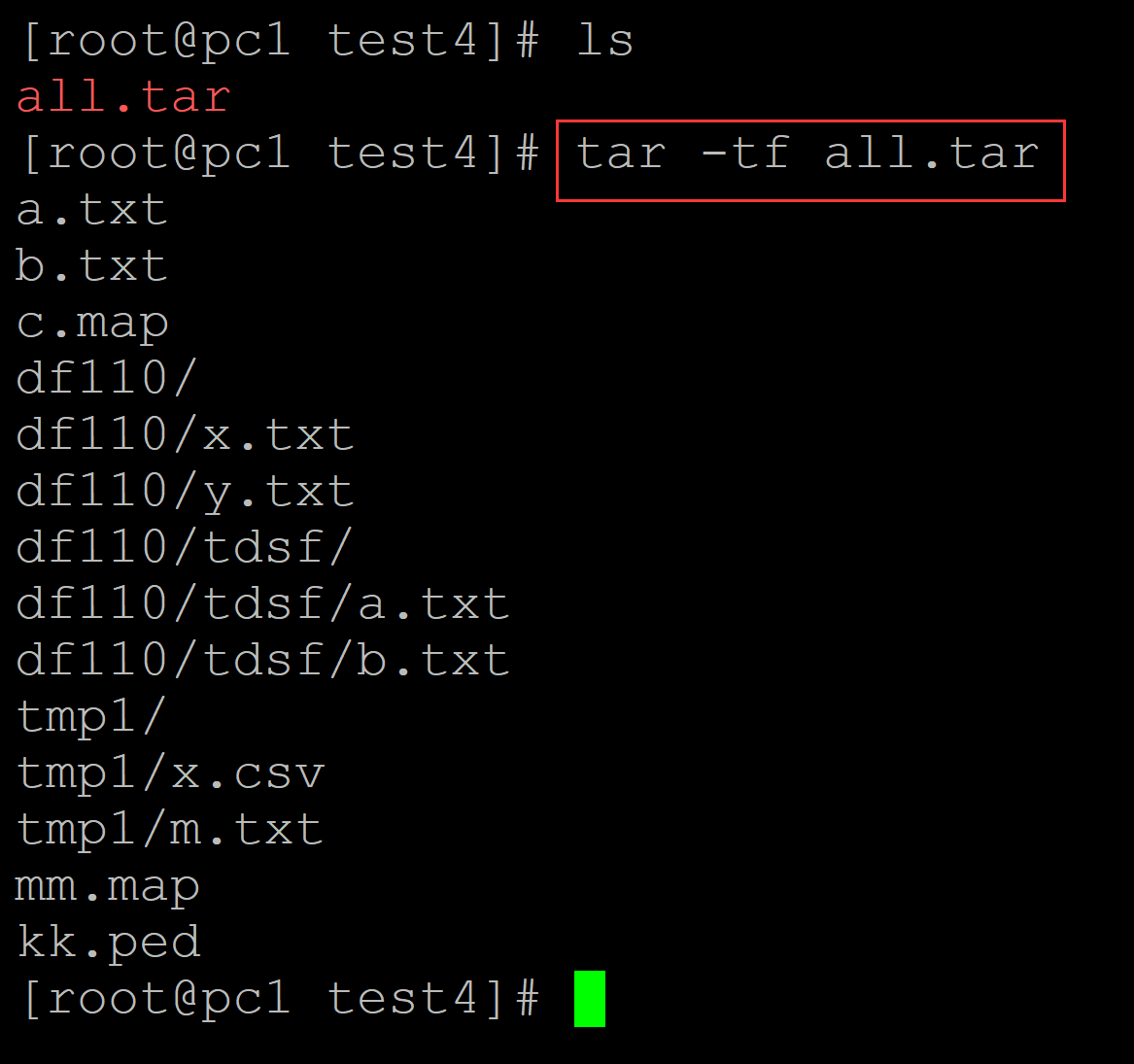
[root@pc1 test4]# ls
all.tar
[root@pc1 test4]# tar -tf all.tar
a.txt
b.txt
c.map
df110/
df110/x.txt
df110/y.txt
df110/tdsf/
df110/tdsf/a.txt
df110/tdsf/b.txt
tmp1/
tmp1/x.csv
tmp1/m.txt
mm.map
kk.ped
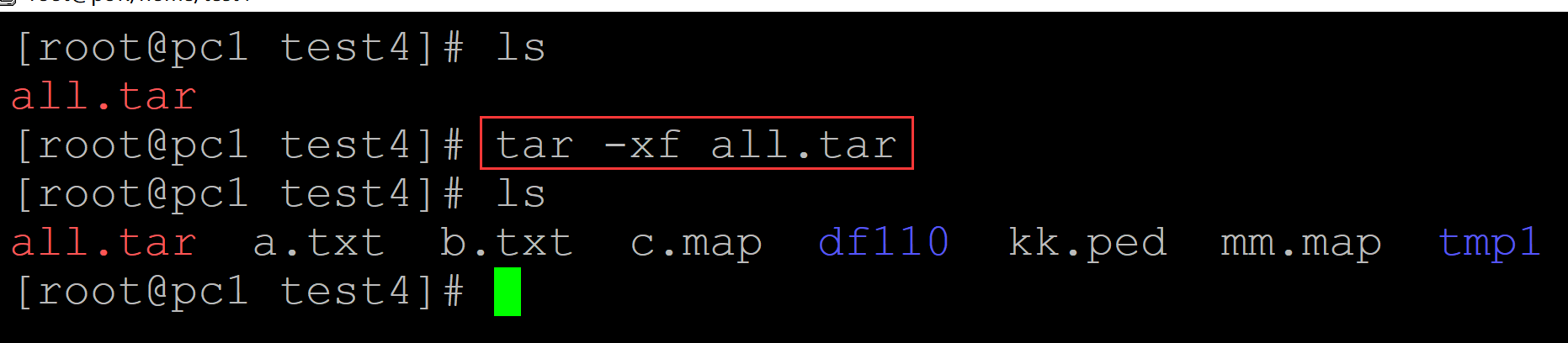
005、解包
[root@pc1 test4]# ls
all.tar
[root@pc1 test4]# tar -xf all.tar
[root@pc1 test4]# ls
all.tar  a.txt  b.txt  c.map  df110  kk.ped  mm.map  tmp1

 浙公网安备 33010602011771号