


Linux中如何实现将一列数据转换为一行数据
001、paste -s 实现
[root@pc1 test]# ls
a.txt
[root@pc1 test]# cat a.txt
1
2
3
4
5
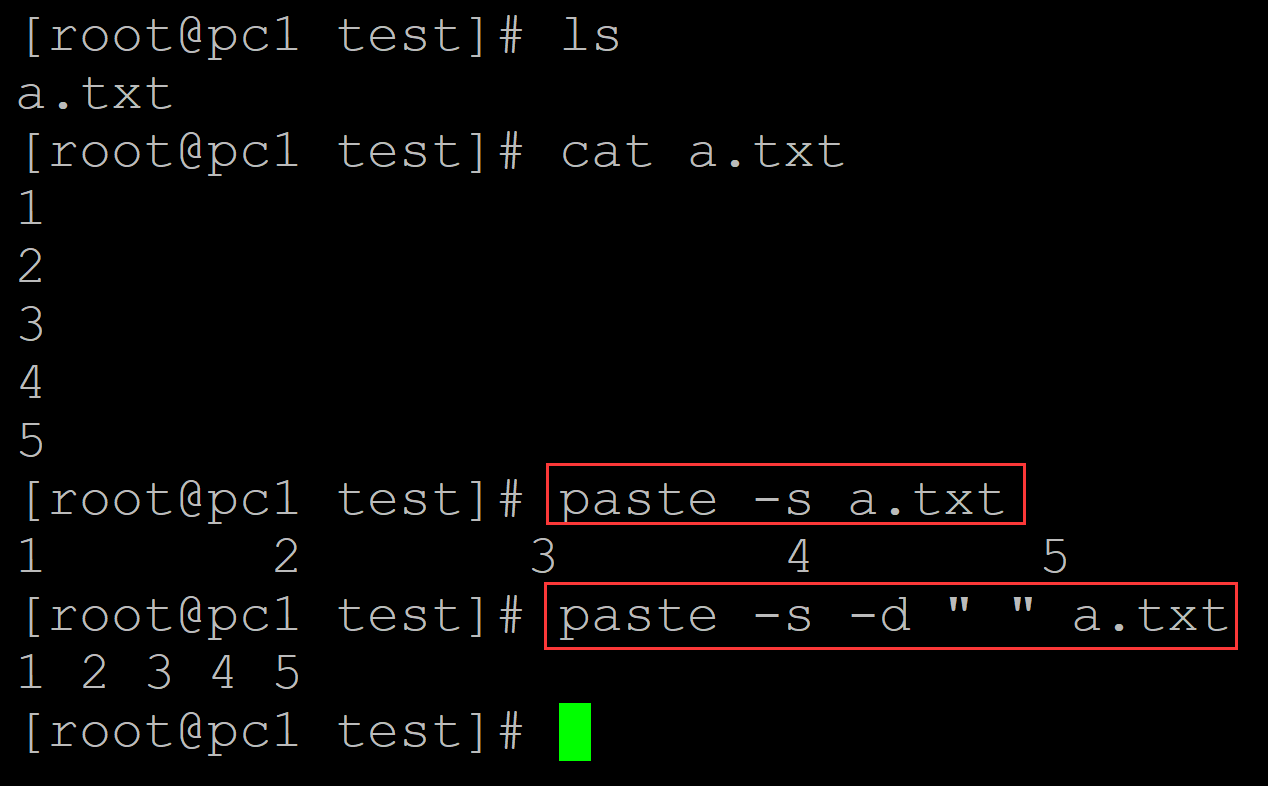
[root@pc1 test]# paste -s a.txt           ## paste 将一列数据转换为一行数据
1       2       3       4       5
[root@pc1 test]# paste -s -d " " a.txt    ## -d参数指定间隔符
1 2 3 4 5
002、 xargs实现
[root@pc1 test]# ls
a.txt
[root@pc1 test]# cat a.txt
1
2
3
4
5
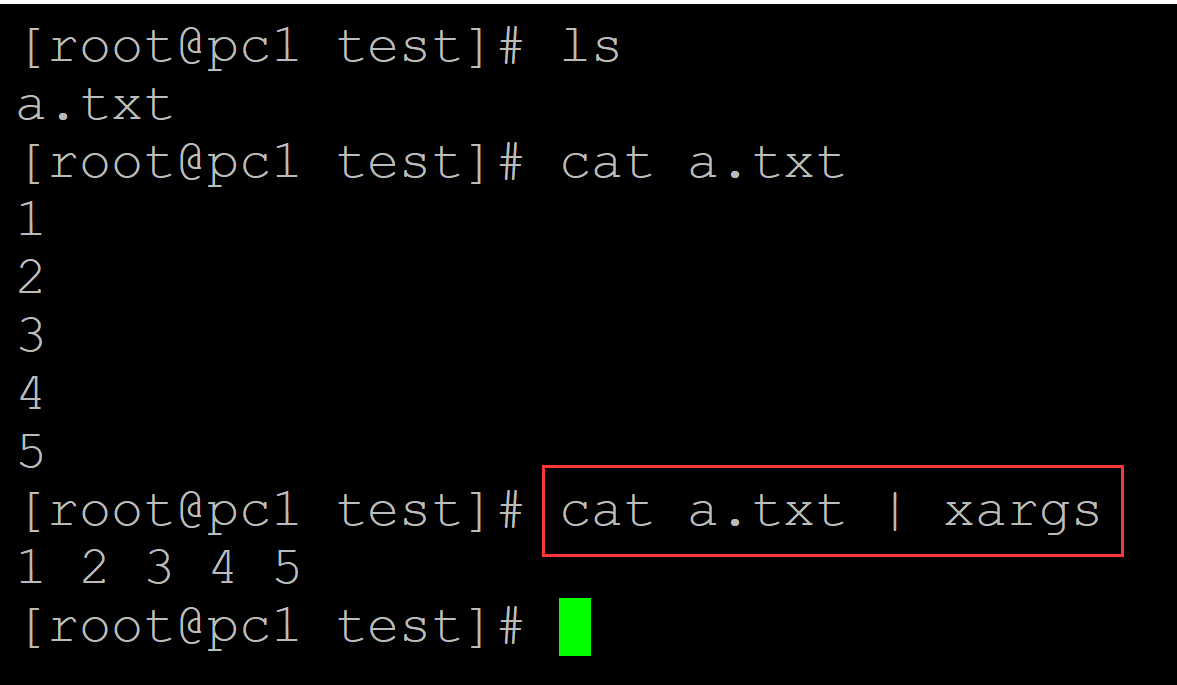
[root@pc1 test]# cat a.txt | xargs     ## xargs将一列数据转换为一行数据
1 2 3 4 5
003、tr + sed实现
[root@pc1 test]# ls
a.txt
[root@pc1 test]# cat a.txt
1
2
3
4
5
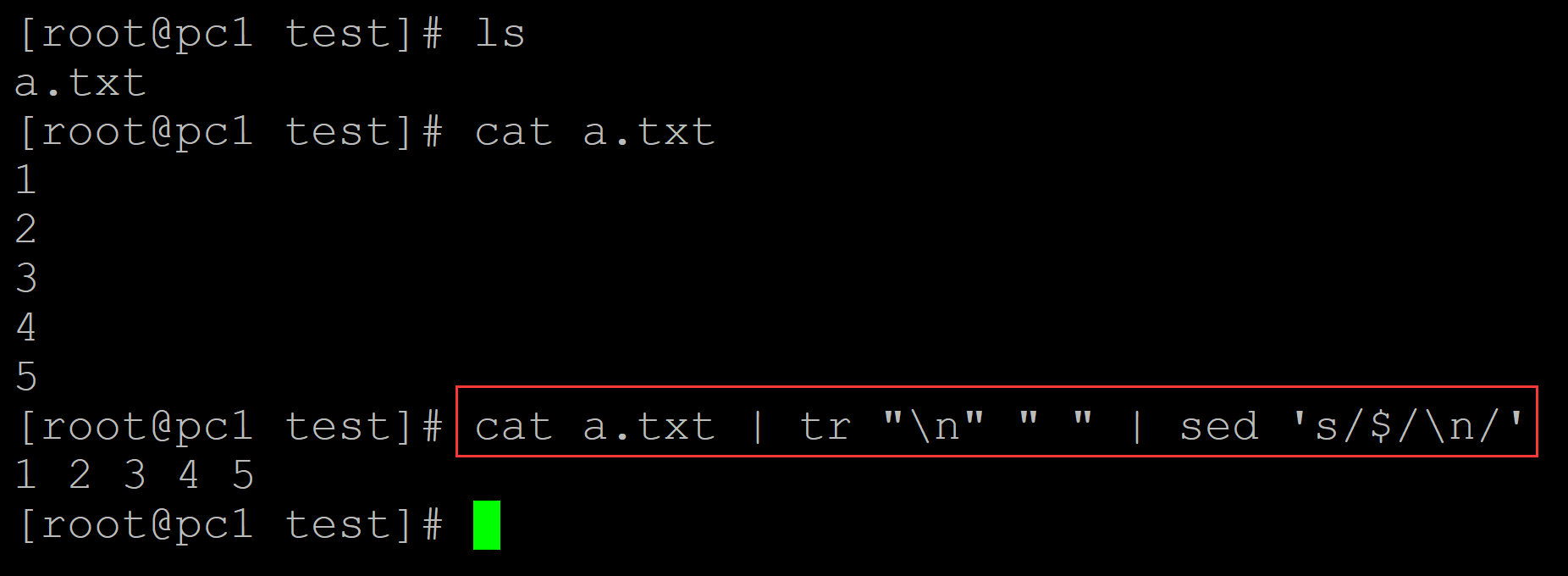
[root@pc1 test]# cat a.txt | tr "\n" " " | sed 's/$/\n/'   ## tr + sed将一列数据转化为一行数据
1 2 3 4 5
004、awk + sed实现
[root@pc1 test]# ls
a.txt
[root@pc1 test]# cat a.txt
1
2
3
4
5
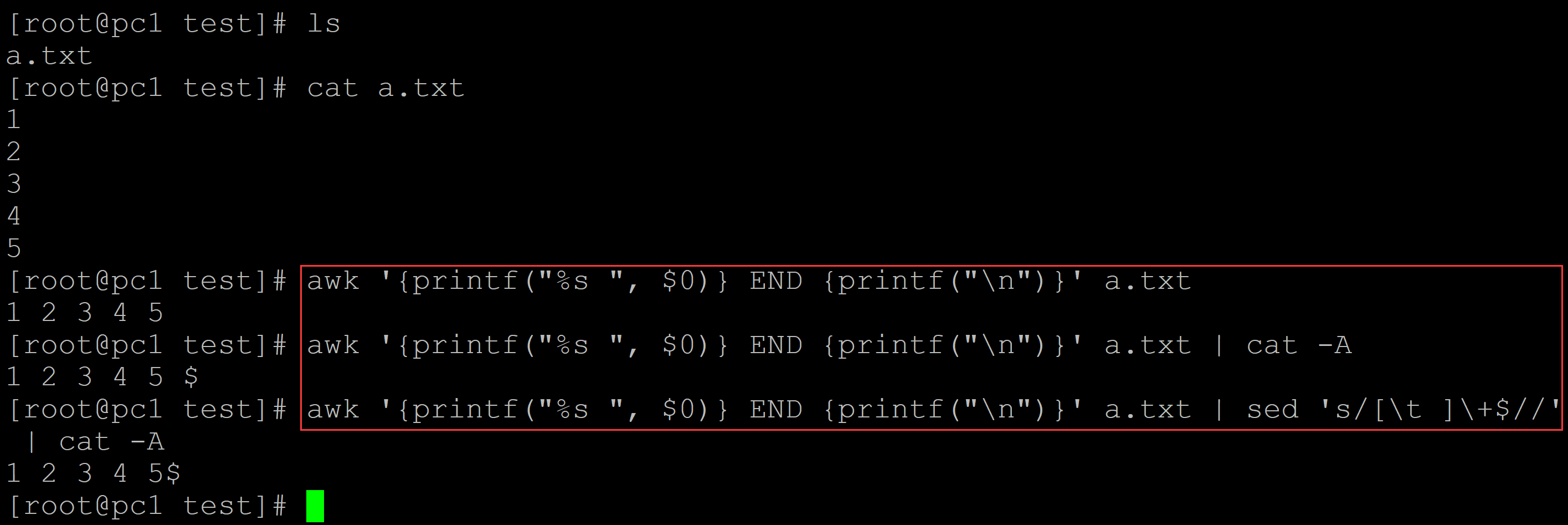
[root@pc1 test]# awk '{printf("%s ", $0)} END {printf("\n")}' a.txt   ## awk将一列数据转换为一行数据
1 2 3 4 5
[root@pc1 test]# awk '{printf("%s ", $0)} END {printf("\n")}' a.txt | cat -A            1 2 3 4 5 $
[root@pc1 test]# awk '{printf("%s ", $0)} END {printf("\n")}' a.txt | sed 's/[\t ]\+$//' | cat -A
1 2 3 4 5$        ## 去除末尾的空格
005、awk实现
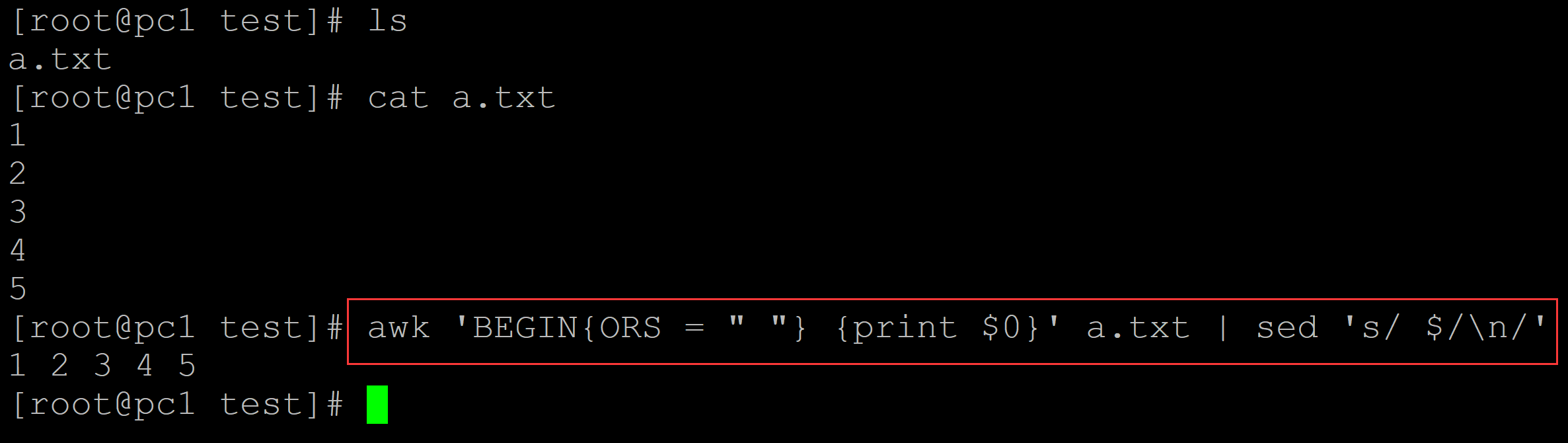
[root@pc1 test]# ls
a.txt
[root@pc1 test]# cat a.txt
1
2
3
4
5
[root@pc1 test]# awk 'BEGIN{ORS = " "} {print $0}' a.txt | sed 's/ $/\n/'
1 2 3 4 5
006、awk实现
[root@pc1 test]# ls
a.txt
[root@pc1 test]# cat a.txt
1
2
3
4
5
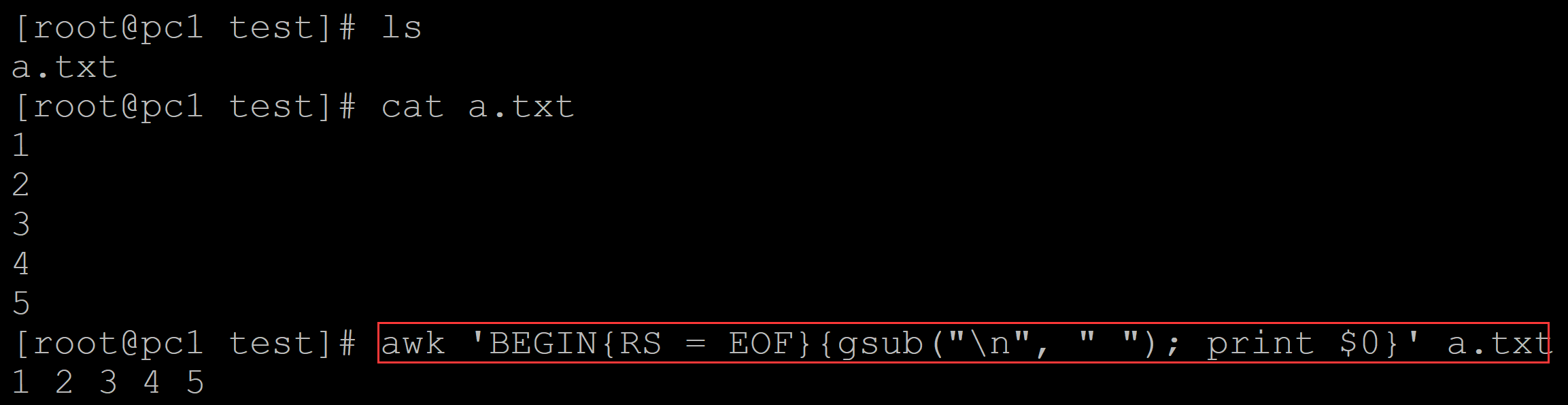
[root@pc1 test]# awk 'BEGIN{RS = EOF}{gsub("\n", " "); print $0}' a.txt
1 2 3 4 5
007、sed实现
[root@pc1 test]# ls
a.txt
[root@pc1 test]# cat a.txt
1
2
3
4
5
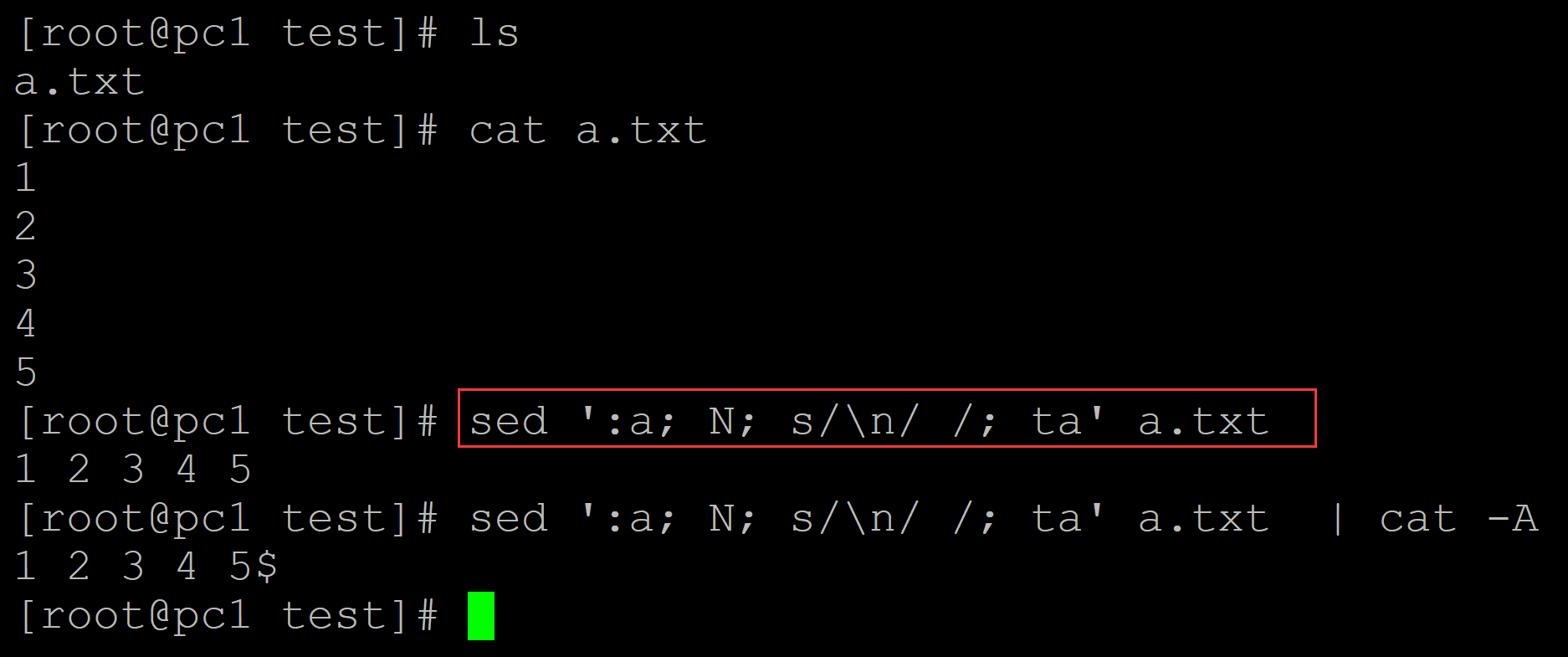
[root@pc1 test]# sed ':a; N; s/\n/ /; ta' a.txt   ## sed将一列数据转换为一行数据
1 2 3 4 5
[root@pc1 test]# sed ':a; N; s/\n/ /; ta' a.txt  | cat -A
1 2 3 4 5$

 浙公网安备 33010602011771号