

日报2025320
今日学习springboot进行后端开发
首先在idea中新建springboot项目,选择maven环境,选择建立在之前创建的vue项目下,next后选择Springweb、mybatis、mysql driver这几项然后建立。
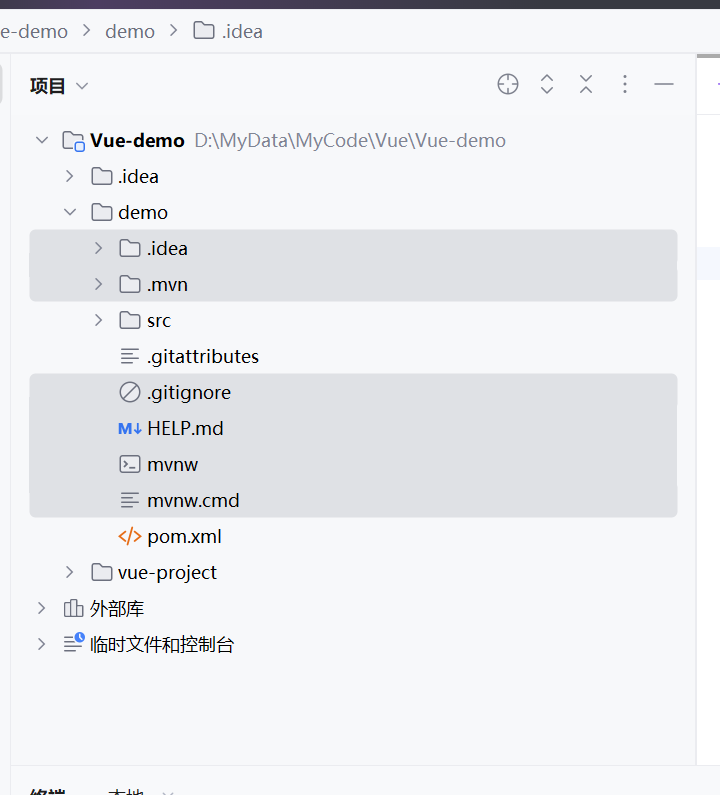
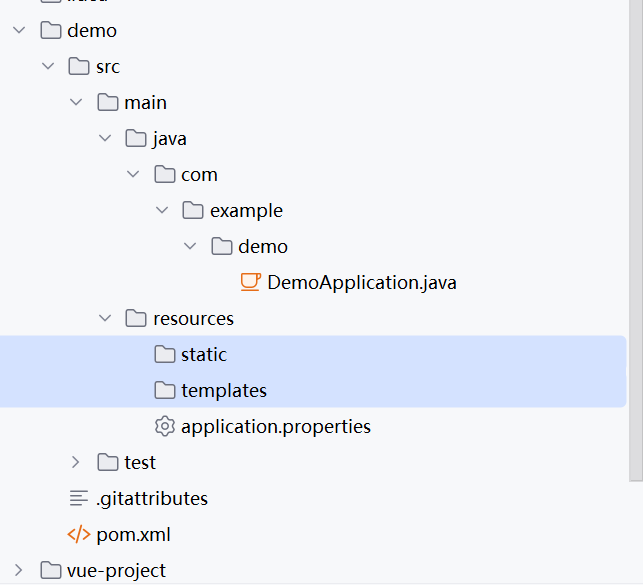
这几个没用
然后application.properties改名为application.yml
里面的内容清空

之后将pom文件添加为maven项目:

application.yml
server:
  port:9090
Spring:
  datasource:
    driver-class-name: com.mysql.cj.jdbc.Driver
    username: root
    password: 2333
    url: jdbc:mysql://localhost:3306/Vue-demo?useUnicode=true&characterEncoding=utf-8&allowMultiQueries=true&useSSL=false&serverTimezone=GMT%2b8&allowPublicKeyRetrieval=true
demo下建立controller软件包,显示页面信息
建立common软件包,用于统一数据类型
package com.example.demo.common;

public class Result {
    private String code;
    private String msg;
    private Object data;

    public static Result success() {
        Result result = new Result();
        result.setCode("200");
        result.setMsg("请求成功");

        return result;
    }
    public static Result success(Object data) {
        Result result = success();
        result.setData(data);
        return result;
    }
    public String getCode() {
        return code;
    }

    public void setCode(String code) {
        this.code = code;
    }

    public String getMsg() {
        return msg;
    }

    public void setMsg(String msg) {
        this.msg = msg;
    }

    public Object getData() {
        return data;
    }

    public void setData(Object data) {
        this.data = data;
    }
}
写exception,建立GlobalExceptionHandler
package com.example.demo.exception;

import com.example.demo.common.Result;
import org.springframework.web.bind.annotation.ControllerAdvice;
import org.springframework.web.bind.annotation.ExceptionHandler;
import org.springframework.web.bind.annotation.ResponseBody;

@ControllerAdvice("com.example.controller")
public class GlobalExceptionHandler {


    @ExceptionHandler(Exception.class)
    @ResponseBody//返回json串
    public Result error(Exception e) {
        System.out.println("error,ge to daze!");
        e.printStackTrace();
        return Result.error();
    }

}

 浙公网安备 33010602011771号