
React 记录(2)
React 记录(2)
入门教程:https://www.reactjscn.com/tutorial/tutorial.html
慢慢学习:对照教程文档,逐句猜解,截图
React官网:https://reactjs.org
React中文网站:https://www.reactjscn.com
Github地址:https://github.com/facebook/react
React 技术栈系列教程:http://www.ruanyifeng.com/blog/2016/09/react-technology-stack.html
课前准备
教程简介
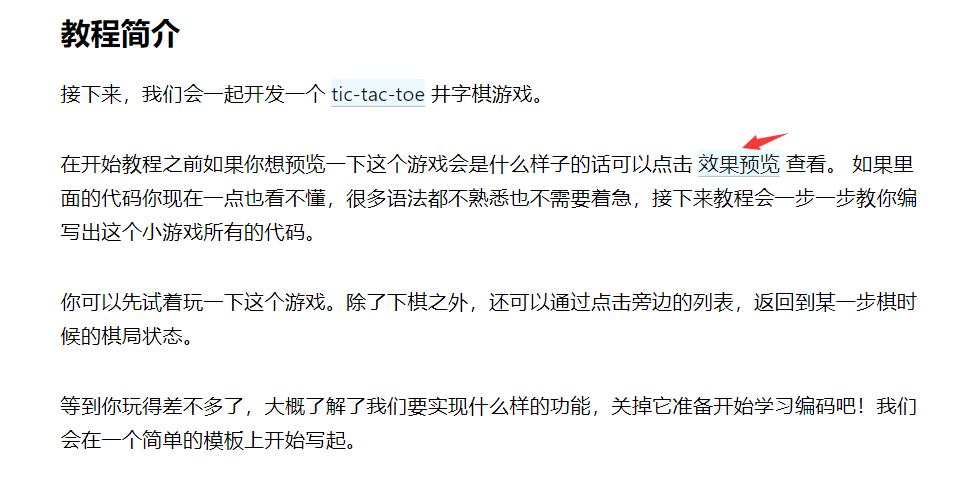
效果预览:https://codepen.io/gaearon/pen/gWWZgR?editors=0010
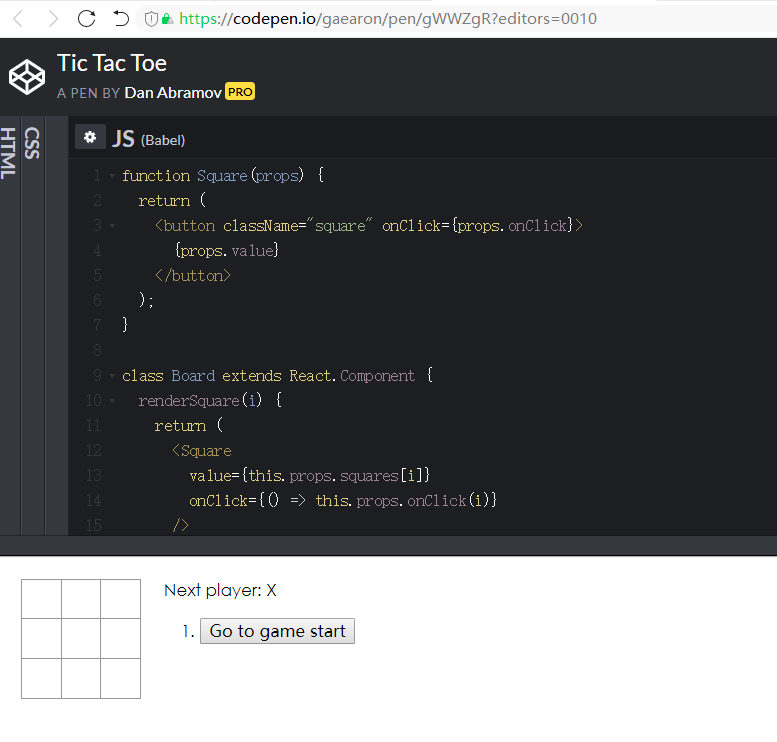
可以点击按钮,按钮格子里出现O和X
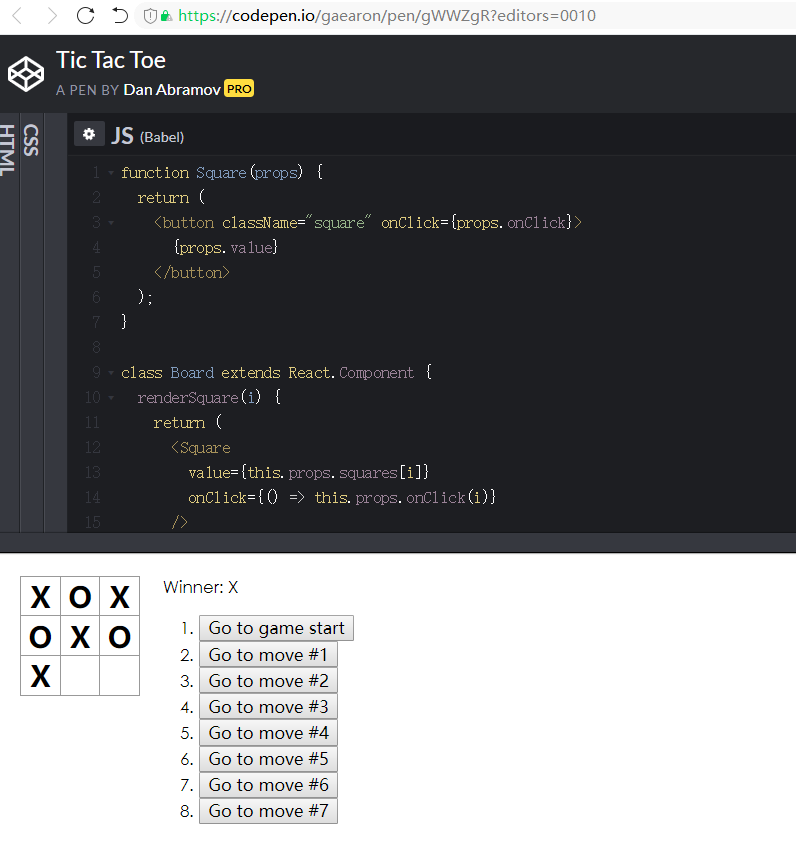
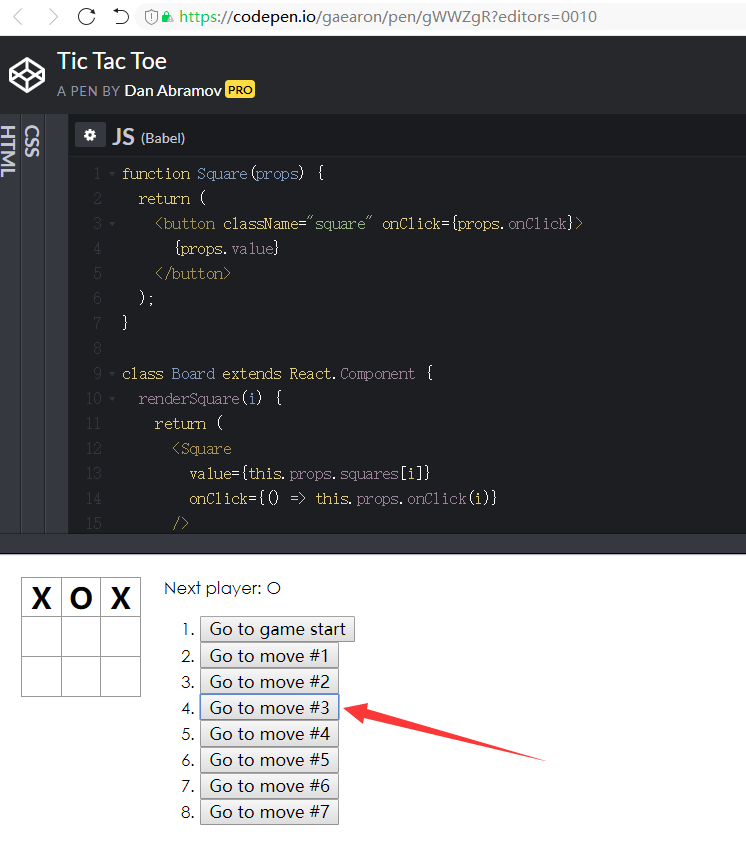
点击右侧还能返回到某一步骤
前置知识
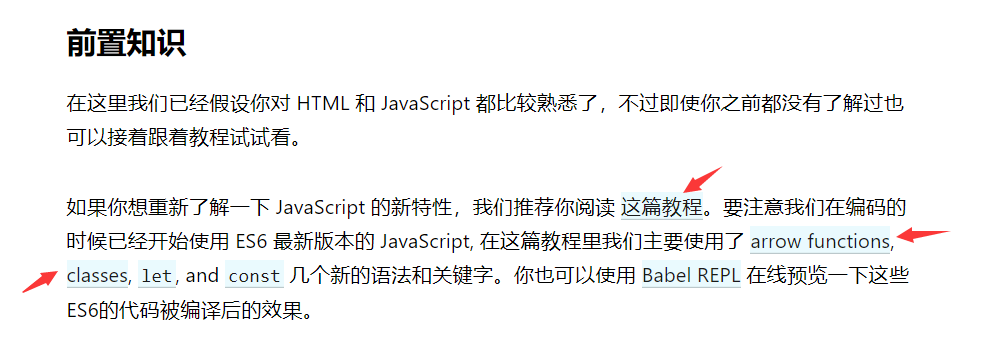
如果你想重新了解一下 JavaScript 的新特性,我们推荐你阅读 这篇教程:https://developer.mozilla.org/zh-CN/docs/Web/JavaScript/A_re-introduction_to_JavaScript
已经读过,懂不懂的不重要,关于类和函数的解释到是很到位
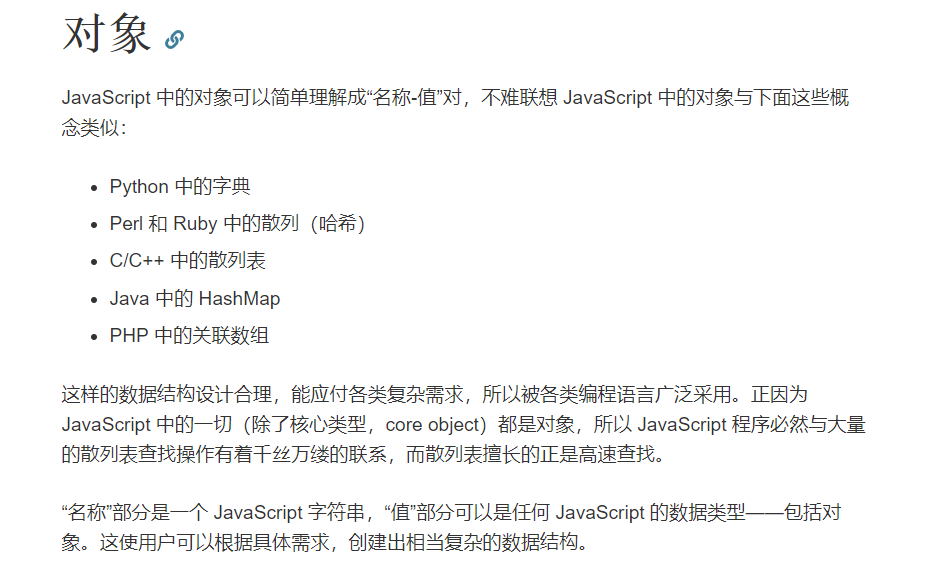
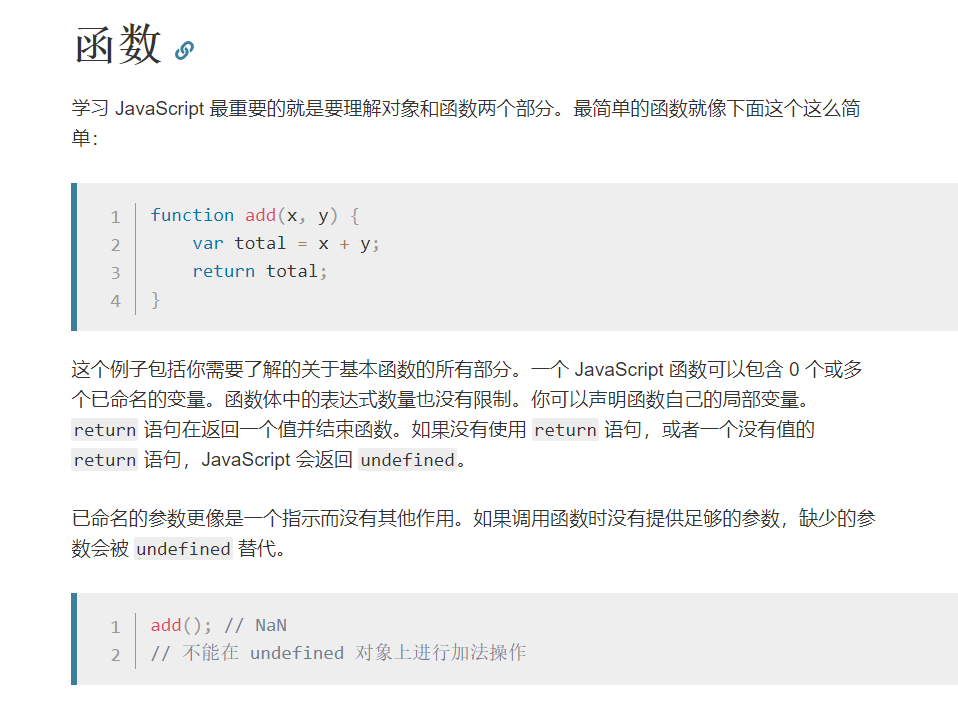
arrow functions:箭头函数:
MDN的JavaScript教程:https://developer.mozilla.org/zh-CN/docs/Web/JavaScript/Reference/Functions/Arrow_functions
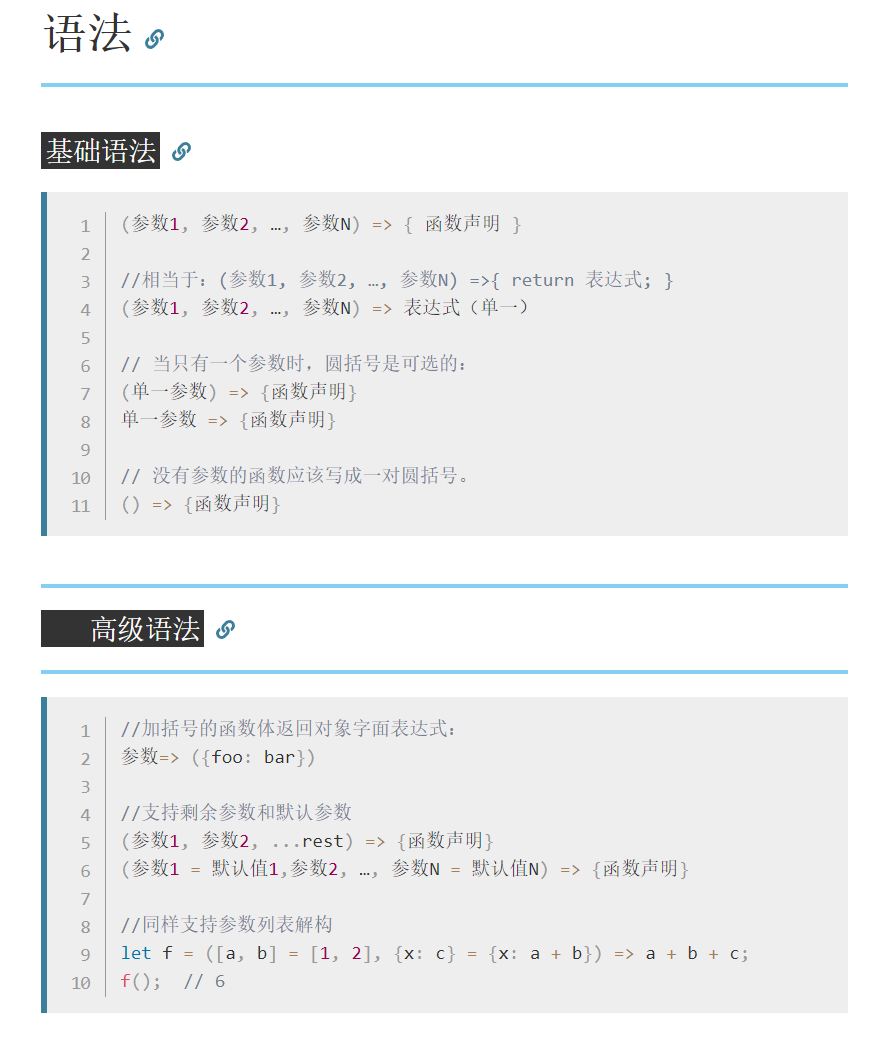
ES6教程:http://es6.ruanyifeng.com/#docs/function#箭头函数
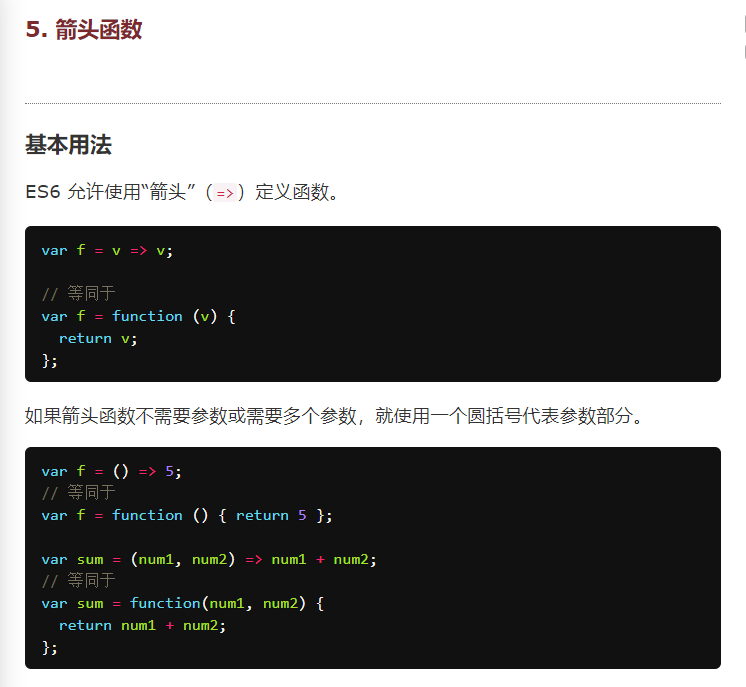
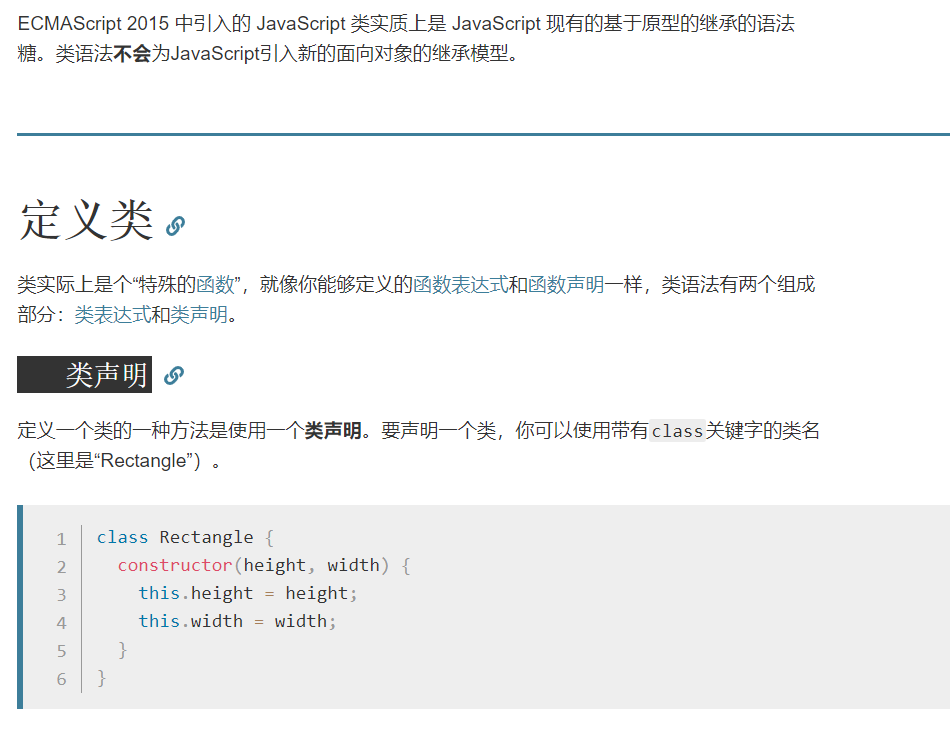
classes:类
MDN的JavaScript教程:https://developer.mozilla.org/zh-CN/docs/Web/JavaScript/Reference/Classes
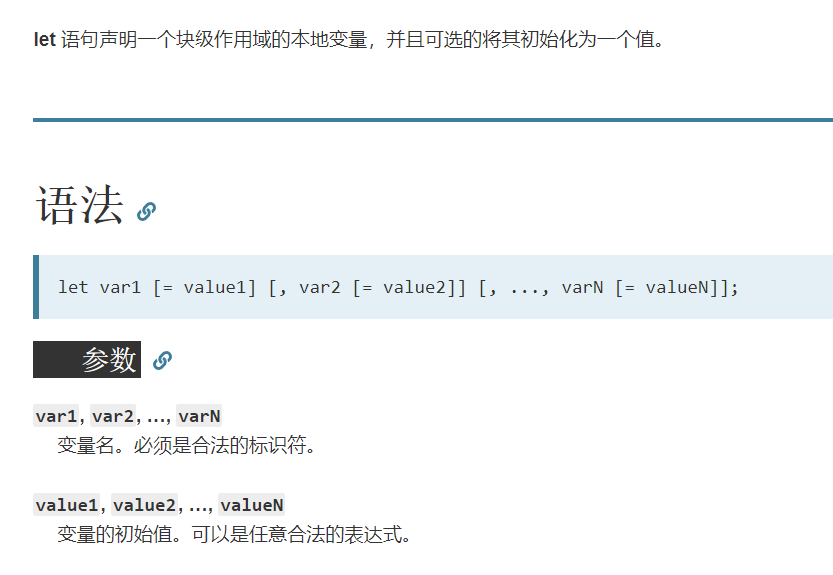
let
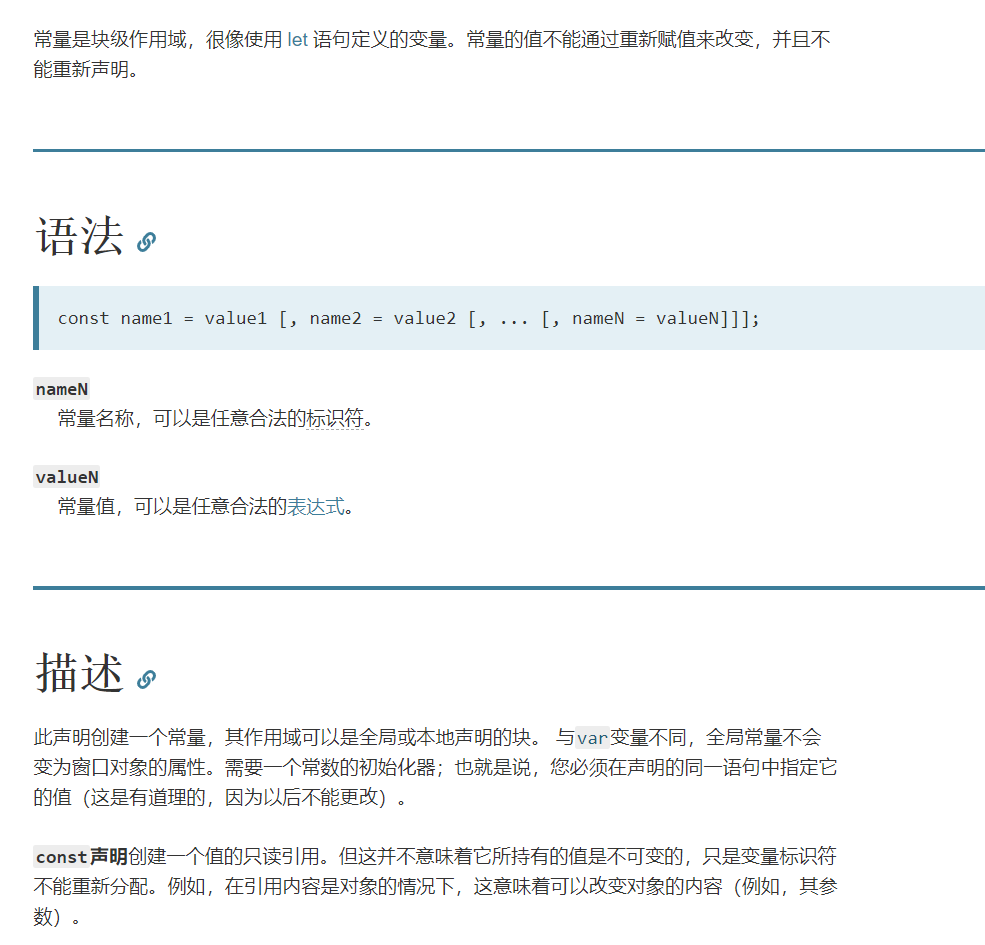
const
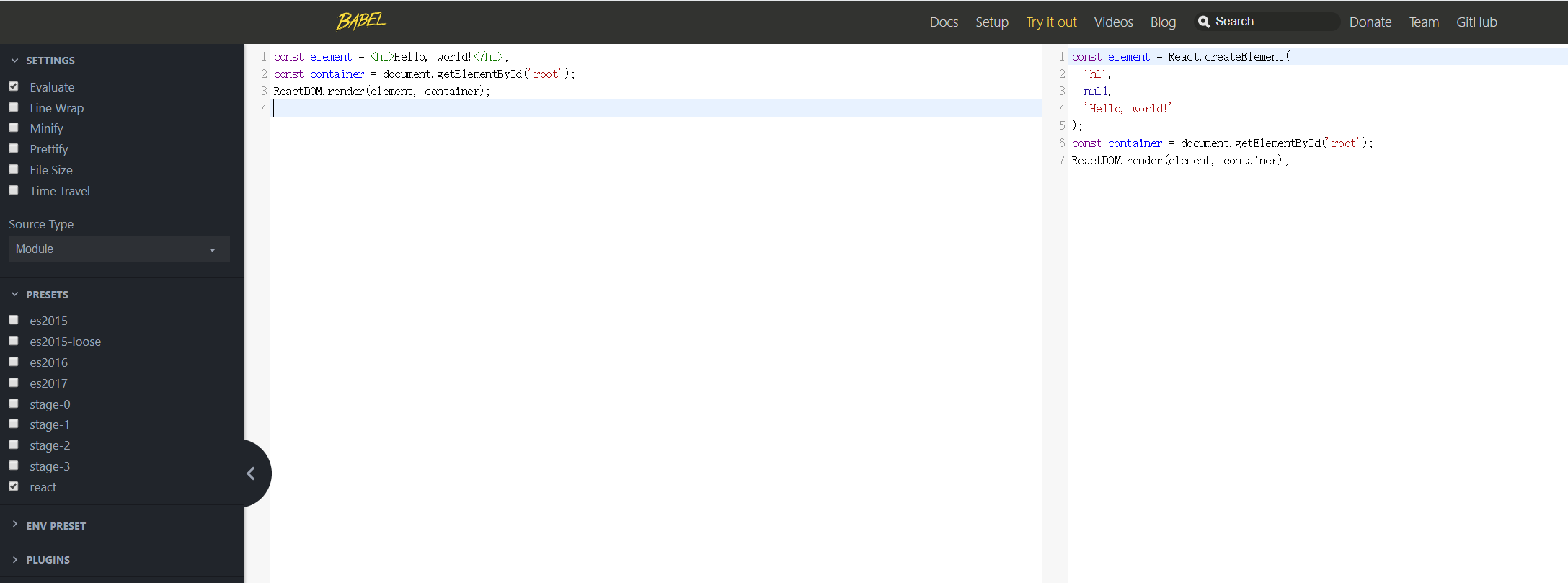
Babel REPL:https://babeljs.io/repl
“读取-求值-输出”循环(英语:Read-Eval-Print Loop,简称REPL)是一个简单的,交互式的编程环境
Babel 入门教程:http://www.ruanyifeng.com/blog/2016/01/babel.html
如何编写代码
本地搭建React的开发运行环境:现在应该不用,所以略过
总览
React 是什么?
React 是一个采用声明式,高效而且灵活的用来构建用户界面的框架。
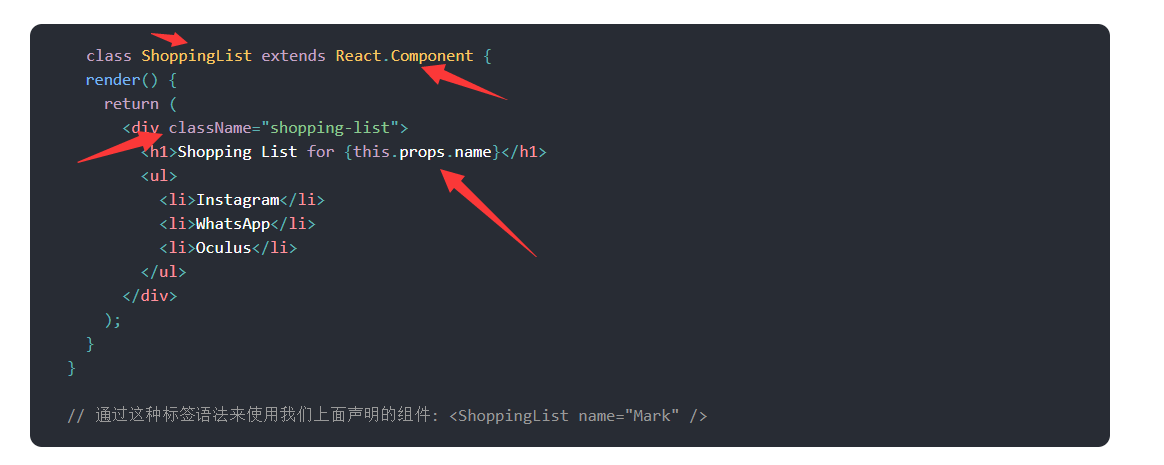
React 当中包含了一些不同的组件,我们从使用 React.Component 开始:
逐句猜解
这个
class应该是模仿Java来的,extends不就是Java的类继承关键字么
用了ClassName,一般HTML是写class的
{}是来写表达式传值的:this指的是这个class类吧
render():渲染函数,,怎么用呢,没说

逐句猜解
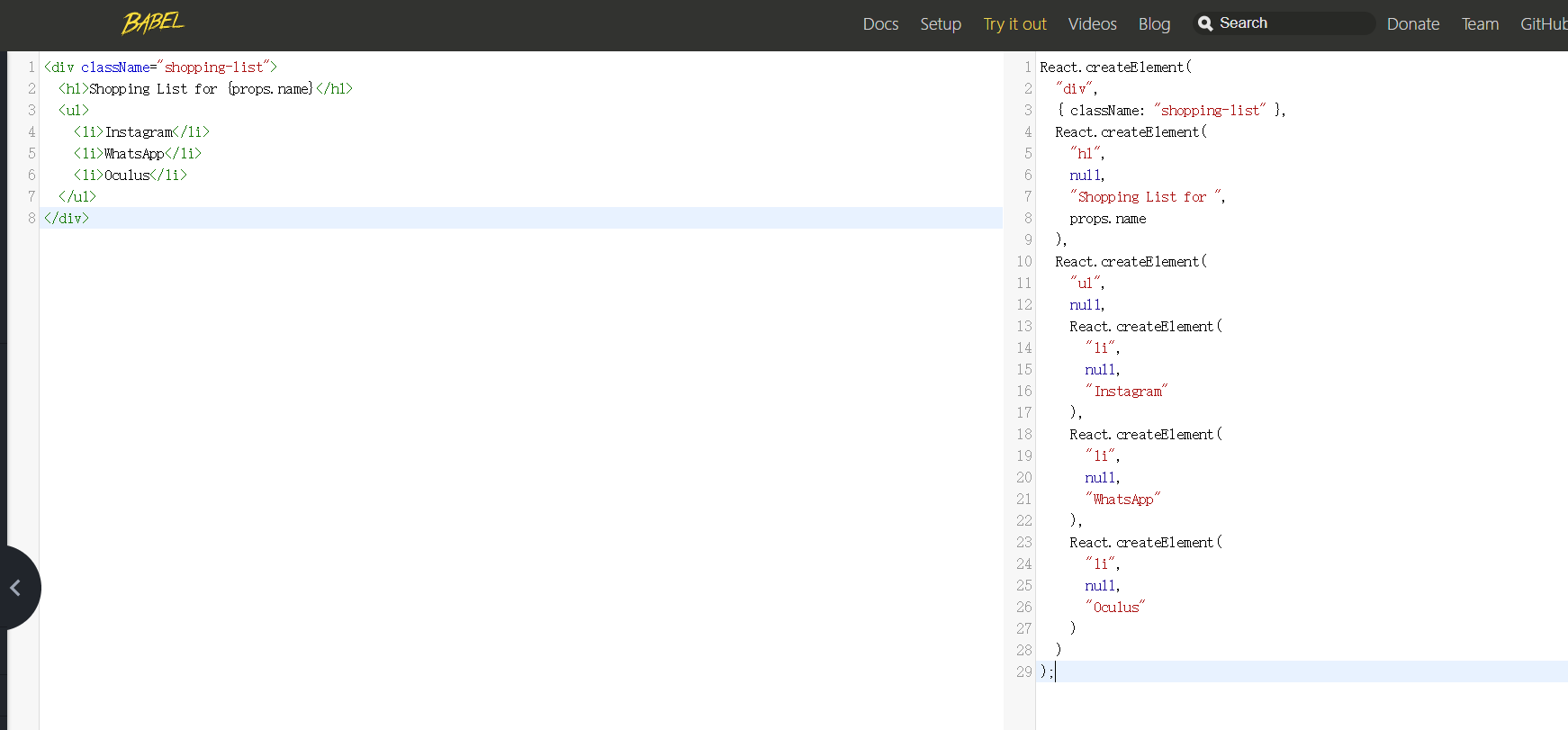
一个组件会接受名为
props的参数,并通过名为render的方法返回一个嵌套结构的视图。
props:向组件传进去参数用这个
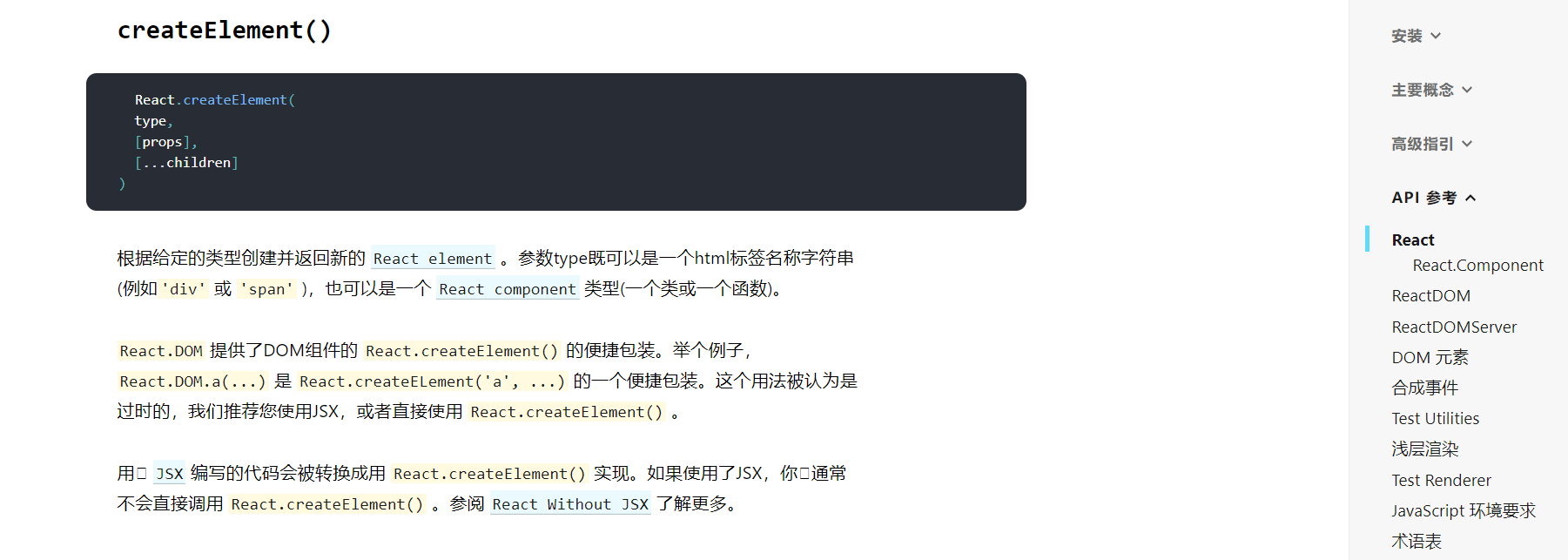
嵌套:说的是一直在调用React.createElement()方法吧
逐句猜解
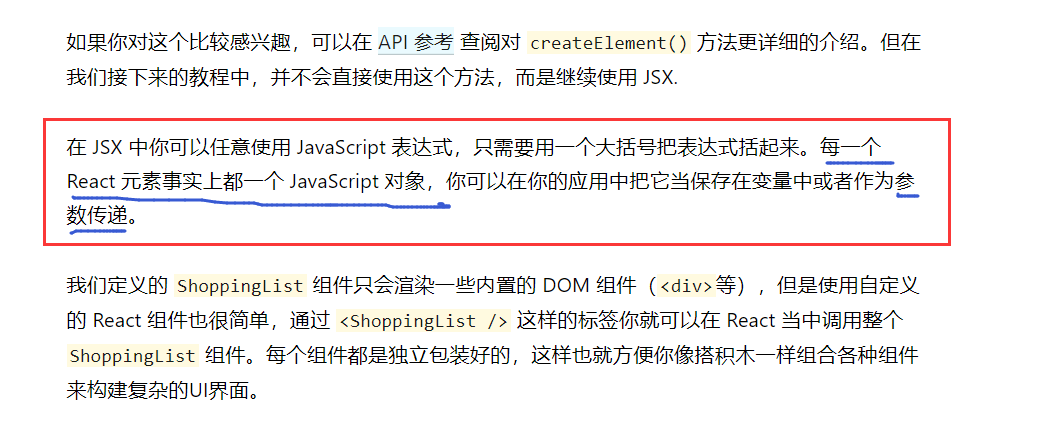
每一个 React 元素事实上都一个 JavaScript 对象,你可以在你的应用中把它当保存在变量中或者作为参数传递。:这个感觉还容易理解,元素,对象,作为参数
开始编码
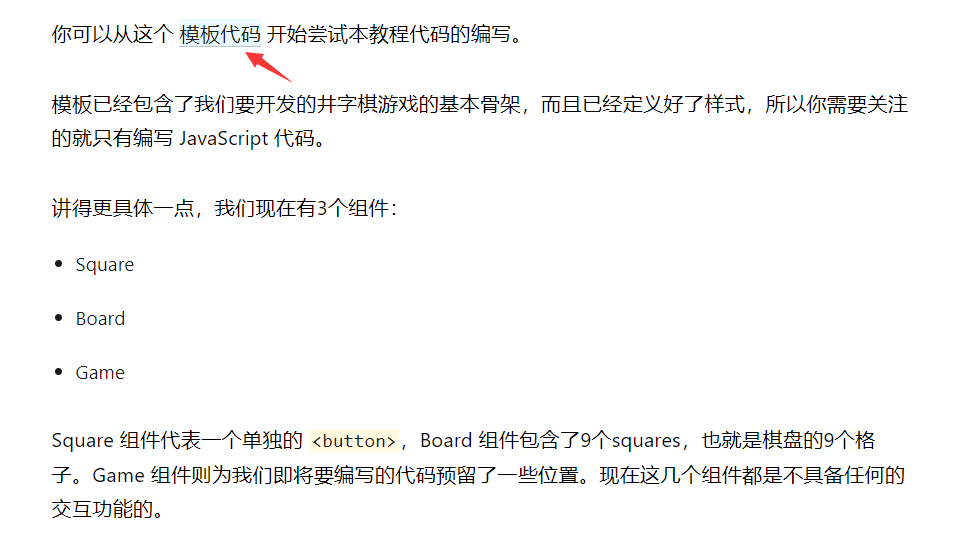
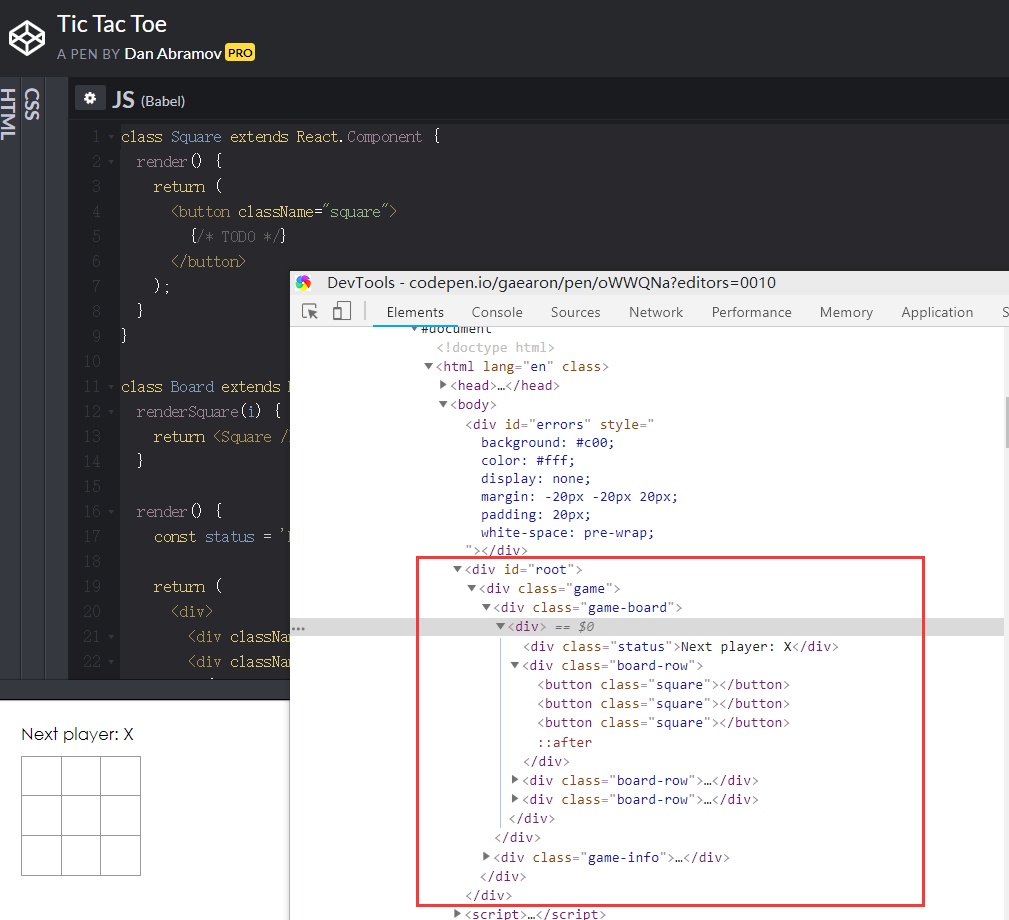
模板代码:https://codepen.io/gaearon/pen/oWWQNa?editors=0010
class Square extends React.Component {
  render() {
    return (
      <button className="square">
        {/* TODO */}
      </button>
    );
  }
}

class Board extends React.Component {
  renderSquare(i) {
    return <Square />;
  }

  render() {
    const status = 'Next player: X';

    return (
      <div>
        <div className="status">{status}</div>
        <div className="board-row">
          {this.renderSquare(0)}
          {this.renderSquare(1)}
          {this.renderSquare(2)}
        </div>
        <div className="board-row">
          {this.renderSquare(3)}
          {this.renderSquare(4)}
          {this.renderSquare(5)}
        </div>
        <div className="board-row">
          {this.renderSquare(6)}
          {this.renderSquare(7)}
          {this.renderSquare(8)}
        </div>
      </div>
    );
  }
}

class Game extends React.Component {
  render() {
    return (
      <div className="game">
        <div className="game-board">
          <Board />
        </div>
        <div className="game-info">
          <div>{/* status */}</div>
          <ol>{/* TODO */}</ol>
        </div>
      </div>
    );
  }
}

// ========================================

ReactDOM.render(
  <Game />,
  document.getElementById('root')
);
代码阅读
觉得要从下往上读:最后是在
<root>标签下生成<Game />组件,<Game />组件的内容是一堆<div>标签,中括号里传递参数
通过 Props 传递数据
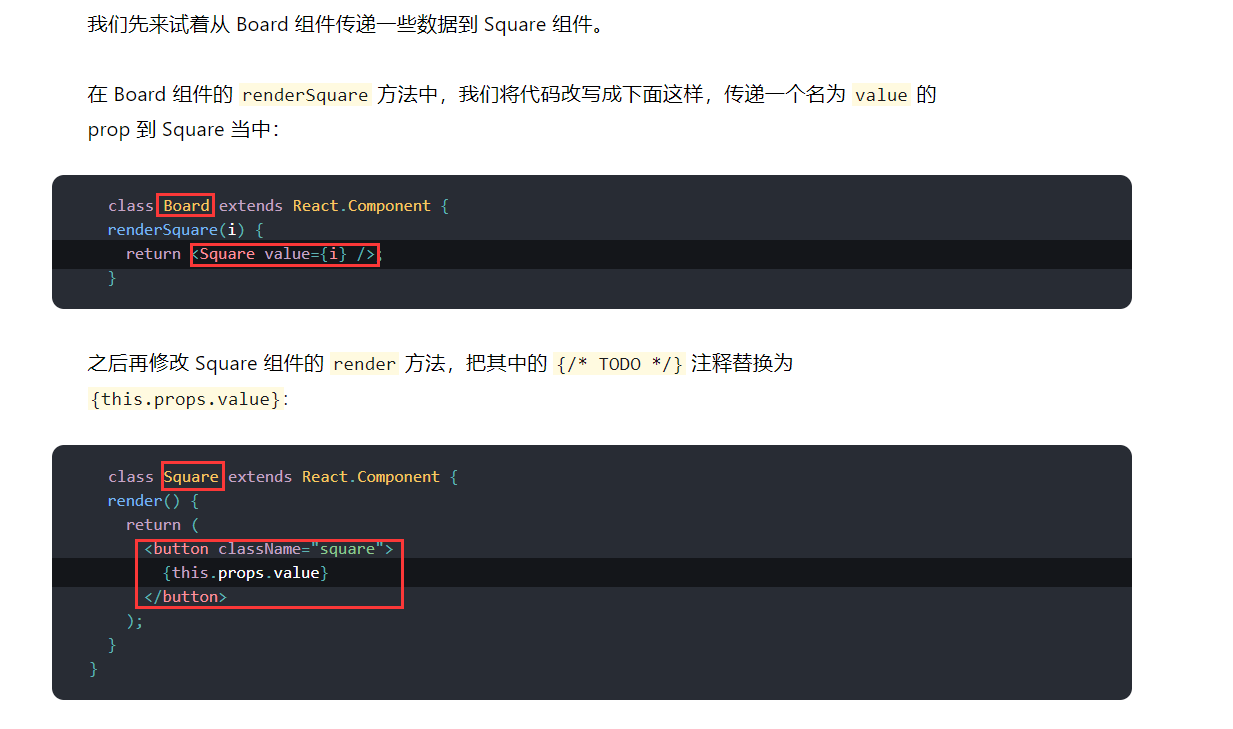
代码阅读
觉得是从父组件传递一个值到子组件:
.props意思是所有参数,this.props.value是指组件所有参数中名叫value的参数的值
给组件添加交互功能
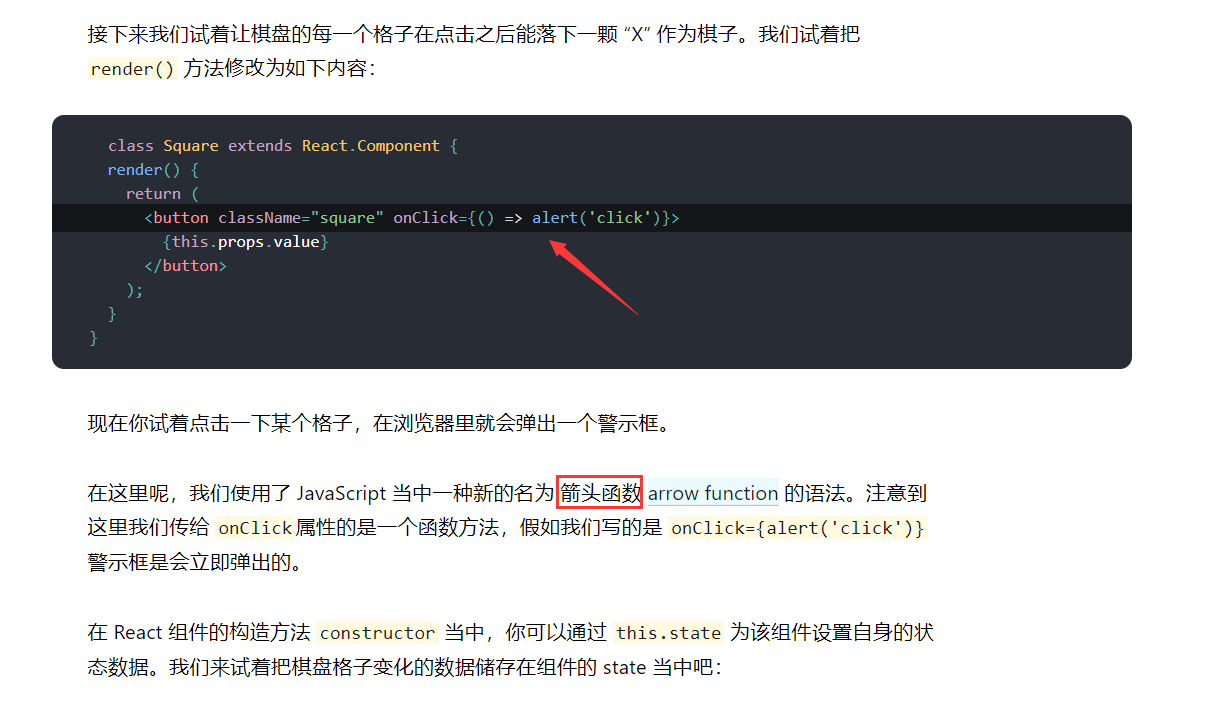
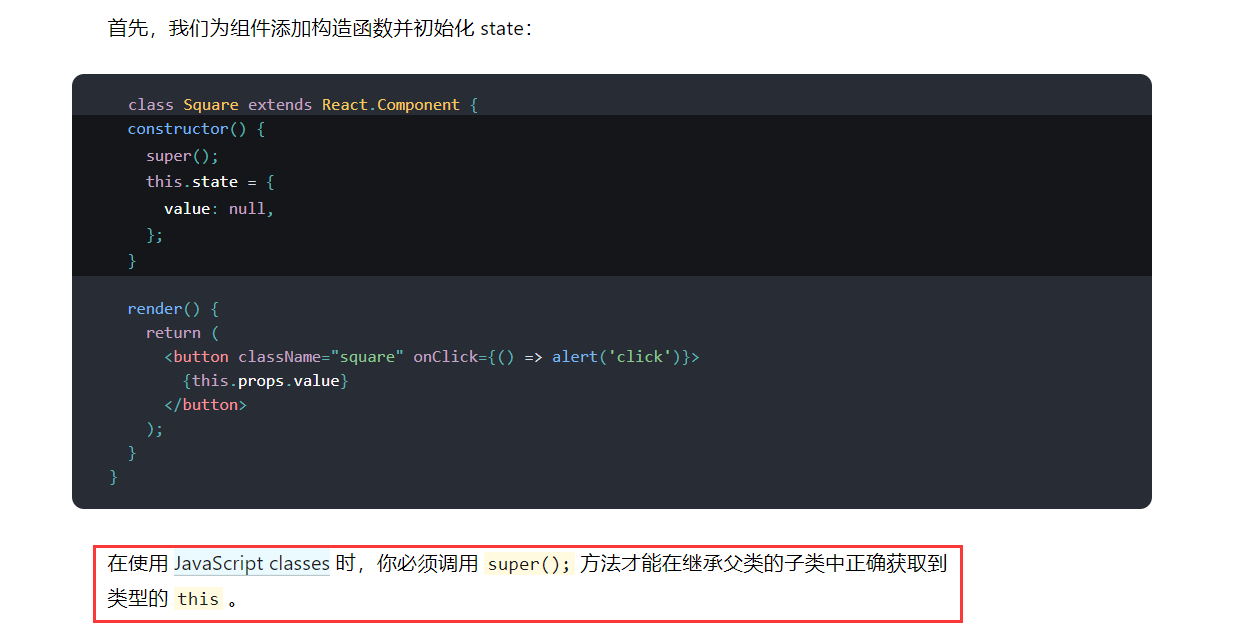
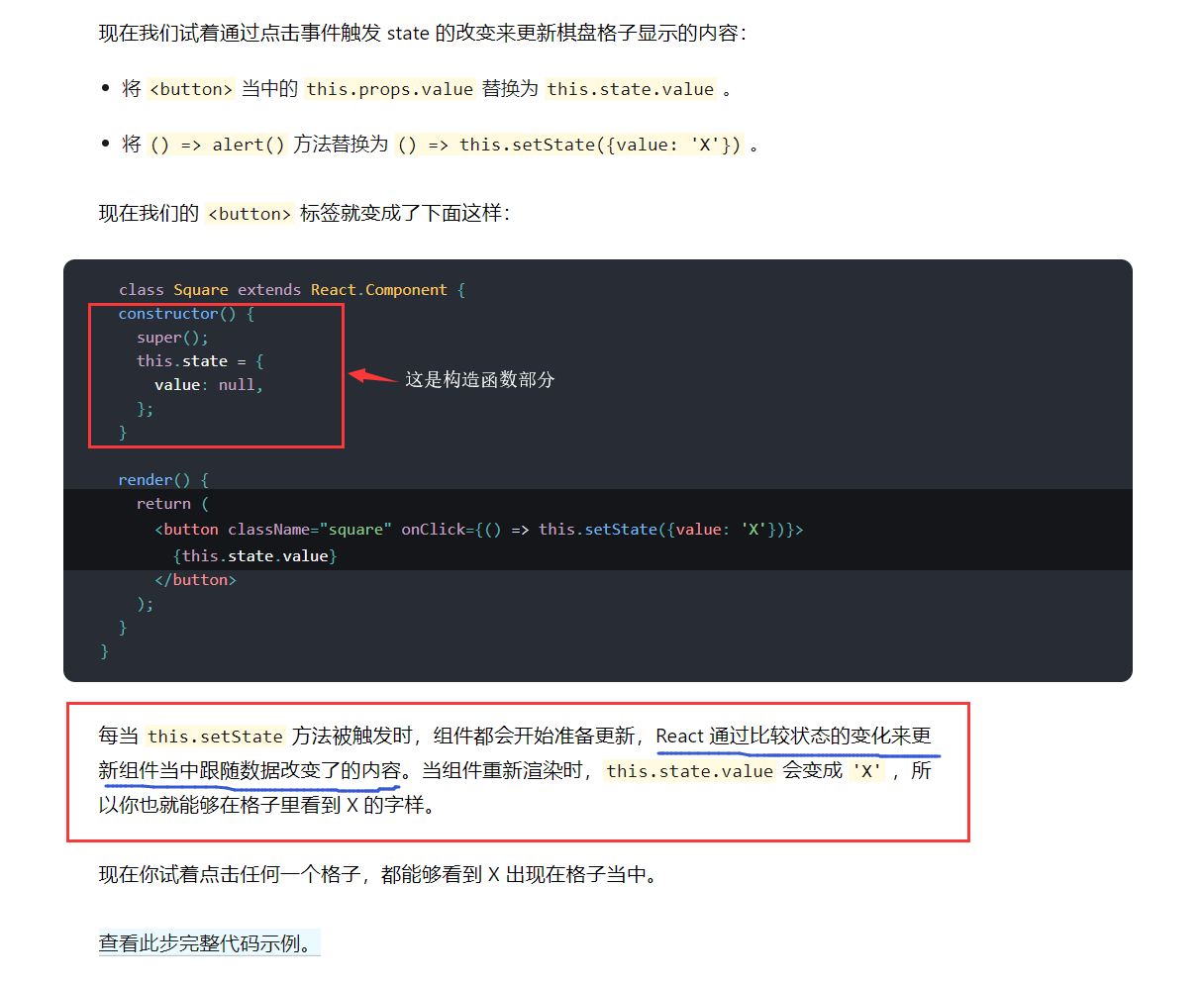
查看此步完整代码示例:https://codepen.io/gaearon/pen/VbbVLg?editors=0010
开发工具
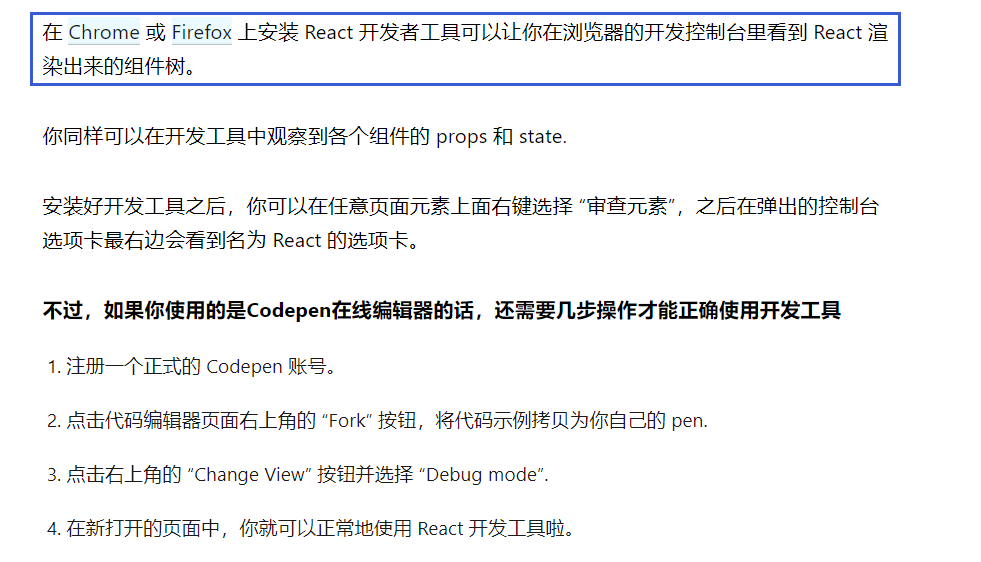
浏览器蓝色版(开发版):https://www.mozilla.org/zh-CN/firefox/developer/
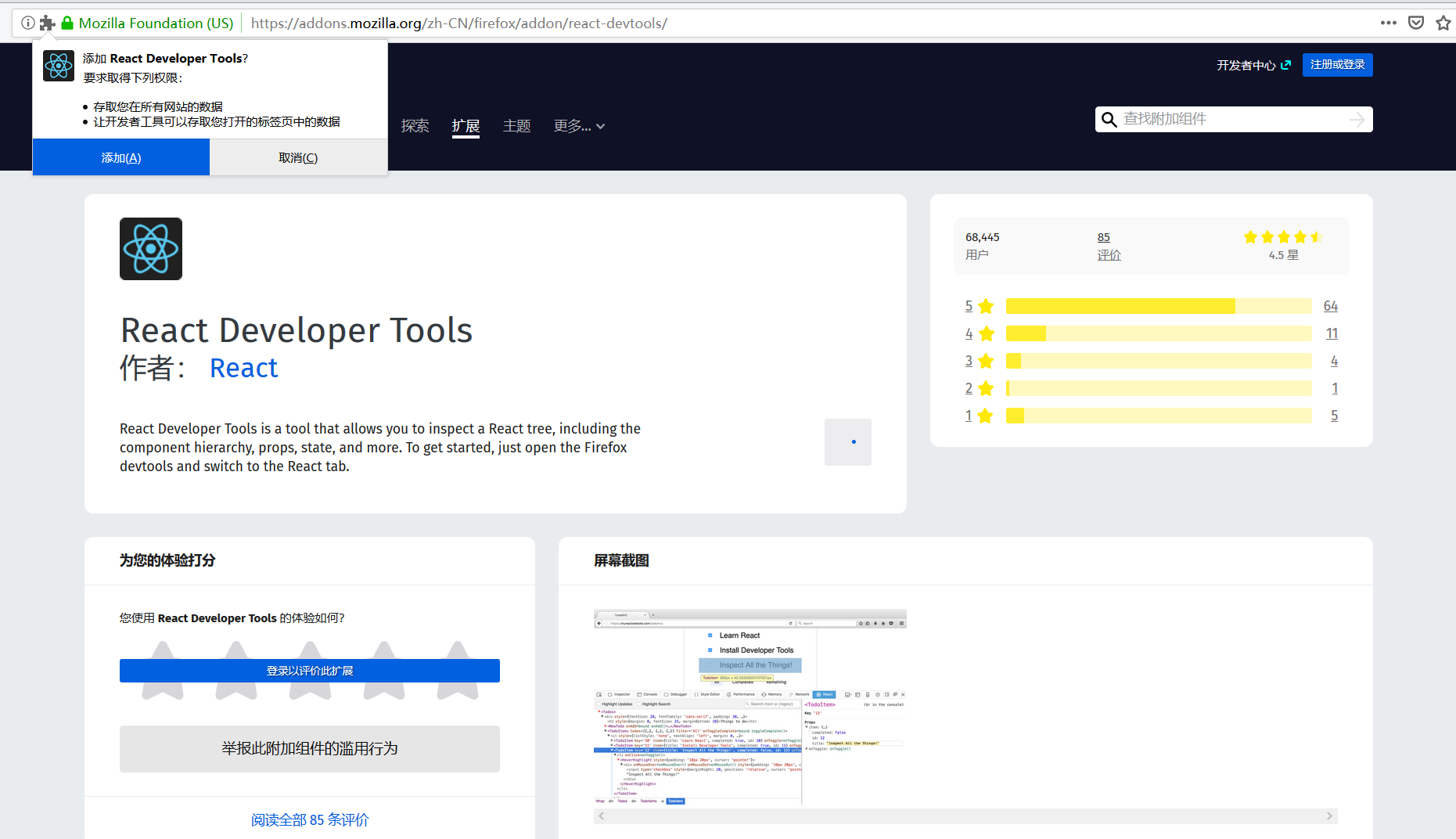
源代码界面:https://github.com/facebook/react-devtools

状态提升
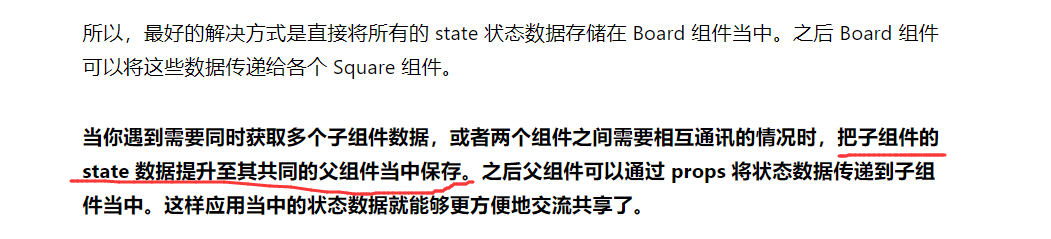
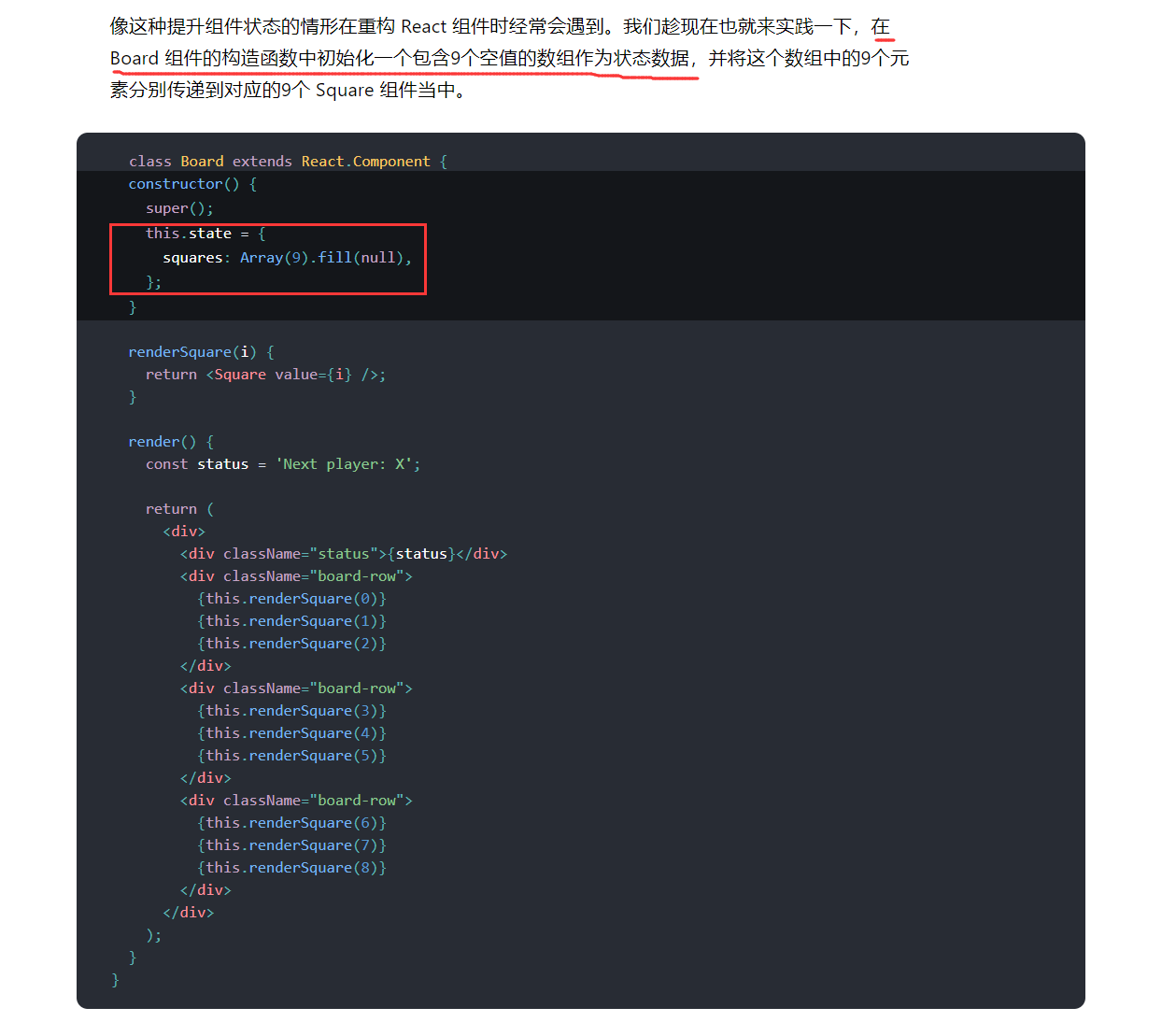
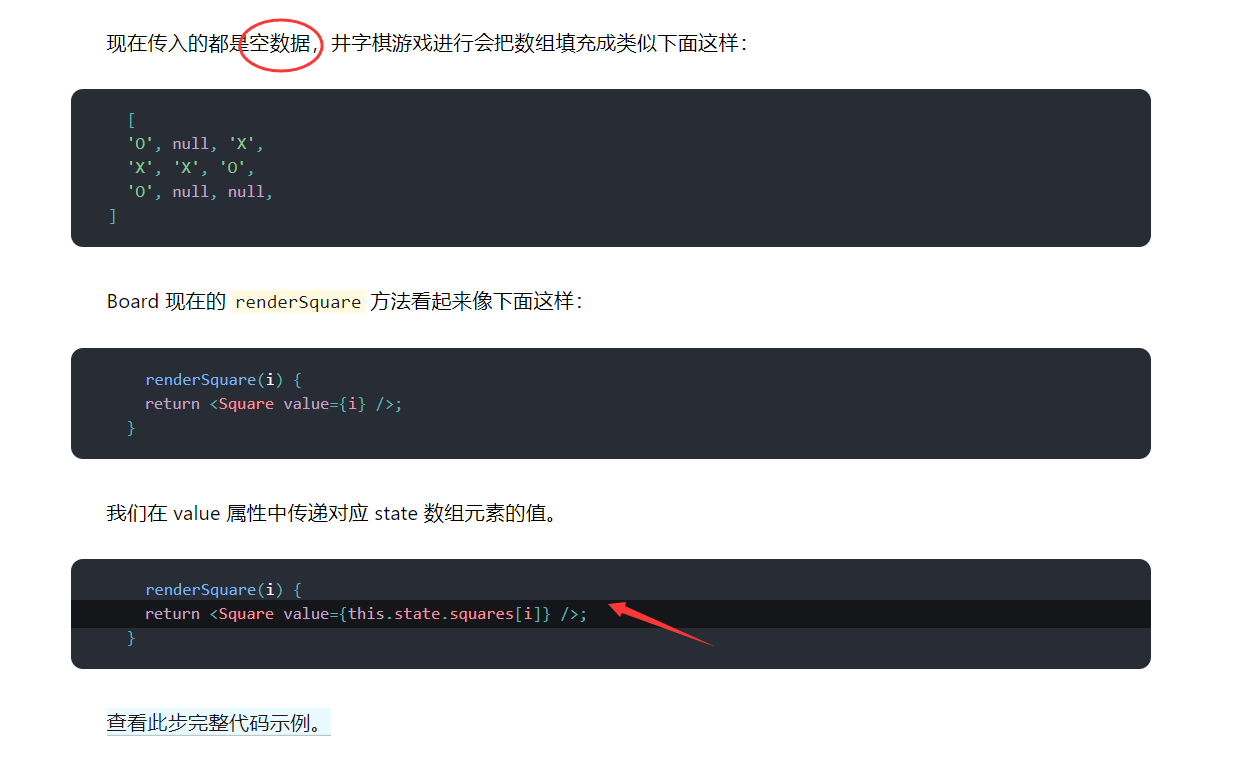
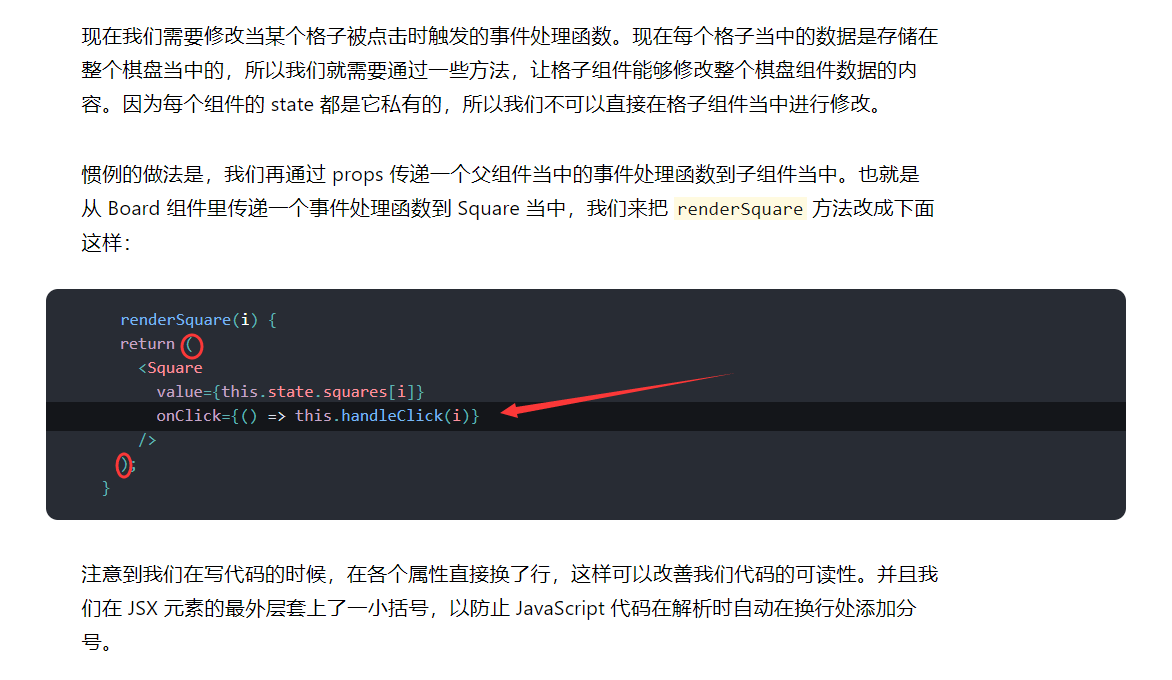
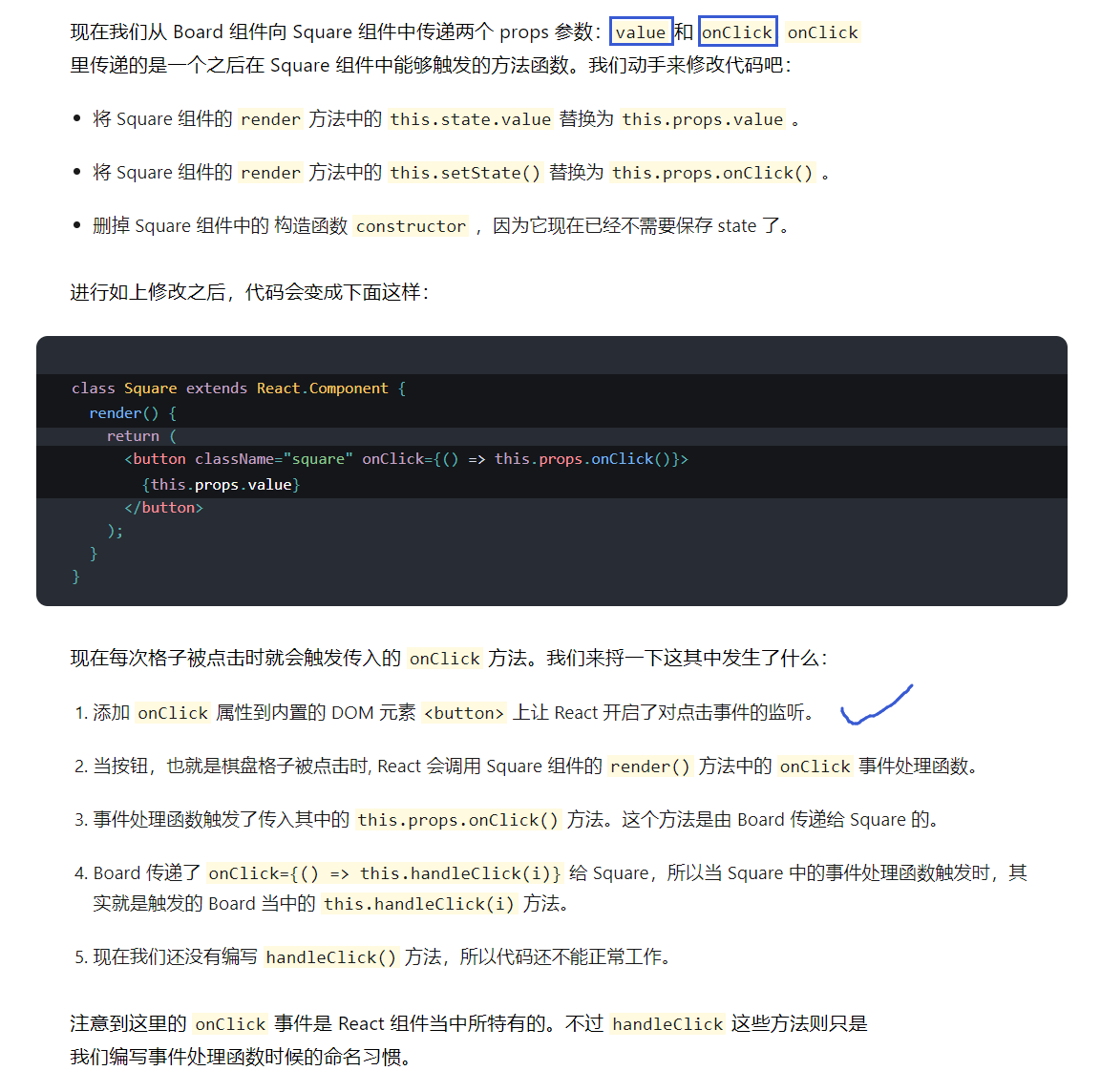
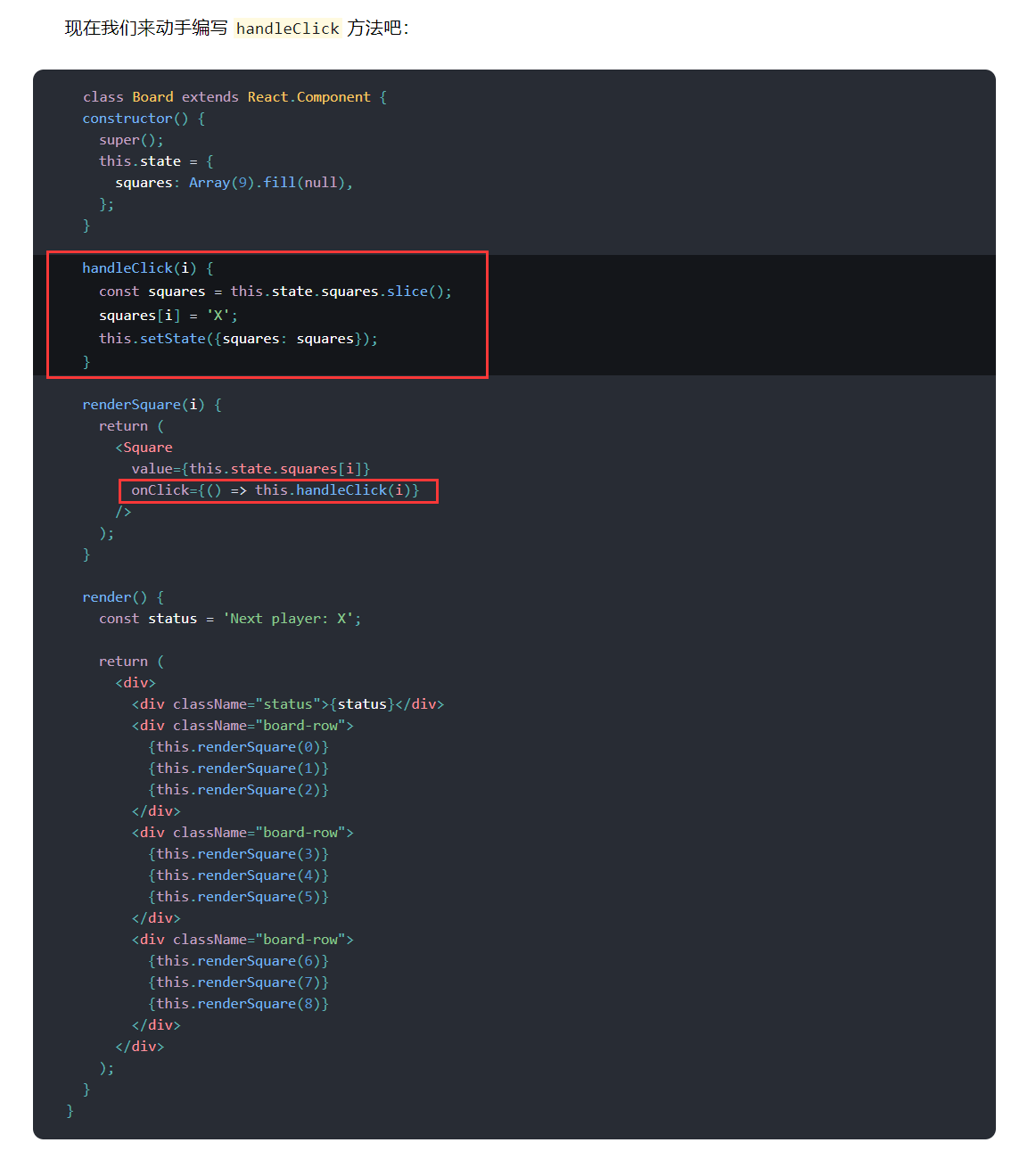
查看此步完整代码示例:https://codepen.io/gaearon/pen/ybbQJX?editors=0010
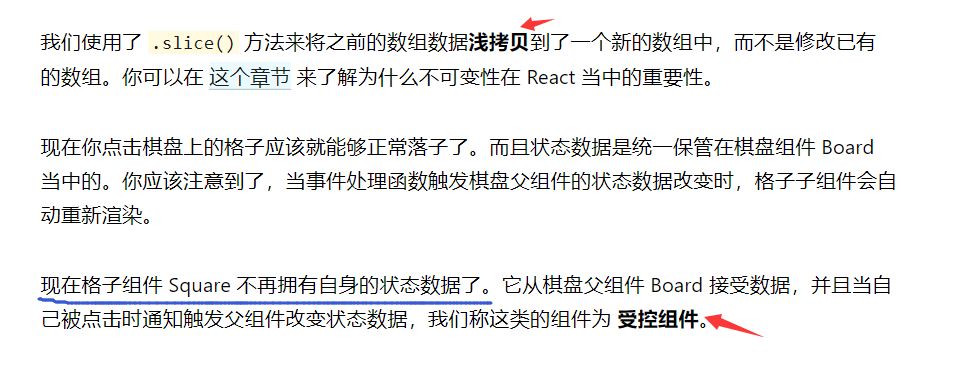
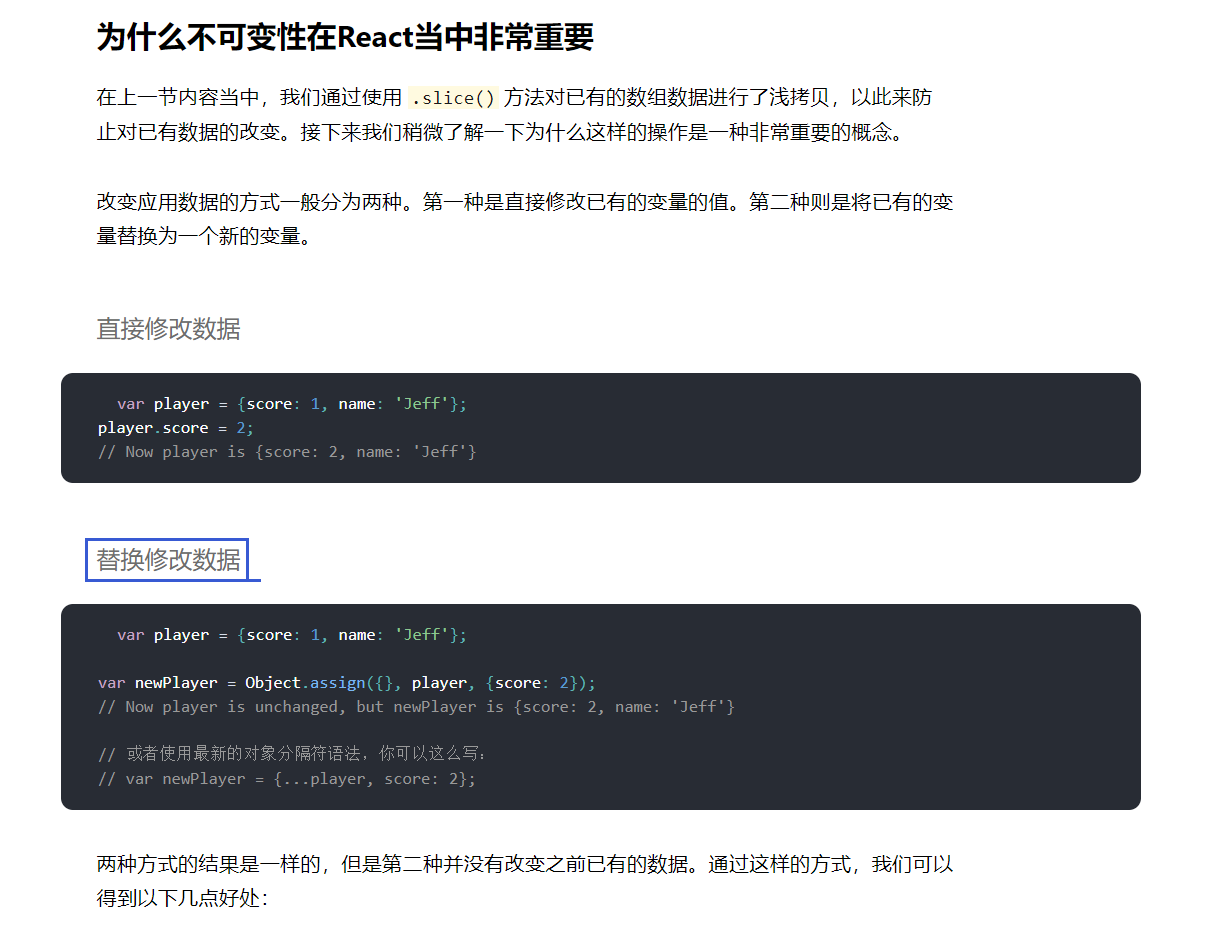
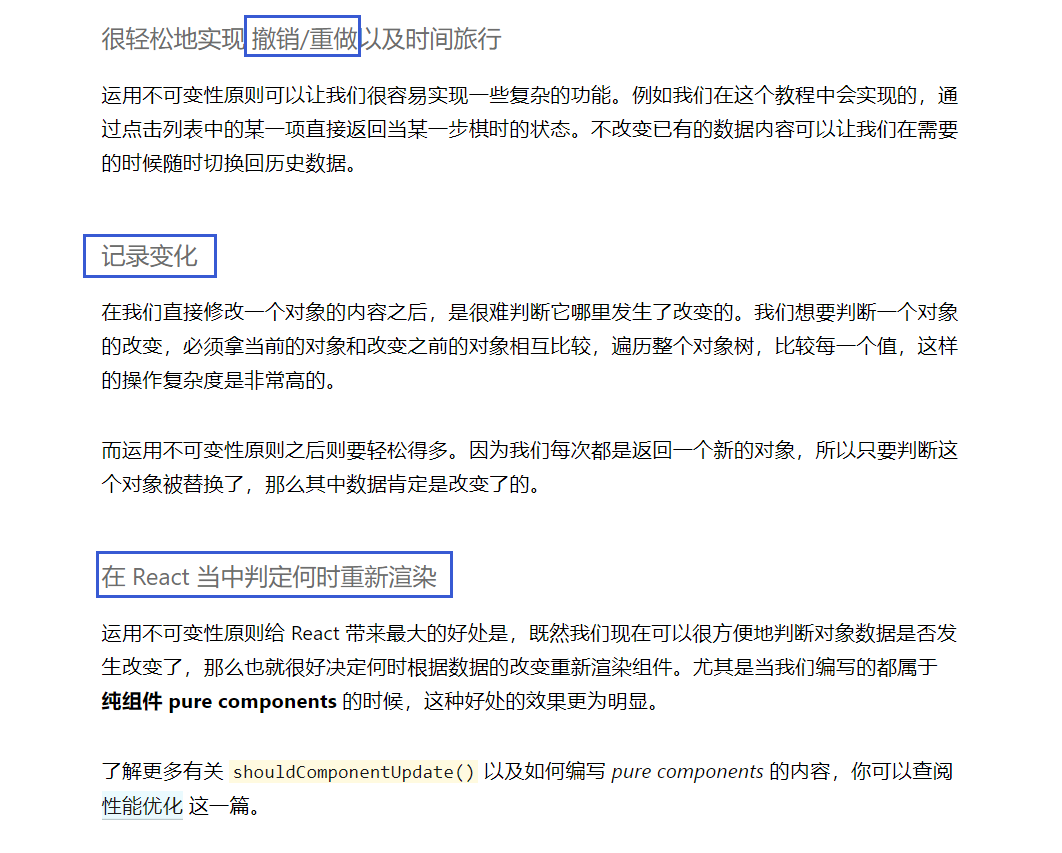
不可变性
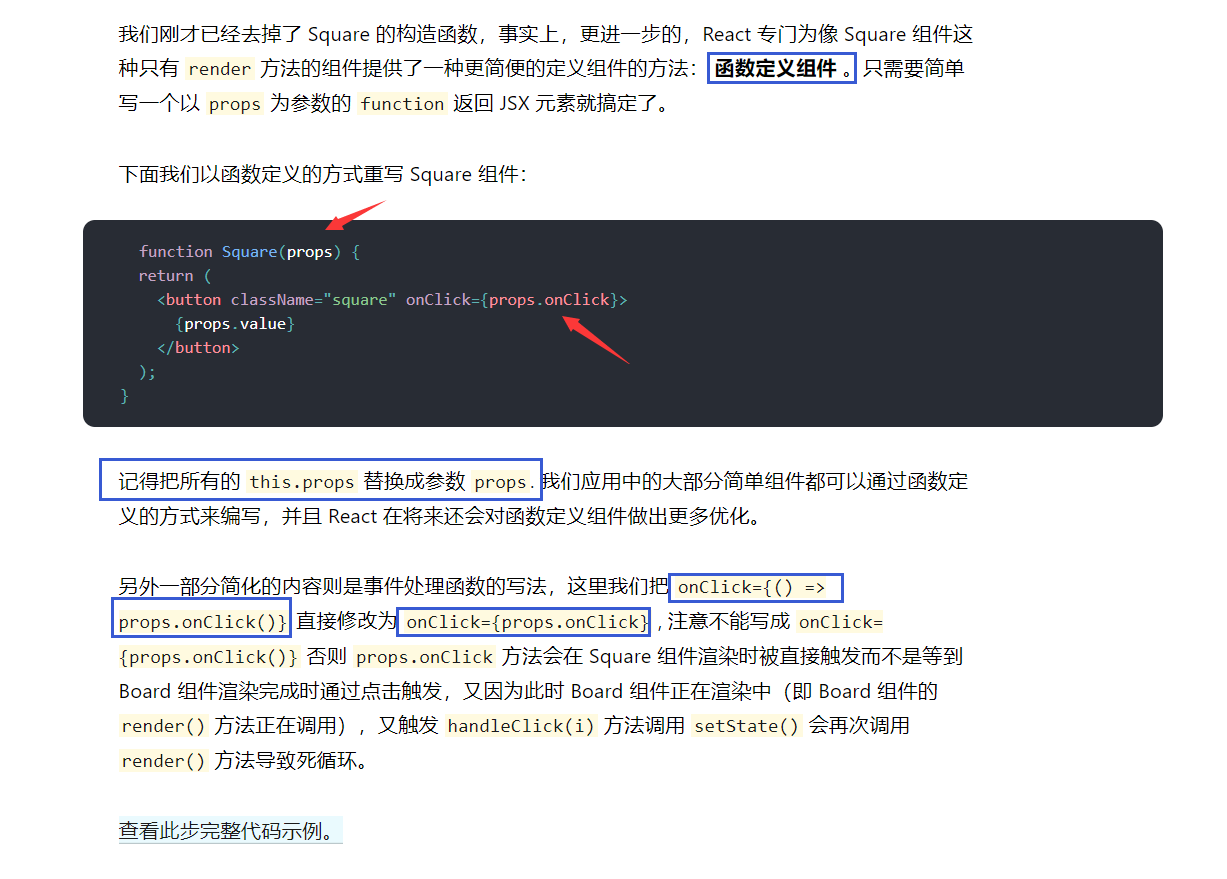
函数定义组件
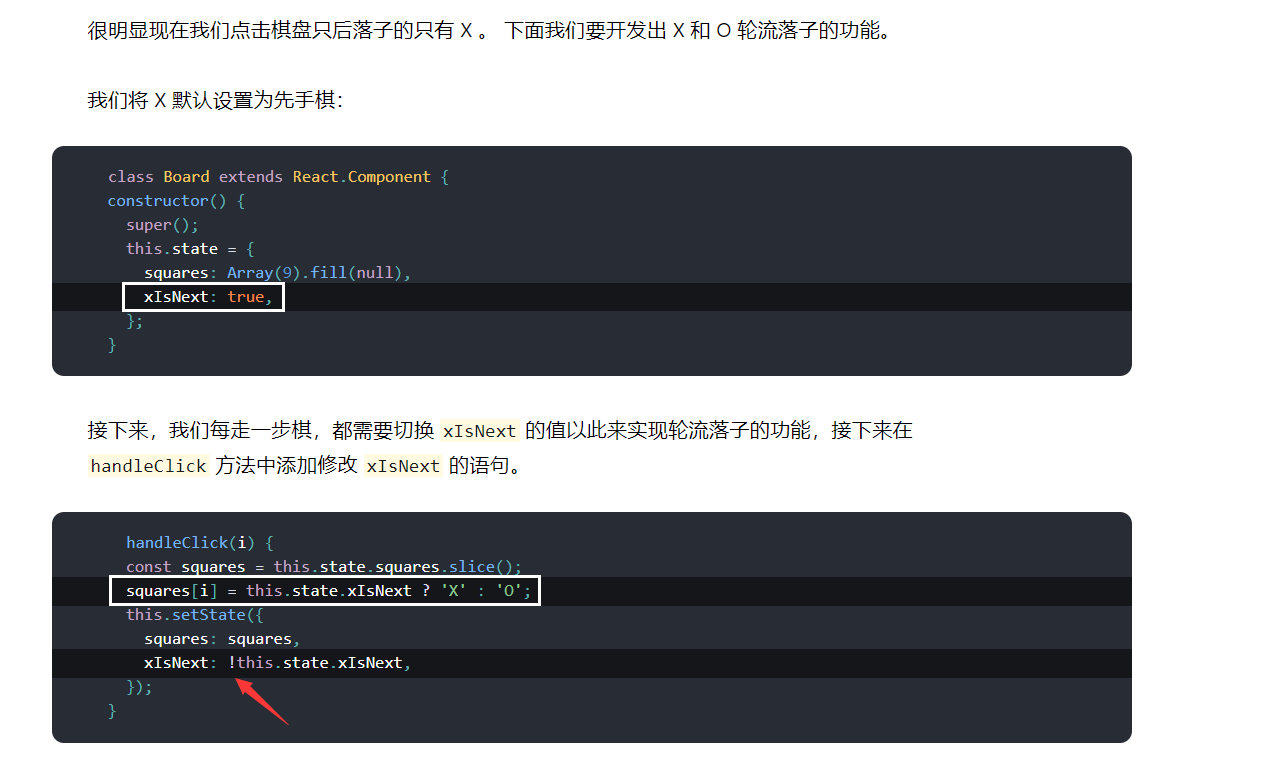
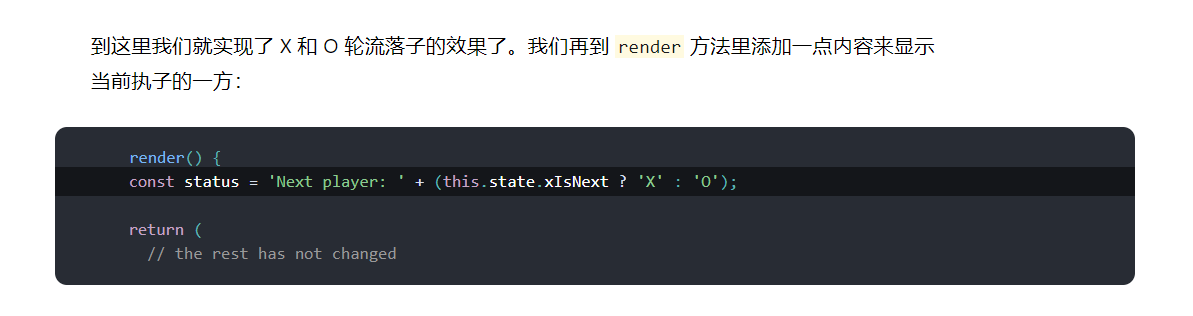
轮流落子
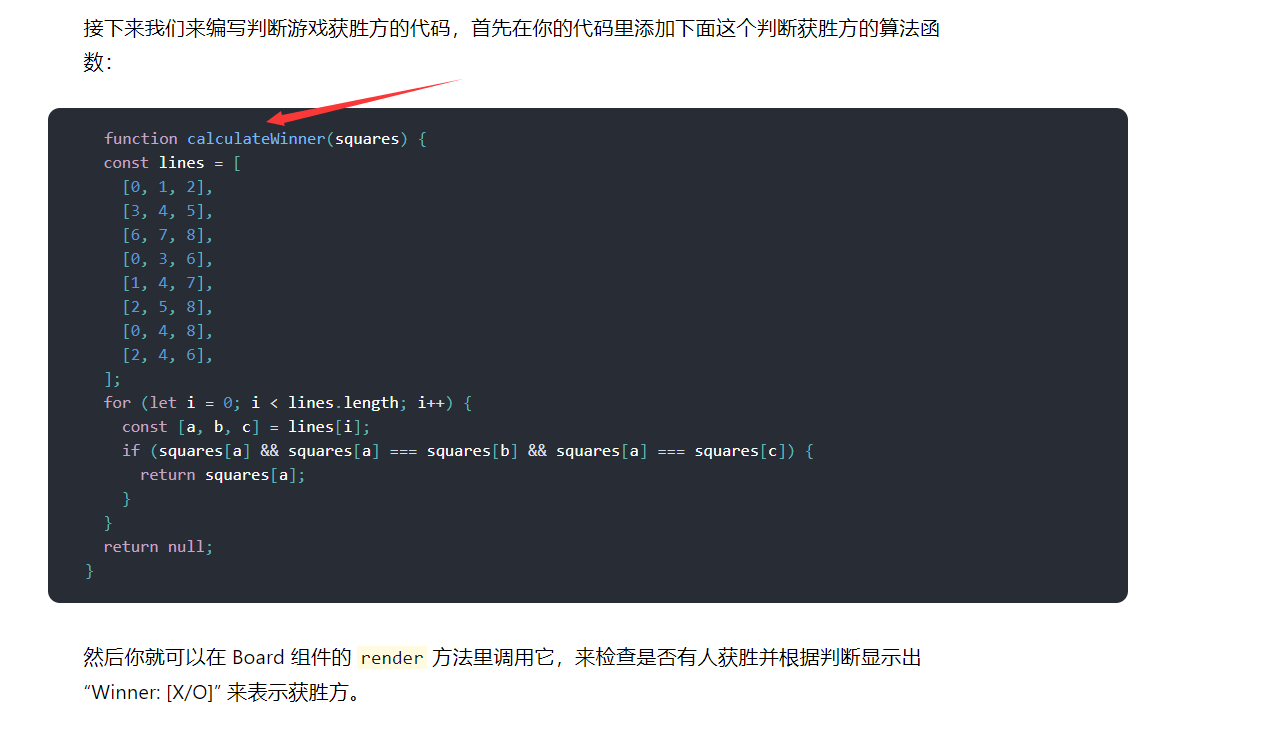
判断赢家
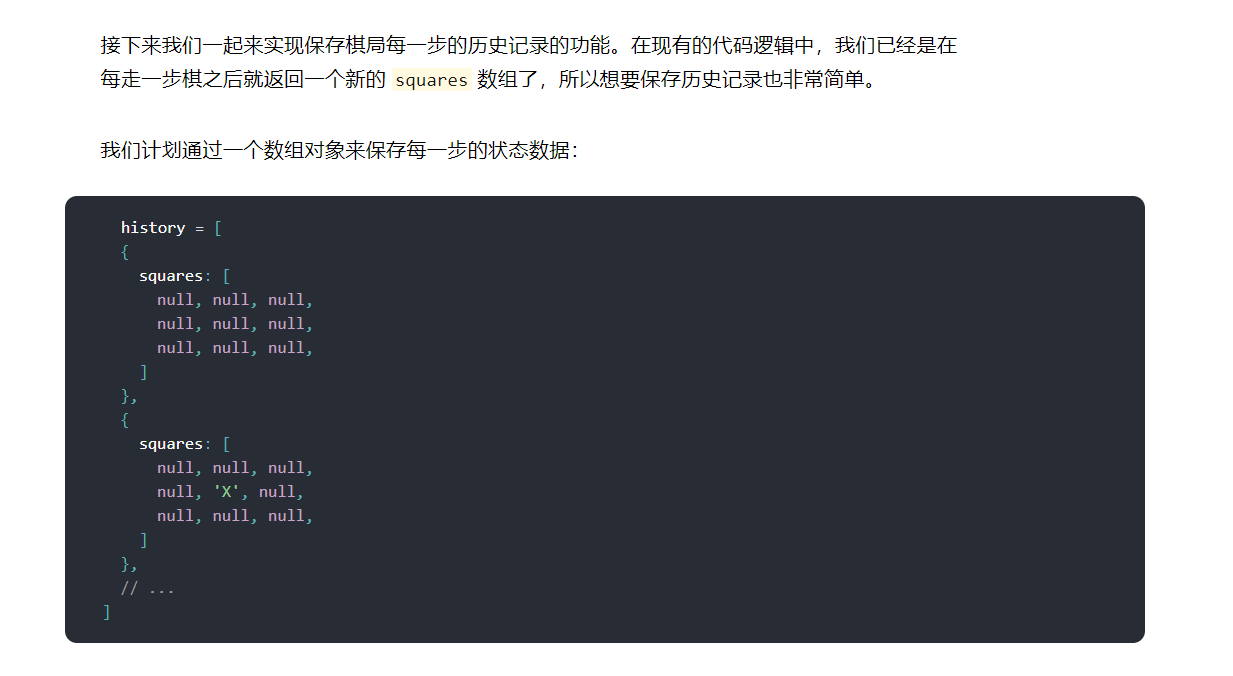
保存历史记录
2019.01.30,看的头晕,下次再看

 浙公网安备 33010602011771号