
Angular记录(4)
Angular记录(4)
文档资料
- 箭头函数--MDN:https://developer.mozilla.org/zh-CN/docs/Web/JavaScript/Reference/Functions/Arrow_functions
- 箭头函数--ES6文档:http://es6.ruanyifeng.com/#docs/function#箭头函数
- Promise 对象--JS教程:https://wangdoc.com/javascript/async/promise.html
- Promise--ES6文档:http://es6.ruanyifeng.com/#docs/promise
- Promise--MDN:https://developer.mozilla.org/zh-CN/docs/Web/JavaScript/Reference/Global_Objects/Promise
- Promise.prototype.then()--MDN:https://developer.mozilla.org/zh-CN/docs/Web/JavaScript/Reference/Global_Objects/Promise/then
- 教程:英雄指南:https://angular.cn/tutorial#tutorial-tour-of-heroes
- 工作区与项目文件的结构:https://angular.cn/guide/file-structure
- 组件简介:https://angular.cn/guide/architecture-components
- CLI 命令参考手册:https://angular.cn/cli
英雄编辑器
英雄编辑器:https://www.angular.cn/tutorial/toh-pt1#the-hero-editor
应用程序现在有了基本的标题。 接下来你要创建一个新的组件来显示英雄信息并且把这个组件放到应用程序的外壳里去。
创建英雄列表组件
使用 Angular CLI 创建一个名为 heroes 的新组件。
ng generate component heroes
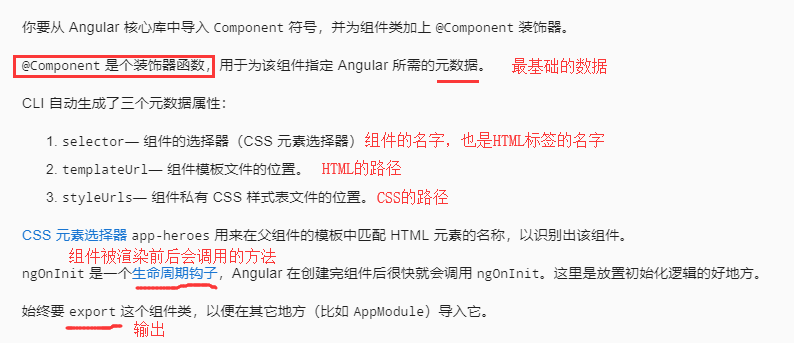
CLI 创建了一个新的文件夹 src/app/heroes/,并生成了 HeroesComponent 的三个文件。
WS提供了工具
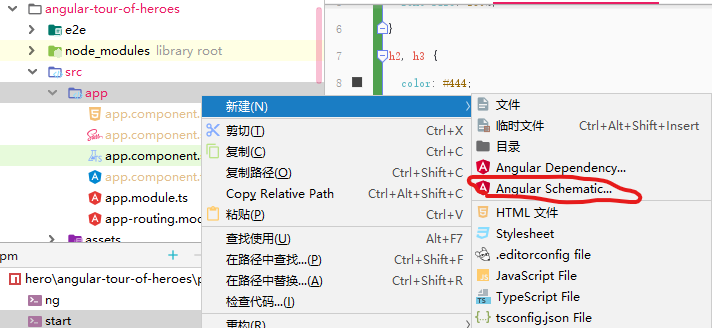
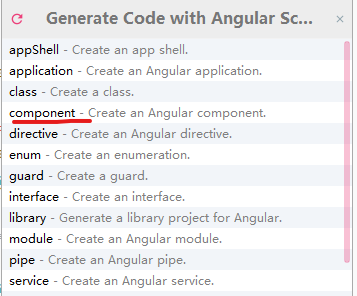
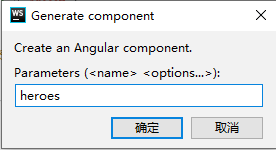
生成的文件
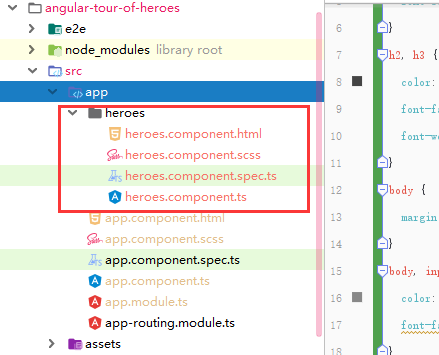
*.component.spec.ts是测试用的
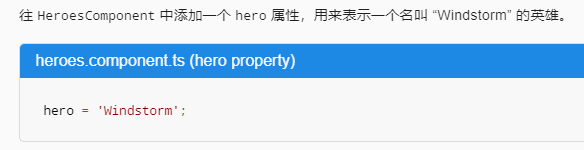
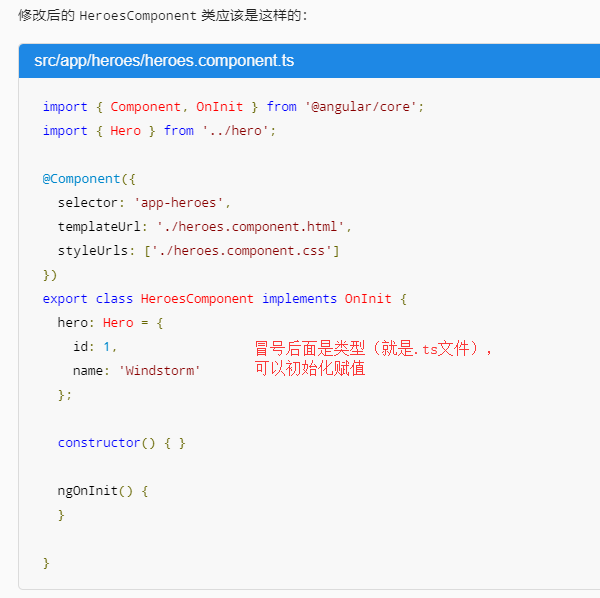
添加 hero 属性
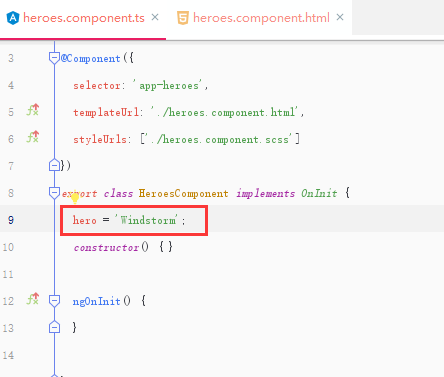
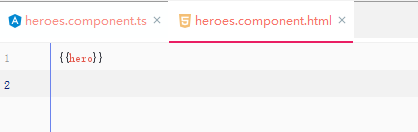
显示英雄

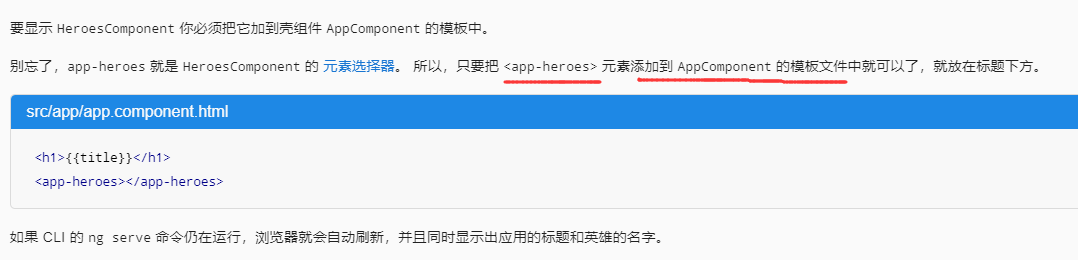
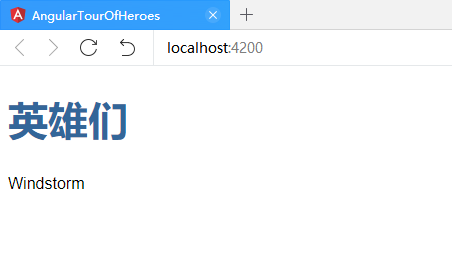
显示 HeroesComponent 视图
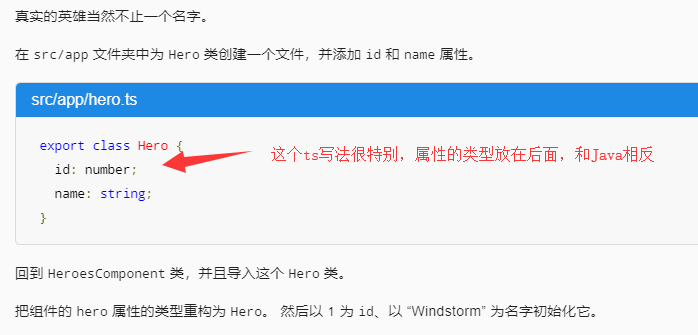
创建 Hero 类
页面显示变得不正常了,因为你刚刚把 hero 从字符串改成了对象。
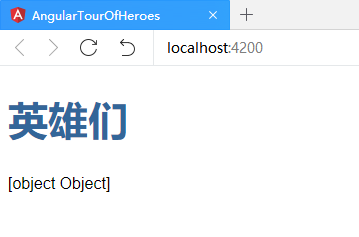
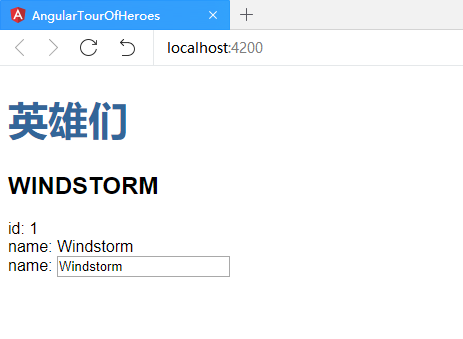
显示 hero 对象
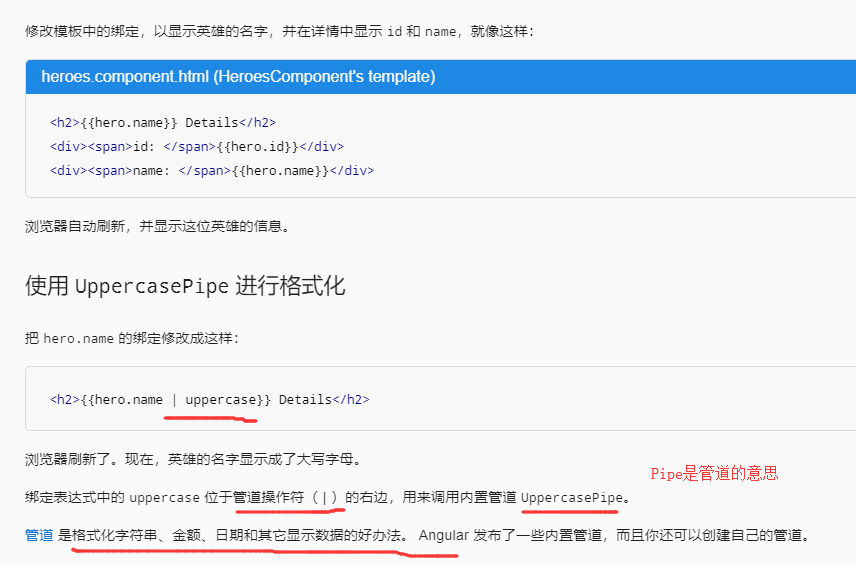
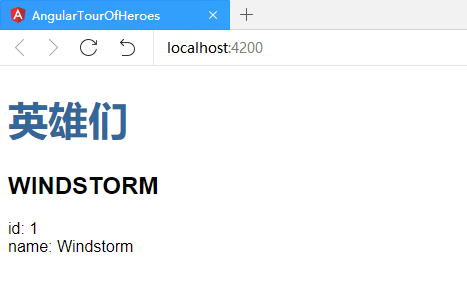
编辑英雄名字
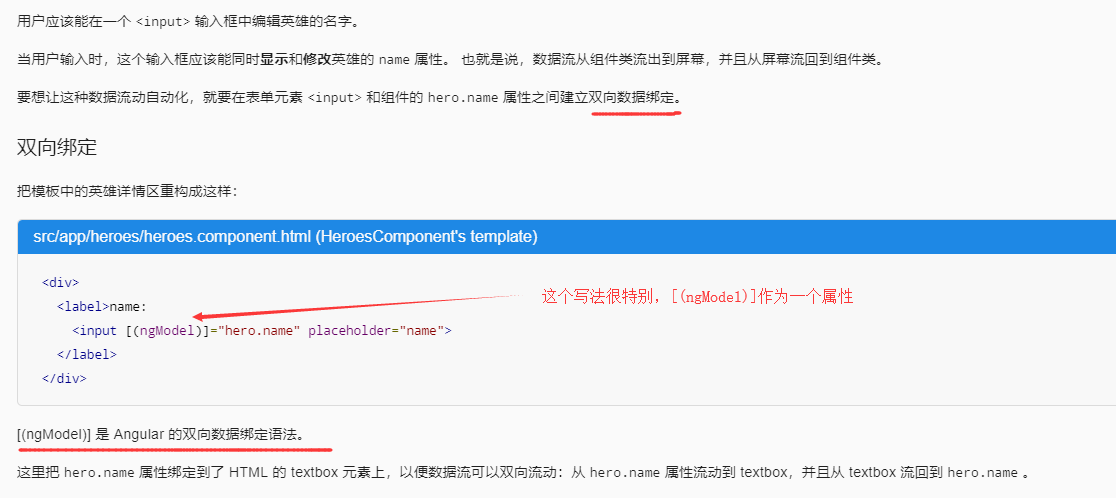
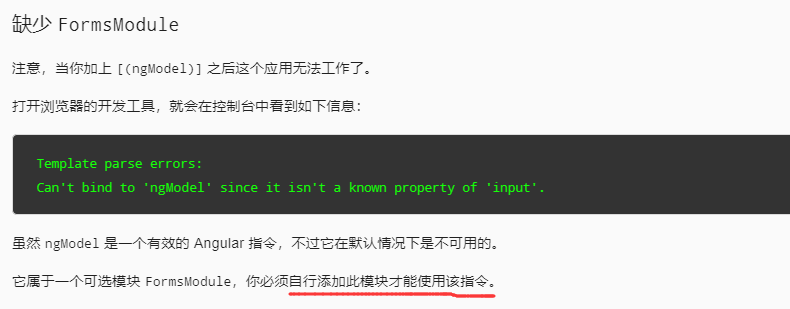
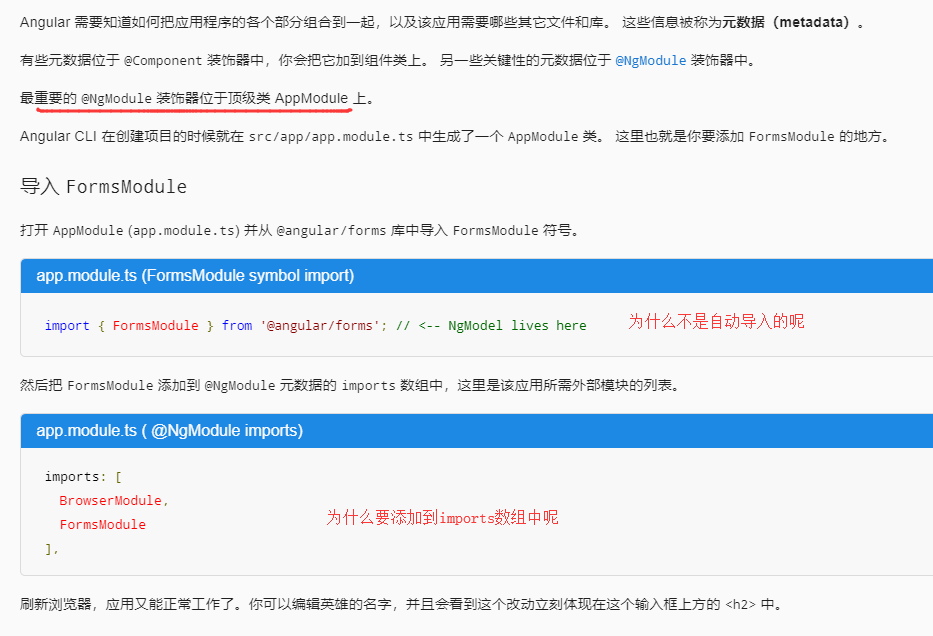
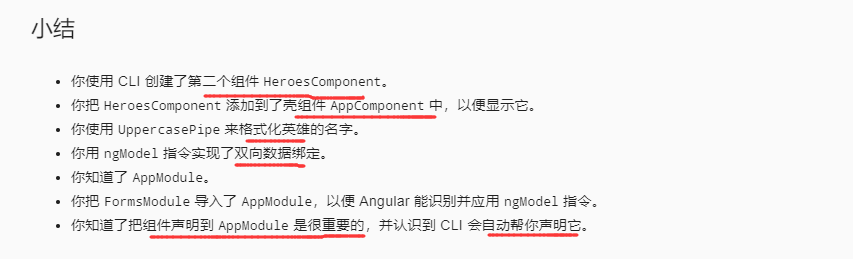
AppModule


 浙公网安备 33010602011771号