
Angular记录(3)
Angular记录(3)
文档资料
- 箭头函数--MDN:https://developer.mozilla.org/zh-CN/docs/Web/JavaScript/Reference/Functions/Arrow_functions
- 箭头函数--ES6文档:http://es6.ruanyifeng.com/#docs/function#箭头函数
- Promise 对象--JS教程:https://wangdoc.com/javascript/async/promise.html
- Promise--ES6文档:http://es6.ruanyifeng.com/#docs/promise
- Promise--MDN:https://developer.mozilla.org/zh-CN/docs/Web/JavaScript/Reference/Global_Objects/Promise
- Promise.prototype.then()--MDN:https://developer.mozilla.org/zh-CN/docs/Web/JavaScript/Reference/Global_Objects/Promise/then
- 教程:英雄指南:https://angular.cn/tutorial#tutorial-tour-of-heroes
- 工作区与项目文件的结构:https://angular.cn/guide/file-structure
- 组件简介:https://angular.cn/guide/architecture-components
- CLI 命令参考手册:https://angular.cn/cli
应用的外壳
应用的外壳:https://www.angular.cn/tutorial/toh-pt0#the-application-shell
设置开发环境
- 安装
nodejs - 安装
Angular CLI:npm install -g @angular/cli
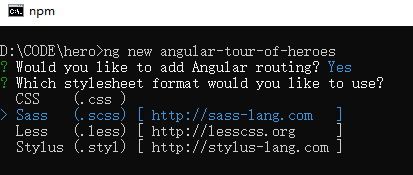
创建新的工作区和一个初始应用
ng new angular-tour-of-heroes
是否安装路由插件:Y
选择css:学习使用scss,(之前要安装
git,配置github)
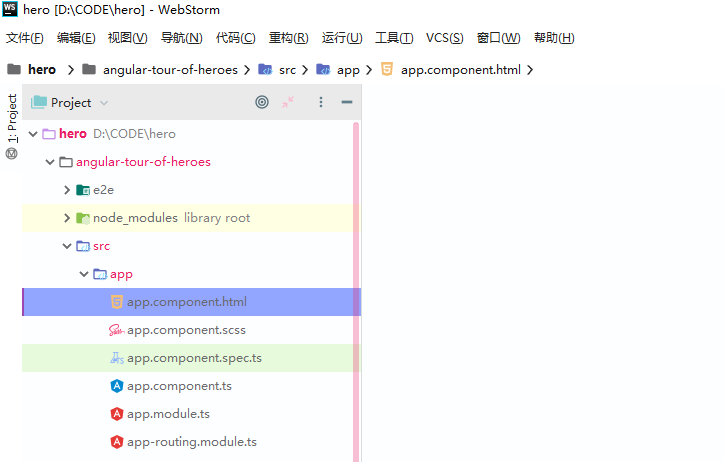
看一下生成的文件

因为装了WebStorm,所以用它打开
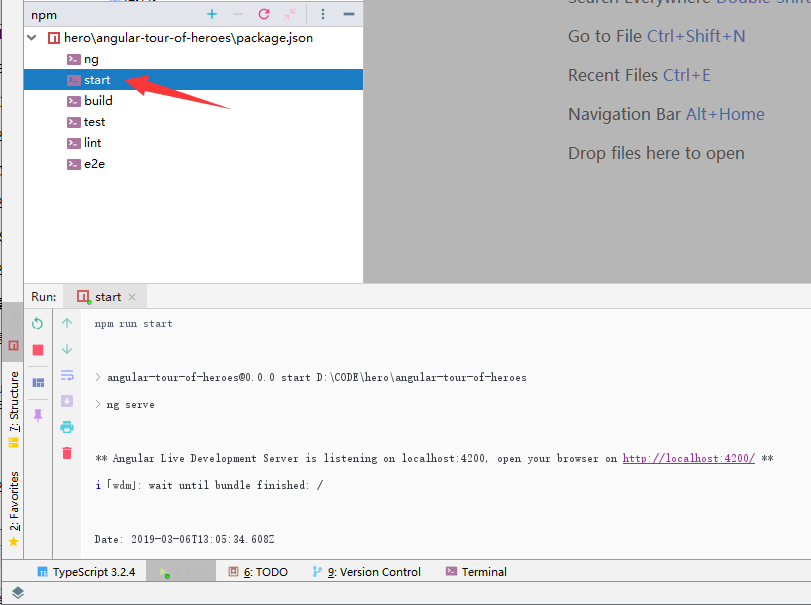
启动应用服务器
进入工作区目录,并启动这个应用。
cd angular-tour-of-heroes
ng serve --open
用WS打开
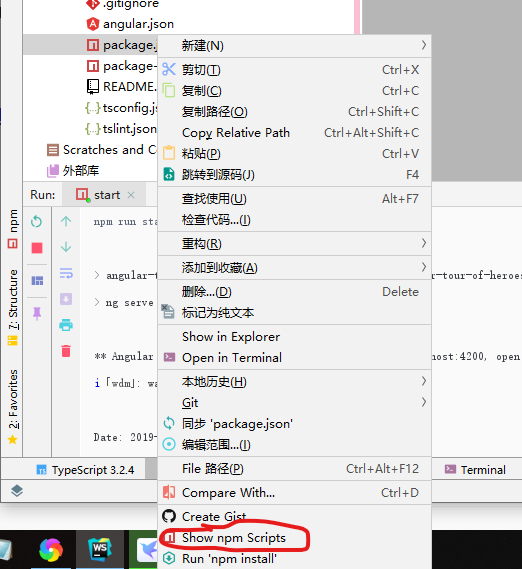
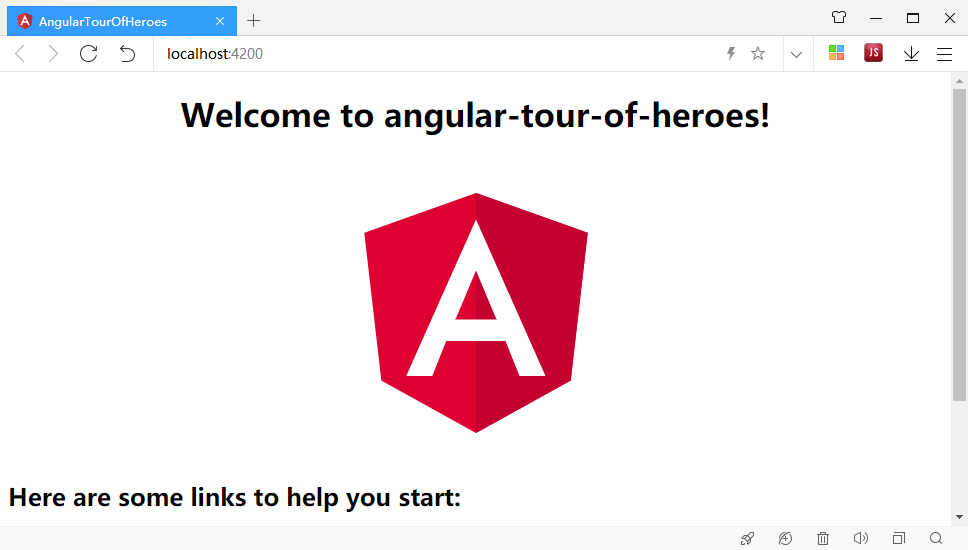
Angular 组件
你所看到的这个页面就是应用的外壳。 这个外壳是被一个名叫 AppComponent 的 Angular 组件控制的。
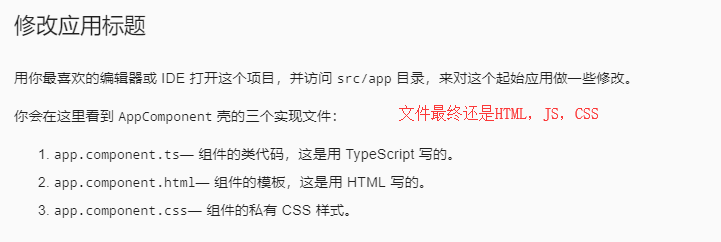
组件是 Angular 应用中的基本构造块。 它们在屏幕上显示数据,监听用户输入,并且根据这些输入执行相应的动作。
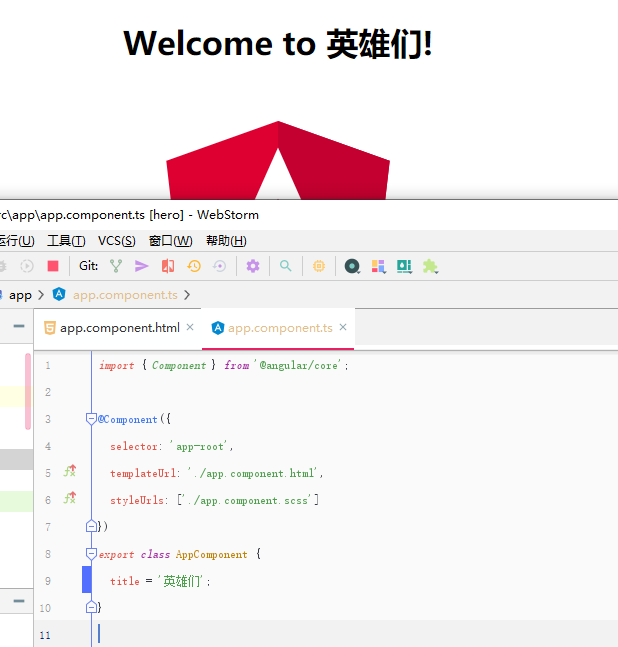
快捷键:Ctrl + 鼠标点击变量

 浙公网安备 33010602011771号