pixi-filters中的BackdropBlurFilter使用注意事项
最近在学习 PixiJS,发现 BackdropBlurFilter 官方给的案例没看到这个滤镜效果,但是各大博主说有效果。
如下是官网上的:https://filters.pixijs.download/main/examples/index.html?enabled=BackdropBlurFilter
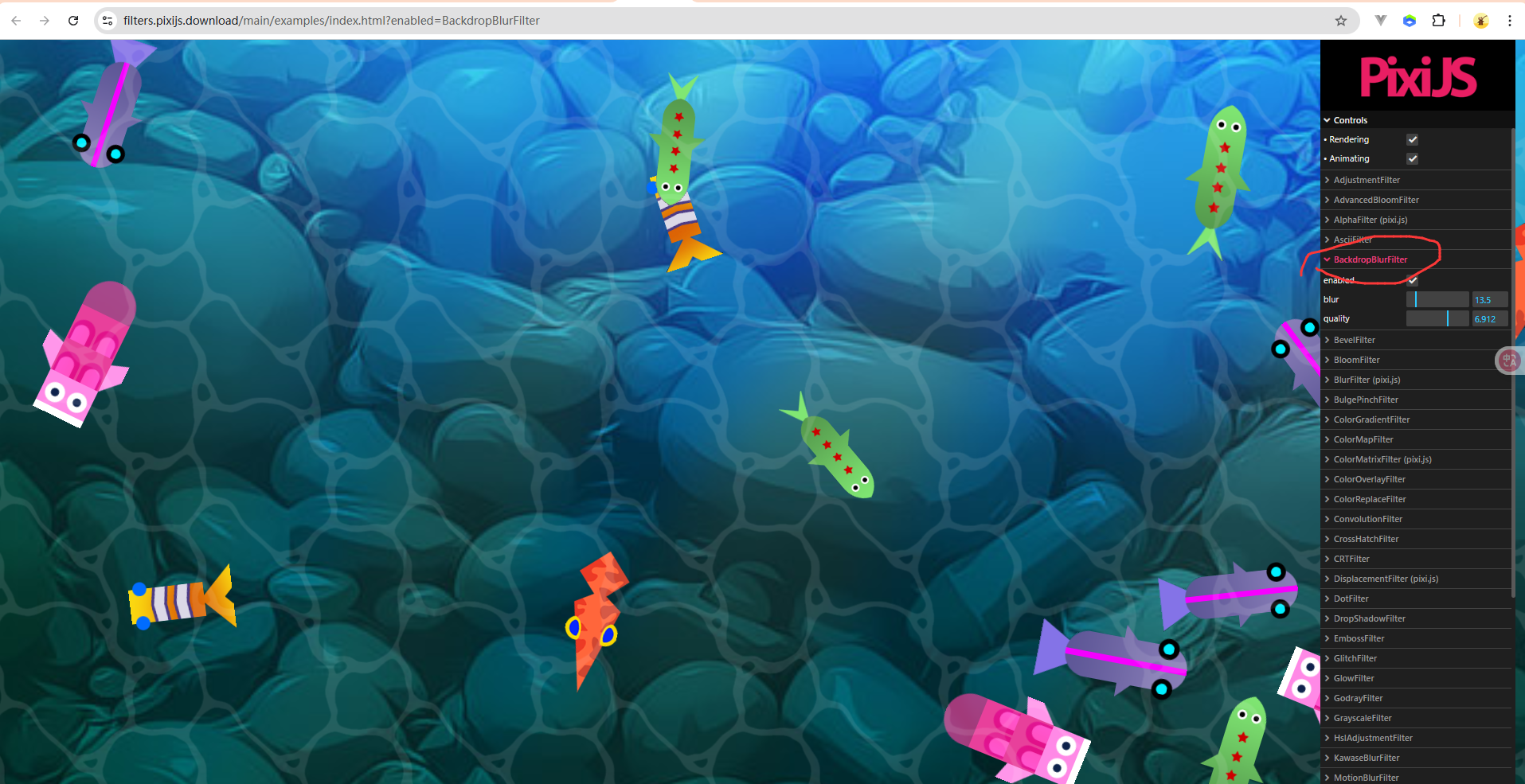
我看了很久也没看到 玻璃模糊的滤镜 效果。
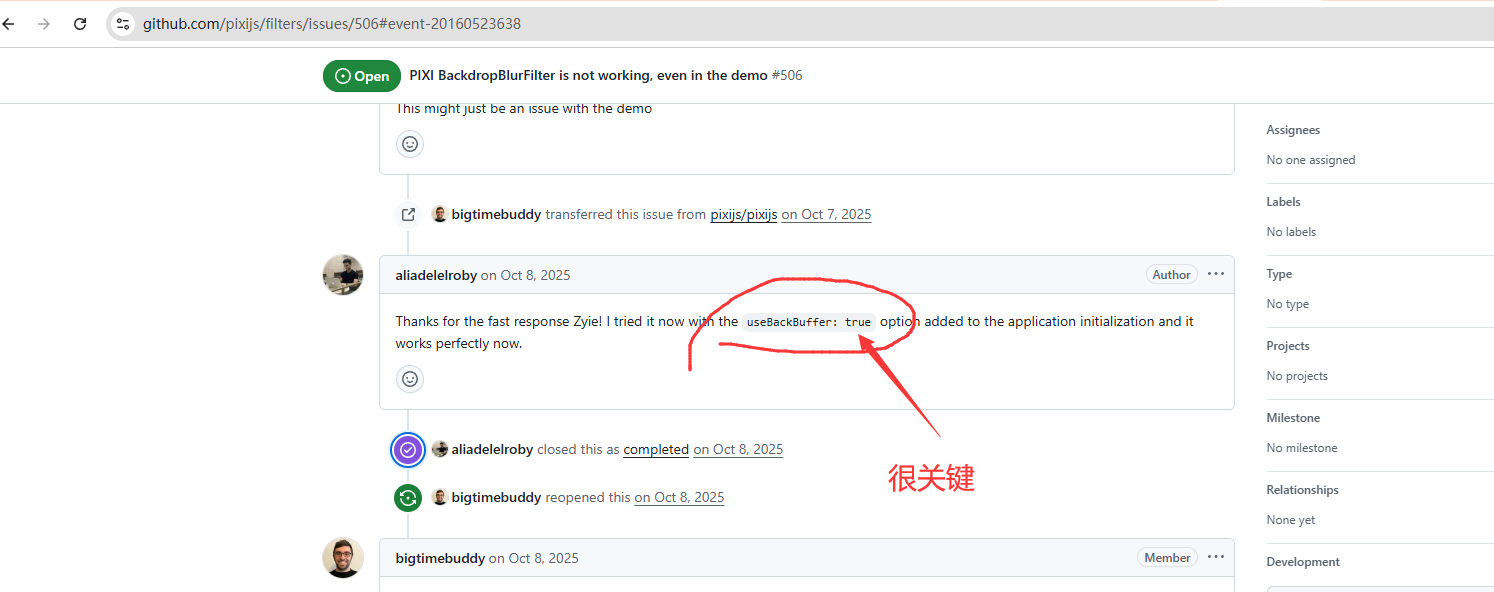
然后我在AI里面问了很久,终于有一个 大神告诉了解决方法:
https://github.com/pixijs/filters/issues/506#event-20160523638
最后改完后的代码如下:
import * as PIXI from 'pixi.js';
// v8 语法:从 pixi-filters 子模块导入
import { BackdropBlurFilter } from 'pixi-filters';

(async function () {

    const app = new PIXI.Application();
  await app.init({
    resizeTo: window,
    preference: 'webgl',
    useBackBuffer: true  // 这个属性很关键,如果没这个属性为true就没有效果
  });
  document.getElementById("pixi-container")!.appendChild(app.canvas);

  const texture = await PIXI.Assets.load('images/displacement_BG.jpg');
  const bg = PIXI.Sprite.from(texture);
  bg.width = app.screen.width;
  bg.height = app.screen.height;

  const overlay = PIXI.Sprite.from(PIXI.Texture.WHITE);
  overlay.width = app.screen.width / 2;
  overlay.height = app.screen.height / 2;
  overlay.anchor.set(0.5);
  overlay.x = app.screen.width / 2;
  overlay.y = app.screen.height / 2;
  overlay.alpha = 0.2;
  overlay.filterArea = new PIXI.Rectangle(
      -overlay.width/2,
    -overlay.height/2,
    overlay.width,
    overlay.height,
  );

const backdropBlurFilter=new BackdropBlurFilter();
backdropBlurFilter.strength=160;
backdropBlurFilter.quality=4;

  overlay.filters = backdropBlurFilter;

  app.stage.addChild(bg, overlay);

})();
运行的效果如下:

具有玻璃模糊的效果了。
关于 pixi-filter.js的问题可以在这里进行提问 https://github.com/pixijs/filters/issues


 浙公网安备 33010602011771号