PixiJS中的 SplitBitmapText.chars中的每个 BitmapText的x值分析
最近在学习 pixijs,看到官网上的demo.
import {
  Application,
  Assets,
  BitmapText,
  Container,
  SplitBitmapText,
} from 'pixi.js';
import { gsap } from 'gsap';

(async () => {
  // Create a new application
  const app = new Application();

  // Initialize the application
  await app.init({ background: '#1099bb', resizeTo: window });

  // Append the application canvas to the document body
  document.getElementById("pixi-container")!.appendChild(app.canvas);

  await Assets.load('https://pixijs.com/assets/bitmap-font/desyrel.xml');

  const scene = new Container();
  scene.position.set(app.screen.width / 2, app.screen.height / 2);
  app.stage.addChild(scene);

  const _text=`Break apart text into characters, words, and/or lines for easy111111111111111111 animation.`;

  const bitmapFontText = new BitmapText({
    text: _text,
    style: {
      fontFamily: 'Desyrel',
      fontSize: 60,
      fill: 'white',
      wordWrap: true,
      wordWrapWidth: app.screen.width - 100,
    },
    alpha: 0.5,
  });
  const splitText = new SplitBitmapText({
    text: _text,
    style: {
      fontFamily: 'Desyrel',
      fontSize: 60,
      fill: 0x0,
      wordWrap: true,
      wordWrapWidth: app.screen.width - 100,
    },
    alpha: 1,
  });
  bitmapFontText.on('mousedown',(event)=>{
    console.log(event,'111');
  });
  bitmapFontText.interactive=true;

  bitmapFontText.x = splitText.x = -bitmapFontText.width / 2;
  bitmapFontText.y = splitText.y = -bitmapFontText.height / 2;
  scene.addChild(bitmapFontText, splitText);

  console.log(splitText.chars,splitText,bitmapFontText);
   gsap.from(splitText.chars, {
    x: 50,
    alpha: 0,
    duration: 2.7,
    ease: 'power4',
    stagger: 0.04,
    repeat: -1,
    yoyo: true,
  });
})();
运行效果:


仔细观察发现:
gsap.from(splitText.chars, {
    x: 50,
    alpha: 0,
    duration: 2.7,
    ease: 'power4',
    stagger: 0.04,
    repeat: -1,
    yoyo: true,
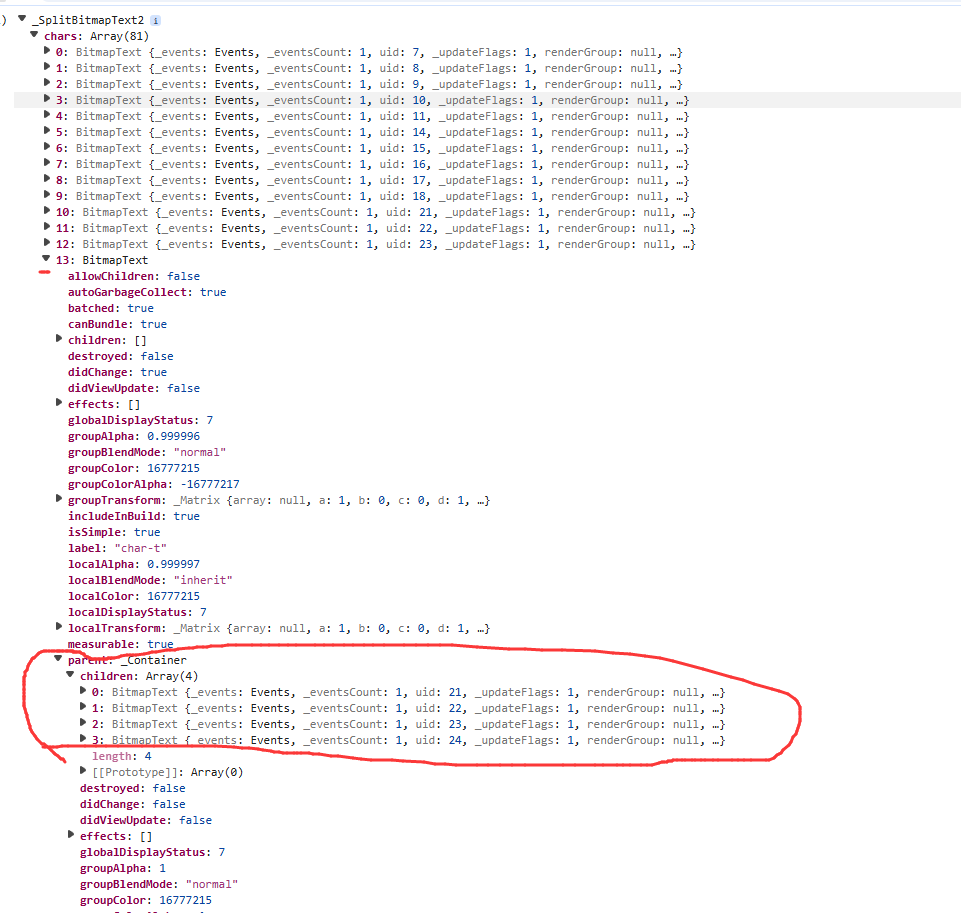
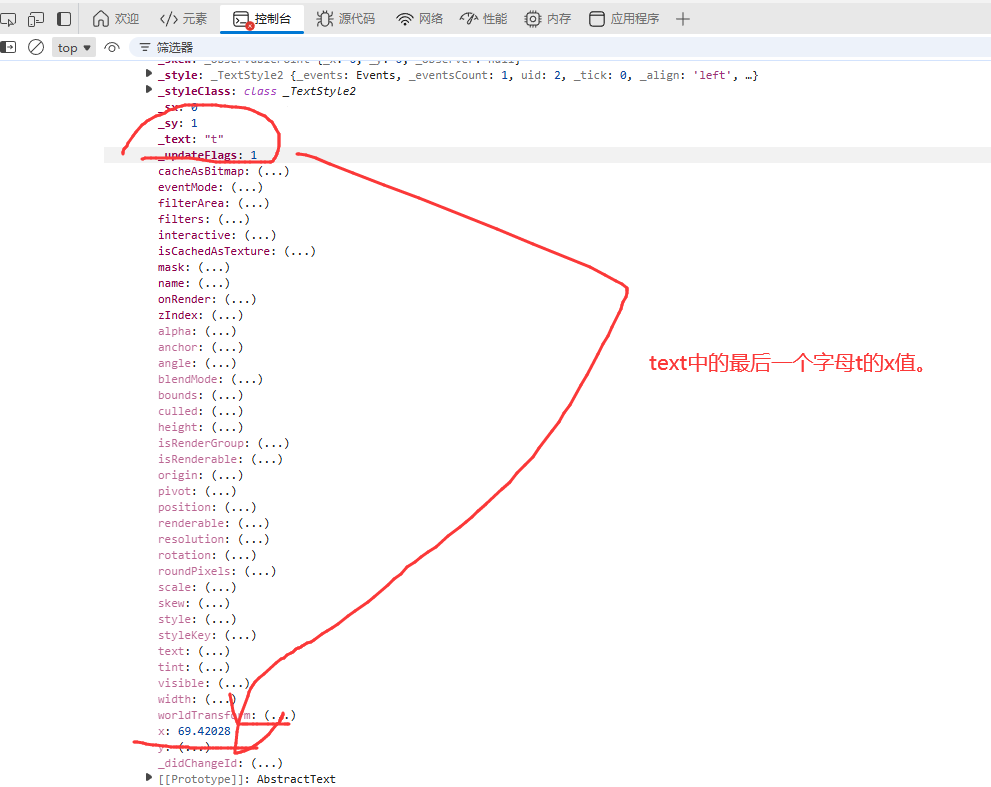
  }); 中的 x:50 是以空格为分隔符分割出来的一个大对象为container的位置,而不是整个 canvas 的位置。



 浙公网安备 33010602011771号