


VBA创建一个“录入窗体”工具栏
看了几遍也没看懂这个帖子,http://club.excelhome.net/thread-290608-1-1.html
现在总算理解了 <梦想成真>的示例了.
例如创建一个“录入窗体”工具栏: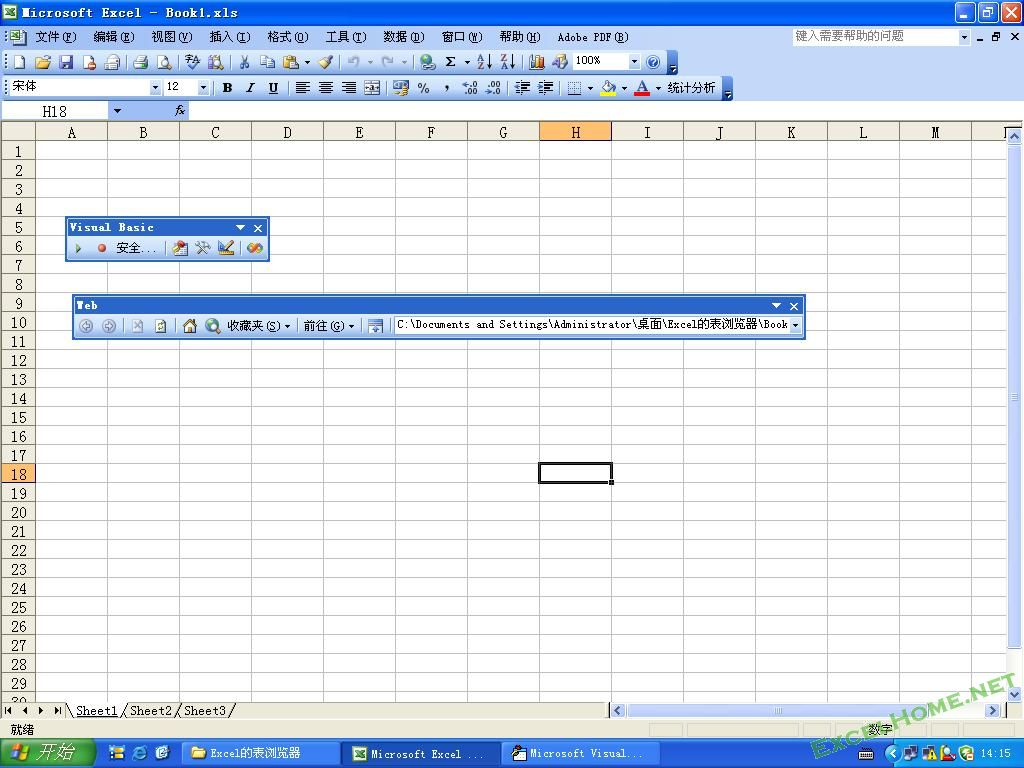
Private Sub Workbook_Activate()
    On Error Resume Next
    Application.CommandBars("我的工具栏").Delete
    Dim 子菜单 As CommandBarControl

    For m = 1 To 2
    Select Case m

    Case 1

    Set 主菜单 = Application.CommandBars.Add
    With 主菜单

    .Visible = True
    .Name = "我的工具栏"
    .Position = msoBarTop------------改成msoBarLeft 0 命令栏固定在应用程序窗口的左侧。

    End With

    Case 2

    Set 主菜单 = Application.CommandBars("Cell").Controls.Add(Type:=msoControlPopup, before:=1)
    主菜单.Caption = "工具栏"
    End Select

    For i = 1 To 1

    Set 子菜单 = 主菜单.Controls.Add(Type:=msoControlButton)

    With 子菜单

    .Caption = Array("录入窗体")(i - 1)
    .Style = msoButtonIconAndCaptionBelow
    .OnAction = Array("录入窗体")(i - 1)
    .FaceId = 284
    .BeginGroup = True
    End With
    Next
    Next
End Sub

Private Sub Workbook_Deactivate()
    On Error Resume Next
    Application.CommandBars("我的工具栏").Delete
    Application.CommandBars("Cell").Controls("工具栏").Delete
End Sub


---------------------

这句代码放在模块内:

Public Sub 录入窗体()
    UserForm1.Show
End Sub
相关内容链接
CommandBars对象模型树信息(已总结)http://club.excelhome.net/viewth ... ighlight=commandbar
如何在自定义工具栏内添加文本输入框 http://club.excelhome.net/viewth ... =%B9%A4%BE%DF%C0%B8
如果用VBA写一段自动加入菜单功能 http://club.excelhome.net/viewth ... p;page=1#pid2385602
xlsExplorerDemo.xls(代码公开) http://club.excelhome.net/viewthread.php?tid=31707&px=0
灵活设计自定义工具栏 http://club.excelhome.net/viewthread.php?tid=44814
使自定义工具栏上的按钮显示(不显示)是否处于选中状态 http://club.excelhome.net/thread-141699-1-546.html
怎样在VBA中将自定义工具栏的图标换成指定的图标? http://club.excelhome.net/viewth ... p;extra=&page=1
如何固定自定义工具栏的位置 http://club.excelhome.net/thread-326819-1-1.html
如何实现自定义工具栏中的分隔线 http://club.excelhome.net/thread-40298-1-1.html
这个文件为什么会自动生成一个工具栏? http://club.excelhome.net/thread-222293-1-1.html
自定义菜单工具栏加载ImageList储藏的图标 http://club.excelhome.net/thread-255940-1-1.html
怎样给自定义菜单加批注 http://club.excelhome.net/thread-253012-1-1.html
遍历不能在thiswork中运行,只能在Sheet1 Sheet2 Sheet3中运行下面程序.
Sub EnaBar()
    Dim myBar As CommandBar
    Debug.Print CommandBars.Count
    For Each myBar In CommandBars
      Debug.Print myBar.Name
        If myBar.Type = msoBarTypePopup Then
            myBar.Enabled = True
        End If
    Next
End Sub

 浙公网安备 33010602011771号