
设置MainCamera跟随第三人称角色
一、建空物体,拉入MainCamera,对齐角色。
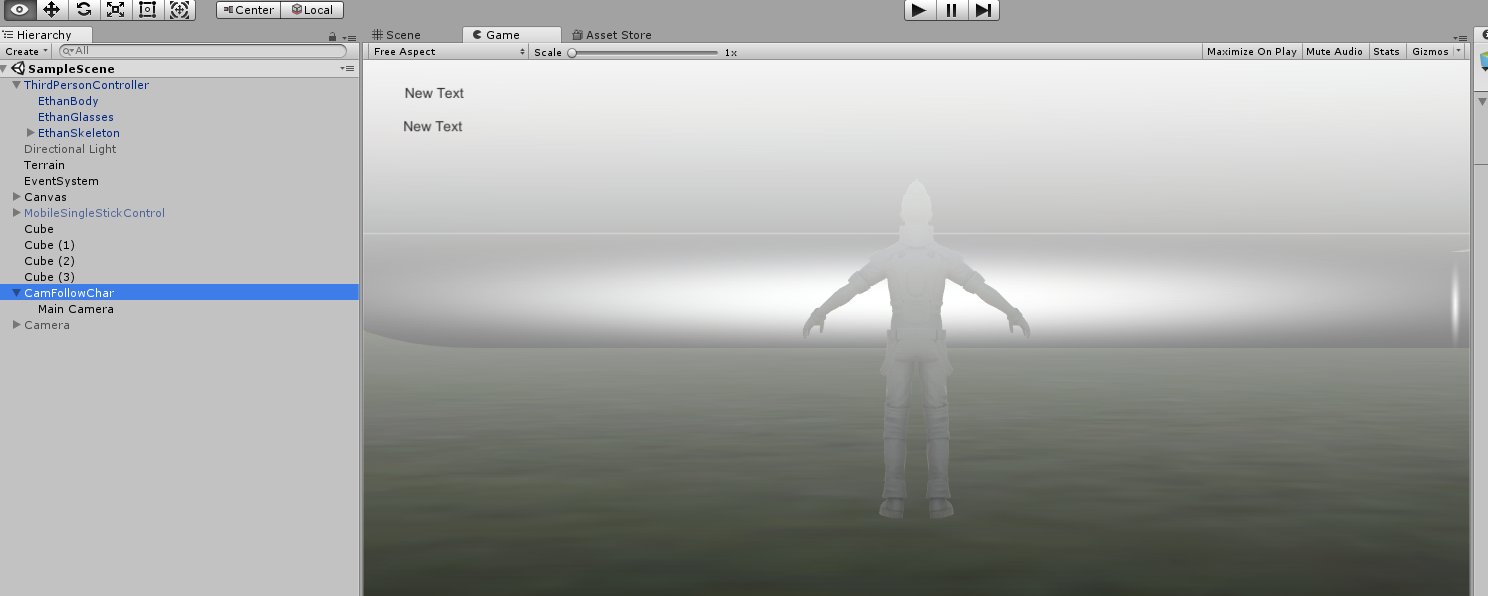
二、修改ThirdPersonUserControl.cs,增加物体引用,public GameObject newCamFollowChar;

将刚建的空物体拽入。脚本中添加代码:newCamFollowChar.transform.SetPositionAndRotation(m_Character.transform.position, m_Character.transform.rotation);如下示:
private void FixedUpdate()
        {
            // read inputs
            float h = CrossPlatformInputManager.GetAxis("Horizontal");
            float v = CrossPlatformInputManager.GetAxis("Vertical");
            bool crouch = Input.GetKey(KeyCode.C);

            // calculate move direction to pass to character
            if (m_Cam != null)
            {
                // calculate camera relative direction to move:
                m_CamForward = Vector3.Scale(m_Cam.forward, new Vector3(1, 0, 1)).normalized;
                m_Move = v*m_CamForward + h*m_Cam.right;
            }
            else
            {
                // we use world-relative directions in the case of no main camera
                m_Move = v*Vector3.forward + h*Vector3.right;
            }
#if !MOBILE_INPUT
            // walk speed multiplier
            if (Input.GetKey(KeyCode.LeftShift)) m_Move *= 0.5f;
#endif

            // pass all parameters to the character control script
            m_Character.Move(m_Move, crouch, m_Jump);
            m_Jump = false;
            newCamFollowChar.transform.SetPositionAndRotation(m_Character.transform.position, m_Character.transform.rotation);//新加代码
        }
此方法比将MainCamera直接拽入角色中更能灵活控制,比如屏蔽角色时,因为摄像机与角色分离,避免了被同时屏蔽。
雁过留声,人死留名。人生仿若风拂沙漠,未留下痕迹……但愿你我之汗水,来得及有所传承……

 浙公网安备 33010602011771号