

缺点 必须手动点击下关闭才能刷新最新的图,起码不会阻塞训练过程
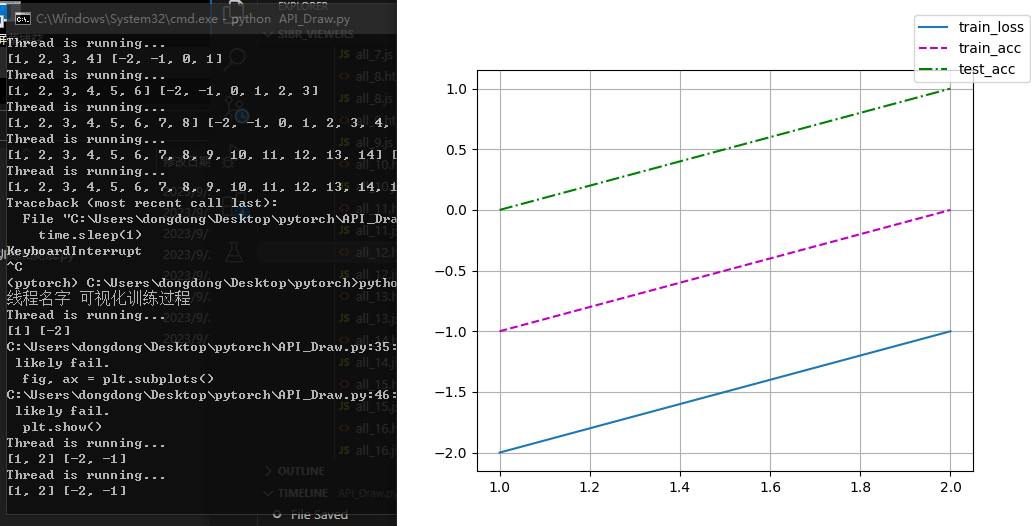
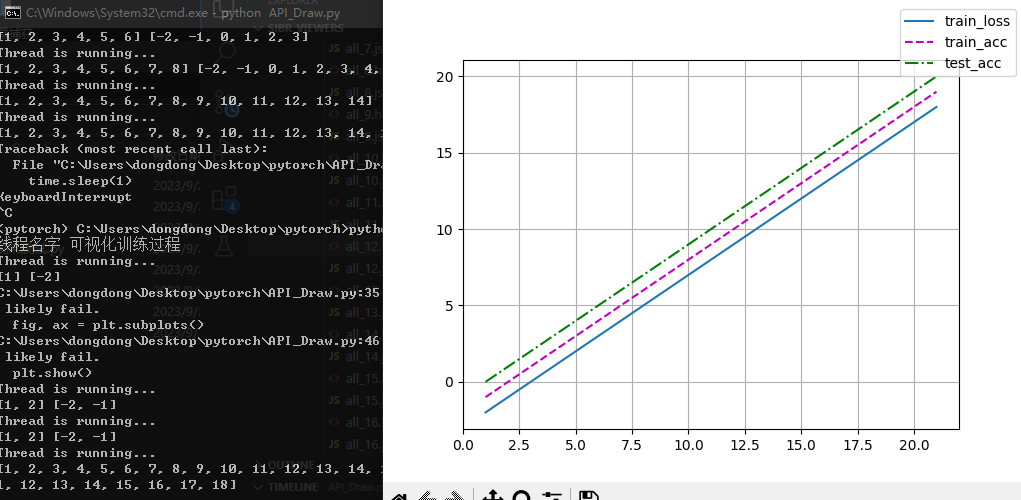
### 画图 训练损失  训练精度  测试精度
import matplotlib.pyplot as plt
import threading
import time

import matplotlib.animation as animation

class Animator:
    def __init__(self):

        self.fmts=('-', 'm--', 'g-.', 'r:') #颜色 和线性

        #1 基础绘图
        #第1步:定义x和y坐标轴上的点   x坐标轴上点的数值
        self.x=[]
        #y坐标轴上点的数值
        self.train_loss=[]
        self.train_acc =[]
        self.test_acc=[]


    def add(self, x_,train_loss_,train_acc_,test_acc_ ):


        self.x.append(x_)
        self.train_loss.append(train_loss_)
        self.train_acc.append(train_acc_)
        self.test_acc.append(test_acc_)


    def ShowALL(self):


        fig, ax = plt.subplots()

        plot1=ax.plot(self.x, self.train_loss, self.fmts[0],label="train_loss")
        plot2=ax.plot(self.x, self.train_acc, self.fmts[1],label="train_acc")
        plot3=ax.plot(self.x, self.test_acc, self.fmts[2],label="test_acc")


        plt.legend(bbox_to_anchor=(1, 1),bbox_transform=plt.gcf().transFigure)# 添加图例

        plt.grid()#网格

        plt.show()


import threading

import time

class MyThread(threading.Thread):

    def __init__(self,name_):

        threading.Thread.__init__(self)


        self.name_ = name_
        print("线程名字",self.name_ )

        self.is_running = 1# 控制标志位

        self.animator=Animator() # 画图类


    def run(self):

        while self.is_running:

            print("Thread is running...")

            print(self.animator.x,self.animator.train_loss)

            self.animator.ShowALL()

        print("线程停止")


    def stop(self):

        self.is_running = False


    # 创建并启动线程


# 调用
my_thread = MyThread("可视化训练过程")
my_thread.setDaemon(True)#伴随主进程自动关闭
my_thread.start()

i=0
while 1:
    i=i+1
    my_thread.animator.add(i,i-3,i-2,i-1) # 加入新数据
    time.sleep(1)


my_thread.stop()# 通过标志为 手动关闭

 浙公网安备 33010602011771号