

1 安装Arduino IDE
2安装ESP32
第一种办法 自动模式
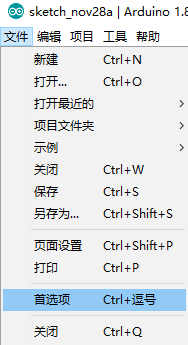
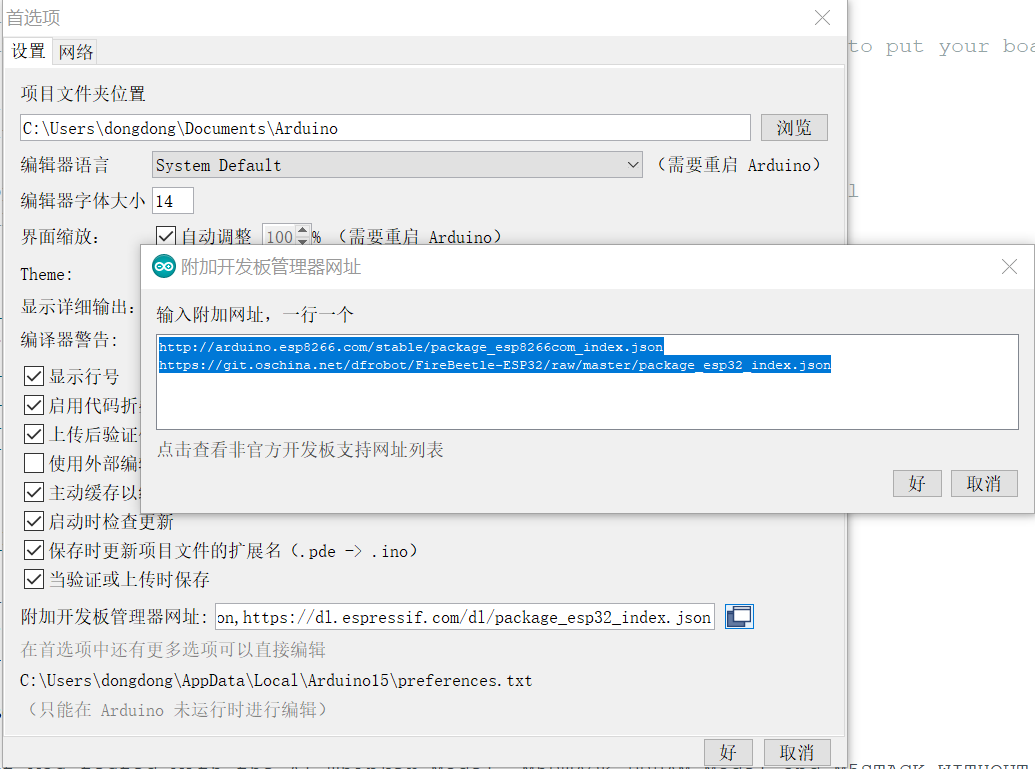
多个开发板,每行一个
http://arduino.esp8266.com/stable/package_esp8266com_index.json
https://git.oschina.net/dfrobot/FireBeetle-ESP32/raw/master/package_esp32_index.json
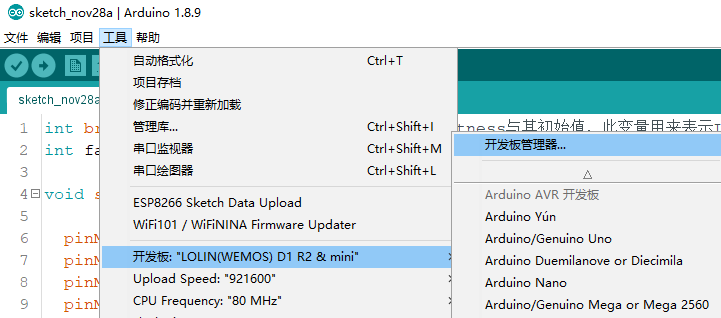
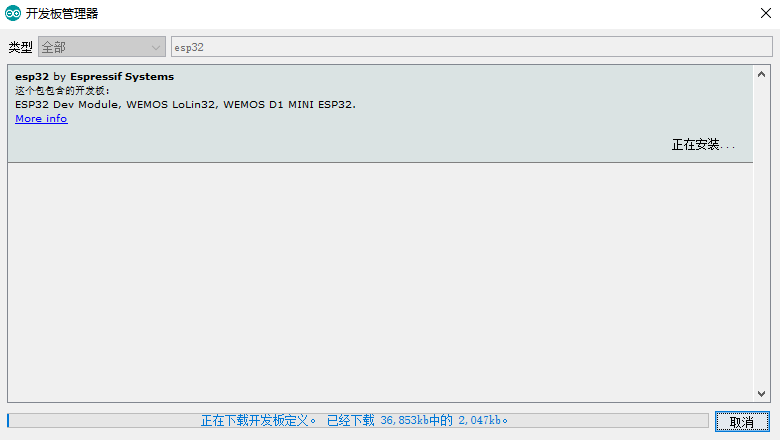
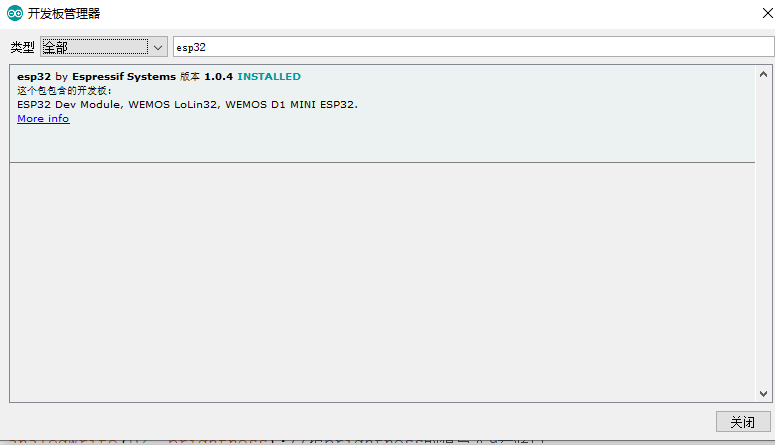
第二种办法
手动模式
如果下载失败,手动配置
-
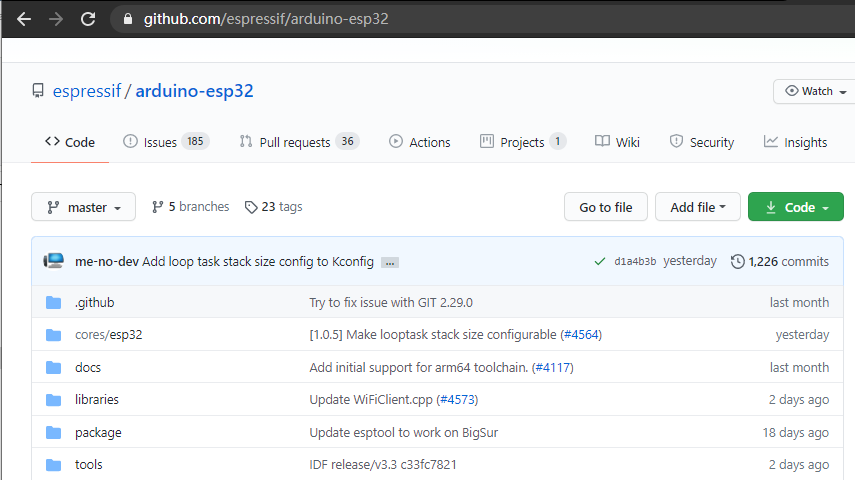
下载工程:
https://github.com/espressif/arduino-esp32.git -
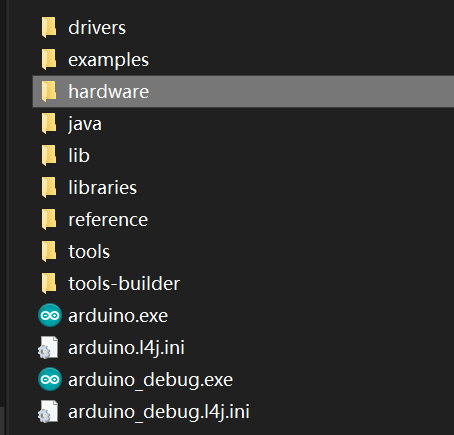
存放在arduino软件目标目录:
[ARDUINO_SKETCHBOOK_DIR]/hardware/espressif/esp32
存放在
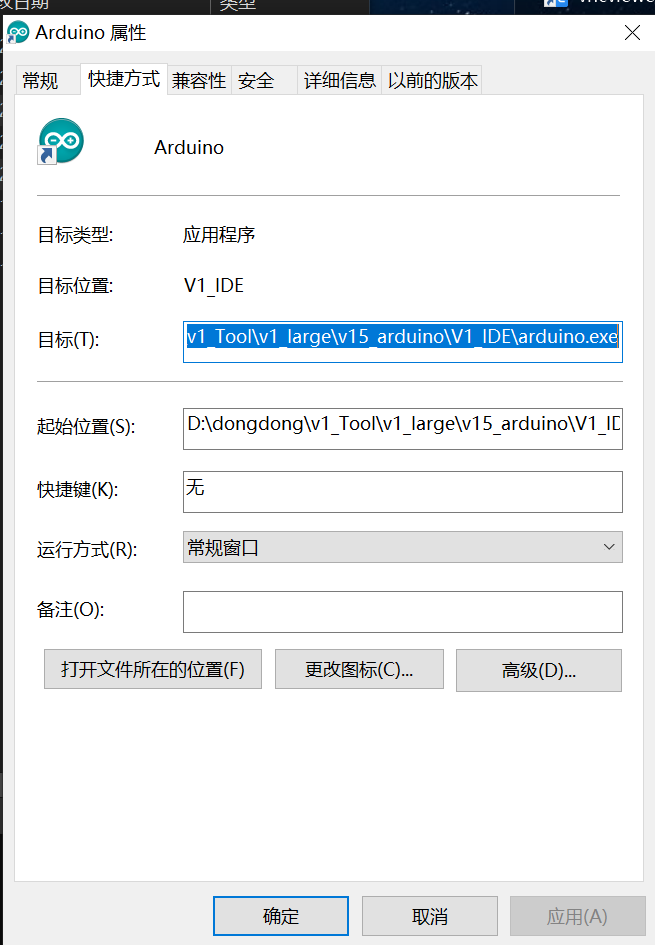
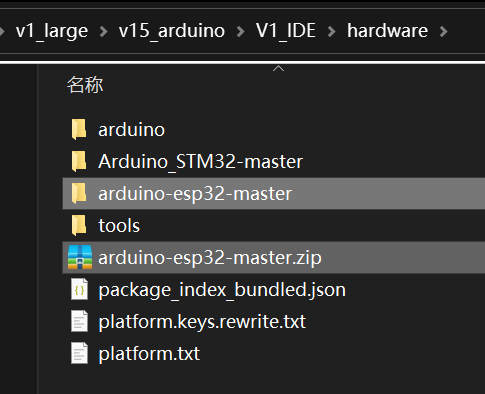
修改一下文件名字–编译的时候不会有警告
arduino-1.8.4\hardware\espressif\esp32
然后进入tool,点击get.exe安装编译器
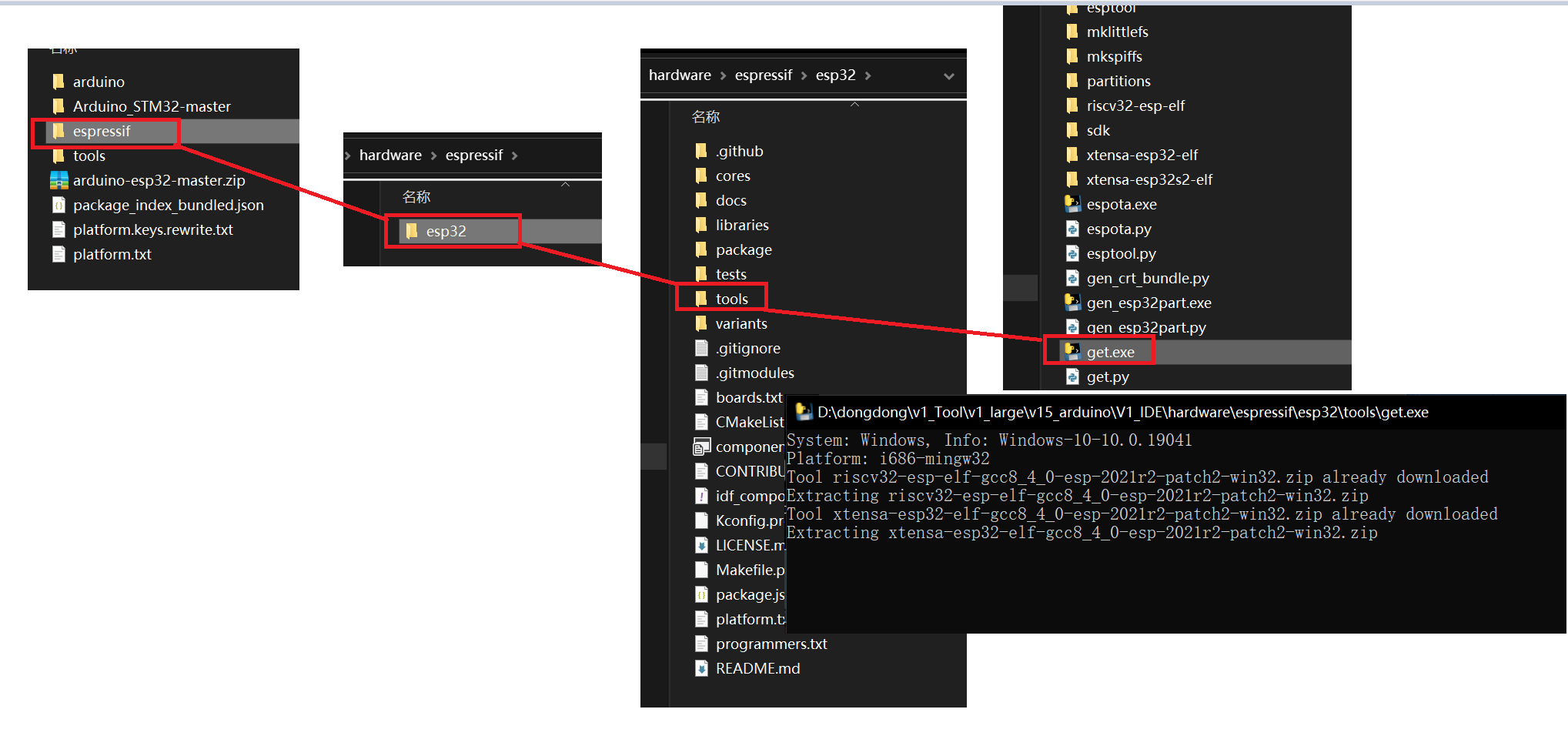
重启arduino就可以了
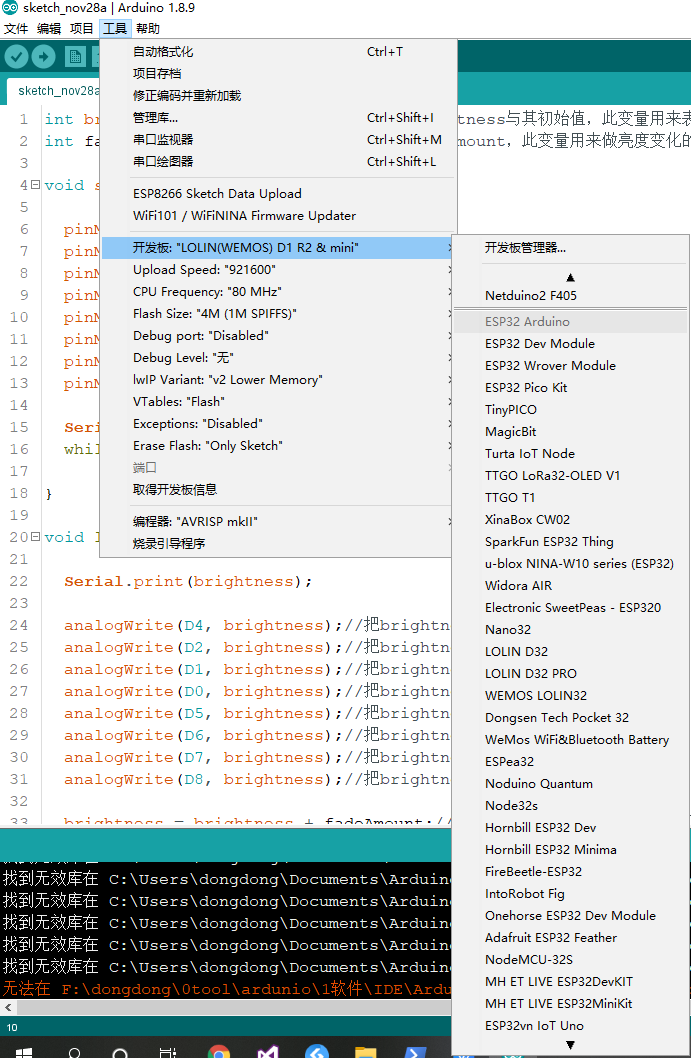
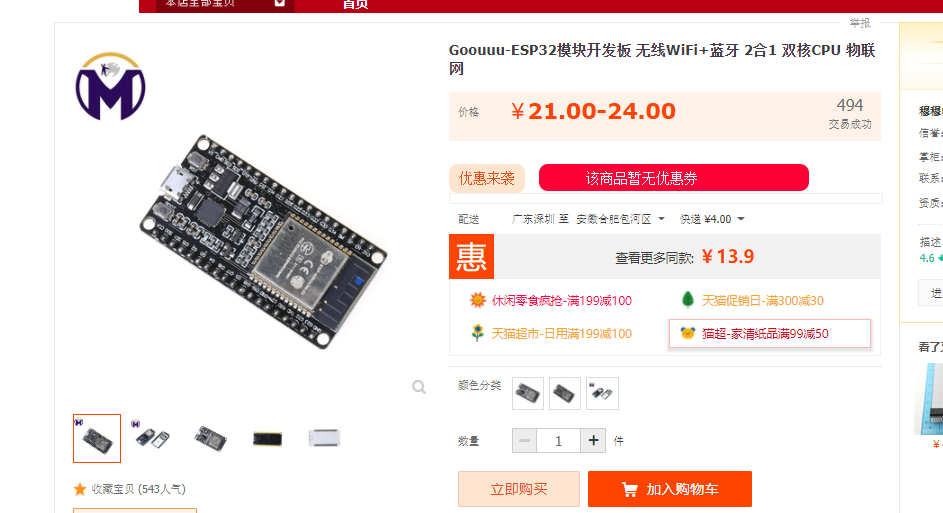
板子型号选择
https://item.taobao.com/item.htm?spm=a1z09.2.0.0.50122e8dJH3bCJ&id=613672771311&_u=51qf7bf5c7d3
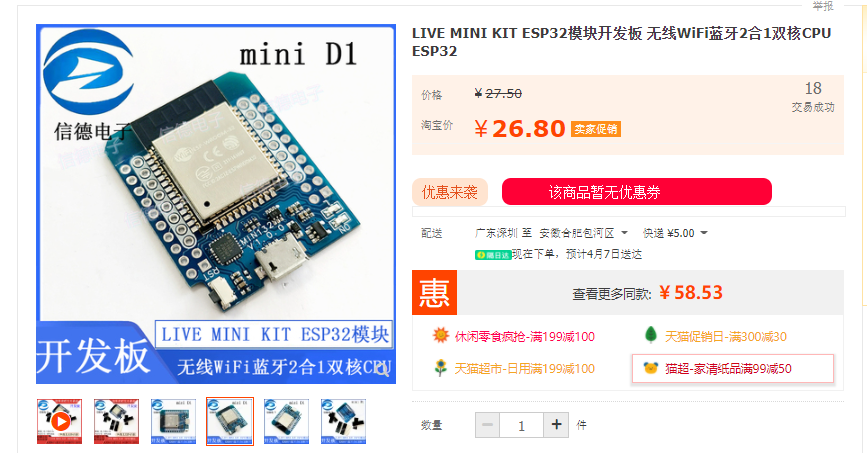
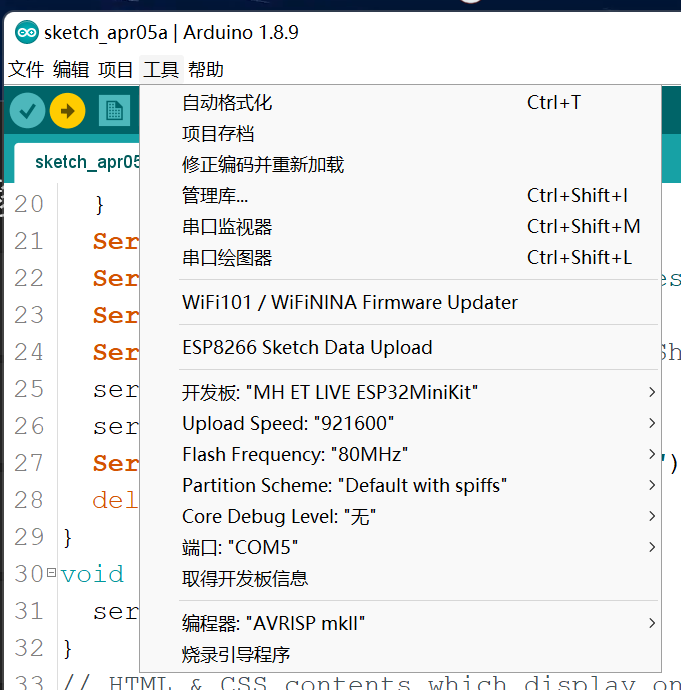
https://item.taobao.com/item.htm?spm=a1z09.2.0.0.50122e8dJH3bCJ&id=590038933238&_u=51qf7bf56fe2
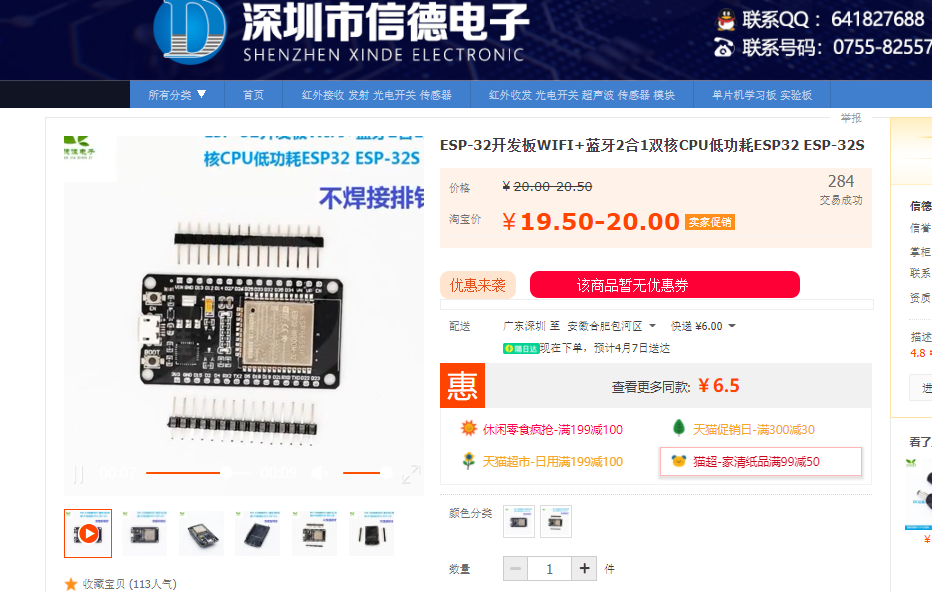
https://item.taobao.com/item.htm?spm=a1z09.2.0.0.50122e8dJH3bCJ&id=547082402418&_u=51qf7bf5f680

https://item.taobao.com/item.htm?spm=a1z09.2.0.0.50122e8dJH3bCJ&id=547198899364&_u=51qf7bf5dd52

 浙公网安备 33010602011771号