
关于pycharm中Module parse failed: ‘import‘ and ‘export‘ may appear only with ‘sourceType: module‘ (1:0)
count.js中的代码如下:
export default function count(x,y) {
    return x - y;
}
sum.js中的代码如下:
export default function sum(...args) {
    return args.reduce((p, c) => p + c , 0)
}
main.js中的代码如下:
import count from "./js/count";
import sum from "./js/sum";

console.log(count(2,1));
console.log(sum(1,2,3,4))
index.html中代码如下:
<!DOCTYPE html>
<html lang="en">
<head>
    <meta charset="UTF-8">
    <title>Webpack</title>
</head>
<body>
    <h1>hello webpack</h1>
    <script src="../src/main.js"></script>

</body>
</html>
以上四个文件的目录架构如下所示:
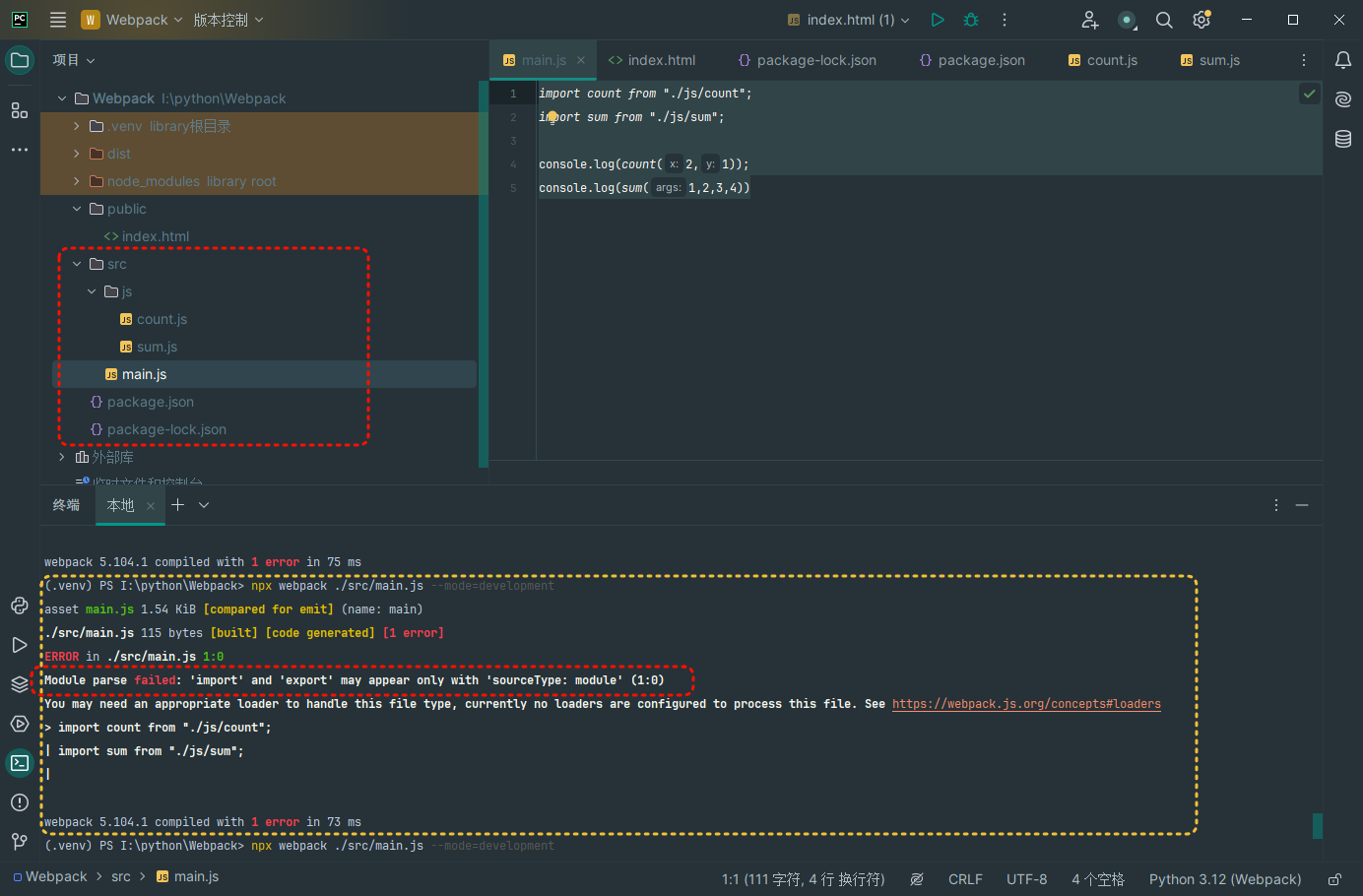
下面依次执行命令如下:
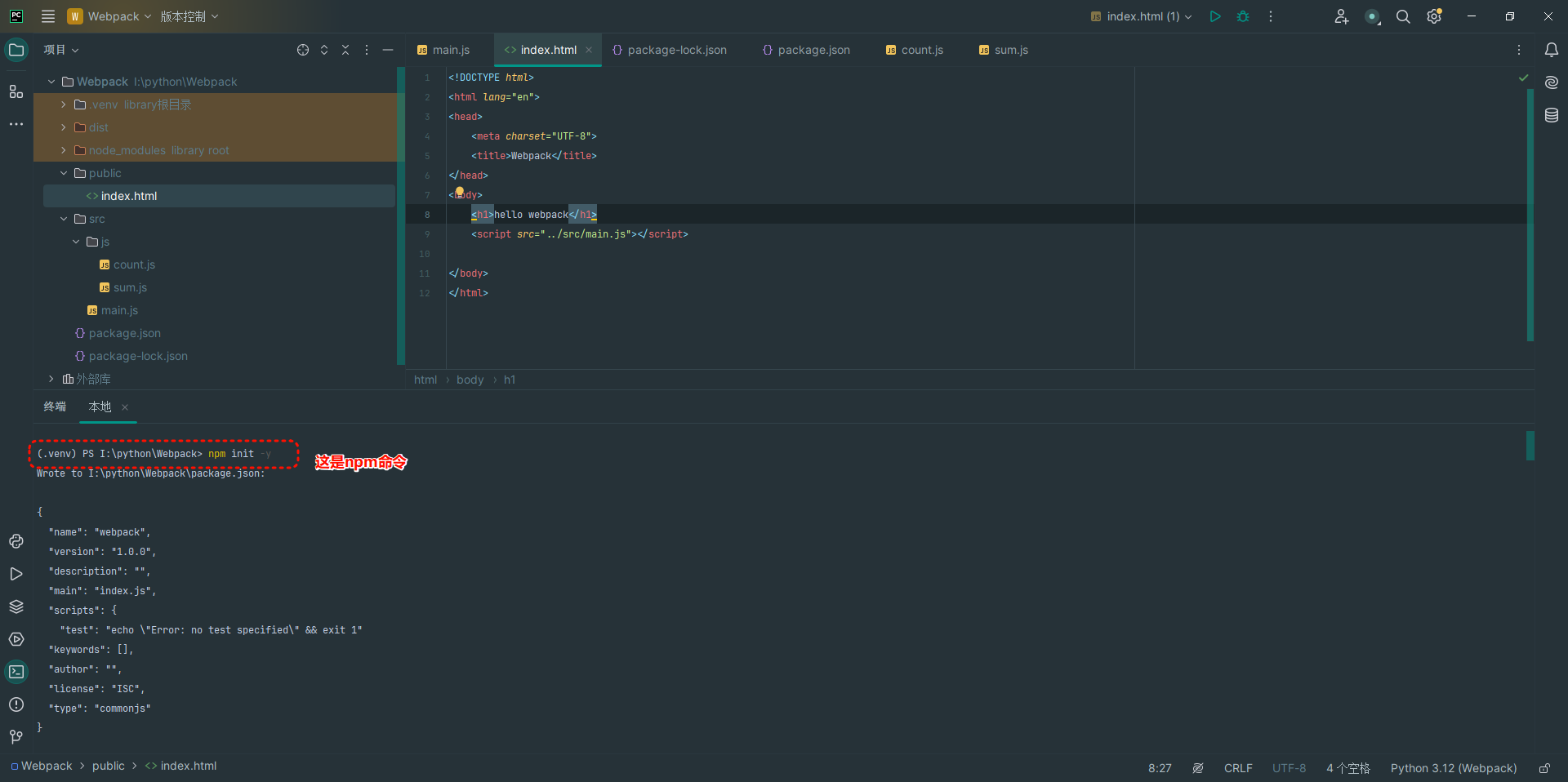
npm init -y
(.venv) PS I:\python\Webpack> npm init -y
Wrote to I:\python\Webpack\package.json:

{
  "name": "webpack",
  "version": "1.0.0",
  "description": "",
  "main": "index.js",
  "scripts": {
    "test": "echo \"Error: no test specified\" && exit 1"
  "keywords": [],
  "author": "",
  "license": "ISC",
  "type": "commonjs"
}
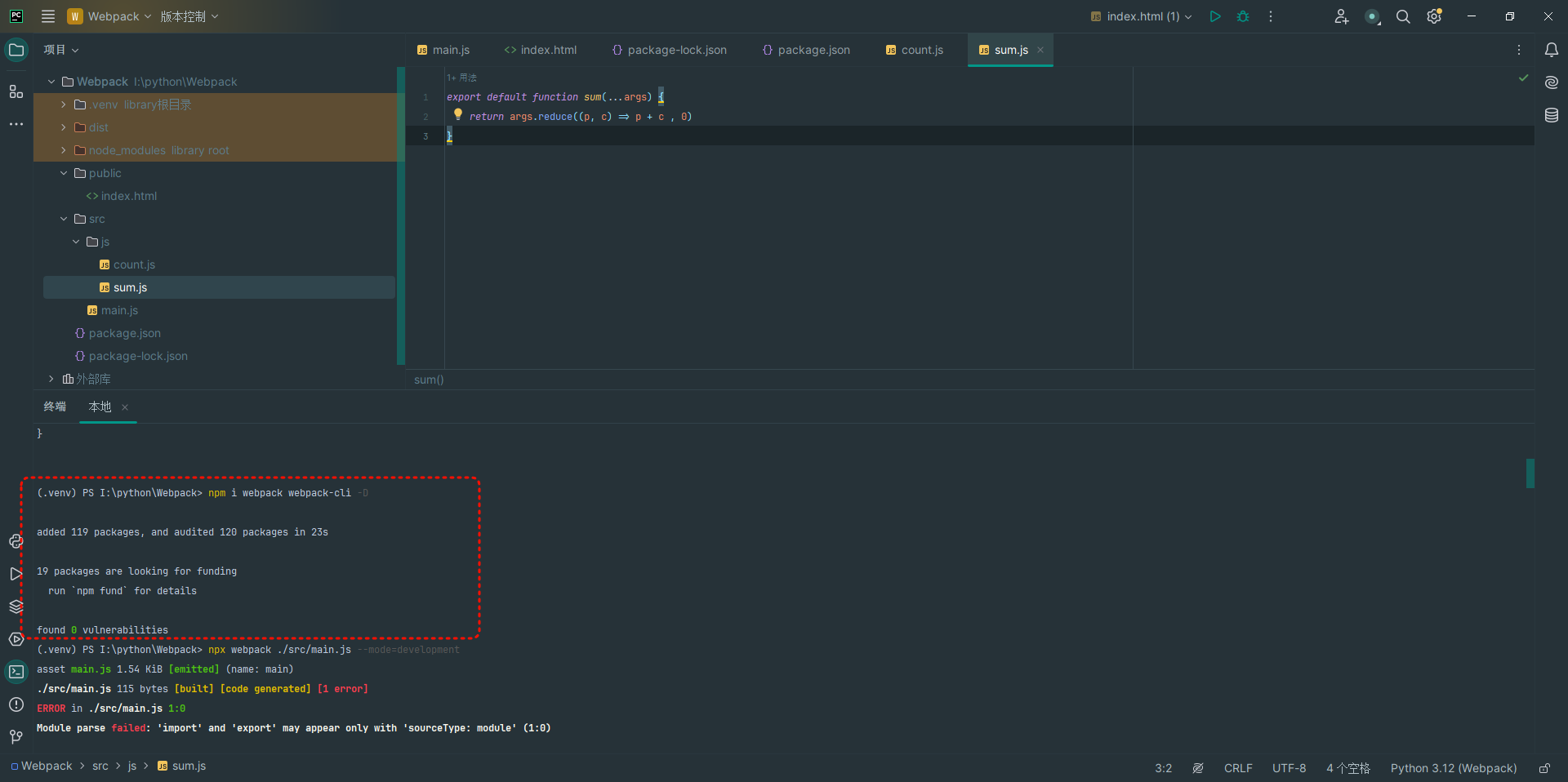
npm i webpack webpack-cli -D
(.venv) PS I:\python\Webpack> npm i webpack webpack-cli -D

added 119 packages, and audited 120 packages in 23s

19 packages are looking for funding
  run `npm fund` for details

found 0 vulnerabilities
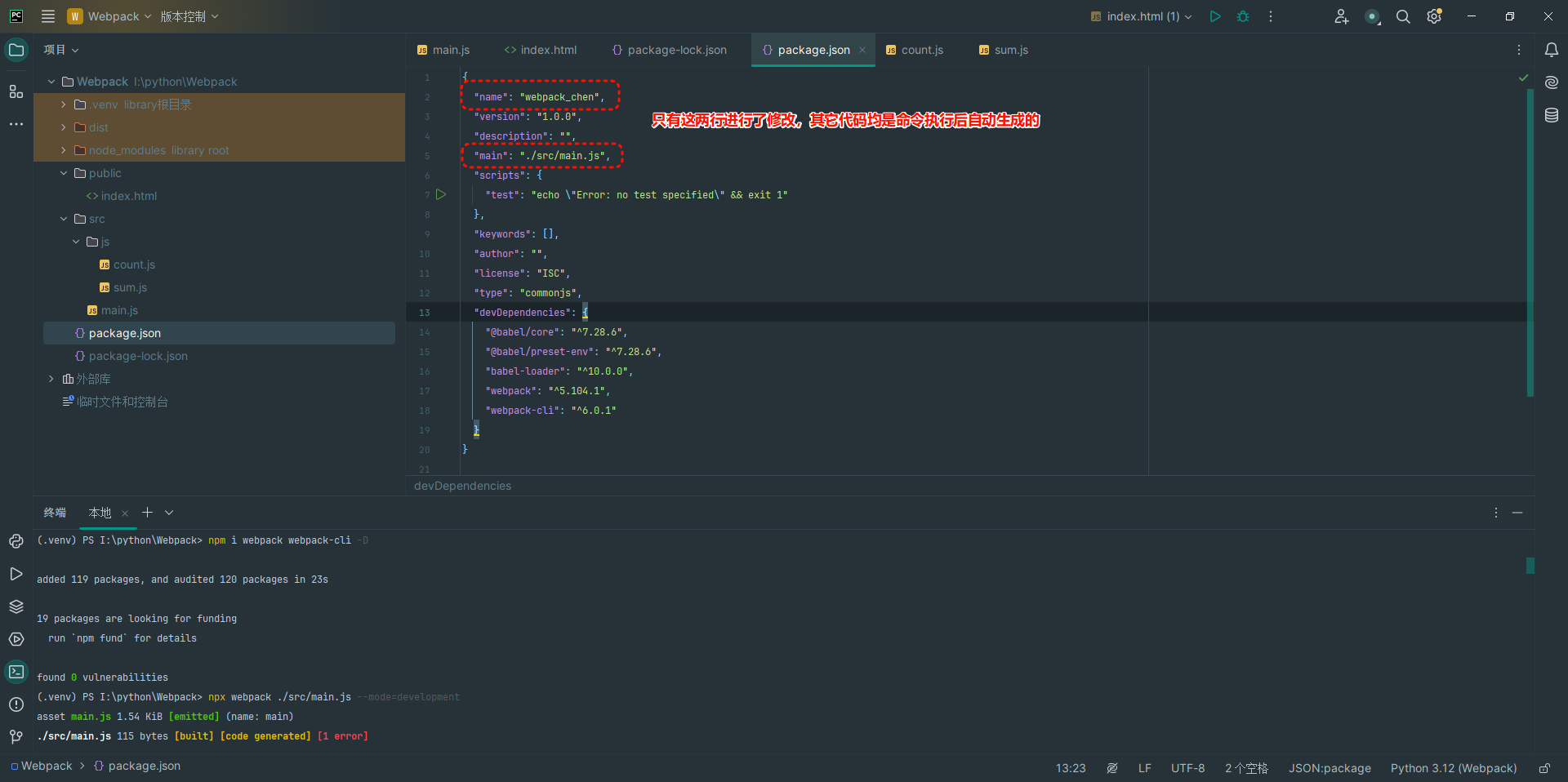
package.json中的代码如下:
{
  "name": "webpack_chen",
  "version": "1.0.0",
  "description": "",
  "main": "./src/main.js",
  "scripts": {
    "test": "echo \"Error: no test specified\" && exit 1"
  },
  "keywords": [],
  "author": "",
  "license": "ISC",
  "type": "commonjs",
  "devDependencies": {
    "@babel/core": "^7.28.6",
    "@babel/preset-env": "^7.28.6",
    "babel-loader": "^10.0.0",
    "webpack": "^5.104.1",
    "webpack-cli": "^6.0.1"
  }
}
npx webpack ./src/main.js --mode=development
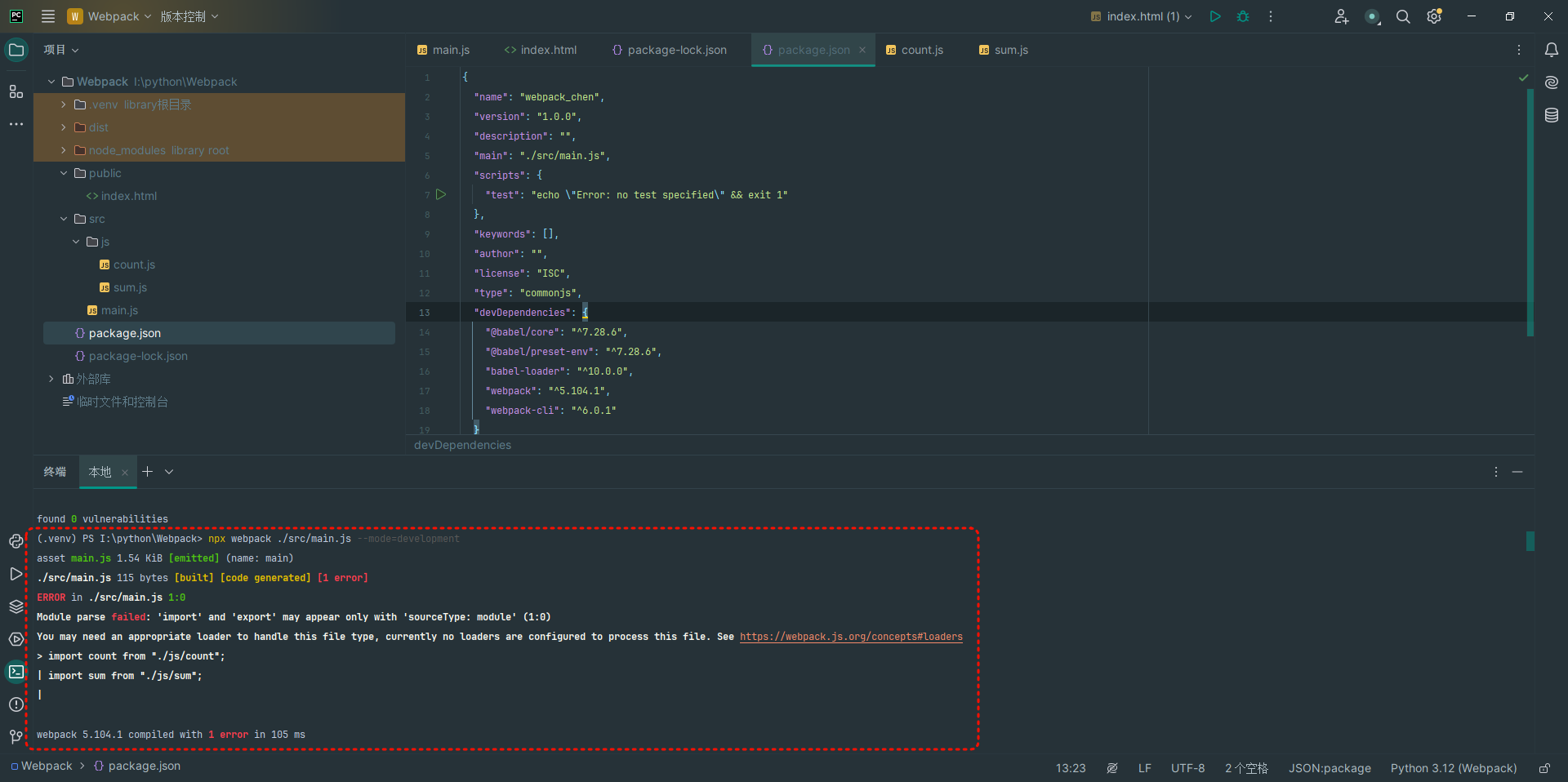
运行这条命令后,就出现了错误提示,如下:
(.venv) PS I:\python\Webpack> npx webpack ./src/main.js --mode=development
asset main.js 1.54 KiB [emitted] (name: main)
./src/main.js 115 bytes [built] [code generated] [1 error]
ERROR in ./src/main.js 1:0
Module parse failed: 'import' and 'export' may appear only with 'sourceType: module' (1:0)
You may need an appropriate loader to handle this file type, currently no loaders are configured to process this file. See https://webpack.js.org/concepts#loaders
> import count from "./js/count";
| import sum from "./js/sum";
|

webpack 5.104.1 compiled with 1 error in 105 ms
在网上各种搜索解决方案,如下:
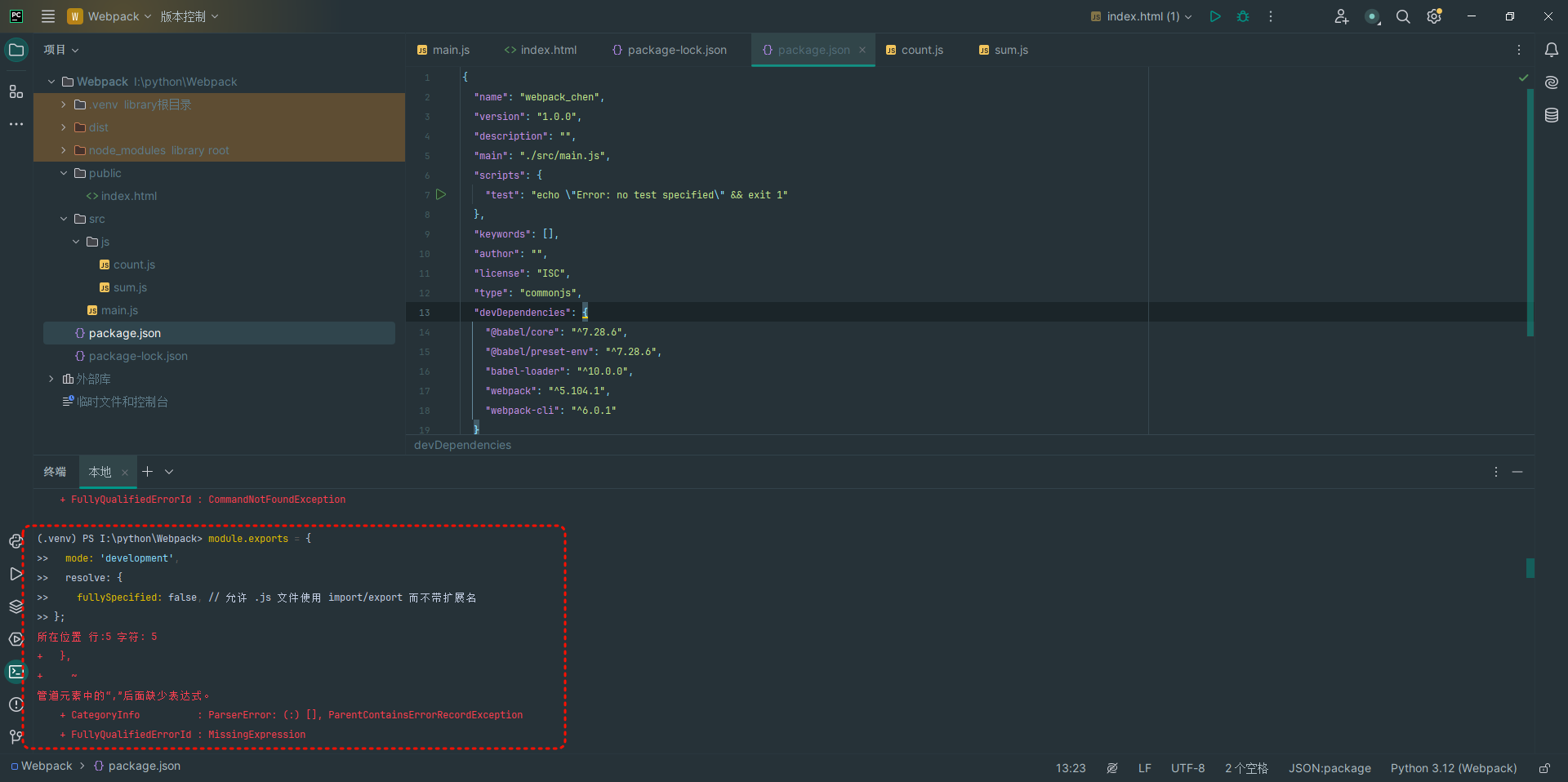
 module.exports = {
>>   mode: 'development',
>>   resolve: {
>>     fullySpecified: false, // 允许 .js 文件使用 import/export 而不带扩展名
>> };
这个方案不管用 ,出现各种错误
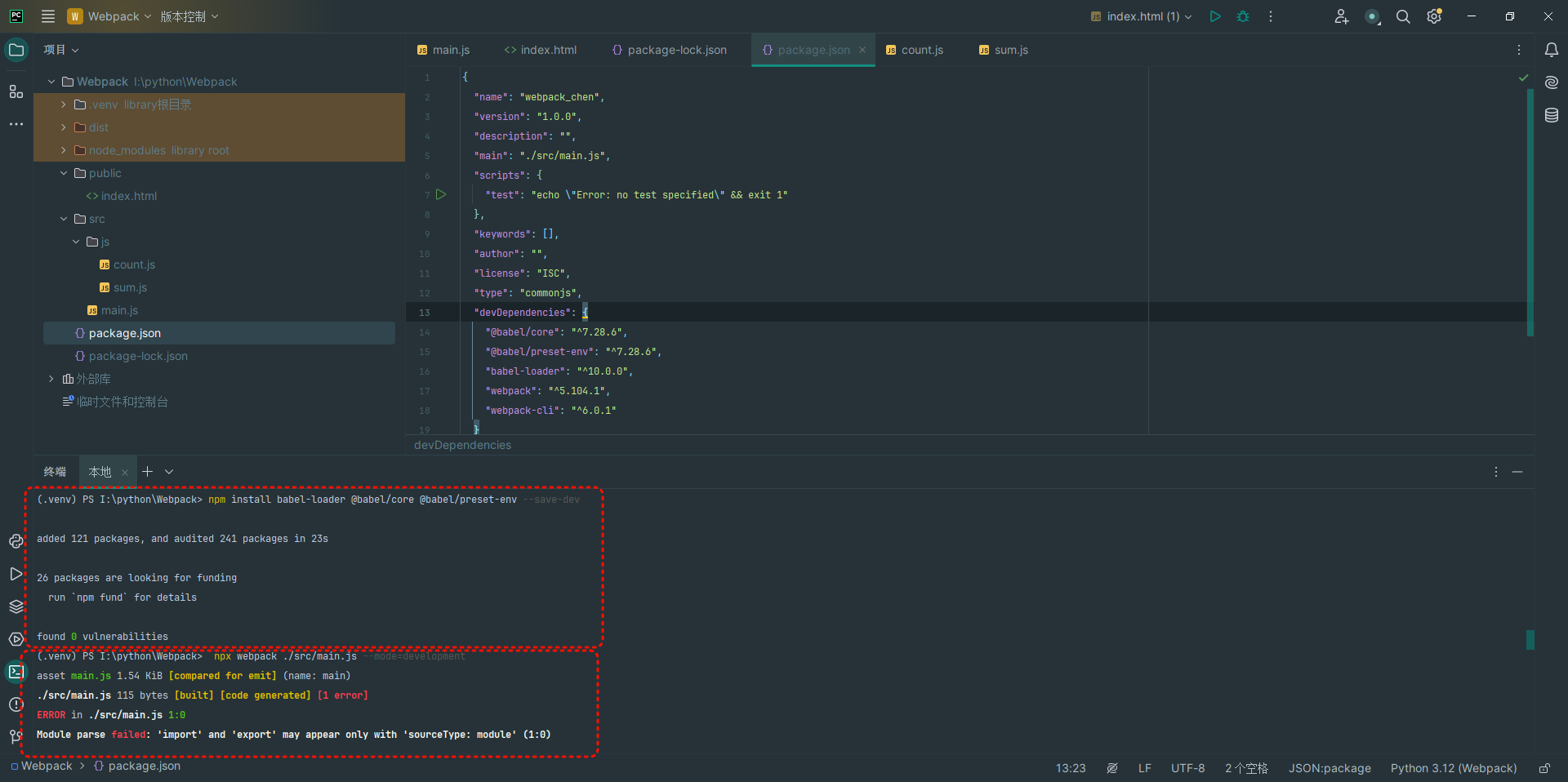
npm install babel-loader @babel/core @babel/preset-env --save-dev
这个方案也使用了,还是出问题,如下:
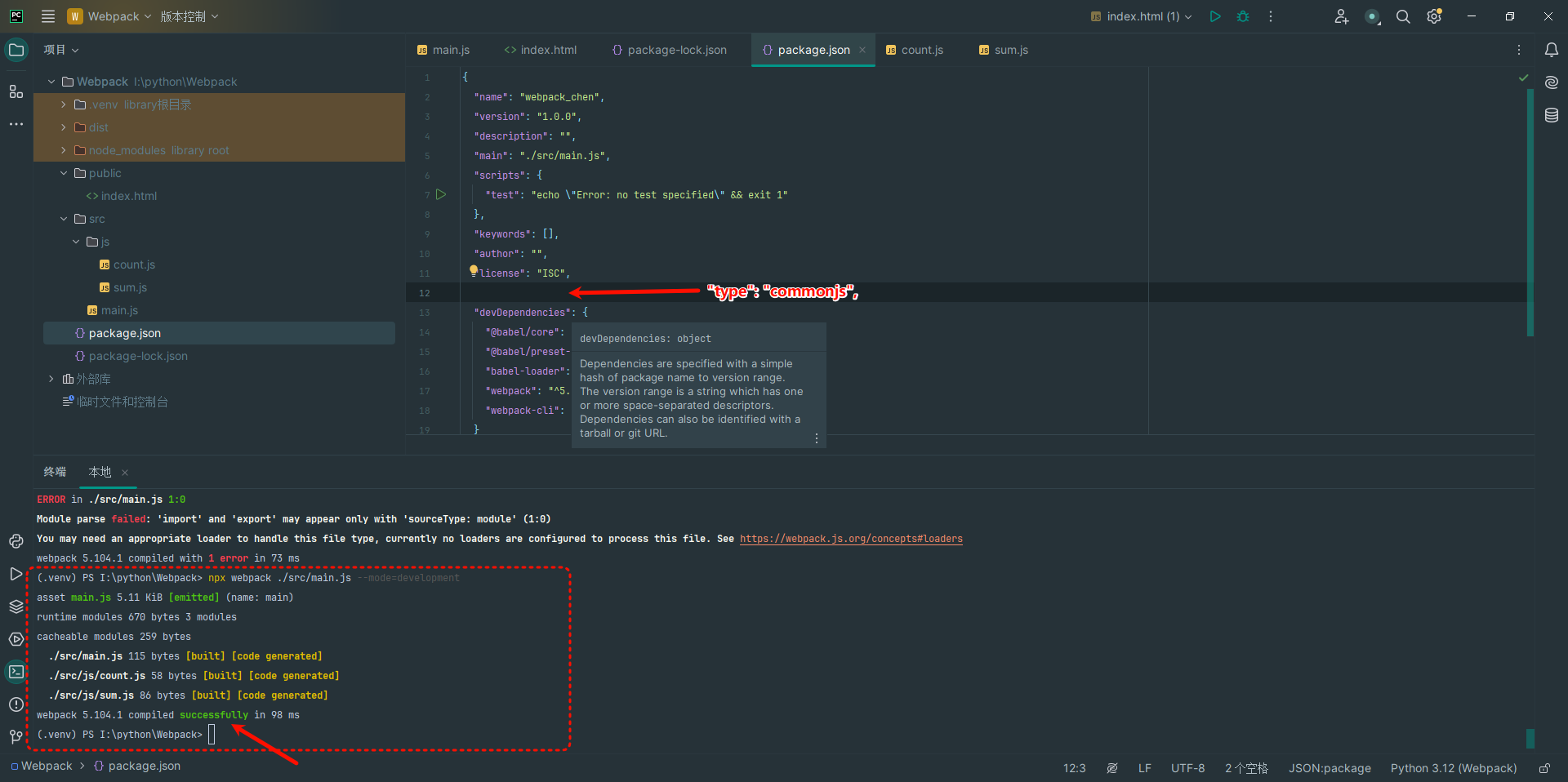
又试用着在package.json中删除
"type": "commonjs",咦,这次居然成功了

 浙公网安备 33010602011771号