
前端学习笔记---CSS介绍与基础语法2
CSS介绍与基础语法2
属性相关的部分
基本属性
1.长宽
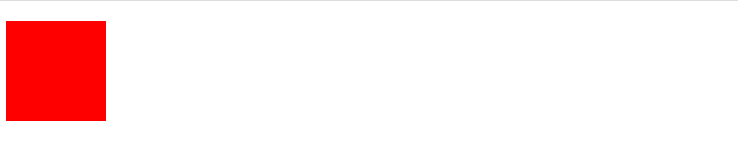
对于块级标签是可以调节长宽的
height:80 单位:px or %
width:80 单位:px or %
p{
background-color: red; /* 背景颜色 /
height: 80px; / 标签占用长宽,默认一行 */
width: 80px;
}
效果如下:
2.字体属性
font-family:"仿宋","微软雅黑"; /若第一个不生效后面生效/
font-size:24px; /* 字体大小 /
font-weight:bolder; / 字体效果:加粗 /
color:red; /字体颜色,或者color:rgba(x,x,x,x)*/
p{
font-family:"仿宋","微软雅黑"; /第一个不生效后面生效/
font-size:24px; /* 字体大小 /
font-weight:bolder; / 字体效果:加粗 /
color:red; /字体颜色,或者color:rgba(x,x,x,x)*/
}
效果如下:

3.文字属性
text-aling:center;/right left 居中,左右对齐/
text-decoration:underline; /overline,line-through,none 上划线,删除线,none可以给a标签去掉下划线/
text-indent: 32px; /缩进32个px/
p{
text-align: center;
text-decoration:underline;
text-indent: 32px;
}
效果如下:

4.背景属性
background-color:red; /背景颜色/
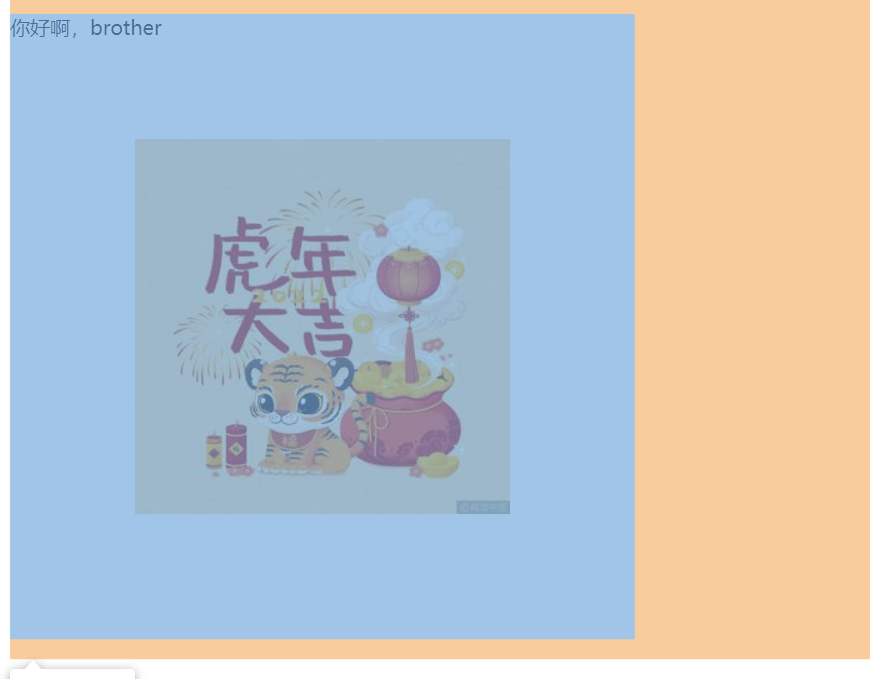
background-image:url(""); /背景图片,默认全部铺满/
background-repeat:no-repeat; /不铺满/
background-repeat:repeat-x; /x铺满/
background-repeat:repeat-y; /y铺满/
background-position:center center;/图片居中/
/其实浏览器不是二维,是三维,z轴指向用户/
backgound:url("") no-repeat center center
/若出现了多属性名前缀相同,一般情况下可以简写/
p{
height: 500px;
width: 500px;
background-image:url("https://gimg2.baidu.com/image_search/src=http%3A%2F%2Fimg1.baidu.com%2Fit%2Fu%3D3788606852%2C2363382091%26fm%3D253%26app%3D120%26f%3DJPEG%3Fw%3D800%26h%3D800&refer=http%3A%2F%2Fimg1.baidu.com&app=2002&size=w300&q=a80&n=0&g=0n&fmt=jpeg?sec=1645336236&t=a131a1778f8f9c740f11666d8cf94742"); /背景图片,默认全部铺满/
background-repeat: no-repeat;
background-position: center center;
}
效果如下:
5.边框
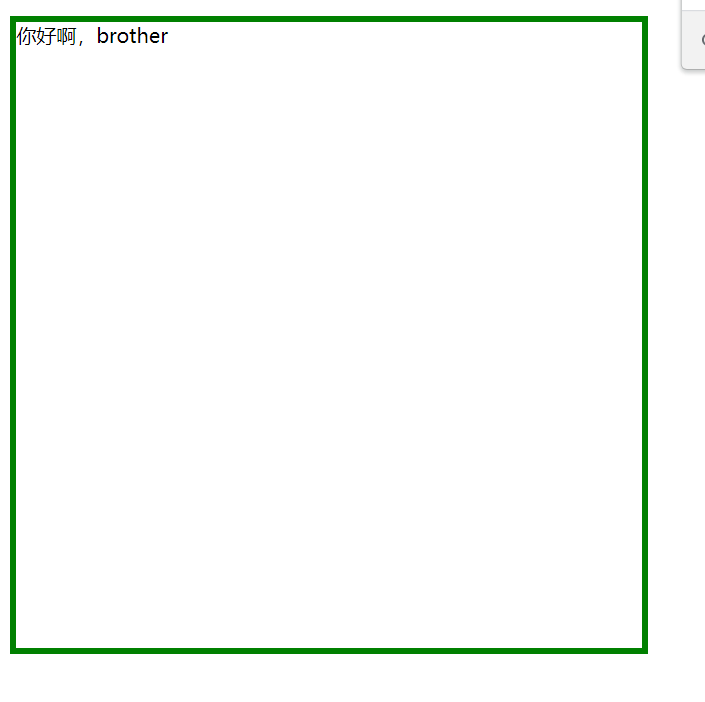
border-width:5px; /宽度/
border-style:solid; /样式/
border-color:green; /颜色/
/上边框/
border-top-width:5px;
border-top-style:solid;
border-top-color:red;
/下边框/
border-bottom-width:5px;
border-bottom-style:solid;
border-bottom-color:red;
/左边框/
border-left-width:5px;
border-left-style:solid;
border-left-color:red;
/右边框/
border-right-width:5px;
border-right-style:solid;
border-right-color:red;
p{
height: 500px;
width: 500px;
border-width:5px; /宽度/
border-style:solid; /样式/
border-color:green; /颜色/
}
效果如下:
6.弧度
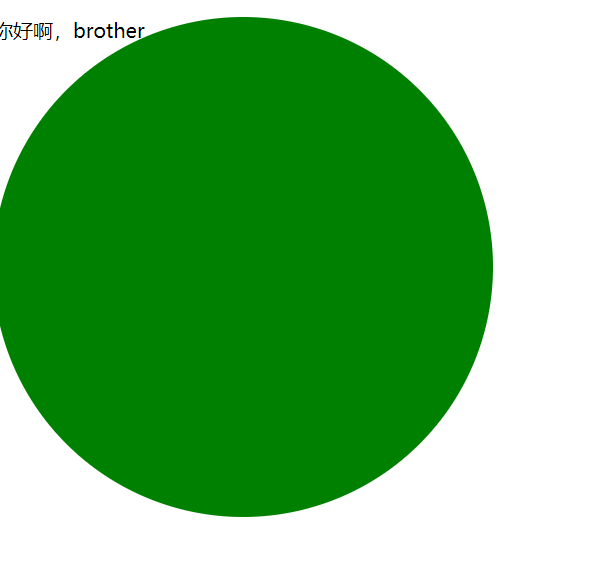
border-radius:50%; /四个角分别取50%的边长变为弧形,即圆形/
border-radius:为缩写,其内部分别为是四个角,也可以写px为单位
p{
background-color:green;
height:400px;
width:400px;
border-radius:200px
/直接写50%,长宽一样就是圆,不一样就是椭圆/
}
效果如下:
7.display属性
display:none /不展示并且不占用位置/
display:inline /变为行内标签的特征/
display:block /变为块级标签特征/
display:inline-block /变为行内的块级标签特征/
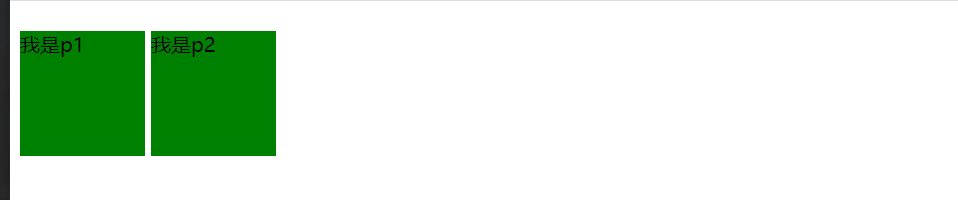
p{
background-color:green;
height:100px;
width:100px;
display:inline-block;
}
效果如下:
盒子模型
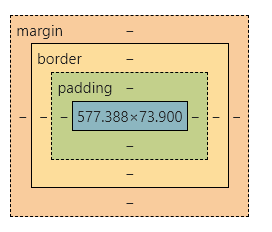
每个标签可以看成一个快递盒子,其拥有四个属性.
1.标签间距离
可以看为快递盒子间的距离
margin:5px
2.盒子的厚度
即标签的边框
border:5px red solid
3.盒子内物体到盒子的距离
即内容到边框的距离,内边距
padding:10px
4.物体的大小content
浮动
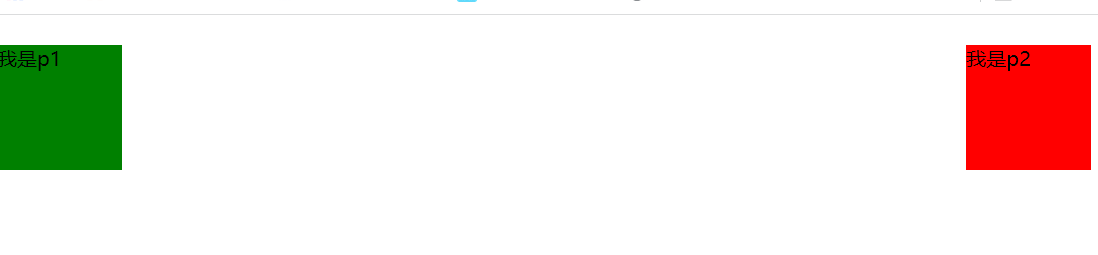
虽然display属性也可以实现两个标签显示在统一行内,但是实际应用中很少使用display而是使用float即浮动属性来进行布局
ps:浮动后的标签其并无块级,行内说法,其浮动后仅仅占用自己本身的大小.
float:left /向左浮动/
float:right /向右浮动/
d1{
background-color:green;
height:100px;
width:100px;
float: left;
}
#d2{
background-color:red;
height:100px;
width:100px;
float: right;
}
效果如下:
浮动有些类似于俄罗斯方块。
浮动的影响:
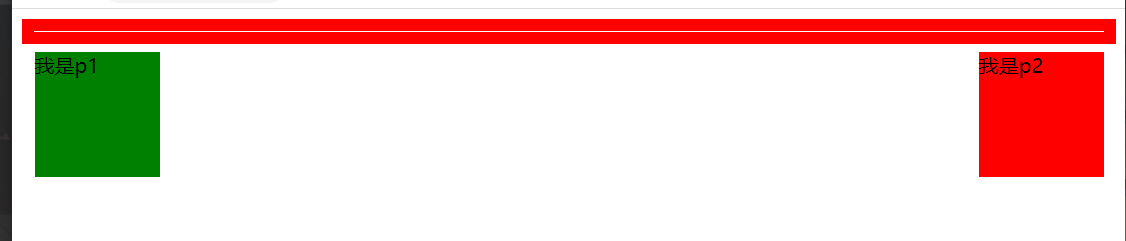
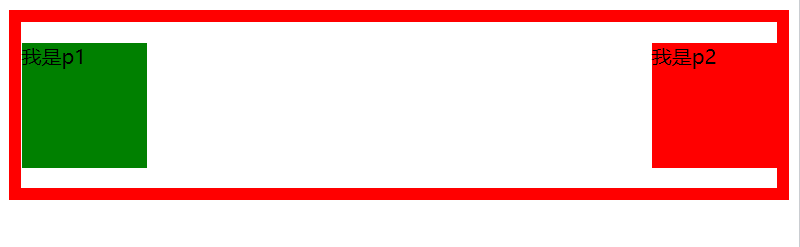
浮动有些向装在麻袋里面的气球,将子标签看为气球,将父标签看为麻袋,当子标签浮动后,其父标签可能会出现塌陷的情况.
我是p1
我是p2
div{
border: 10px solid red;
}
#d1{
background-color:green;
height:100px;
width:100px;
float: left;
}
#d2{
background-color:red;
height:100px;
width:100px;
float: right;
}
塌陷:
解决方法:
1.利用高度属性,给父标签设置高度
2.利用clear属性
clear:left
clear:right
clear:both
分别意味该标签左方,右方,左右同上不可存在浮动元素
3. 为塌陷标签添加.clearfix:after{content:'';display:block;clear:both}
本质是利用2
效果如下:
溢出
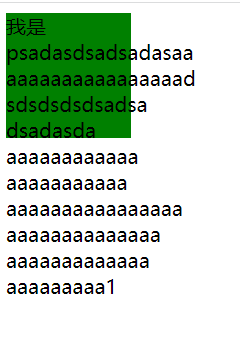
即为文本内容溢出标签范围
解决方法:
overflow: visible; /默认可见/
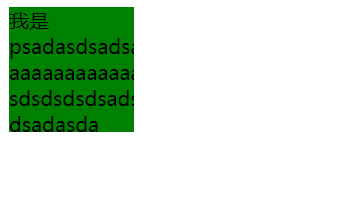
overflow: hidden; /超出的隐藏/
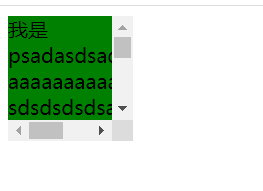
overflow: scroll; /超出的滚动显示/
overflow: auto; /自动适应滚动/
div{
background-color:green;
height:100px;
width:100px;
overflow: hidden;
}
div{
background-color:green;
height:100px;
width:100px;
overflow: scroll;
}
定位
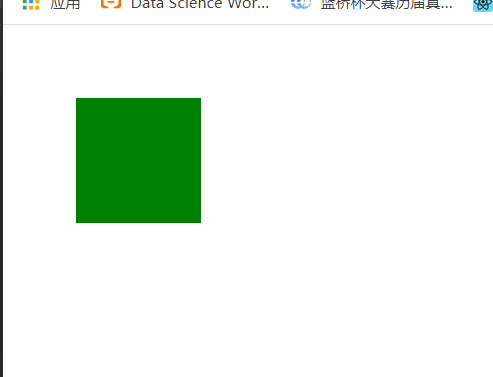
定位即就是改变标签的位置状态,标签默认状态都是static,即静态,不可位移
1.相对定位
相对于标签的原来的位置进行移动
position:relative
left:50px /由左向右移动50px/
top:50px /由上向下移动50px/
div{
background-color:green;
height:100px;
width:100px;
position: relative;
left: 50px;
top: 50px;
}
效果如下:
2.绝对定位(常用)
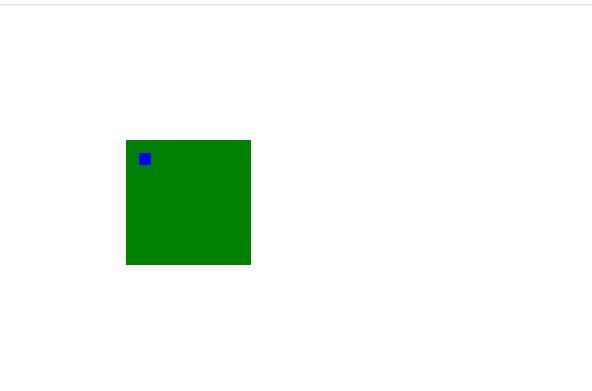
position:absolute
相对于其父标签做移动,若无父标签,则以body为参照物
d1{
background-color:green;
height:100px;
width:100px;
position: relative;
left: 100px;
top: 100px;
}
#d2{
background-color:blue;
height:10px;
width:10px;
position:absolute;
left: 10px;
top: 10px;
}
效果如下:
3.固定定位
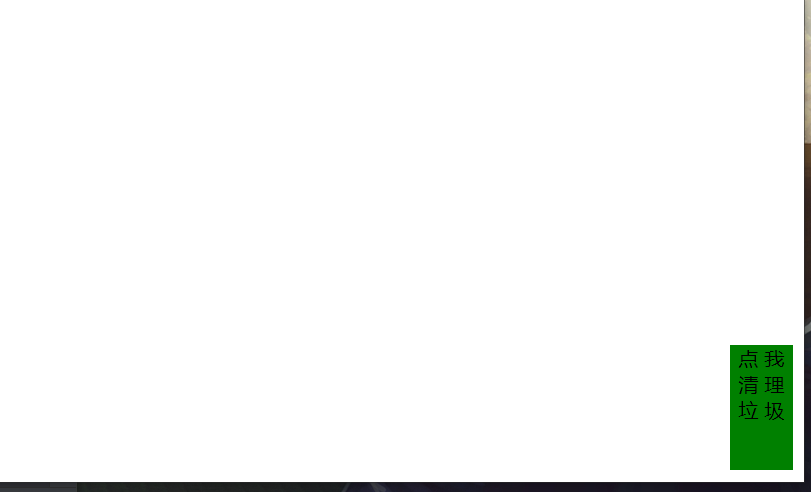
相对于浏览器窗口定位在某处,比如清理垃圾的小火箭之类,回到顶部。。
position:fixed
d1{
background-color:green;
height:100px;
width:50px;
position: fixed;
right: 10px;
bottom: 10px;
text-align: center;
}
效果如下:
关于布局是否会脱离文档流
脱离文档流即为脱离本html框架所决定的位置
1.脱离:
浮动,绝对定位, 固定定位
2.不脱离:
相对定位
z-index模态框
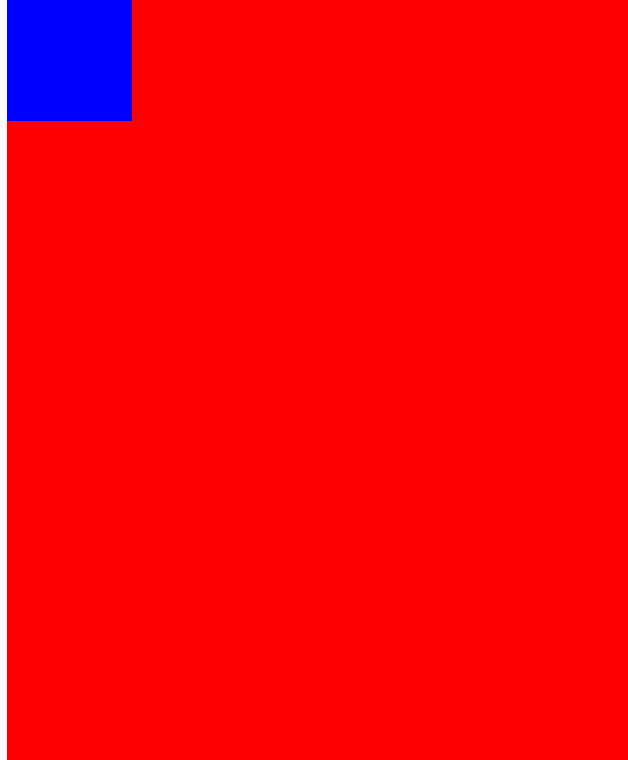
ps:z-index模态框仅仅作用于定位状体不处于static的标签,其相当于z轴,指向外部
z-index:;
数值越大,越外层
d1{
background-color:red;
height:100%;
width:100%;
position: fixed;
text-align: center;
z-index: 99;
}
#d2{
background-color:blue;
height:100px;
width:100px;
z-index: 100;
position: relative;
}
效果如下:
透明度
opcity=0.5
其值越小,透明度越高,和raba的区别:其会影响到字体,rgba不会
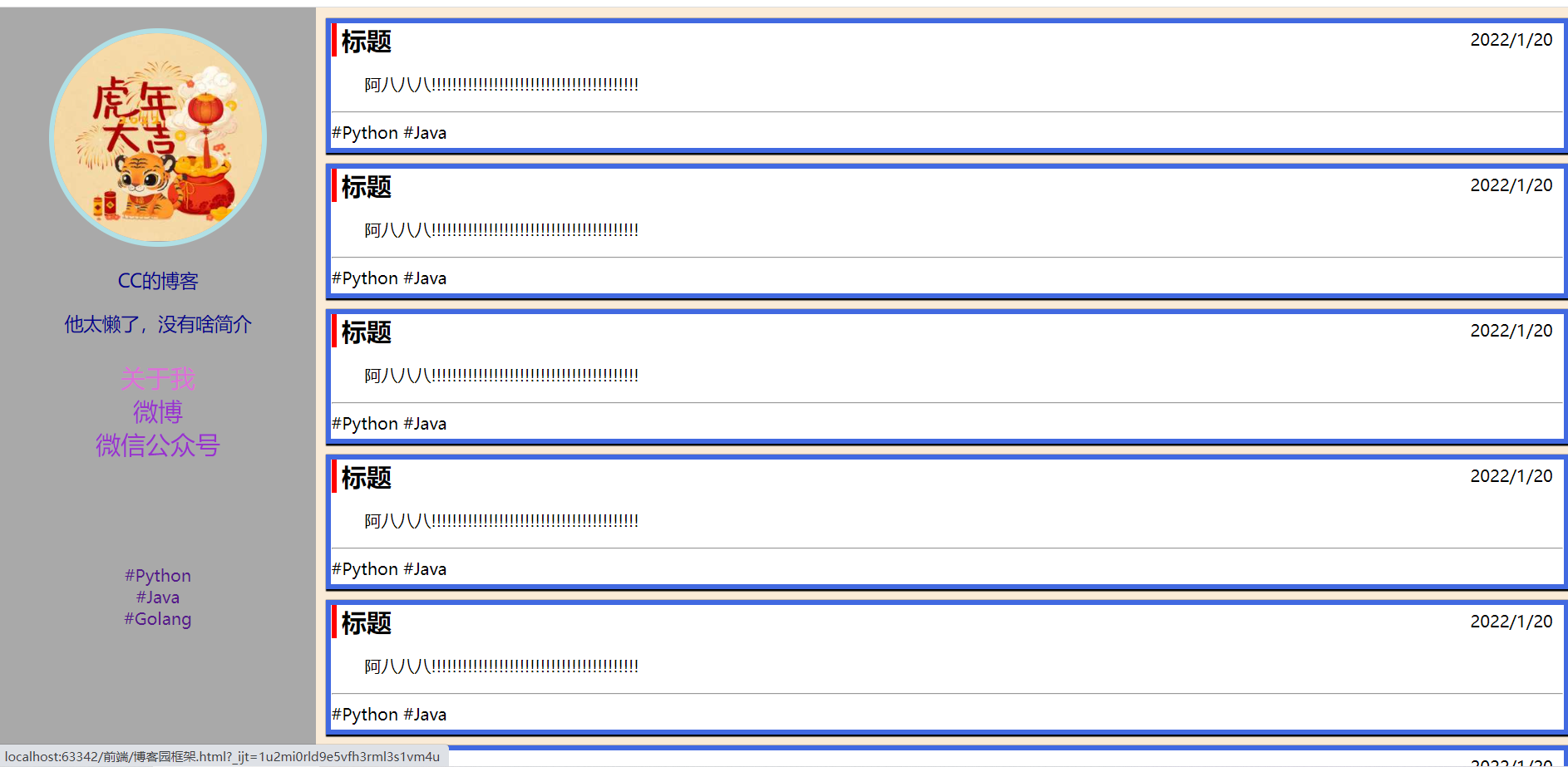
小项目:基本博客首页搭建
html:
点击查看代码
<!DOCTYPE html>
<html lang="en">
<head>
    <meta charset="UTF-8">
    <title>一个博客页面</title>
    <link rel="stylesheet" href="boke.css">
</head>
<body>
<div id="left_all">
    <div id="left_1">
        <img src="https://gimg2.baidu.com/image_search/src=http%3A%2F%2Fimg1.baidu.com%2Fit%2Fu%3D3788606852%2C2363382091%26fm%3D253%26app%3D120%26f%3DJPEG%3Fw%3D800%26h%3D800&refer=http%3A%2F%2Fimg1.baidu.com&app=2002&size=w300&q=a80&n=0&g=0n&fmt=jpeg?sec=1645276731&t=2212b42c6d3db994dfd3dcc1178c0cdc" alt="">
    </div>
    <div id="left_2">
        <p>CC的博客</p>
        <p>他太懒了,没有啥简介</p>
    </div>
    <div id="left_3">
        <ul>
            <li><a href="">关于我</a></li>
            <li><a href="">微博</a></li>
            <li><a href="">微信公众号</a></li>
        </ul>
    </div>
    <div id="left_4">
        <ul>
            <li><a href="">#Python</a></li>
            <li><a href="">#Java</a></li>
            <li><a href="">#Golang</a></li>
        </ul>
    </div>
</div>
<div id="right_all">
    <div id="right_1" class="arc">
        <div class="arc_title">
            <span class="title">标题</span>
            <span class="date">2022/1/20</span>
        </div>
        <div class="arc_body">
            <p>
                阿八八八!!!!!!!!!!!!!!!!!!!!!!!!!!!!!!!!!!!!!!!!
            </p>
        </div>
        <hr>
        <div class="arc_bottom">
            <span>#Python</span>
            <span>#Java</span>
        </div>
    </div>
    <div id="right_2" class="arc">
        <div class="arc_title">
            <span class="title">标题</span>
            <span class="date">2022/1/20</span>
        </div>
        <div class="arc_body">
            <p>
                阿八八八!!!!!!!!!!!!!!!!!!!!!!!!!!!!!!!!!!!!!!!!
            </p>
        </div>
        <hr>
        <div class="arc_bottom">
            <span>#Python</span>
            <span>#Java</span>
        </div>
    </div>
    <div id="right_3" class="arc">
        <div class="arc_title">
            <span class="title">标题</span>
            <span class="date">2022/1/20</span>
        </div>
        <div class="arc_body">
            <p>
                阿八八八!!!!!!!!!!!!!!!!!!!!!!!!!!!!!!!!!!!!!!!!
            </p>
        </div>
        <hr>
        <div class="arc_bottom">
            <span>#Python</span>
            <span>#Java</span>
        </div>
    </div>
    <div id="right_5" class="arc">
        <div class="arc_title">
            <span class="title">标题</span>
            <span class="date">2022/1/20</span>
        </div>
        <div class="arc_body">
            <p>
                阿八八八!!!!!!!!!!!!!!!!!!!!!!!!!!!!!!!!!!!!!!!!
            </p>
        </div>
        <hr>
        <div class="arc_bottom">
            <span>#Python</span>
            <span>#Java</span>
        </div>
    </div>
    <div id="right_6" class="arc">
        <div class="arc_title">
            <span class="title">标题</span>
            <span class="date">2022/1/20</span>
        </div>
        <div class="arc_body">
            <p>
                阿八八八!!!!!!!!!!!!!!!!!!!!!!!!!!!!!!!!!!!!!!!!
            </p>
        </div>
        <hr>
        <div class="arc_bottom">
            <span>#Python</span>
            <span>#Java</span>
        </div>
    </div>
    <div id="right_7" class="arc">
        <div class="arc_title">
            <span class="title">标题</span>
            <span class="date">2022/1/20</span>
        </div>
        <div class="arc_body">
            <p>
                阿八八八!!!!!!!!!!!!!!!!!!!!!!!!!!!!!!!!!!!!!!!!
            </p>
        </div>
        <hr>
        <div class="arc_bottom">
            <span>#Python</span>
            <span>#Java</span>
        </div>
    </div>
</div>
</body>
</html>
css:
点击查看代码
/*这是博客园的搭建样式*/


/*通用样式*/
body{
    margin: 0;
    background-color: antiquewhite;
}
a{
    text-decoration: none;
}
ul{
    list-style-type: none;
    padding-left: 0;
}

/*左侧样式*/
#left_all{
    float: left;
    width: 20%;
    height: 100%;
    position: fixed;
    background-color: darkgrey;
}
#left_1{
    height: 200px;
    width: 200px;
    border-radius: 50%;
    border: 5px solid powderblue;
    margin: 20px auto;
    overflow: hidden;
}
#left_1 img{
    width: 100%;
}

#left_2{
    color:darkblue;
    font-size: 18px;
    text-align: center;
}
#left_3{
    font-size: 24px;
    text-align: center;
}
#left_3 a{
    color:darkorchid;
    margin-top: 80px;
}
#left_3 a:hover,#left_4 a:hover{
    color: orchid;
}

#left_4{
    text-align: center;
    margin-top: 100px;
}


/*右侧样式*/
#right_all{
    float: right;
    width: 80%;
}

.arc{
    height: 120px;
    background-color: white;
    border: 5px solid royalblue;
    margin: 10px 10px 10px 10px;
    box-shadow: 1px 1px 1px 1px ;
}
.arc_title{
    border-left: 5px red solid;
}

.title{
    font-size: 24px;
    margin-left: 5px;
    font-weight: bolder;
}

.date{
    float: right;
    text-align: right;
    margin-top: 5px;
    margin-right: 10px;
}

.arc_body{
    font-size: 16px;
    text-indent: 32px;
}
效果如下:

 浙公网安备 33010602011771号