

unity+拖动UI (Image)
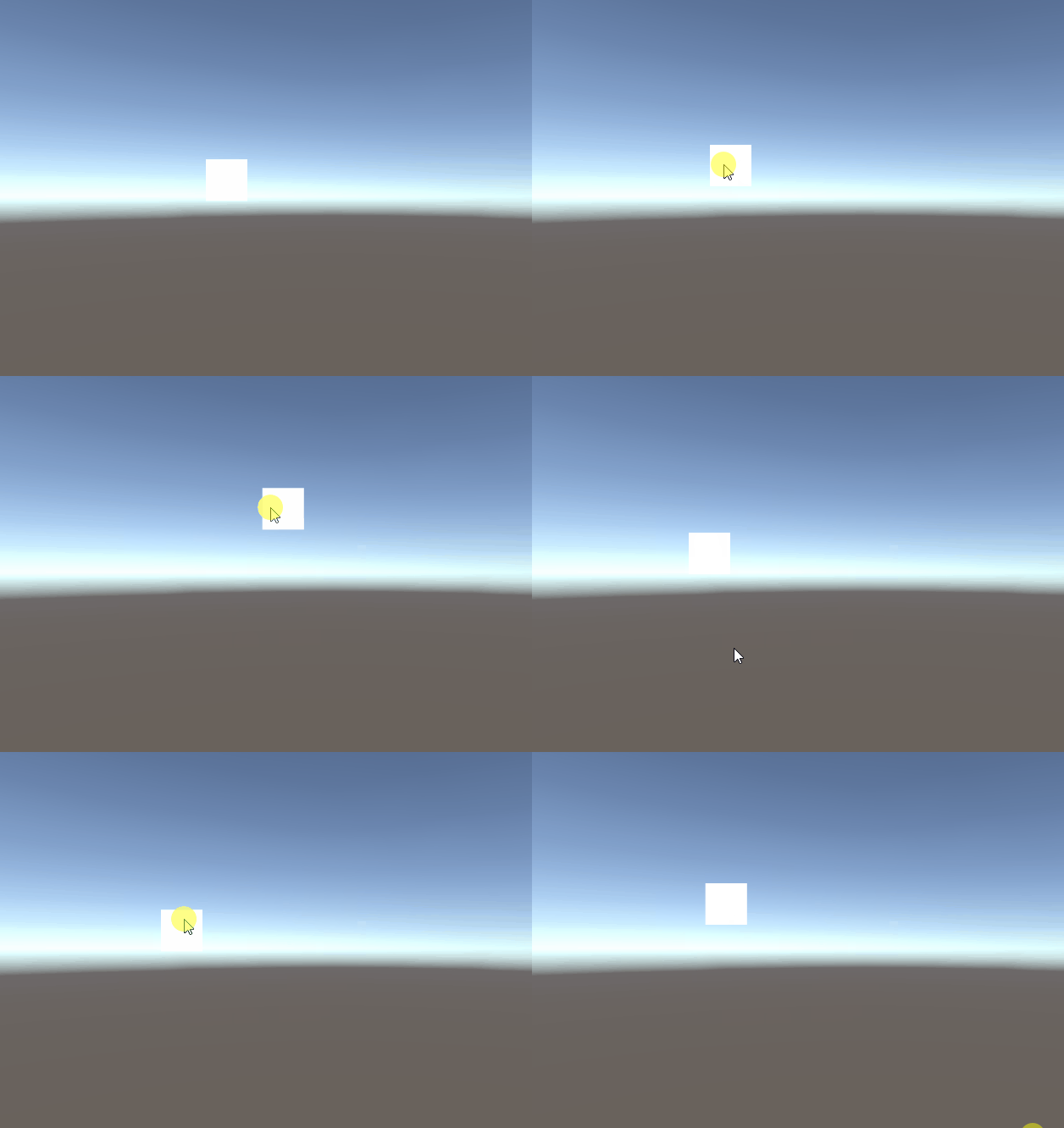
要实现UI拖拽功能,我们只需要实现相关的UI事件接口
比如Button组件的单击功能就是通过实现接口IPointerClickHandler

我们可以通过拖拽接口,实现拖拽的功能
因为Input.mousePosition是屏幕坐标,而UI的位置却是世界坐标,所以我们需要把鼠标位置转换到世界坐标,然后将返回的位置信息给拖拽的对象就可以了
using System.Collections;
using System.Collections.Generic;
using UnityEngine;
using UnityEngine.EventSystems;
public class ImageDrap : MonoBehaviour,IBeginDragHandler,IDragHandler,IEndDragHandler
{
    private RectTransform rectTransform;
    // Start is called before the first frame update
    void Start()
    {
        rectTransform = GetComponent<RectTransform>();
    }

    public void OnBeginDrag(PointerEventData eventData)
    {
        Debug.Log("开始拖拽");
    }

    public void OnDrag(PointerEventData eventData)
    {
        Vector3 pos;
        RectTransformUtility.ScreenPointToWorldPointInRectangle(rectTransform, eventData.position, eventData.enterEventCamera, out pos);
        rectTransform.position = pos;
    }

    public void OnEndDrag(PointerEventData eventData)
    {
        Debug.Log("结束拖拽");
    }

}
原:https://blog.csdn.net/u014288698/article/details/88207627

 浙公网安备 33010602011771号