
jupyter安装与使用
jupyter安装
前提:在安装好python并创建了python环境的情况下进行以下操作,关于python以及环境的安装可以参考:conda环境的安装与使用
接下来将使用conda命令创建的test环境进行实验。
首先进入环境:

如果你从来没有安装过jupyter,那么进行安装jupyter,这一步最好用conda安装:

安装好后不要着急开启jupyter notebook,先查看jupyter中有哪些环境:
jupyter kernelspec list

很明显再jypyter环境选择中没有我们创建的“test”环境,那么在当前环境下需要安装ipykernel
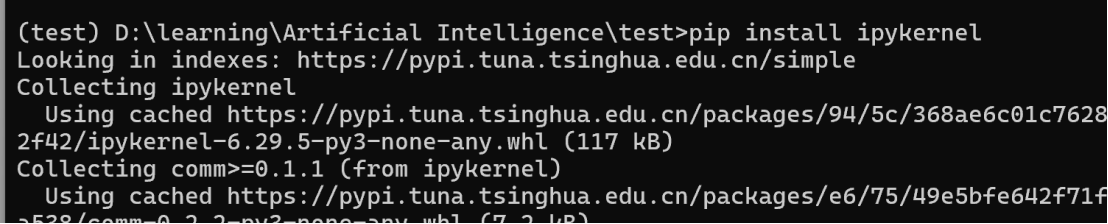
最后在jupyter的kernel中创建test环境

启动jupyter notebook
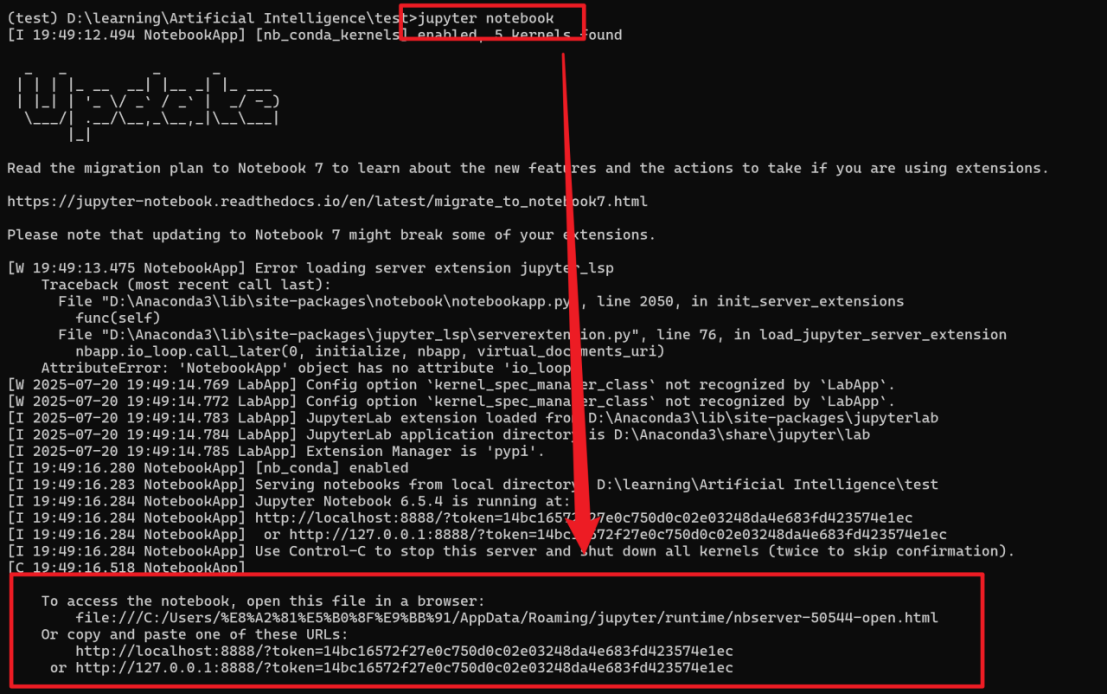
选择选择任意一个链接后:

可以看到jupyter就有“test”环境了
jupyter基本操作
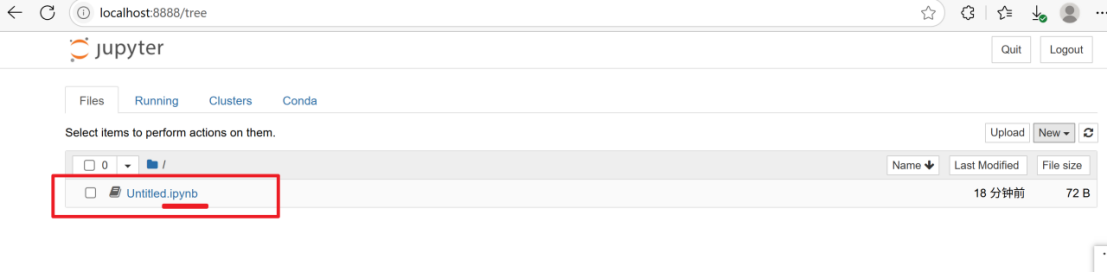
在jupyter中的文件命名方式
jupyter中安装库:
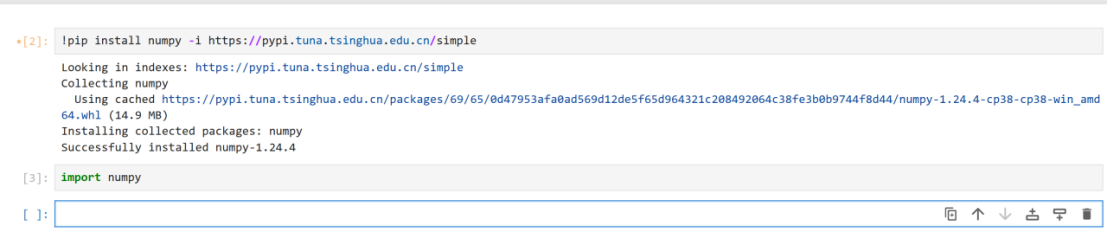
在jupyter中运行py文件

删除单元格:
选中单元格后按“dd”

 浙公网安备 33010602011771号