
Ajax-POST基本使用
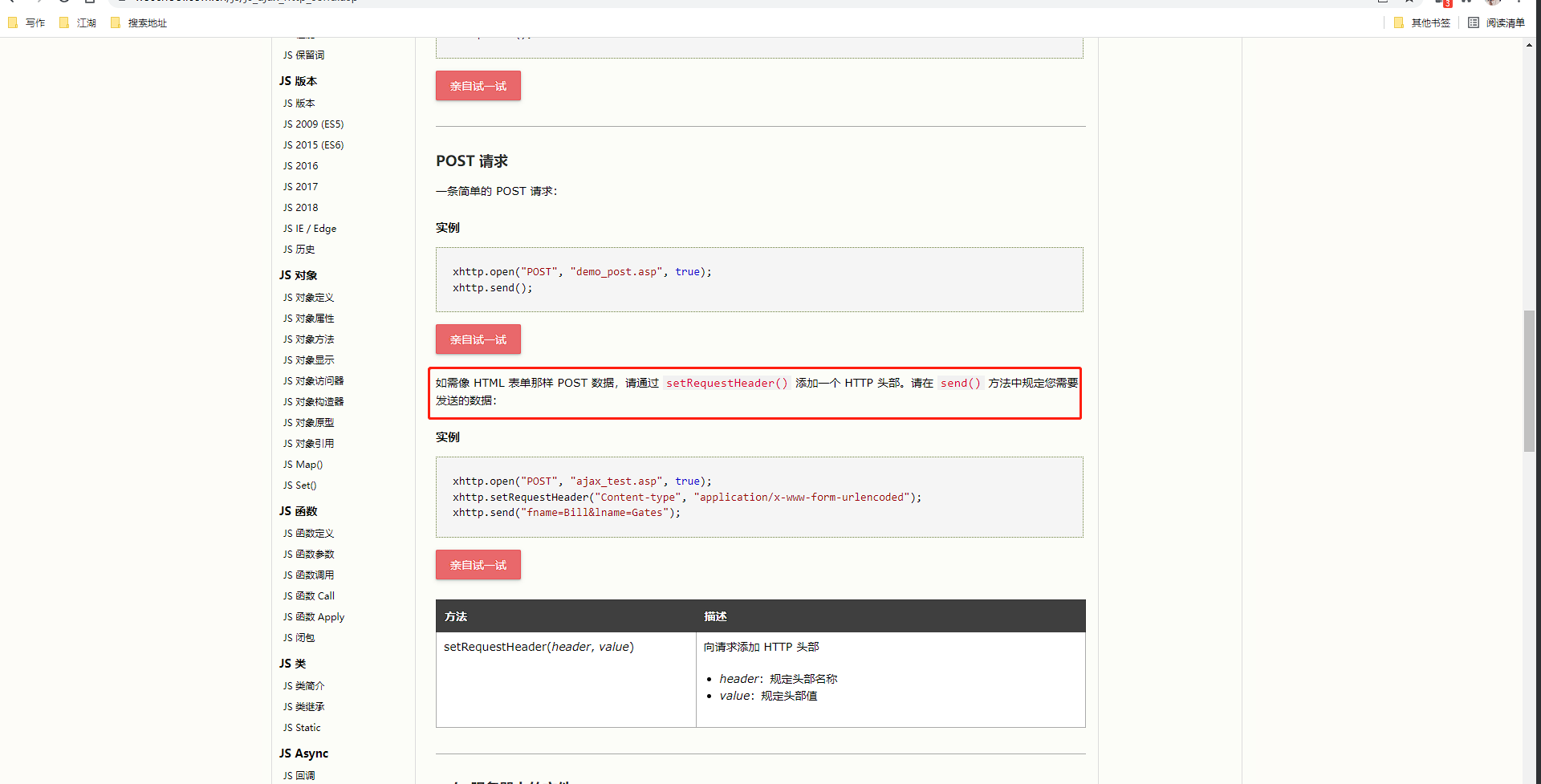
发送 POST 其实很简单可以在之前发送 GET 请求的基础上进行更改一些内容即可进行发送 POST 请求了:
官方文档地址:https://www.w3school.com.cn/js/js_ajax_http_send.asp
<!DOCTYPE html>
<html lang="en">
<head>
    <meta charset="UTF-8">
    <title>ajax-post</title>
    <script>
        window.onload = function () {
            let oBtn = document.querySelector("button");
            oBtn.onclick = function () {
                let xhr;
                // code for IE7+, Firefox, Chrome, Opera, Safari

                if (window.XMLHttpRequest) {
                    xhr = new XMLHttpRequest();
                } else {
                    // code for IE6, IE5
                    xhr = new ActiveXObject("Microsoft.XMLHTTP");
                }

                xhr.open("POST", "ajax-post.php", true);

                // 注意点: 以下代码必须放到open和send之间
                xhr.setRequestHeader("Content-type", "application/x-www-form-urlencoded");

                xhr.send("userName=zs&userPwd=321");

                xhr.onreadystatechange = () => {
                    if (xhr.readyState === 4) {
                        if (xhr.status >= 200 && xhr.status < 300 ||
                            xhr.status === 304) {
                            // alert("请求成功");
                            alert(xhr.responseText);
                        } else {
                            alert("请求失败");
                        }
                    }
                }
            }
        }
    </script>
</head>
<body>
<button>发送请求</button>
</body>
</html>
ajax-post.php:
<?php
$arr = array(1, 3, 5);
print_r($arr);
?>

 浙公网安备 33010602011771号