

web日记1
代码展示
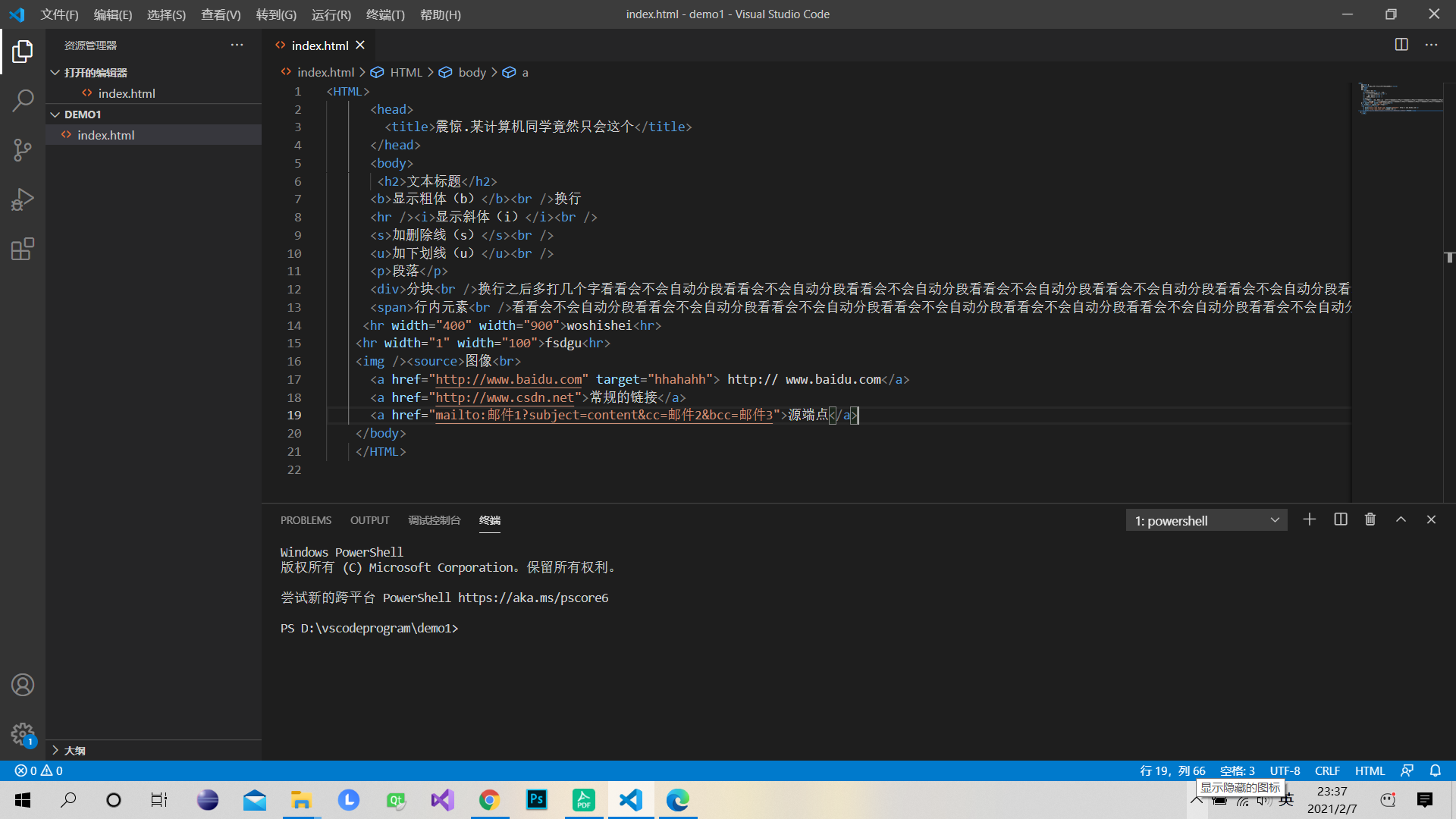
效果图展示
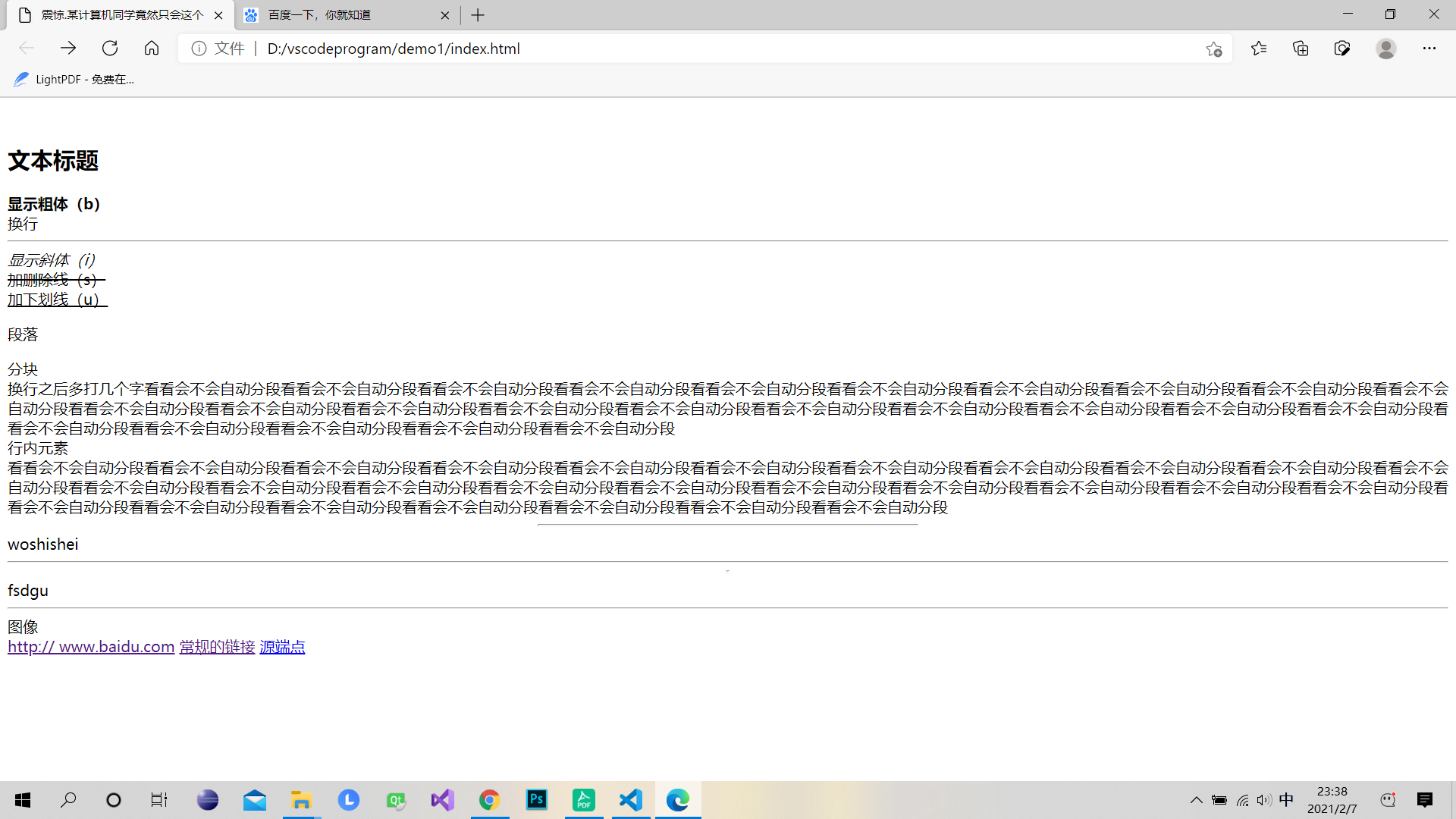
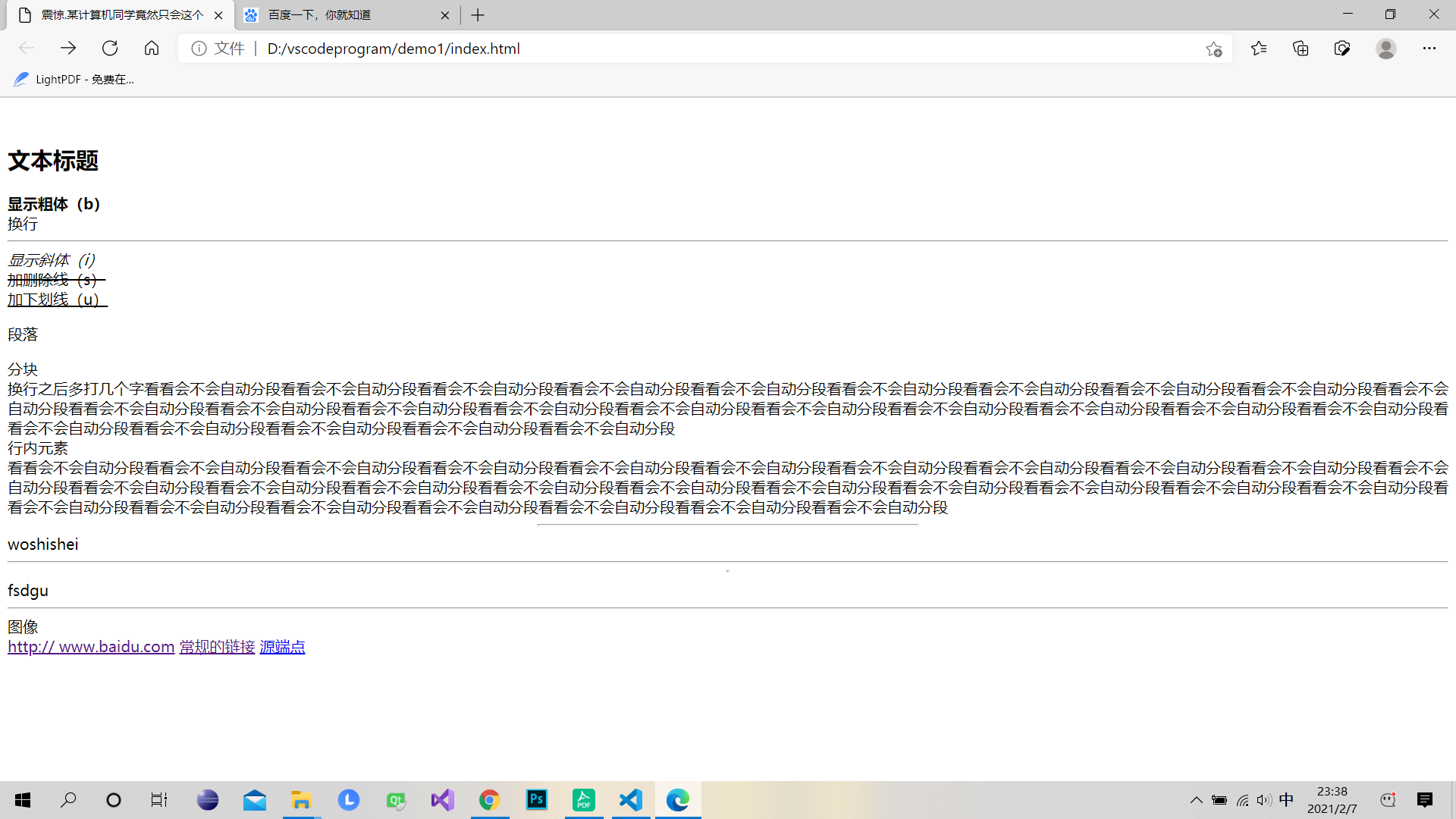
div和span区别
div占用一行
span只占用所写内容的宽度
web超链接的两种方式
1、文字超链接

<a href="链接地址">链接文字</a>
2、图片超链接

<a href="链接地址"><img src="图片地址"></a>
web超链接类型:

1、内部链接

<a href="链接绝对/相对位置">源端点</a>
源端点可以是文字,也可以是图片

2、外部链接

<a href="URL">源端点</a>
URL指的是网页地址。一般有http://   mailto:   ftp://   telnet://    news://

邮件链接

<a href="mailto:邮件1?subject=content&cc=邮件2&bcc=邮件3">源端点</a>
3、书签链接

创建书签

<a name="书签名">文字或图片</a>
创建书签链接

<a href="#书签名"></a>
4、脚本链接

 <a href="javascript:....">源端点</a>

5、文本链接

<a href="地址">文字</a>
6、文件下载

<a href="文件地址">源端点</a>
这里的文件地址都是.doc   .Rar    .cab等
target属性
1、_blank

 <a href="document.html" target="_blank">mydocument</a>

     浏览器会另开一个新窗口显示document.html文档


  2、  _parent

 <a href="document.html" target="_parent">mydocument</a>

     指向父frameset文档


     3、_self

 <a href="document.html" target="_self">mydocument</a>

     把文档调入当前页框


   4、 _top

 <a href="document.html" target="_top">mydocument</a>

     去掉所有页框并用document.html取代frameset文档

   小技巧1:使别人的页框不能引用你的网页

     在文件头加:

<base target="_top">

   小技巧2:在当前页打开连接或做刷新,提交到当前页

     在文件头加:

<base target="_self">

 浙公网安备 33010602011771号