
netcore3.1 + vue (前后端分离) IIS 部署
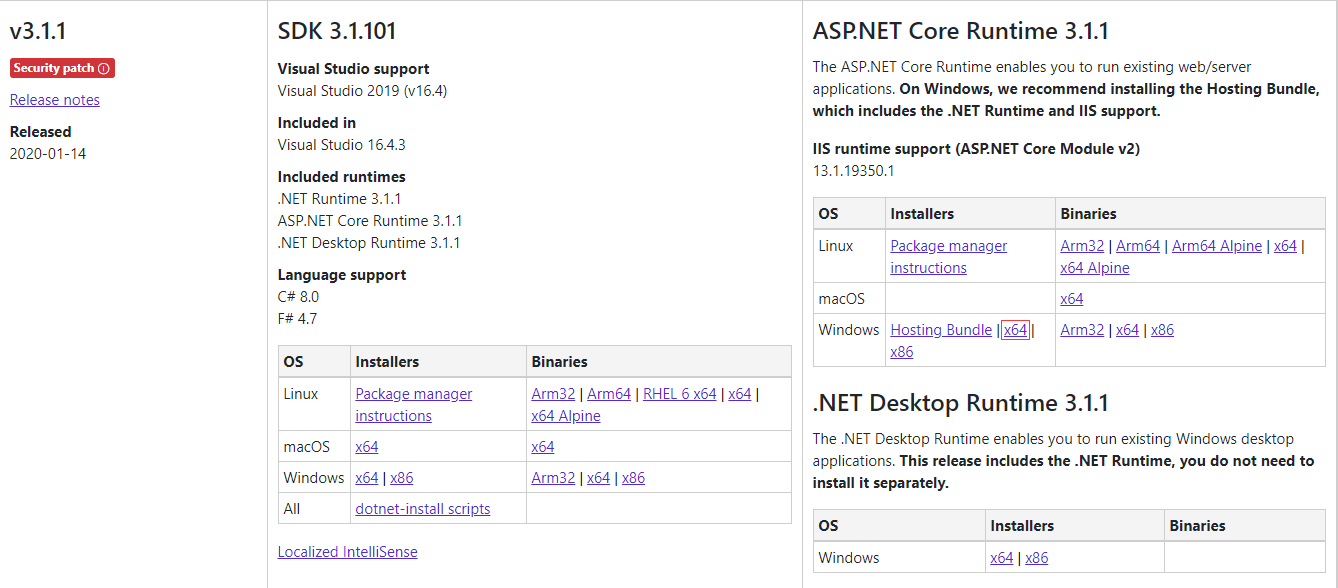
1.安装 aspnetcore-runtime-3.1.1-win-x64.exe
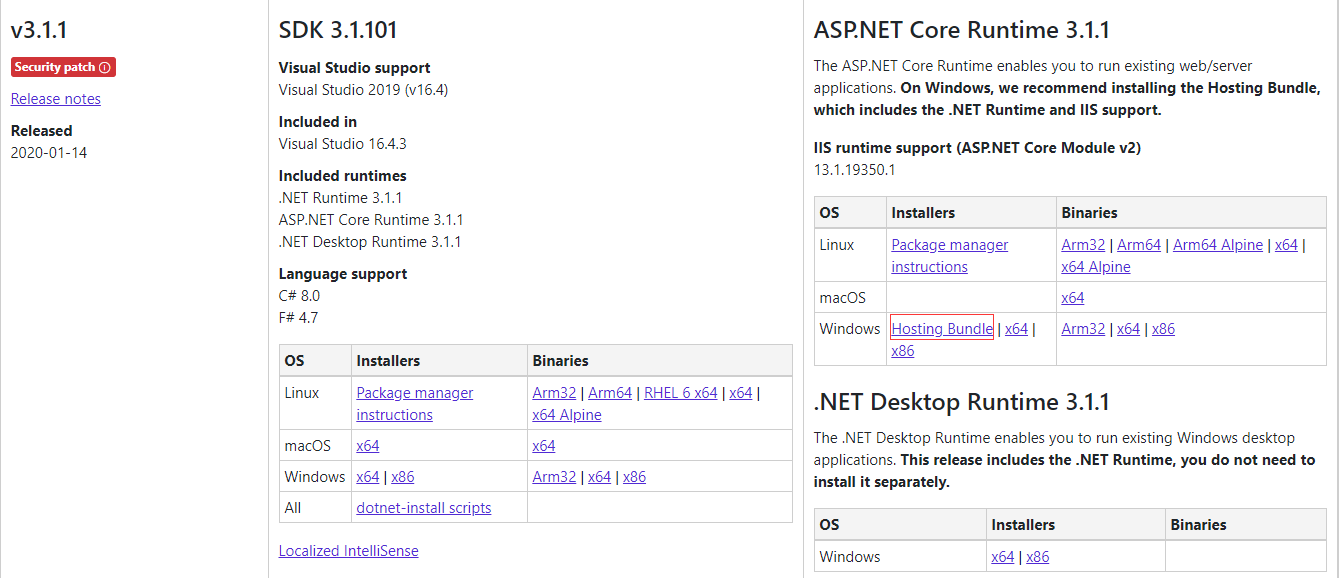
2.安装dotnet-hosting-3.1.1-win.exe
3.安装urlrewrite和application request routing
1.安装 aspnetcore-runtime-3.1.1-win-x64.exe
下载地址:https://dotnet.microsoft.com/download/dotnet-core/3.1
我这里是64位
2.安装dotnet-hosting-3.1.1-win.exe
下载地址:https://dotnet.microsoft.com/download/dotnet-core/3.1

3.安装urlrewrite和application request routing
urlwrite地址:https://www.iis.net/downloads/microsoft/url-rewrite
application request routing地址:https://www.iis.net/downloads/microsoft/application-request-routing

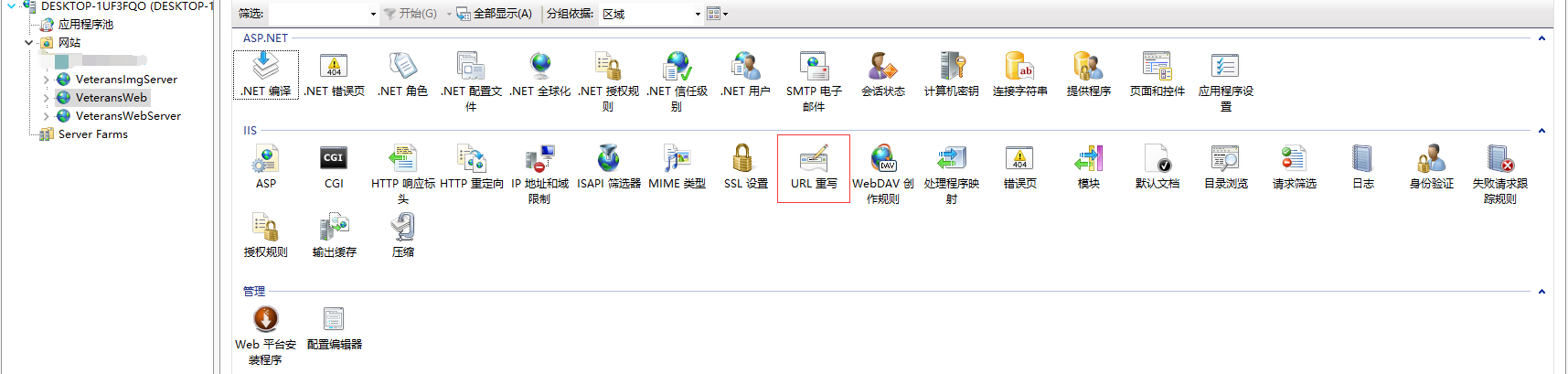
这俩项并非必须安装的,只是自己在踩坑的过程中查找需要安装配置,但好像没有影响到部署,先记录下来
这里netcore主要是采用了Microsoft.AspNetCore.Cors实现跨域的,读取配置文件的IP

    public static class CorsSetup
    {
        public static void AddCorsSetup(this IServiceCollection services)
        {
            if (services == null) throw new ArgumentNullException(nameof(services));

            services.AddCors(c =>
            {
                c.AddPolicy("LimitRequests", policy =>
                {
                    // 支持多个域名端口,注意端口号后不要带/斜杆:比如localhost:8000/,是错的
                    // 注意,http://127.0.0.1:1818 和 http://localhost:1818 是不一样的,尽量写两个
                    policy
                    .WithOrigins(Appsettings.app(new string[] { "Startup", "Cors", "IPs" }).Split(','))
                    .AllowAnyHeader()//Ensures that the policy allows any header.
                    .AllowAnyMethod();
                });
            });
        }
    }

//在Startup下的ConfigureServices函数中注册
 services.AddCorsSetup();

//在Startup下的Configure函数中配置
app.UseCors("LimitRequests");

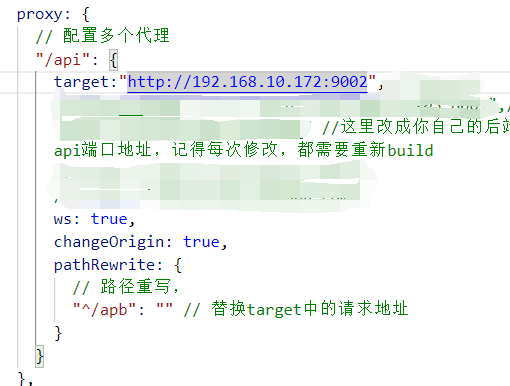
这是我Vue前端自己的配置文件,修改自己的请求地址
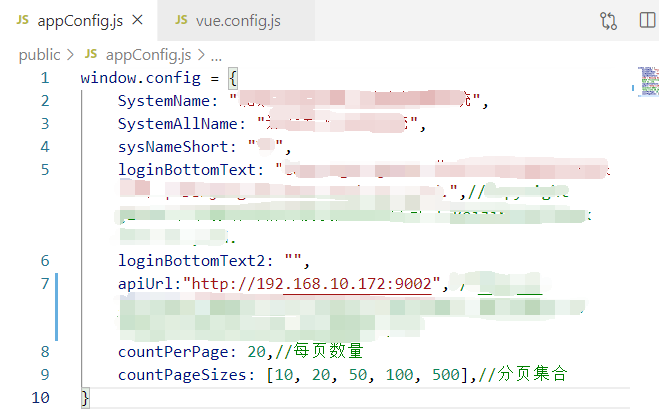
Vue配置代理路径
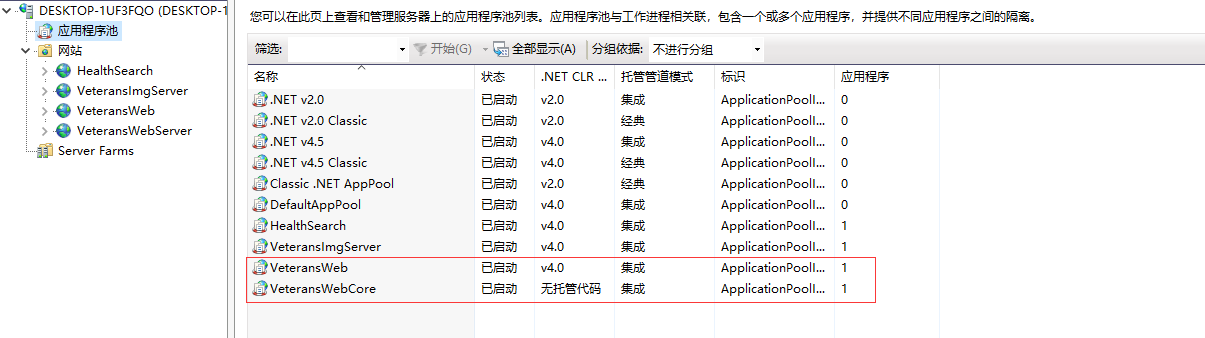
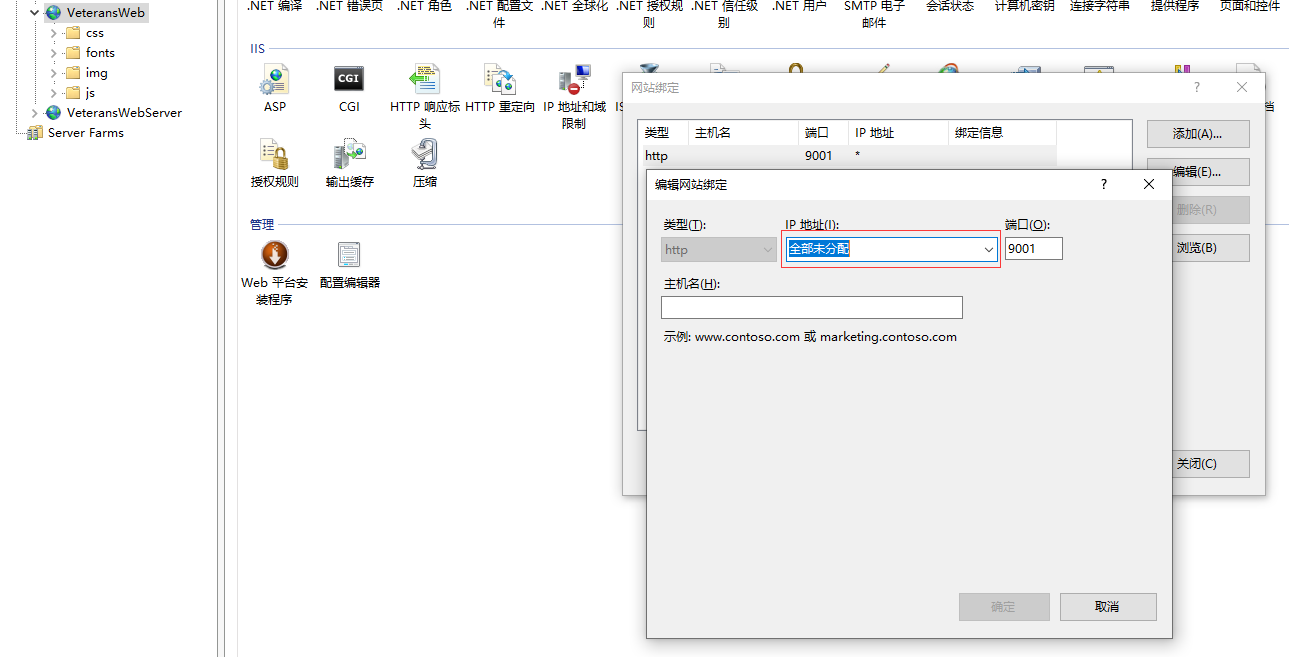
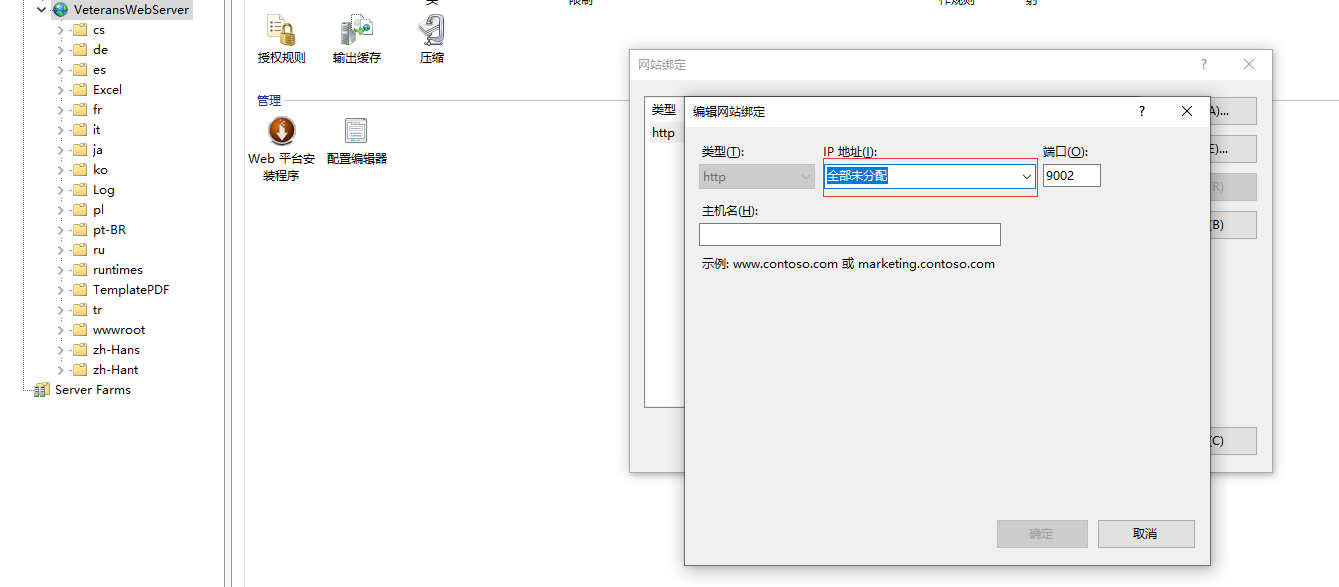
IIS没有太多需要注意的地址,试了几次就是不能分配固定IP

 浙公网安备 33010602011771号