

NodeJs安装并且配置环境变量
1.安装 https://nodejs.org/en/
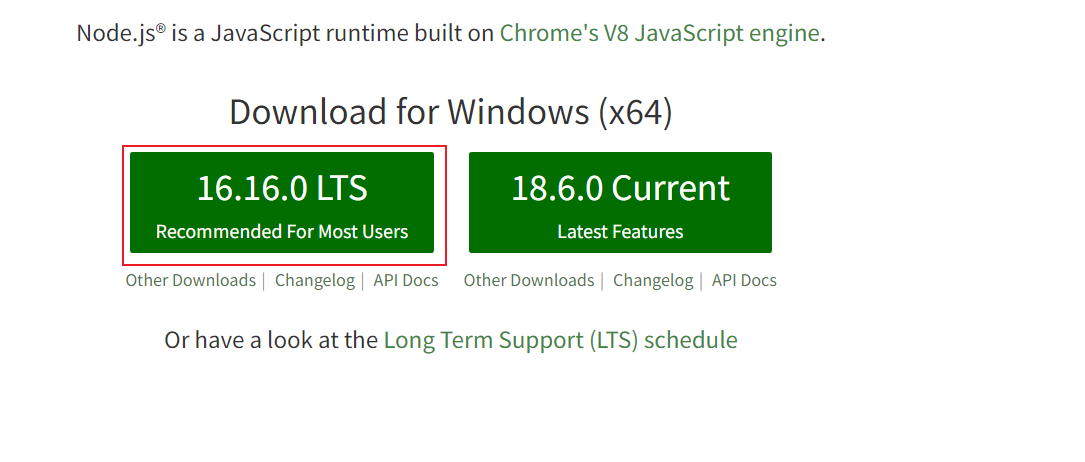
2.一直点next就行,只是要自定义一下安装位置
3. 在目录下新建两个文件夹
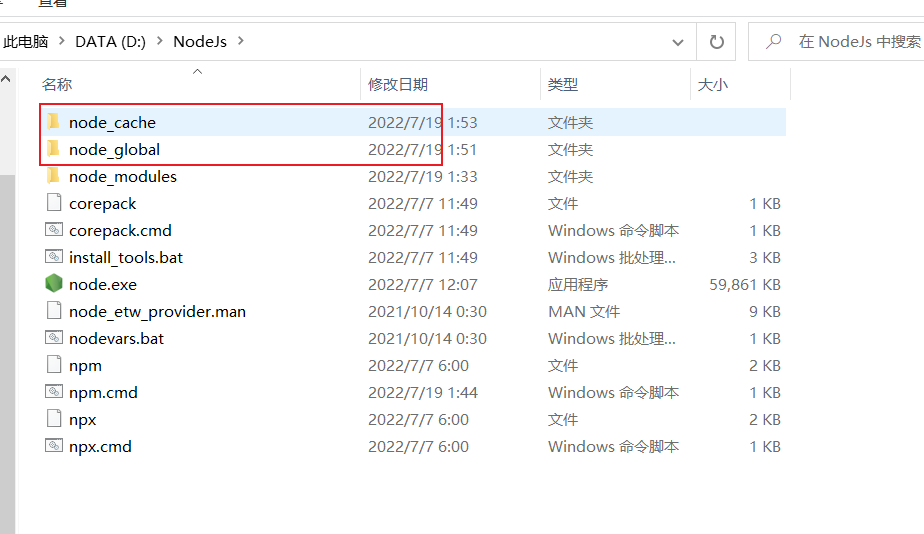
npm config set prefix "D:\Nodejs\node_global"
npm config set cache "D:\Nodejs\node_cache"
但此时会报错
npm WARN config global `--global`, `--local` are deprecated.  Use `--location=global` instead.
npm WARN logfile could not create logs-dir: Error: EPERM: operation not permitted, mkdir 'D:\NodeJs\node_cache\_logs'
npm WARN logfile could not be created: Error: ENOENT: no such file or directory, open 'D:\NodeJs\node_cache\_logs\2022-07-18T17_38_27_258Z-debug-0.log'
npm WARN logfile could not create logs-dir: Error: EPERM: operation not permitted, mkdir 'D:\NodeJs\node_cache\_logs'
npm WARN logfile could not be created: Error: ENOENT: no such file or directory, open 'D:\NodeJs\node_cache\_logs\2022-07-18T17_38_27_719Z-debug-0.log'
类似这样的错,解决步骤:
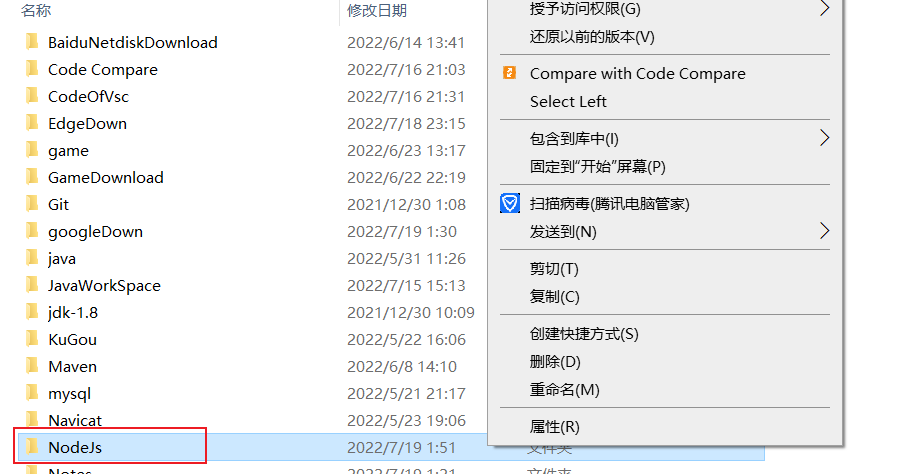
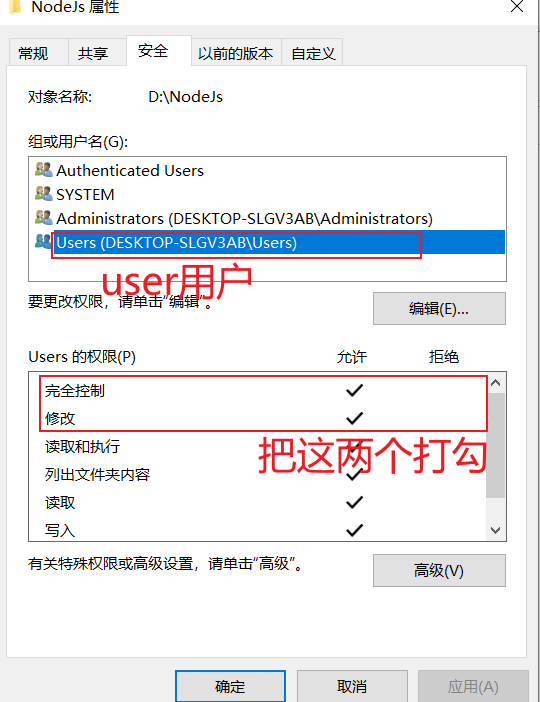
4.配置环境变量
4.1在系统变量下新建
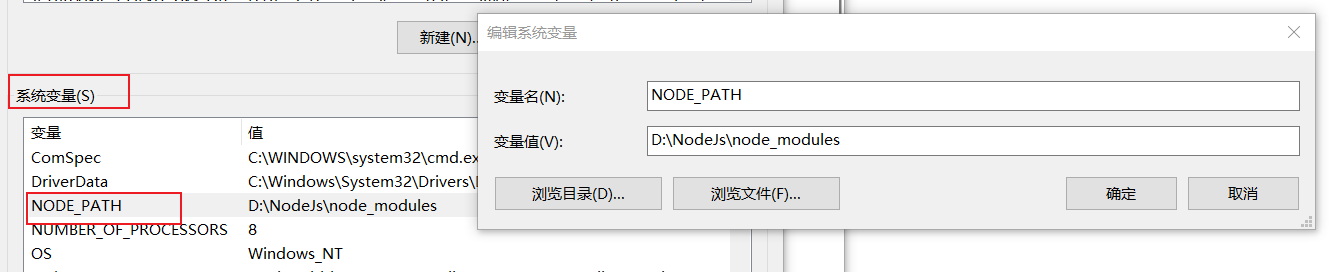
4.2此时会在用户变量下的[PATH]里出现一个

这个,没有4.1步不会出现,现在把它替换成

刚才新建的node_global路径就行了

 浙公网安备 33010602011771号