

css中如何清除浮动: clear:both和BFC
clear:both
这种方式有两种做法
做法1
<!DOCTYPE html>
<html>

<head>
    <title>one</title>
    <style>
        .to-float {
            width: 100px;
            height: 100px;
            float: left;
            /* 不重要的部分 */
            background-color: aqua;
        }

        .to-clear {
            width: 50px;
            height: 50px;
            clear: both;
            /* 不重要的部分 */
            background-color:blue
        }
        .other{
            width: 100px;
            height: 100px;

            /* 不重要的部分 */
            background-color:red
        }
    </style>
</head>

<body>

    <div class="to-float">

    </div>

    <div class="to-clear">

    </div>

    <div class="other">

    </div>

    <script>
    </script>

</body>

</html>
效果图

做法2
做法1 添加了多余的元素'.to-clear' , 为了尽量不使用多余元素, 做法2使用伪元素元素
<!DOCTYPE html>
<html>

<head>
    <title>one</title>
    <style>
        .to-float {
            width: 100px;
            height: 100px;
            float: left;
            /* 不重要的部分 */
            background-color: aqua;
        }

        .parent::after{
            /* 这里必须是块级, 同时content必须有 */
            display: block;
            content: '';
            clear: both;
        }

        .other{
            width: 100px;
            height: 100px;

            /* 不重要的部分 */
            background-color:red
        }
    </style>
</head>

<body>

    <div class="parent">
        <div class="to-float">

        </div>
    </div>


    <div class="other">

    </div>

    <script>
    </script>

</body>

</html>
效果图
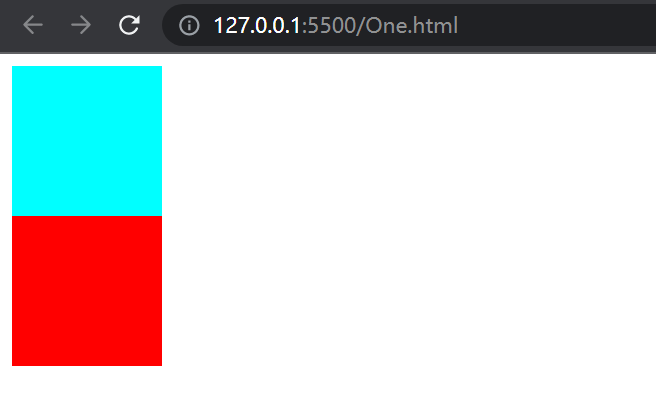
BFC
给 parent 添加 overflow:hidden 形成BFC 这样 不会影响parent下面的元素
<!DOCTYPE html>
<html>

<head>
    <title>one</title>
    <style>
        .to-float {
            width: 100px;
            height: 100px;
            float: left;
            /* 不重要的部分 */
            background-color: aqua;
        }

        .parent{
            overflow: hidden;
        }

        .other{
            width: 100px;
            height: 100px;

            /* 不重要的部分 */
            background-color:red
        }
    </style>
</head>

<body>

   <div class="parent">
    <div class="to-float">

    </div>
   </div>


    <div class="other">

    </div>

    <script>
    </script>

</body>

</html>
这是我的签名


 浙公网安备 33010602011771号