
情况一:
报错如下:
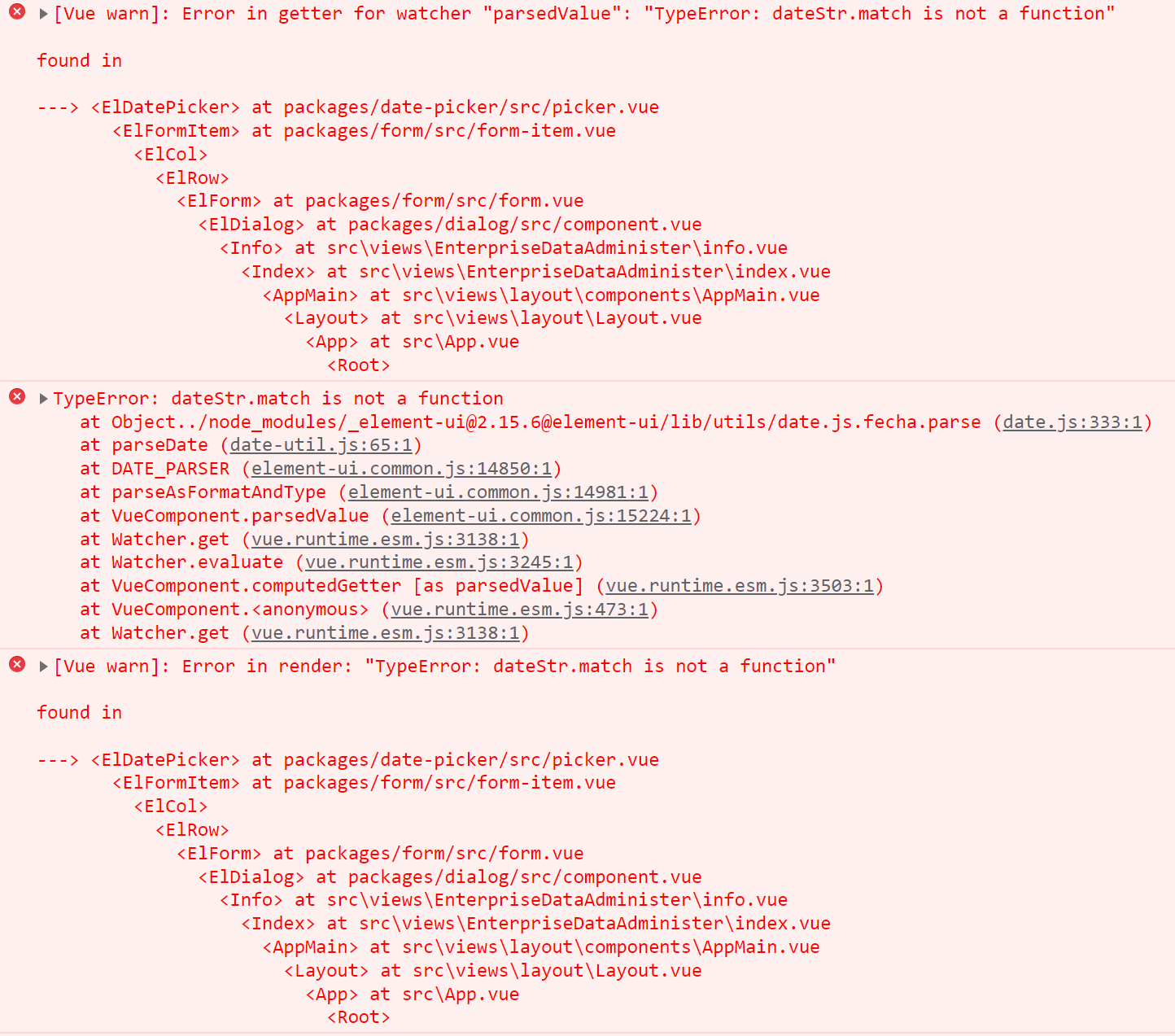
原因分析:后台返回的日期格式为数字

那为什么日期格式变成数据了呢?代码如下:
String jsonString = JSON.toJSONString(enterprise);
Map map=JSON.parseObject(jsonString,Map.class);
发现将对象enterprise转换成Map过程中,日期变成了数字。
解决办法:让后台返回日期为字符串,而不是数字。

情况二:
给el-date-picker组件绑定的值设置初始值时,值的类型必须时字符串,否则就会导致前端下拉框不见,效果如下:
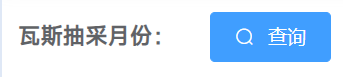
原因分析:给el-date-picker组件绑定的值设置初始值时,返回的值为number类型,导致报错:
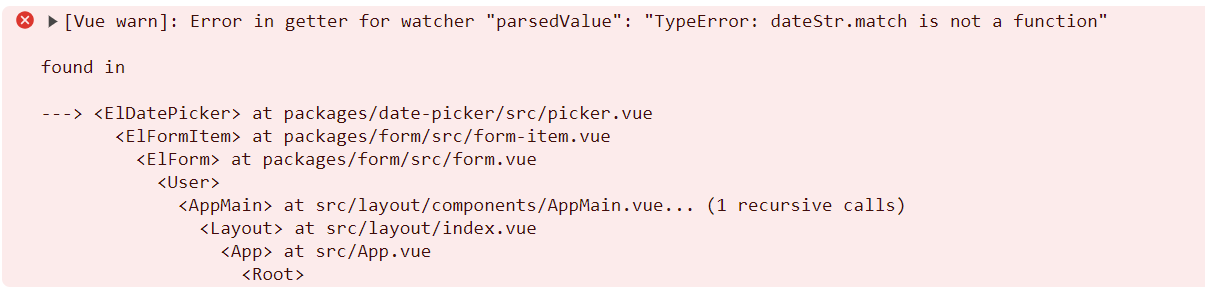
错误代码:

data() {
    return {
      drainageDate: getCurrentMonth()
    }
  },
  created() {
    console.log(this.drainageDate)
    console.log(typeof this.drainageDate )
  },
getCurrentMonth方法如下:
export function getCurrentMonth() {
  let today = new Date();
  const year = today.getFullYear();
  const month = today.getMonth() + 1;
  return year +(month < 10 ? '0' + month : month)  ;
}
created中打印的结果如下:
2034number
修改后的代码如下:
export function getCurrentMonth() {
  let today = new Date();
  const year = today.getFullYear();
  const month = today.getMonth() + 1;
  return year +""+  (month < 10 ? '0' + month : month)  ;
}
或者:
/**
 * 获取当前月份
 * @returns {string}
 */
export function getCurrentMonth() {
  const dateObj = new Date();
  const year = dateObj.getFullYear()
  const month = String(dateObj.getMonth() + 1).padStart(2, "0")
  return `${year}${month}`
}

 浙公网安备 33010602011771号