
1、创建一个Springboot工程
2、添加依赖
    <parent>
        <groupId>org.springframework.boot</groupId>
        <artifactId>spring-boot-starter-parent</artifactId>
        <version>2.1.5.RELEASE</version>
        <relativePath/>
    </parent>
    <dependencies>
        <dependency>
            <groupId>org.springframework.boot</groupId>
            <artifactId>spring-boot-starter-web</artifactId>
        </dependency>
        <!-- SpringBoot redis -->
        <dependency>
            <groupId>org.springframework.boot</groupId>
            <artifactId>spring-boot-starter-data-redis</artifactId>
        </dependency>
        <dependency>
            <groupId>org.springframework.boot</groupId>
            <artifactId>spring-boot-starter-test</artifactId>
            <scope>test</scope>
        </dependency>
    </dependencies>
3、创建启动类
@SpringBootApplication
public class Application {
    public static void main(String[] args) {
        SpringApplication.run(Application.class);
    }
}
4、编写配置文件
server.port = 8080
server.servlet.context-path = /

#redis
spring.redis.host=127.0.0.1
# Redis服务器连接端口
spring.redis.port=6379
5、编写测试类
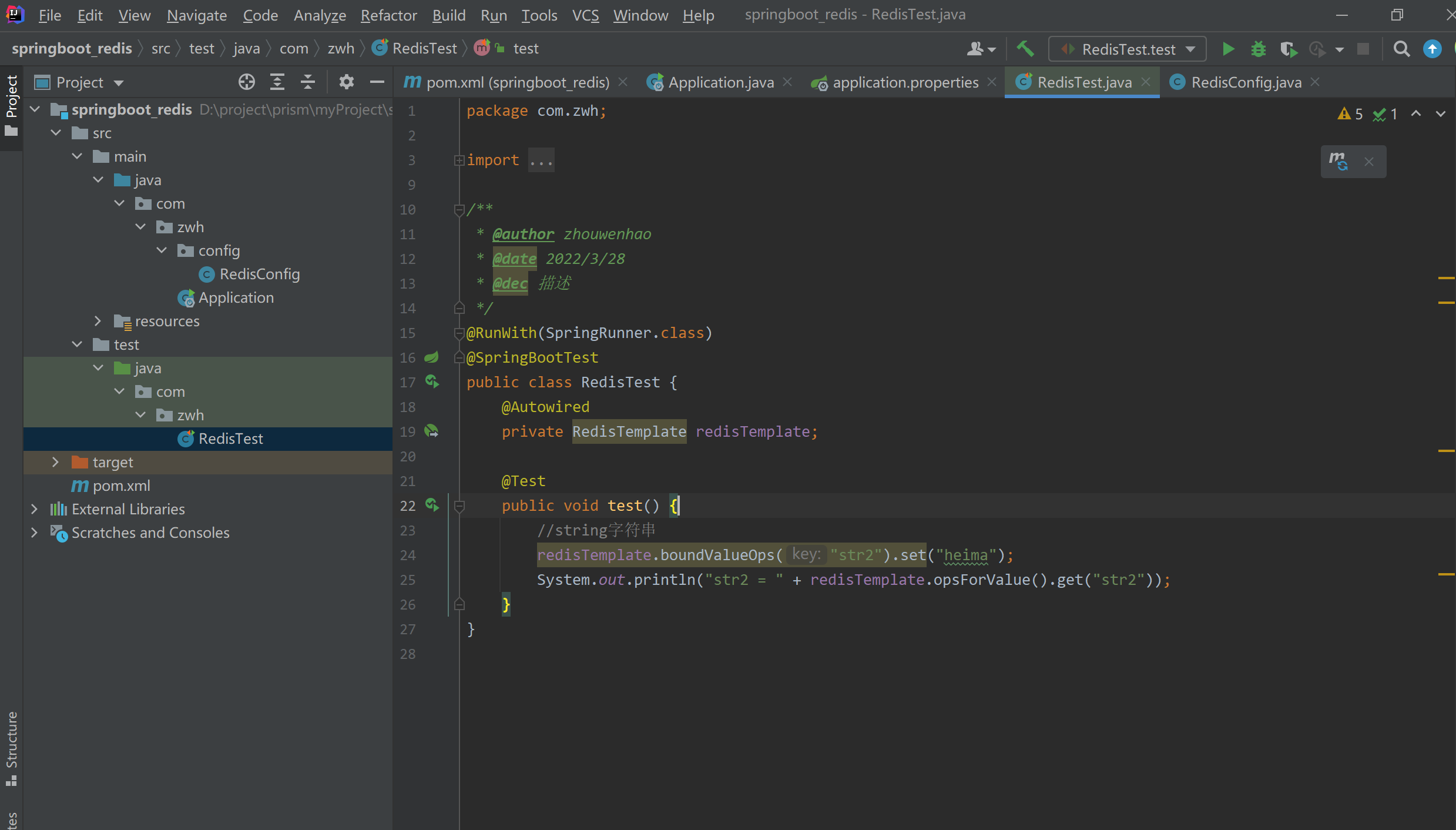
@RunWith(SpringRunner.class)
@SpringBootTest
public class RedisTest {
    @Autowired
    private RedisTemplate redisTemplate;

    @Test
    public void test() {
        //string字符串
        redisTemplate.boundValueOps("str2").set("heima");
        System.out.println("str2 = " + redisTemplate.opsForValue().get("str2"));
    }
}
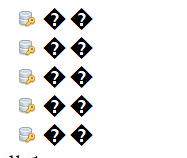
结果发现key乱码
6、添加如下配置
@Configuration
public class RedisConfig {
    @Autowired
    private RedisTemplate redisTemplate;

    @Bean
    public RedisTemplate redisTemplateInit() {
        //设置序列化Key的实例化对象
        redisTemplate.setKeySerializer(new StringRedisSerializer());
        //设置序列化Value的实例化对象
        redisTemplate.setValueSerializer(new GenericJackson2JsonRedisSerializer());
        return redisTemplate;
    }
}
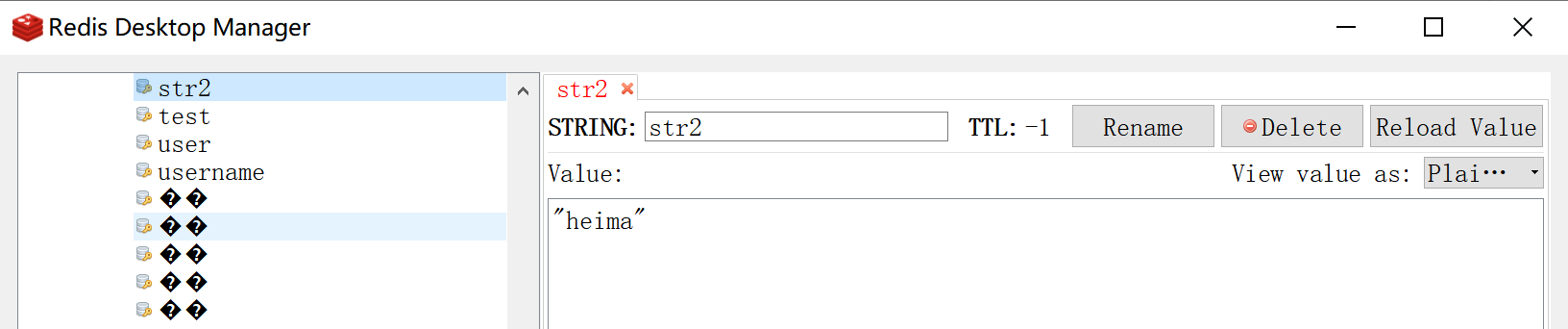
再次测试,结果如下:
最终如下:

 浙公网安备 33010602011771号