
垂直居中方法一:
.div1{
    height: 100px;
    background-color: #0dcaf0;
    text-align: center;
    color: yellow;
    font: 50px/100px "microsoft yahei";
}

html:
<div class="div1">Hello WebStrom</div>

垂直居中方法二:
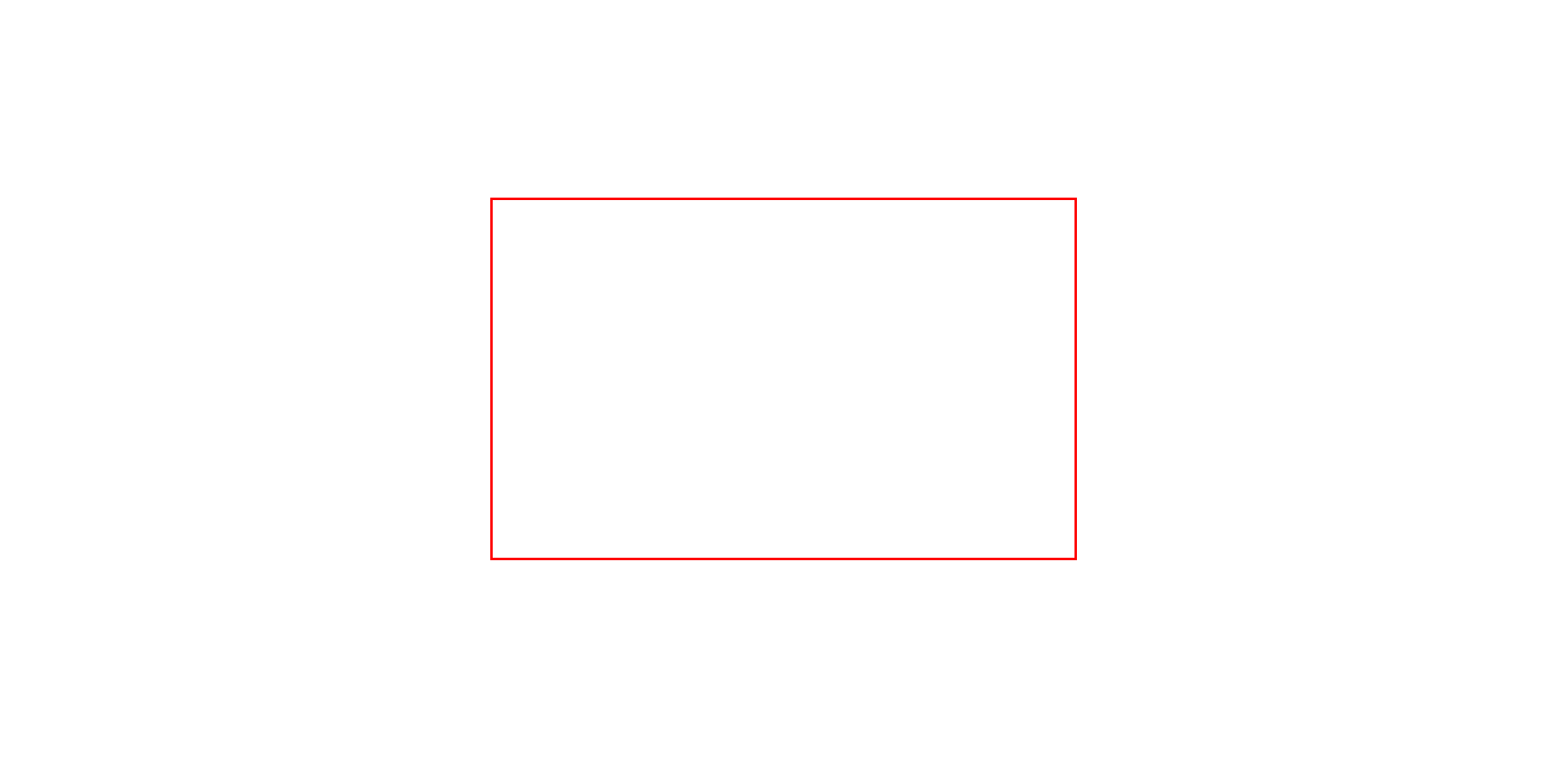
.login_box{
    width: 570px;
    position: absolute;
    top: 0;
    left: 0;
    right: 0;
    bottom: 0;
    margin: auto;
    height: 350px;
    border: red solid;
}
<div class="login_box"></div>
垂直居中方法三:
.div0{
    width: 80%;
    height: 70vh;
    background-color: greenyellow;
    margin: 0 auto;
    position: relative;
}
.div1{
   position: absolute;
    width: 300px;
    height: 100px;
    background: yellow;
    left: 50%;
    top: 50%;
    margin-left:-150px;
    margin-top: -75px;
}
<div class="div0">
    <div class="div1"></div>
</div>
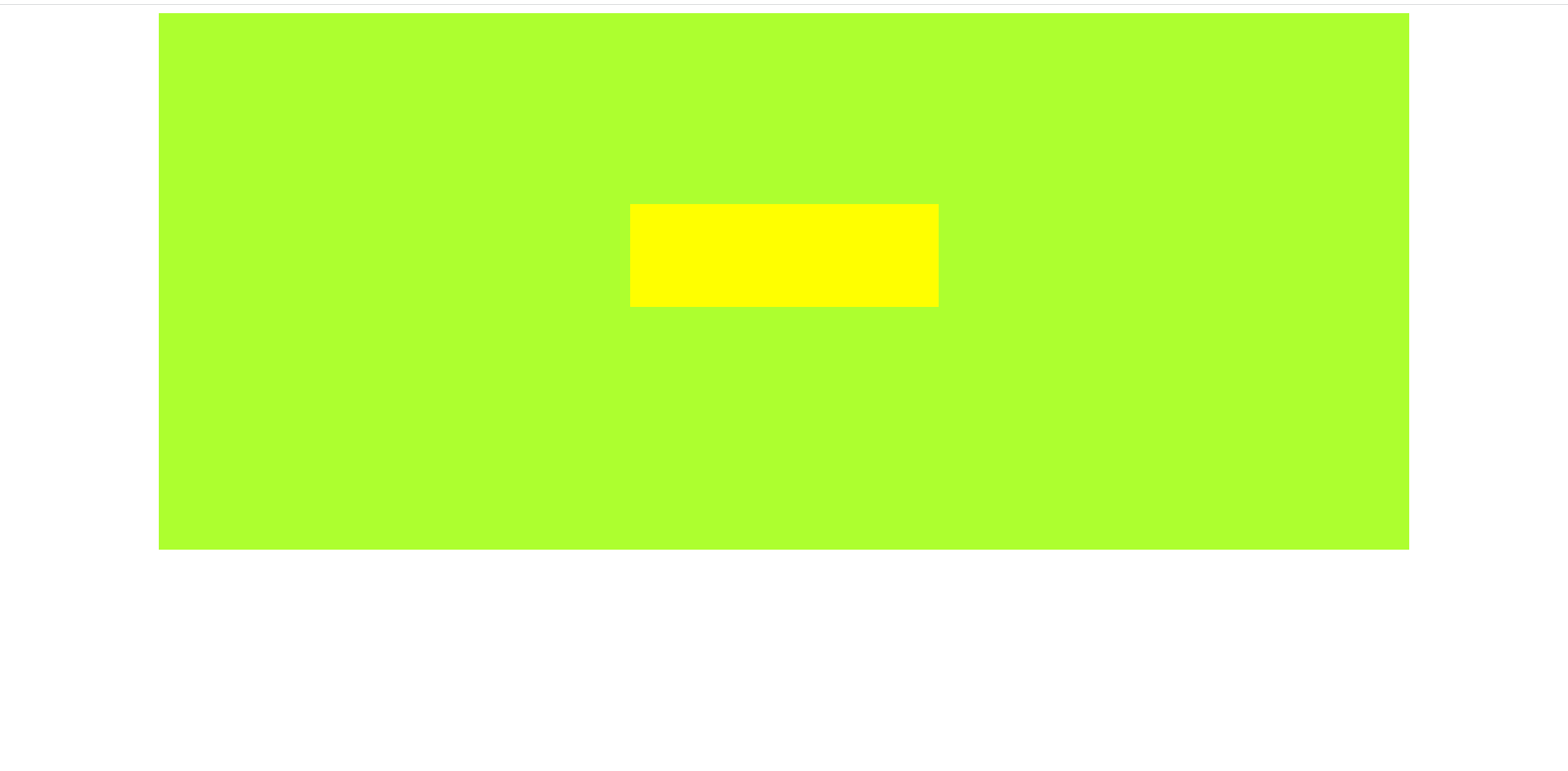
中间的黄色方块永远居中,(宽要是固定好的!!!)
垂直居中方法四:
.div0{
    width: 80%;
    height: 500px;
    background: lightblue;
    position: relative;
    margin: 0 auto;
    text-align: center;
}
.div img{
    vertical-align: middle;
}
.div0 span{
    line-height: 70vh;
}
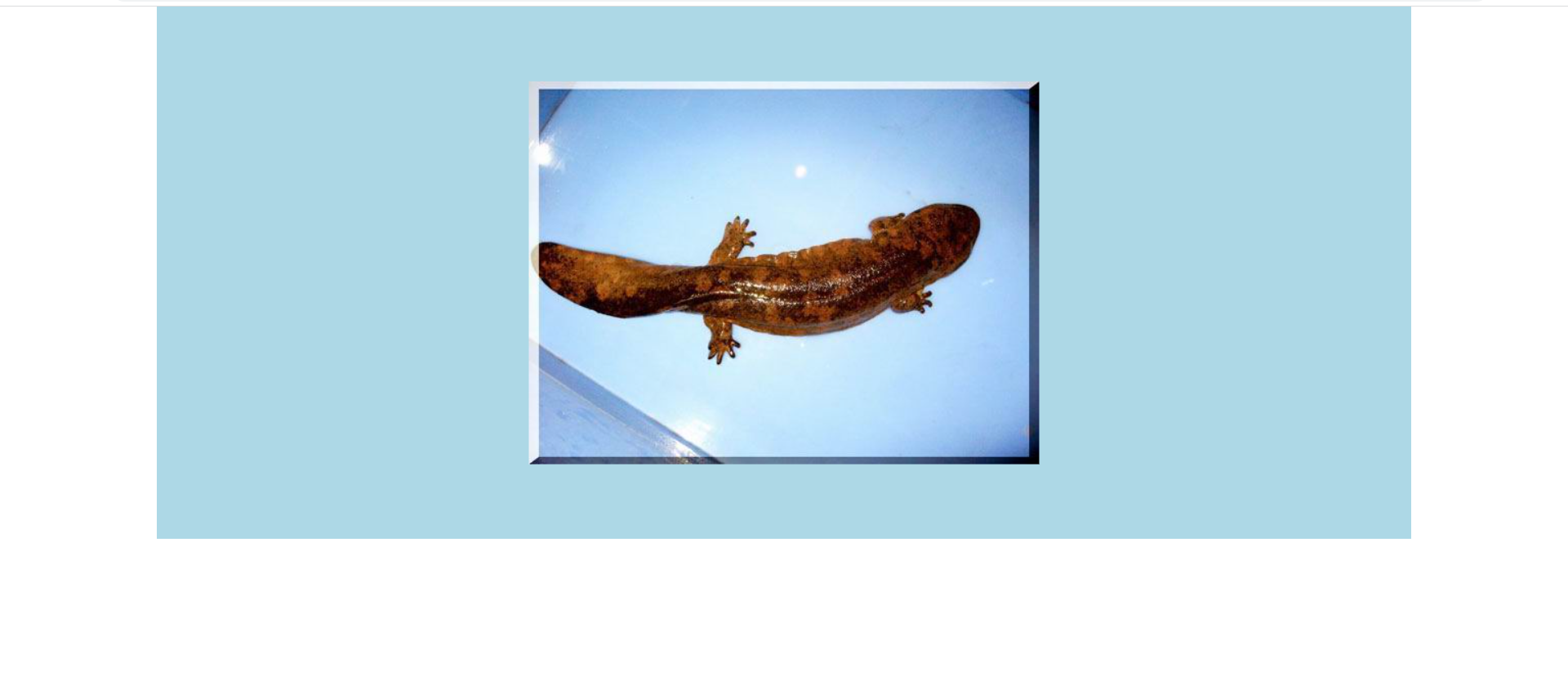
<div class="div0">
    <img src="Images/pdt/p1.jpg" alt=""><span></span>
</div>

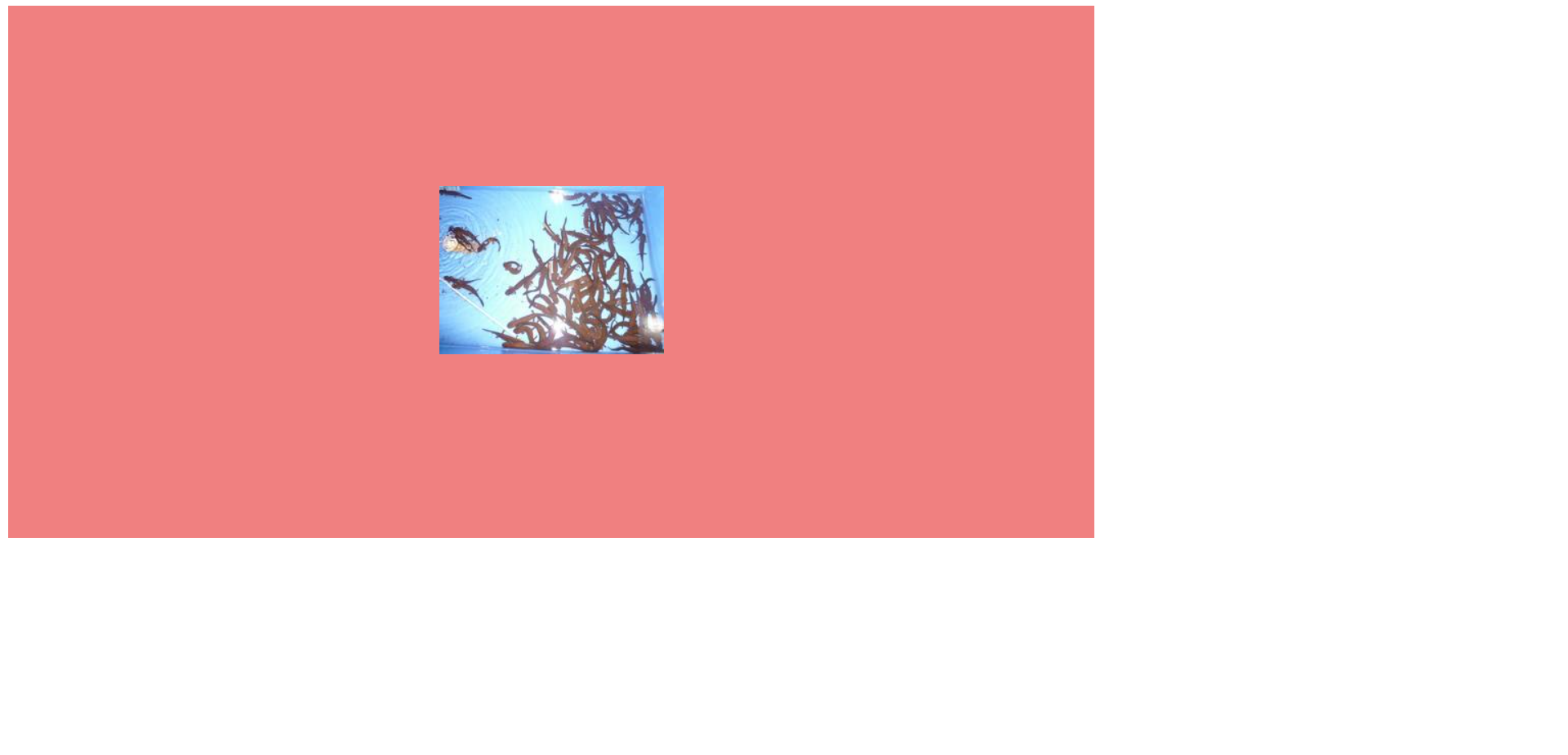
垂直居中方法四:
.div0{
    width: 70%;
    height: 70vh;
    background-color: lightcoral;
    display: table;
}
.div1{
    display: table-cell;
    vertical-align: middle;/*垂直居中*/
    text-align: center;/*水平居中*/
}
<div class="div0">
    <div class="div1">
        <img src="Images/pdt/p1.jpg" alt="">
    </div>
</div>
垂直居中方法五
<img src="Images/pdt/p1.jpg" alt="" align="absmiddle">娃娃鱼
垂直居中方法六
#div0 {
    width: 80%;
    height: 70%;
    background: lightblue;
    margin: 0 auto;
    position: relative;
}

#img1 {
    position: absolute;
    top: 50%;
    left: 50%;
    transform:translate(-50%,-50%);
}
<div id="div0">
    <img src="Images/pdt/p2.jpg" id="img1"/>
</div>
本文来自博客园,作者:最帅爸爸,转载请注明原文链接:https://www.cnblogs.com/zsbb

 浙公网安备 33010602011771号