spotbugs插件中文汉化
一、下载插件
在idea官网下载idea对于版本的插件
插件官网地址:https://plugins.jetbrains.com/plugin/14014-spotbugs/versions/stable
已经翻译好的插件:https://github.com/tyzou/spotbugs-translate/releases
版本对应:
| idea版本 | spotbugs版本 |
|---|---|
| 2022.2+ | spotbugs-idea-1.2.8.zip |
| 2022.2+ | spotbugs-idea-1.2.7.zip |
| 2019.3 - 2023.2.8 | spotbugs-idea-1.2.5.zip |
| 2019.3 - 2023.2.8 | spotbugs-idea-1.2.4.zip |
二、翻译配置
项目地址:https://github.com/tyzou/spotbugs-translate
把message.xml从 spotbugs-idea-1.2.8.zip > lib > spotbugs-4.8.6.jar > message.xml 复制出来
有两种方式可以自由选择
2.1、Ai翻译
通过调用本地通过ollama部署的qwen2.5大模型,进行Ai智能翻译
2.2、百度翻译
使用百度翻译进行机翻
需要去配置百度翻译的应用ID
public class BaiduConstant {
    /**
     * 应用ID
     */
    public static final String TRANS_APPID = "xxxx";
    /**
     * 秘钥
     */
    public static final String TRANS_PASS = "xxxx";

}
三、执行翻译
修改TranslateRun的main方法的message.xml的路径,并运行main方法
public static void main(String[] args) throws IOException, JDOMException {
        String messagePath = "C:\\MyTest\\spotbugs\\1.2.8\\messages.xml";
        String newMessagePath = "C:\\MyTest\\spotbugs\\1.2.8\\messages_zh.xml";
        runStart(messagePath,newMessagePath,TransMethodType.MODEL_QWEN);
}
将messages_zh.xml放到spotbugs-idea-1.2.8.zip > lib > spotbugs-4.8.6.jar中去。
四、安装
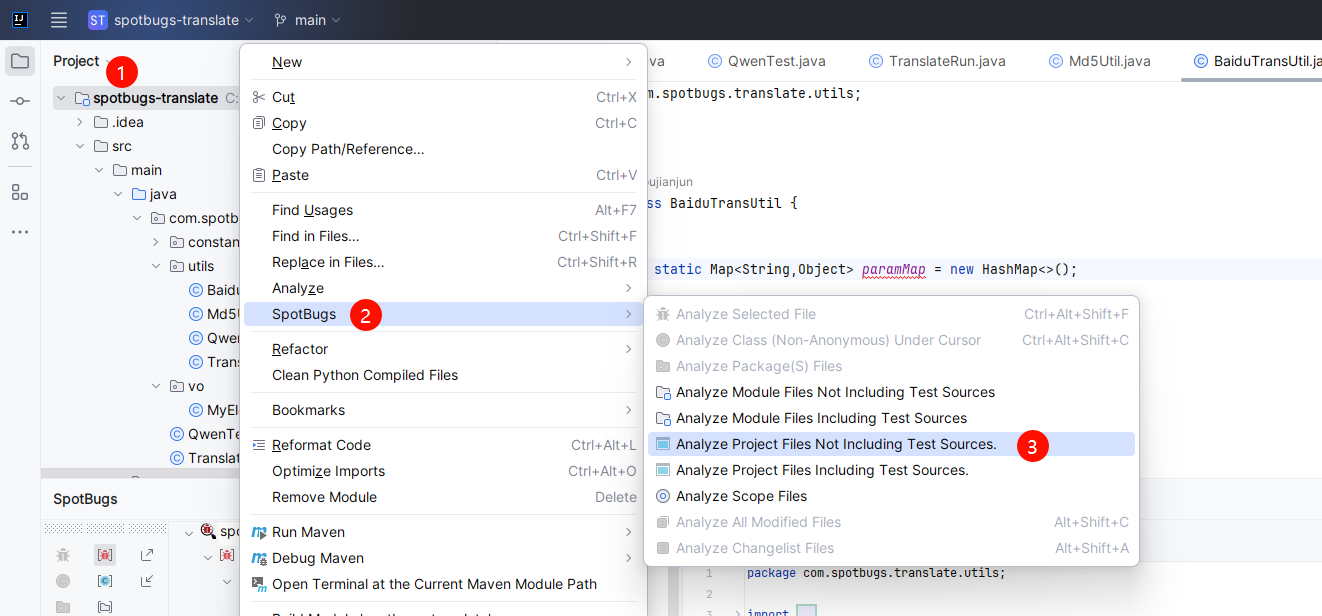
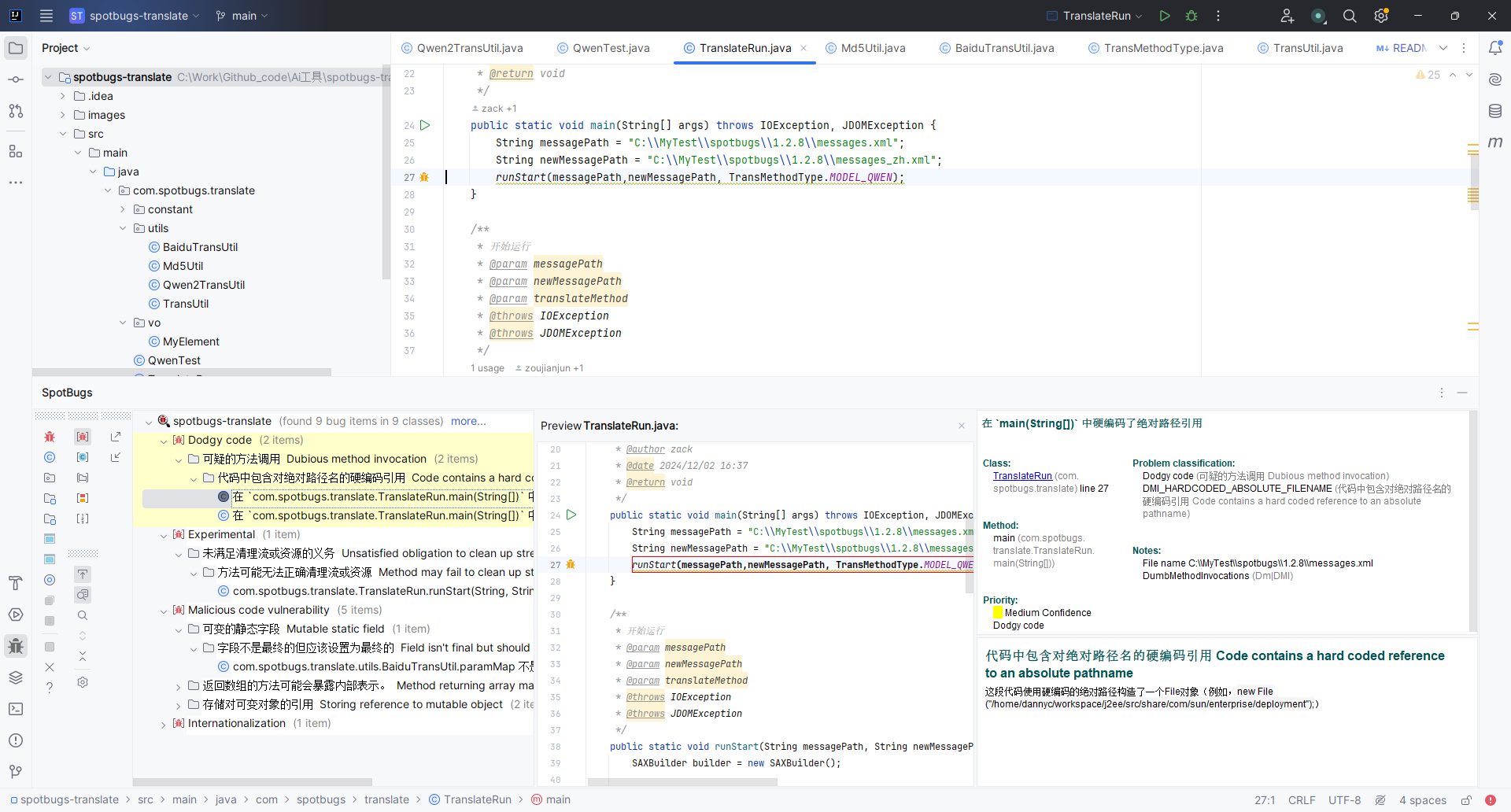
使用IDEA的Install Plugin from Disk选择zip文件再重新安装,并重启idea

 浙公网安备 33010602011771号