

实现同时运行多个版本JWT.dll
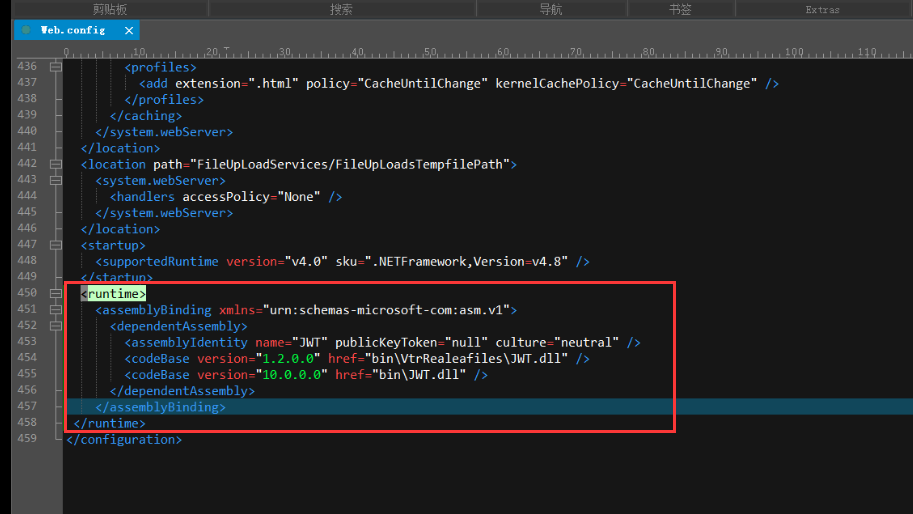
1、修改Web.config文件增加以下内容,实现同时运行多个版本JWT.dll:
<runtime>
<assemblyBinding xmlns="urn:schemas-microsoft-com:asm.v1">
<dependentAssembly>
<assemblyIdentity name="JWT" publicKeyToken="null" culture="neutral" />
<codeBase version="1.2.0.0" href="bin\VtrRealeafiles\JWT.dll" />
<codeBase version="10.0.0.0" href="bin\JWT.dll" />
</dependentAssembly>
</assemblyBinding>
</runtime>
2、将1.2.0.0的JWT.dll放置于bin\VtrRealeafiles目录下

 浙公网安备 33010602011771号